Template details
Wing
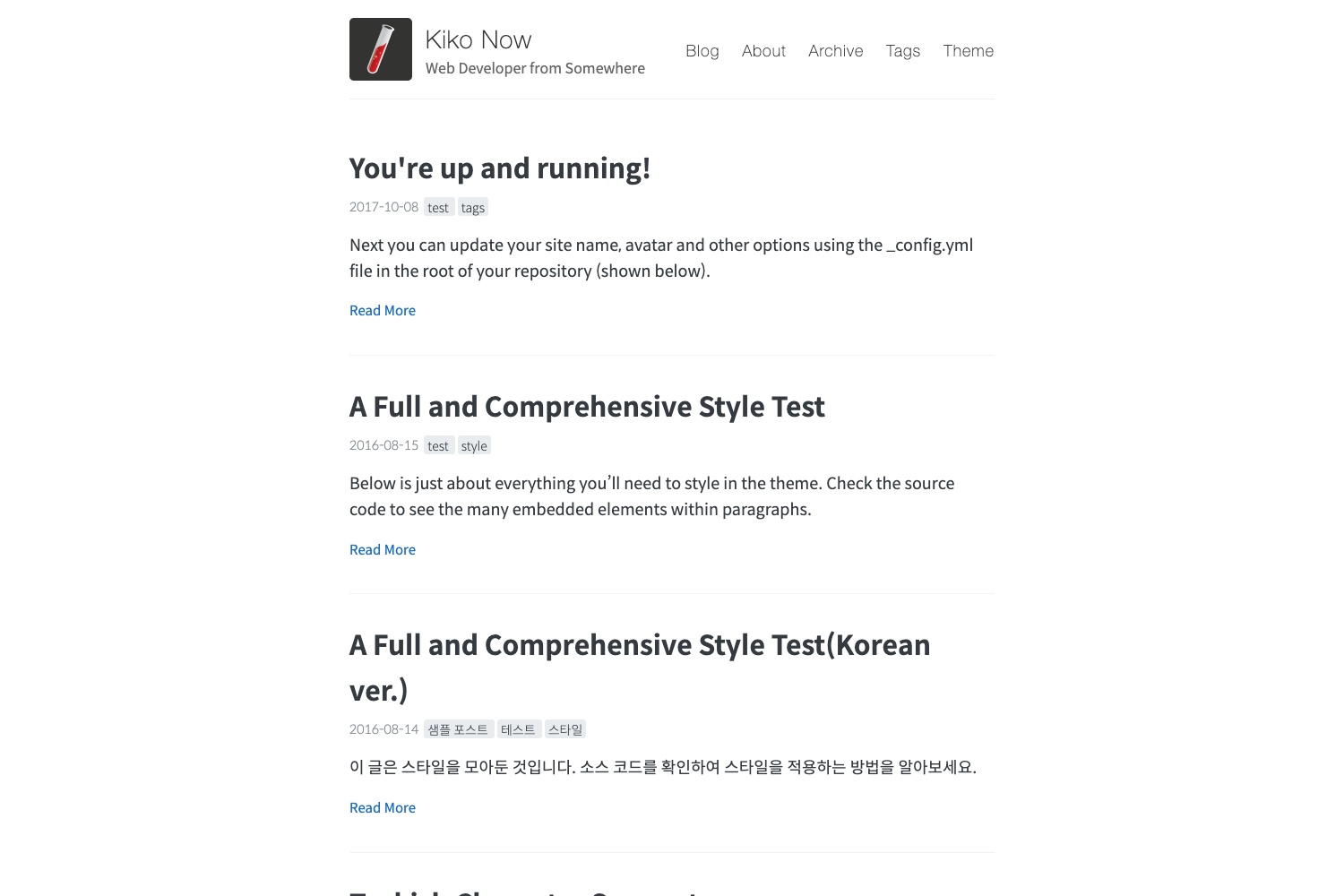
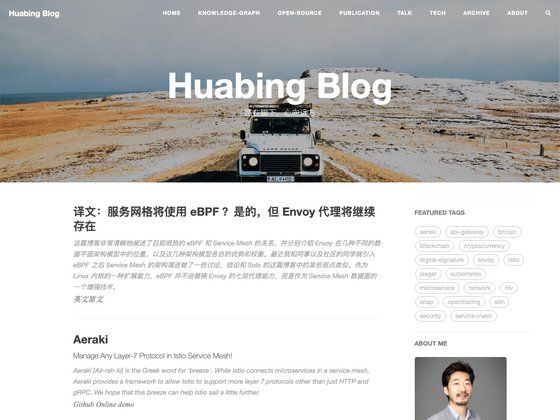
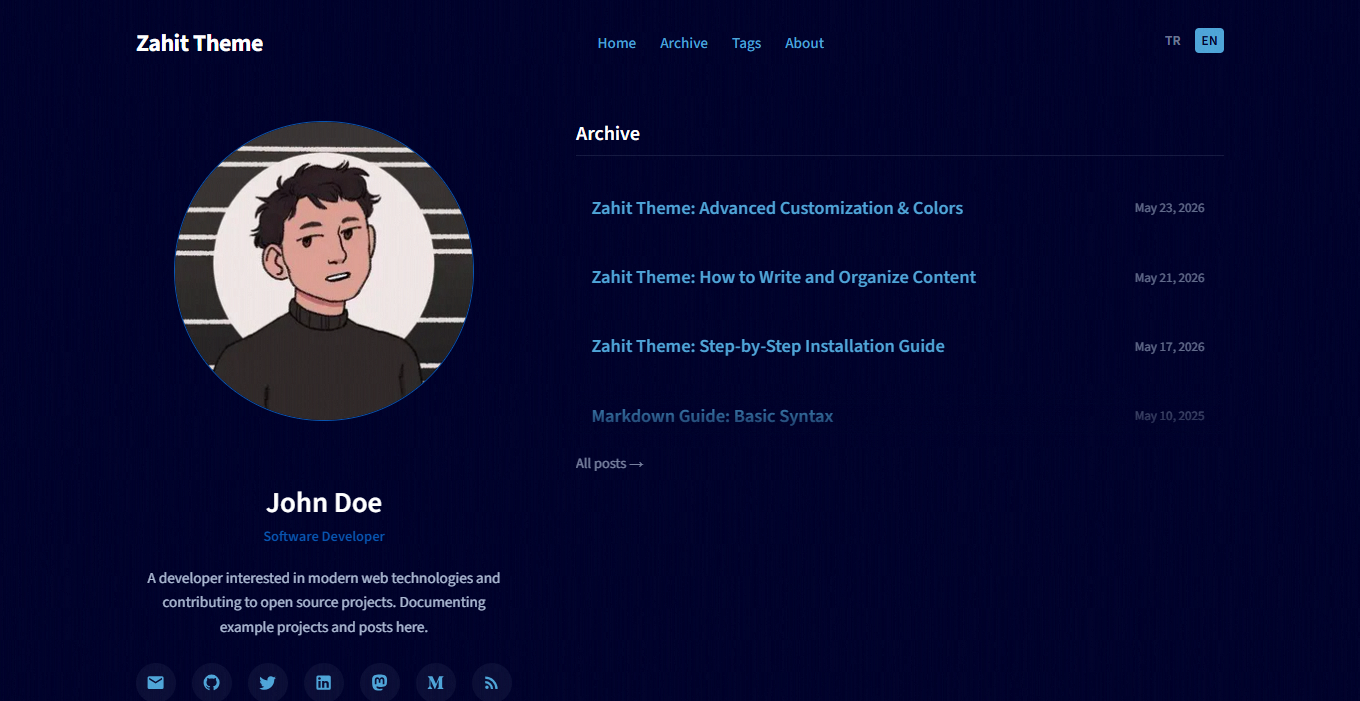
A light and beautiful blog-style template for Jekyll with a demo and GitHub Pages deployment.
About this template
Wing is a lightweight, blog-oriented Jekyll template that turns a standard Jekyll project into a clean, minimal personal blog.
What is Wing?
Wing is a Jekyll template focused on a "light and beautiful" blog style. It takes a Jekyll project structure as input and outputs a static, HTML-based blog that can be deployed to GitHub Pages. The template is maintained on GitHub under the account nikrich and ships with a live demo at http://nikrich.github.io/jekyll-wing-template/#, giving you a preview of the default layout and typography.
Key Features
- Jekyll-based static generation — Uses Jekyll, the Ruby-based static site generator, to build a fast blog without a database or server-side processing.
- Lightweight, minimal design — The template emphasizes a clean, uncluttered aesthetic suited for reading and writing.
- Live demo — A working demo is hosted on GitHub Pages, showing exactly what a finished site looks like before you customize it.
- Local development workflow — You can run the project locally with
jekyll serveto preview changes in your browser during development. - Contribution-friendly structure — The repository encourages contributors to clone the repo, check out the
devbranch, and submit a pull request with their improvements. - Community support — The project has a Gitter chat room and a Twitter account (@slender_rich) for discussions and updates.
Who is it for?
- Bloggers and writers — Set up a personal blog quickly without worrying about design details, focusing on content instead.
- Jekyll beginners — Use Wing as a simple, well-structured starting point to learn how Jekyll layouts, includes, and configuration files work.
- Developers building static sites — Generate a lightweight, high-performance blog that can be hosted on GitHub Pages or any static file server.
What can you do with Wing?
- Create a personal blog: Replace the sample content in the Jekyll project with your own posts and publish to GitHub Pages for free.
- Experiment with Jekyll customization: Modify the templates, stylesheets, and configuration to understand how Jekyll themes are built.
- Contribute to an open-source project: Fork the repository, work on the
devbranch, and submit pull requests to improve the template for everyone.
How does Wing work?
To get started, clone the repository and check out the dev branch (contributors are asked not to work directly on master). Run jekyll serve from the project directory to start a local development server, then make changes and test them in the browser. After verifying your changes, submit a pull request for review.