Template details
xmcp Boilerplate
A TypeScript starter for building MCP servers with file-based tools, prompts, and resources via the xmcp framework.
About this template
xmcp Boilerplate is a TypeScript starter for building Model Context Protocol (MCP) servers with the xmcp framework, using file-based auto-discovery for tools, prompts, and resources.
What is the xmcp Boilerplate?
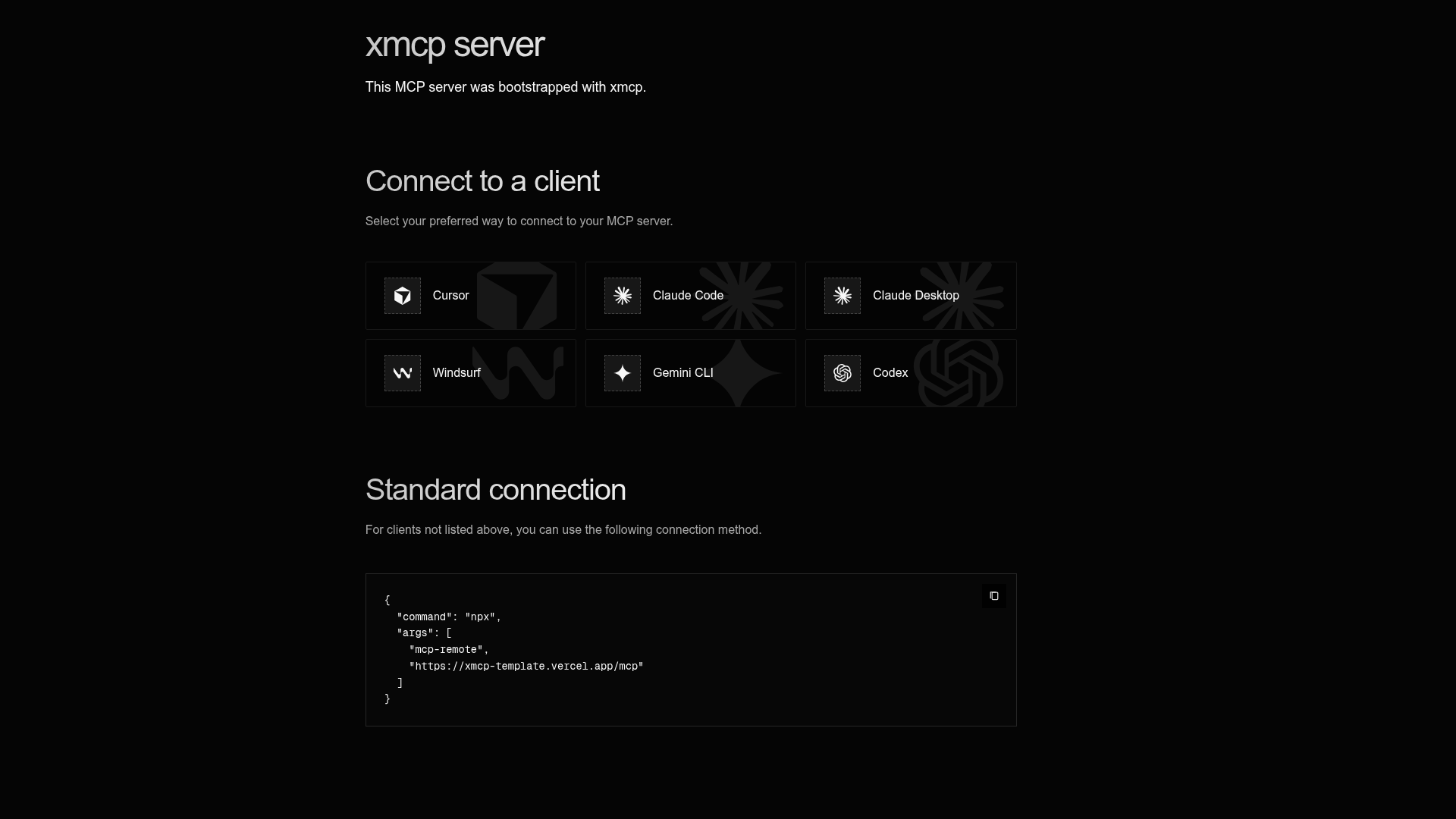
The xmcp Boilerplate is a scaffolded application created with create-xmcp-app from basementstudio. It provides a structured Node.js and TypeScript foundation for MCP servers. It takes tool, prompt, and resource definitions written in TypeScript and produces a runnable MCP server over HTTP or STDIO transports. The project links to the xmcp documentation at xmcp.dev/docs for further learning.
Key Features
- File-based auto-discovery — Tools, prompts, and resources are automatically loaded from src/tools, src/prompts, and src/resources, so no central registration is needed.
- Zod schema validation — Each component exports a schema object using Zod with descriptions for parameters, plus TypeScript inference through InferSchema.
- Tool annotations — Tool metadata supports annotations such as readOnlyHint, destructiveHint, idempotentHint, and title.
- Prompt templates with roles — Prompts define a role such as user and return prompt text from a default function, making AI interactions reusable.
- Resource URI mapping — Folder paths map to URIs; for example, src/resources/(users)/[userId]/profile.ts becomes
users://{userId}/profile. - Dual transport support — Run the server over HTTP with pnpm start-http or over STDIO with pnpm start-stdio.
- Build and deployment flow — pnpm build compiles TypeScript to dist, producing dist/http.js and dist/stdio.js.
Who is it for?
- MCP server developers who want a convention-over-configuration structure with automatic component discovery.
- AI tool builders who need typed, validated function calls for models, with prompts and resources in the same project.
- Teams prototyping agent workflows who want to scaffold a new server quickly and iterate with pnpm dev in HTTP or STDIO mode.
What can you do with the xmcp Boilerplate?
- Build custom MCP tools: Add a file in src/tools with a Zod schema and default handler to create a callable, annotated tool.
- Create reusable prompts: Define prompt templates in src/prompts with schemas and roles for AI interactions.
- Expose URI-based resources: Add handlers in src/resources using the folder convention to provide data over URIs to MCP clients.
How does the xmcp Boilerplate work?
Run pnpm dev to start the MCP server with the transport selected during scaffolding. To extend it, create a new TypeScript file in the corresponding directory, export a schema, metadata, and default function, and the server picks it up automatically. For production, run pnpm build and launch node dist/http.js or node dist/stdio.js.
FAQ
How do I add a new tool?
Create a new .ts file in src/tools. Export a schema object using Zod, a metadata object with the tool name and description, and a default function that receives validated parameters and returns output. The server registers it automatically.
What transports are supported?
The boilerplate supports HTTP and STDIO. After building, pnpm start-http and pnpm start-stdio run the corresponding entry points from the dist directory.
How are resource URIs defined?
Resource URIs derive from the folder structure under src/resources. For example, src/resources/(users)/[userId]/profile.ts maps to users://{userId}/profile. Dynamic parameters are captured in the schema.