Template details
DevUI Templates
Free, MIT-licensed Next.js 14 UI template collection from DevUI — AI SaaS, chat, agent dashboards, and legacy landing pages.
About this template
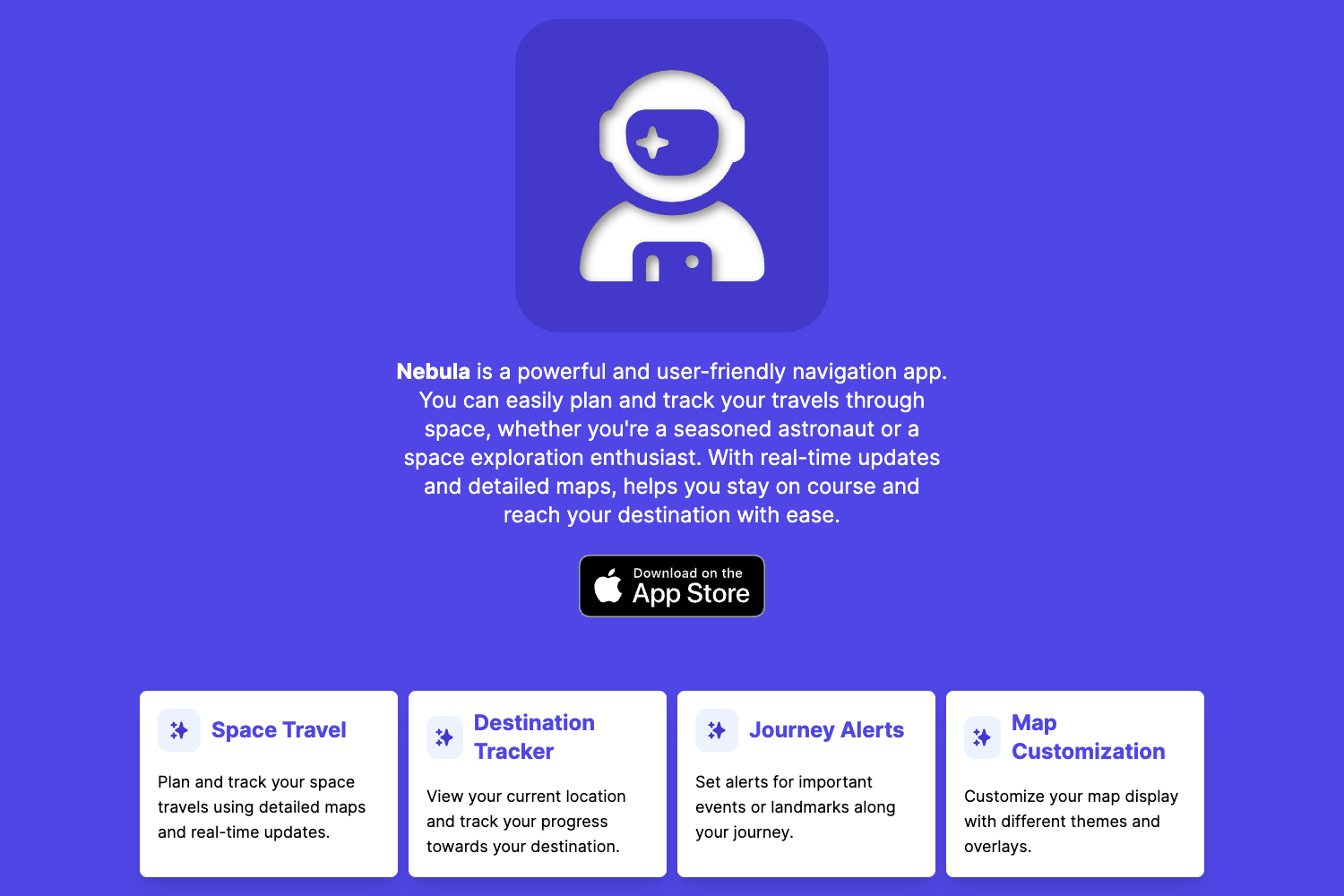
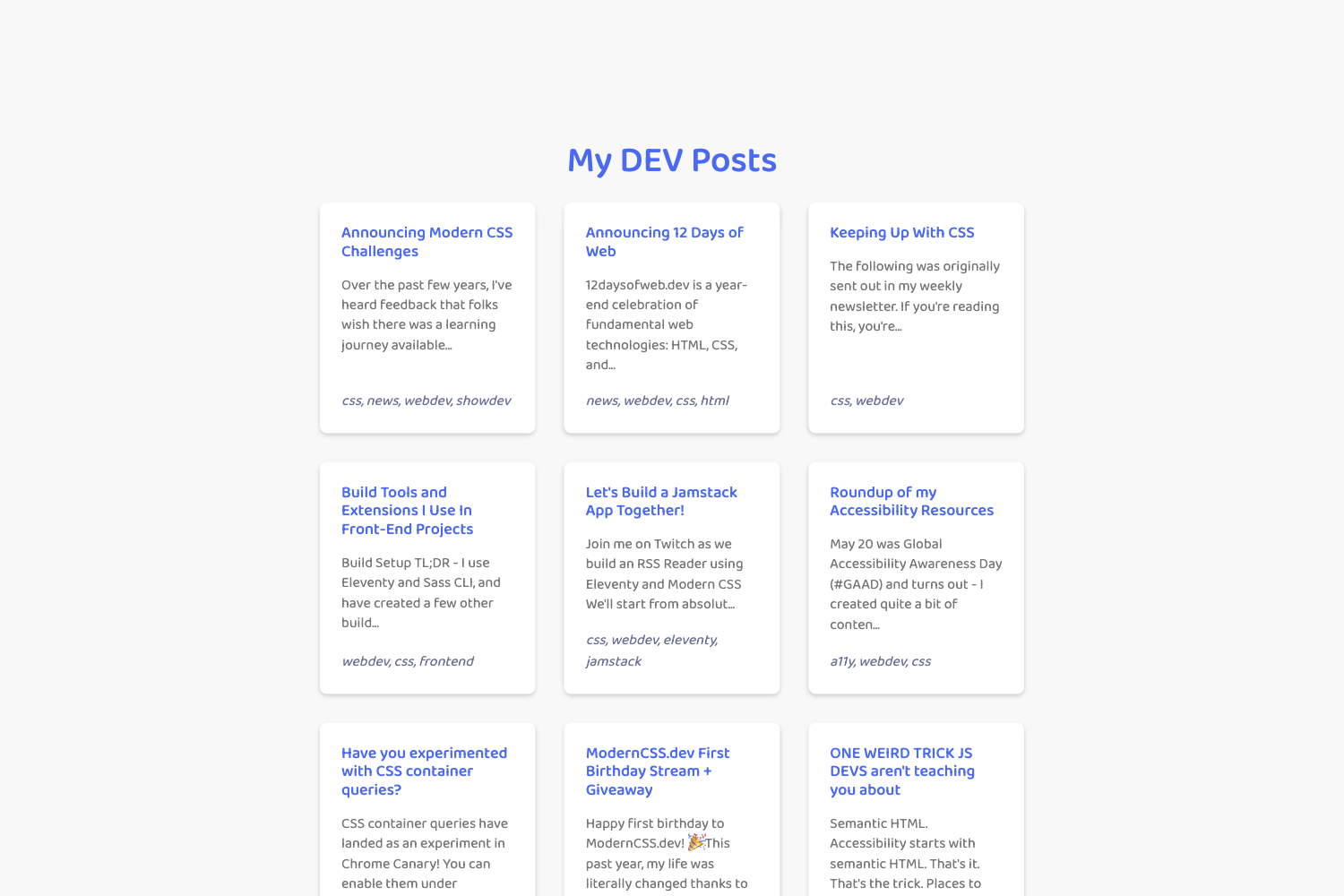
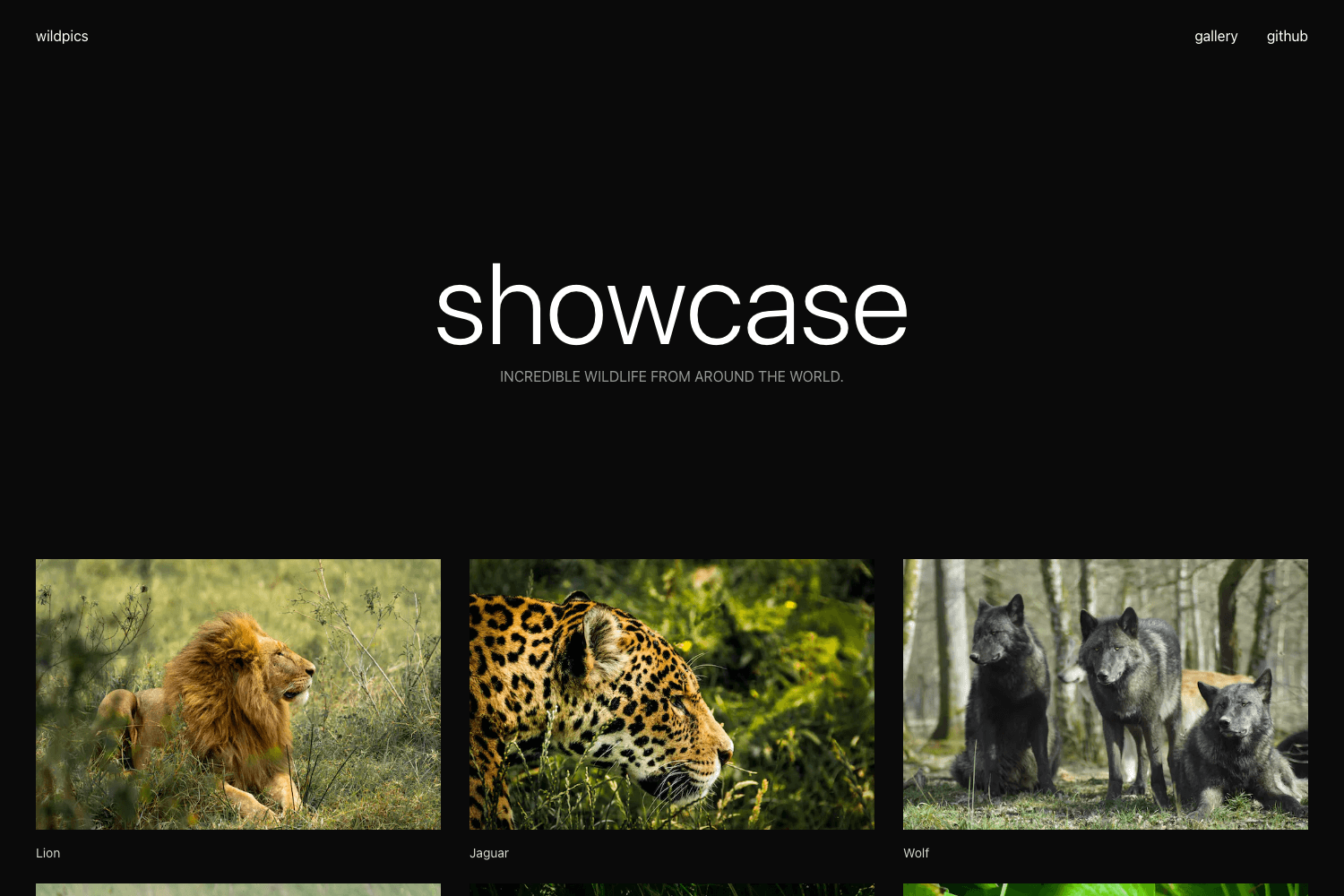
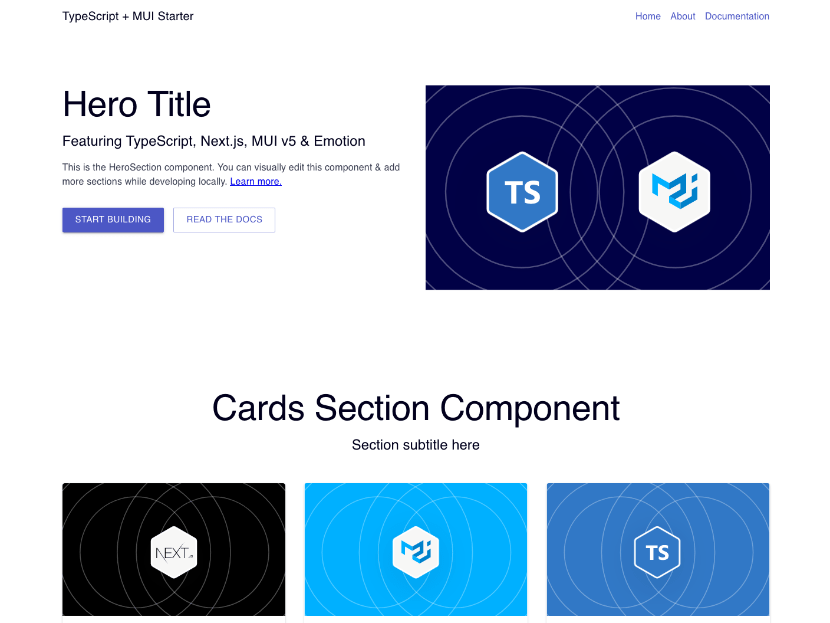
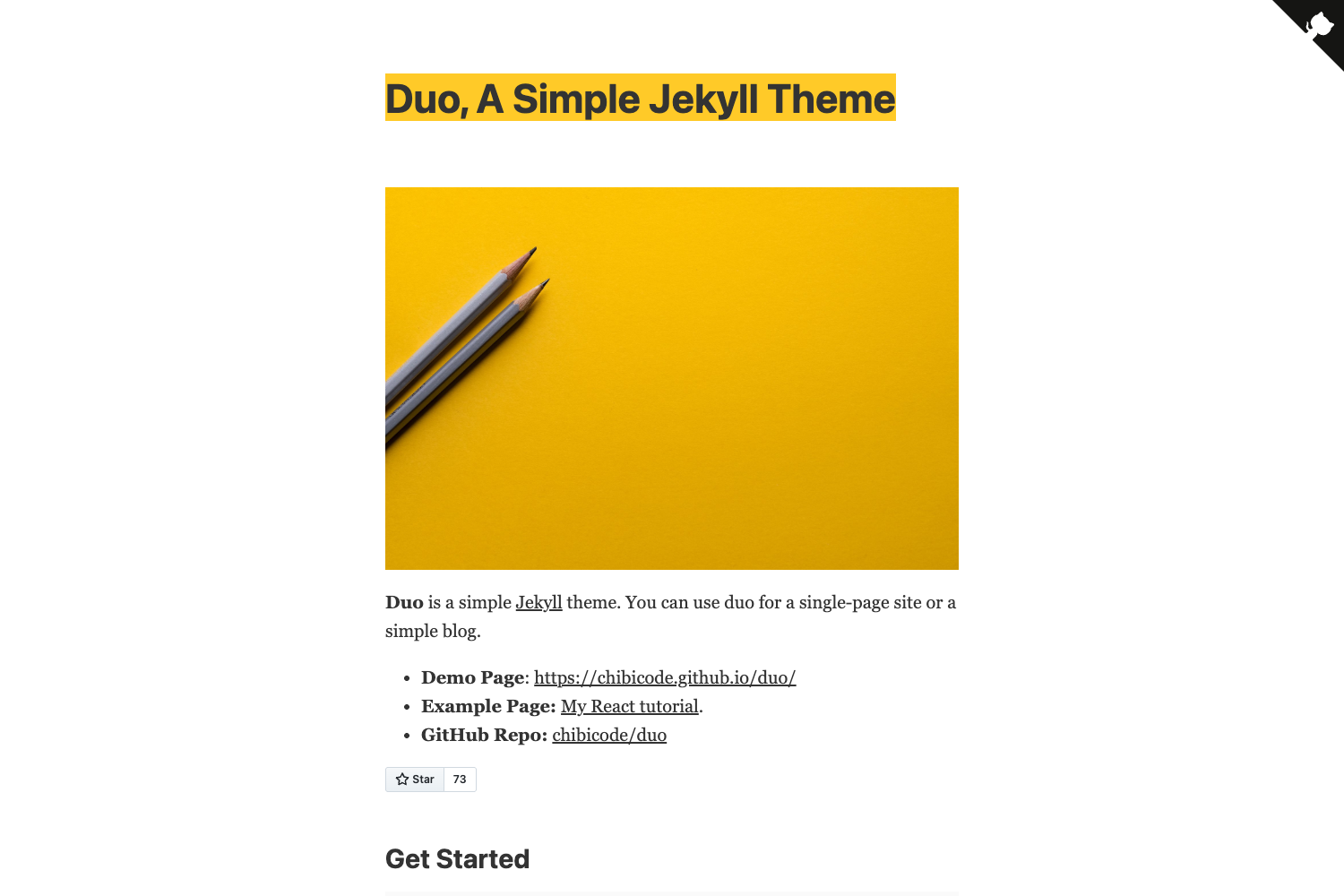
DevUI Templates is a free, MIT-licensed collection of Next.js 14 UI templates from DevUI, covering AI SaaS landing pages, AI chat interfaces, and AI agent dashboards, plus legacy standalone templates for NFT, portfolio, and agency sites.
What is DevUI Templates?
DevUI Templates is an open-source repository that bundles ready-to-use frontend templates built with Next.js 14, TypeScript, and Tailwind CSS. It takes a developer's need for a starting point and delivers deployable apps with a shared design system called @devui/ui. The AI starter templates come with live demos hosted on Cloudflare Pages (AI SaaS Landing at devui-ai-saas-landing.pages.dev, AI Chat at devui-ai-chat.pages.dev, and AI Agent Dashboard at devui-ai-agent-dashboard.pages.dev). The project also includes 13 legacy templates (template-1 through template-13) that are standalone apps for NFT, portfolio, and agency landing pages, runnable with yarn.
What makes DevUI Templates stand out?
- Shared design system — All AI starters are composed from a single
@devui/uicomponent library with a solid monochrome theme and no gradients, giving every template a consistent visual identity. - One-file restyling — Colors are defined in
packages/ui/tailwind-preset.ts; editing this single file updates every template at once. - Modern stack — AI templates use Next.js 14, TypeScript, and Tailwind CSS, with
bunas the package manager and dev server. - Live demos — Each AI starter has a live preview URL on Cloudflare Pages, so you can test the UI before using it.
- Deploy automation — A
deploy.shscript deploys a template to Vercel, Cloudflare, or both;DEPLOY.mddocuments options for Netlify, static hosting, and full Next.js deployments. - Legacy collection — The original
template-1totemplate-13folders are self-contained apps (for NFT, portfolio, and agency landing pages) running withyarnandyarn dev. - MIT license — The entire repository is free to use in personal and commercial projects with no attribution required.
Who should use DevUI Templates?
- Developers launching AI products — Use the AI SaaS Landing template to create a marketing page for an AI service, or the AI Agent Dashboard to present agent metrics and controls.
- Freelancers and agencies — Build client sites quickly from the portfolio and agency landing templates in the legacy set, then restyle them by editing the Tailwind preset.
- Startup founders — Ship a polished AI chat interface or a landing page without hiring a designer, using the pre-built
@devui/uicomponents and the deploy script to go live on Vercel or Cloudflare. - Open-source contributors — Fork the repository to compose your own templates from the shared design system, as all templates are MIT licensed.
What can you do with DevUI Templates?
- Launch an AI SaaS landing page — Deploy the AI SaaS Landing template as a standalone marketing site, or extend it with links to login and pricing sections you add yourself.
- Prototype an AI chat UI — Use the AI Chat template as a starting point for a conversational interface, then wire it to your own backend API.
- Build an agent dashboard — Start from the AI Agent Dashboard template to display agent status, logs, or analytics, then adjust the Tailwind tokens to match your brand.
- Restyle the whole collection — Change the color tokens in
packages/ui/tailwind-preset.tsand rebuild any template to see the new theme applied everywhere.
How does DevUI Templates work?
Clone the repository, then run bun install from the root to link @devui/ui into every template. Next, cd templates/ai-chat and run bun run dev to start the development server. When ready to publish, use ./deploy.sh ai-chat both to deploy the ai-chat template to both Vercel and Cloudflare, or specify vercel or cf for a single target. Full deployment options for Netlify, static hosting, and full Next.js are documented in DEPLOY.md.
Pricing
DevUI Templates is entirely free and open source, distributed under the MIT license. There are no paid tiers, premium templates, or usage restrictions specified in the repository.
FAQ
Is DevUI Templates free?
Yes. The entire repository is MIT licensed, meaning you can use the templates in personal and commercial projects, modify them, and redistribute them without paying fees.
What frameworks do the AI starters use?
The three AI starter templates are built with Next.js 14, TypeScript, and Tailwind CSS, and they share the @devui/ui design system. They use bun for installation and running the dev server.
How do I change the color scheme?
All colors are defined in one file, packages/ui/tailwind-preset.ts. Edit the design tokens there and every template that uses @devui/ui will reflect the change after a rebuild or dev server refresh.
How do I deploy a template?
Run the included ./deploy.sh script with the template name and target. For example, ./deploy.sh ai-chat both deploys the AI Chat template to both Vercel and Cloudflare. See DEPLOY.md for additional options like Netlify and static hosting.
What are the legacy templates?
The folders template-1 through template-13 contain the original DevUI templates, which are standalone apps for NFT, portfolio, and agency landing pages. They are independent of the @devui/ui design system and run with yarn followed by yarn dev.