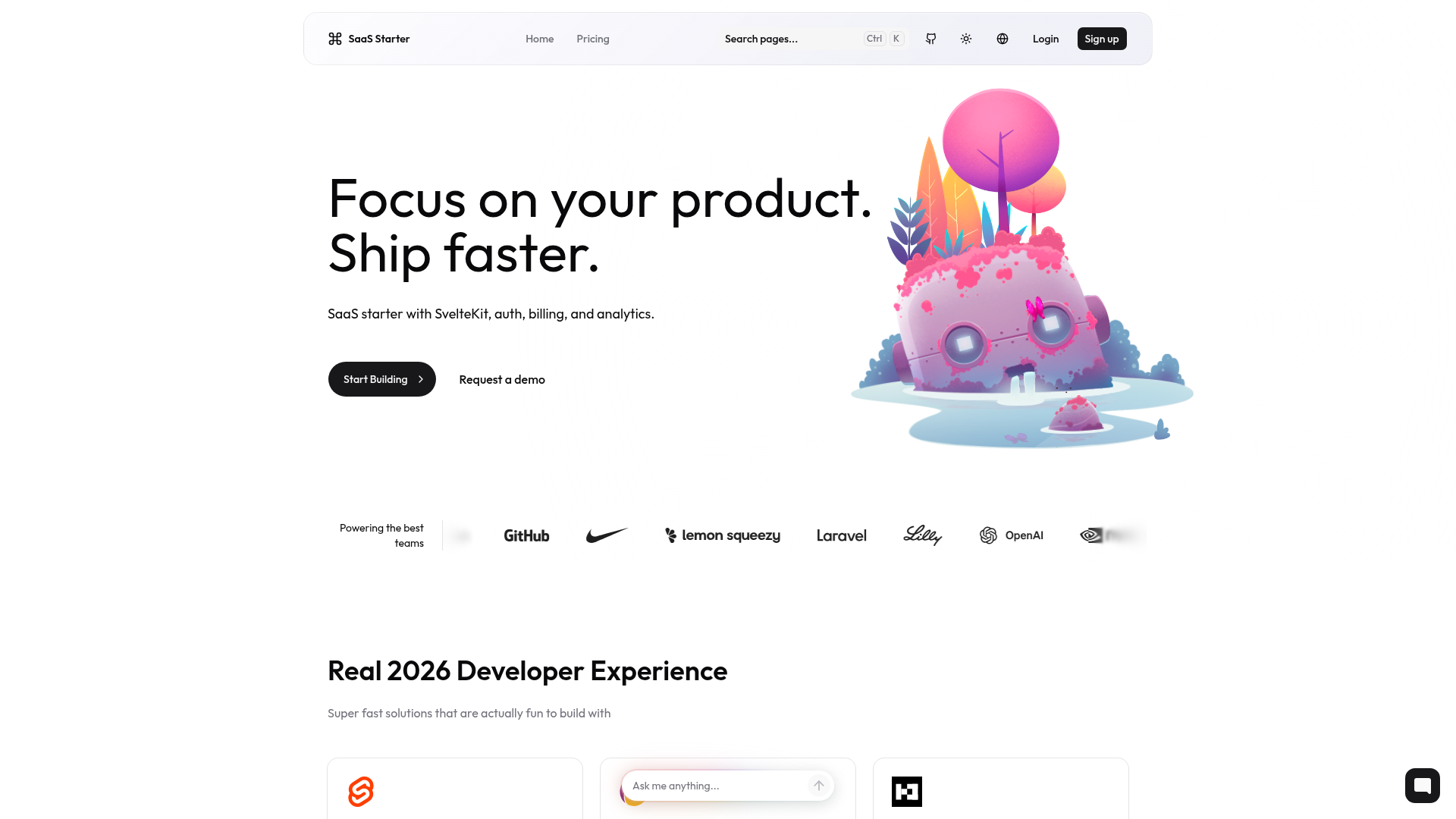
Template details
Zenix
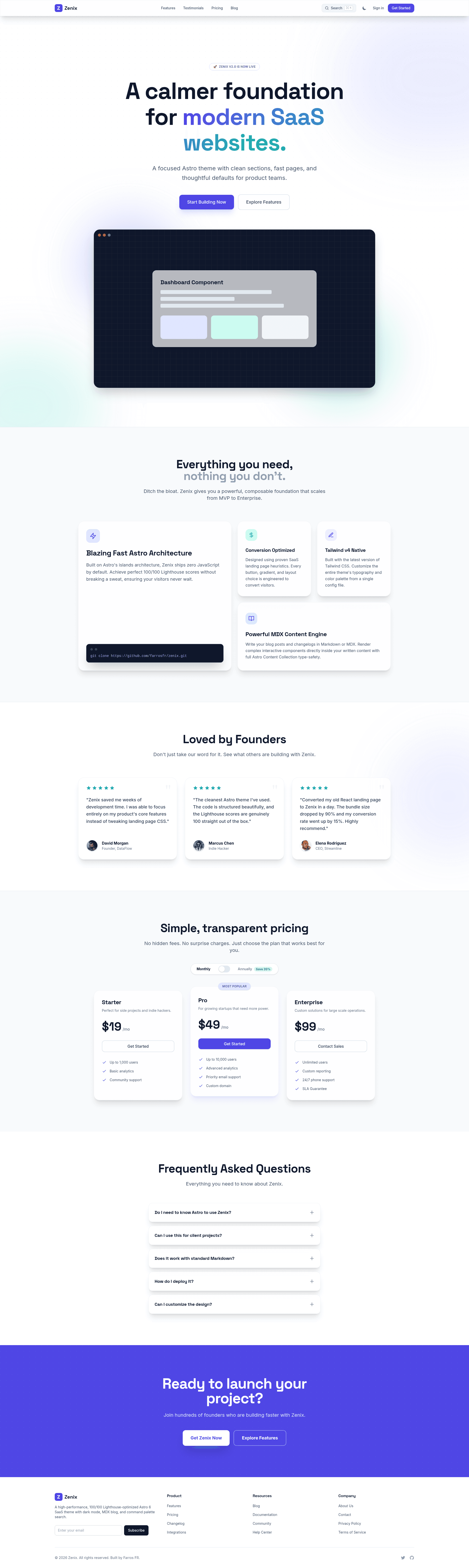
A polished Astro SaaS theme with landing pages, pricing, blog, changelog, dark mode, search, and MDX content.
About this template
Zenix is a free, MIT-licensed Astro 6 SaaS theme by Farros FR that builds a complete marketing site with landing sections, pricing, blog, changelog, dark mode, and command palette search.
What is Zenix?
Zenix is a static-site Astro theme created for SaaS and micro-SaaS product websites. It takes Markdown and MDX content from Astro content collections and outputs a fully responsive static site, with site-wide settings centralized in a single src/config.ts file.
The theme is built on Astro 6 with Tailwind CSS 4 for styling. It includes pre-built pages for pricing, FAQ, testimonials, blog, and changelog, all powered by content collections. The project is open source under the MIT license, and the repository is publicly available on GitHub.
Key Features
- Astro 6 static output — the site compiles to plain HTML and CSS with no server runtime, so it can be hosted on any static hosting provider.
- Tailwind CSS 4 styling — utility classes are used for responsive design, and the theme can be customized by editing Tailwind configuration.
- Pre-built SaaS pages — the theme ships with pricing, FAQ, testimonials, blog, and changelog pages, saving you from creating common marketing pages from scratch.
- MDX content with callouts — blog posts and changelog entries are authored as MDX files and can embed reusable callout components for tips, warnings, and success messages.
- Dark and light mode — a theme toggle persists the user preference across visits, so returning visitors keep their choice.
- Command palette search — a command palette search interface lets users find content across the site.
- Astro view transitions — uses Astro's built-in view transition API for smooth page changes.
- Playwright UI tests — an end-to-end test suite runs with
npm run test:e2eto catch visual regressions on important pages.
Who is it for?
Zenix is built for SaaS founders, indie hackers, and front-end developers who need a fast, polished marketing site without hand-coding every page. It is also a practical starting point for teams that want to publish a blog and a changelog alongside a product.
Because the theme is static, it suits projects that plan to deploy to Vercel, Netlify, Cloudflare Pages, or GitHub Pages, and it includes a wrangler.toml file for Cloudflare Pages compatibility.
What can you do with Zenix?
- SaaS founders: stand up a landing page with pricing, FAQ, and testimonials, then change the site title, description, and social links in
src/config.tsto brand it for your product. - Indie hackers: publish product updates in the changelog collection and write blog posts in MDX, using callout components to highlight key information.
- Developers: use the theme as a starter for any Astro project, adding view transitions and extending the command palette search to new content collections.
How does Zenix work?
To get started, create a new Astro project from the GitHub template with npm create astro@latest -- --template farrosfr/zenix, or clone the repository and run npm install and npm run dev. The development server runs on http://localhost:4321 by default, and you can preview a production build with npm run preview.
Pricing
Zenix is free and open source under the MIT license. There are no paid tiers or license keys; you only pay for hosting and any external services you connect.
FAQ
Is Zenix free?
Yes, Zenix is released under the MIT license, so it is completely free to use, modify, and redistribute. There are no hidden costs or premium features.
What Astro version does Zenix use?
Zenix is built with Astro 6 and uses static output mode. It also uses Tailwind CSS 4 for styling, and MDX is supported for content.
How do I customize the site title?
Site-level settings live in the src/config.ts file. You can update the SITE_TITLE, SITE_DESCRIPTION, and SITE_URL values there, along with social links, and the changes apply across the site.
Can I deploy Zenix to Cloudflare Pages?
Yes. The repository includes a wrangler.toml file with pages_build_output_dir = "dist", and the setup guide specifies a build command of npm run build and a build output directory of dist for Cloudflare Pages.
Does Zenix support dark mode?
Zenix includes both dark and light modes, and the user's preference is persisted across visits. The mode can be toggled from the site's interface.