Template details
Dossier Astro SQLite App
Boilerplate for a Dossier-powered Astro site with SQLite storage and auto-generated TypeScript types.
About this template
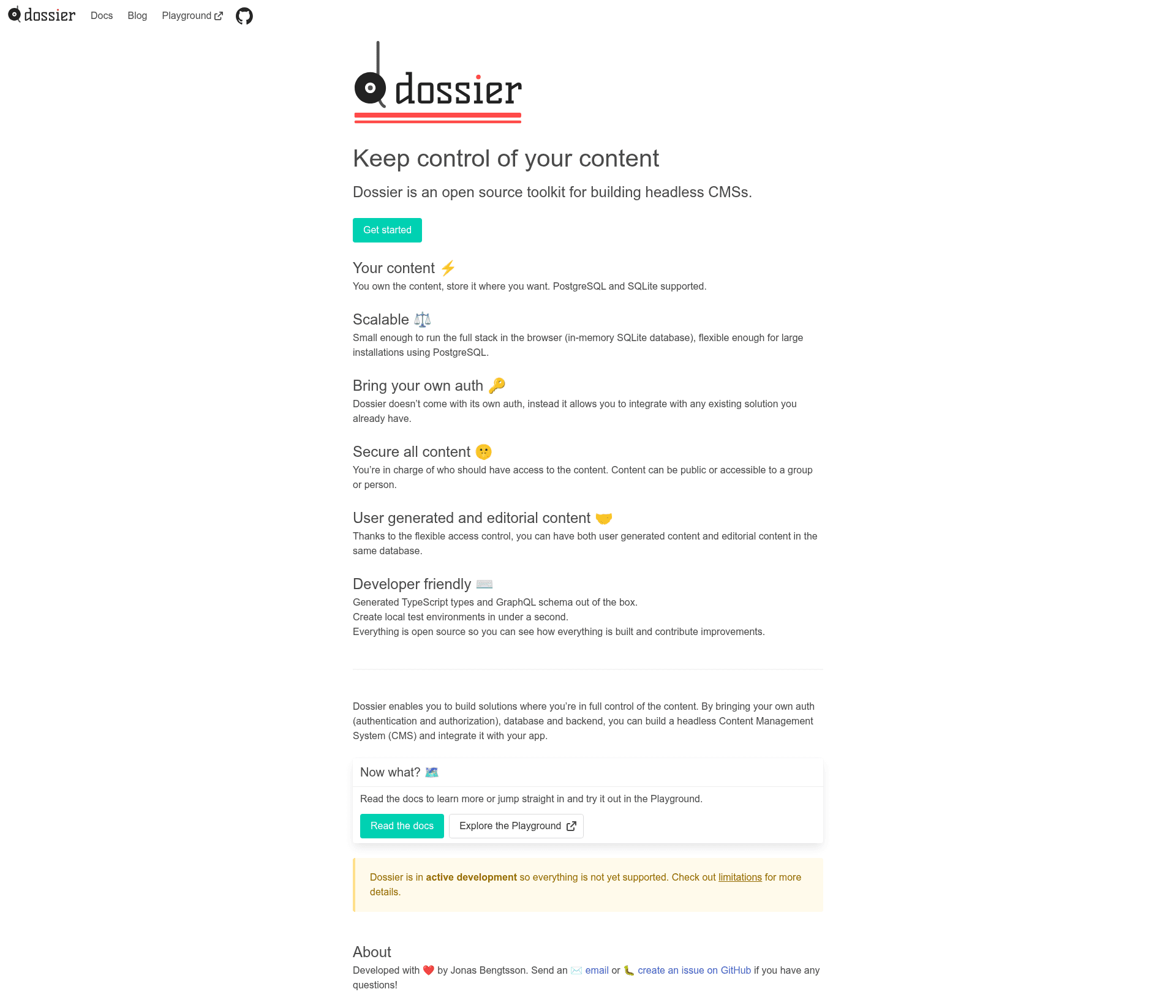
Dossier Astro SQLite App is a boilerplate template that scaffolds an Astro website integrated with the Dossier CMS and a local SQLite database, giving you a ready-to-run content-managed app.
What is the Dossier Astro SQLite App?
This template creates a working application that combines Dossier, Astro, and SQLite. You provide a Dossier schema definition, and the build process generates a TypeScript file at src/generated/SchemaTypes.ts with typed entities. Running the app serves an Astro site at localhost:4321 with a Dossier web interface for editing content at /dossier/content. The template is maintained by DossierHQ and is available on GitHub.
Key Features
- Astro-based frontend — The site is built with Astro, a static site generator; the included home page fetches published entities from the CMS and renders their names in a list.
- SQLite storage — Data is persisted in a local SQLite database file at
database/dossier.sqlite, which is created and updated during the build. - Dossier CMS integration — The template embeds the Dossier web interface, giving you a browser-based admin to add entity types and create entities.
- Automatic TypeScript generation — Running
pnpm run buildorpnpm run schema-types:generateregeneratessrc/generated/SchemaTypes.tsfrom your Dossier schema. - Environment-based principals — The
DOSSIER_PRINCIPAL_IDenvironment variable sets a different user for development (editor) and production (reader); the reader principal is blocked from the Dossier API. - Simple setup — Scaffold with
npm init using dossierhq/dossier-astro-sqlite-app, then install dependencies, build, and start with pnpm commands.
Who is it for?
This template suits developers and teams who need a lightweight CMS integrated into a static site without relying on an external backend.
- Astro developers — Get a preconfigured stack with Dossier as the content layer and SQLite as storage.
- Prototype builders — Use the Dossier admin to quickly define content models and edit entities locally.
- Dossier learners — See a minimal end-to-end example of schema definition, type generation, and content rendering.
What can you do with the Dossier Astro SQLite App?
- Define content models — Edit the Dossier schema, run the build, and create entities via the web interface.
- Render published content — The home page fetches and lists published entities, which you can extend to display content across pages.
- Switch between dev and prod access — In development the editor principal can use the Dossier admin; in production only the reader principal is active and the admin interface is disabled.
How does it work?
- Scaffold a project:
npm init using dossierhq/dossier-astro-sqlite-app my-project - Install dependencies:
pnpm install - Build the app:
pnpm run build(generates types and database) - Start the dev server:
pnpm start, then open http://localhost:4321
Pros and cons
- Pros: Full local stack (Astro + SQLite) with zero external services; typed schema via generated TypeScript; simple pnpm workflow.
- Cons: No authentication is included; production mode disables the Dossier web interface, and supporting multiple users is left as an exercise.
FAQ
Does the template include authentication?
No. The example uses an editor principal in development and a reader principal in production, set through the DOSSIER_PRINCIPAL_ID environment variable. There is no login flow or user management.
Where is the database stored?
The SQLite database is stored in a single file at database/dossier.sqlite in your project. It is created automatically when you build and start the app.
How do I access the Dossier web interface?
In development mode, open http://localhost:4321/dossier/content in your browser. You can then edit the schema and create entities. In production mode the interface is disabled.
What command regenerates the TypeScript schema types?
Run pnpm run schema-types:generate or simply pnpm run build. The generated file is located at src/generated/SchemaTypes.ts.
Is the Dossier web interface available in production?
No, the web interface is disabled in production mode. The production build uses the reader principal, which cannot access the Dossier API.