Template details
Nextjs Prisma Auth Template
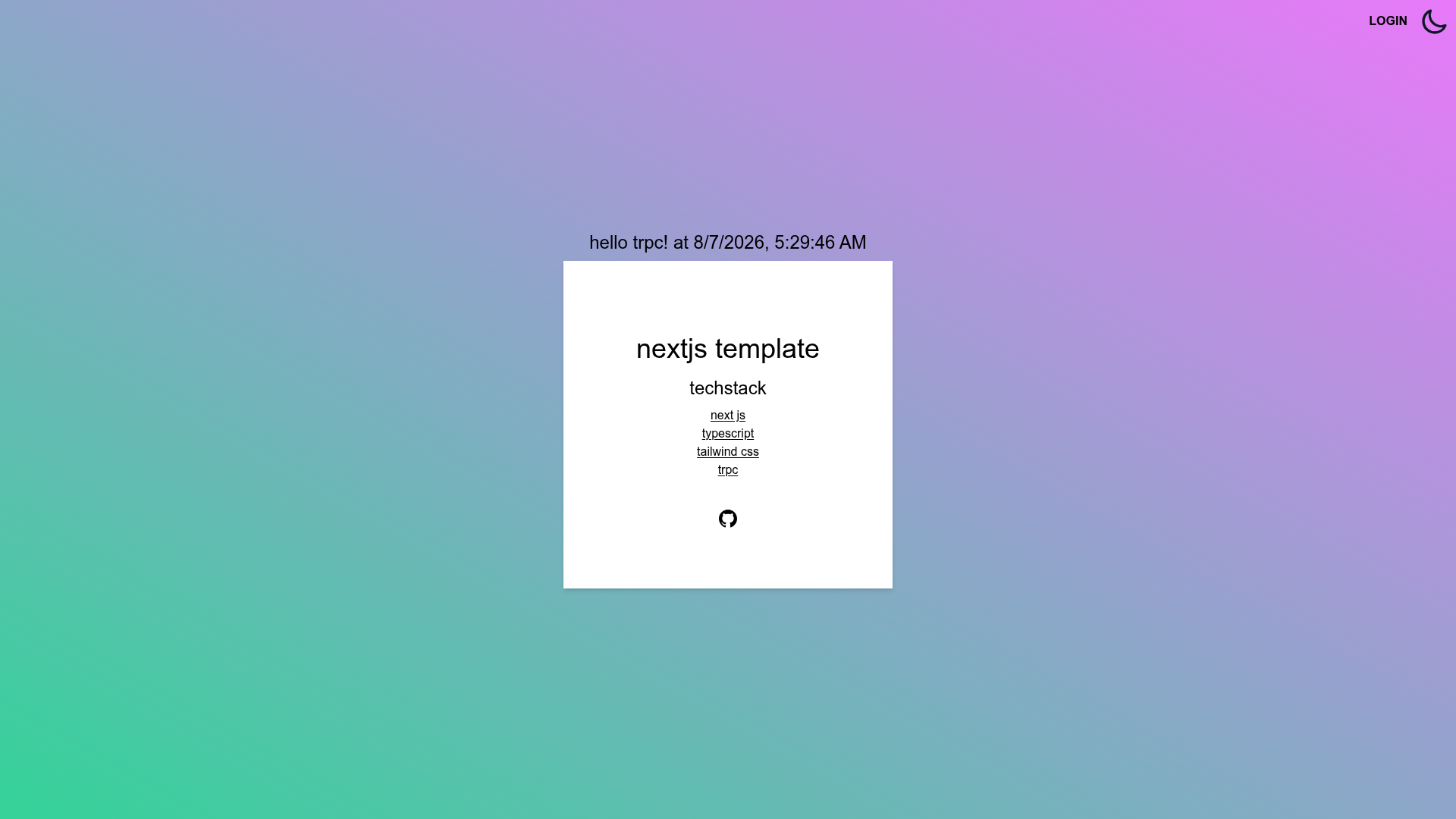
A Next.js + TypeScript starter with Prisma and tRPC, pre-configured for authentication and styled with Tailwind CSS.
About this template
Nextjs Prisma Auth Template is a boilerplate for building Next.js applications with authentication, using TypeScript, Prisma, tRPC, and Tailwind CSS.
What is Nextjs Prisma Auth Template?
This template is a GitHub repository that provides a starting point for a full-stack Next.js app. It takes a database configuration (the README examples show switching Prisma's provider to SQLite) and generates a running application with a seeded schema and type-safe API routes. The project is written in TypeScript and runs on Node.js, targeting any Next.js-compatible hosting platform.
Key Features
- Next.js with TypeScript — Uses the React-based Next.js framework and TypeScript as the language for both server and client code.
- Prisma ORM — Includes a schema file (prisma/schema.prisma) and three CLI commands (generate, db push, seed) to create and populate the database.
- tRPC for type-safe APIs — Adds tRPC so you can define server procedures that share their types with the client automatically.
- Tailwind CSS — Ships with the utility-first CSS framework pre-configured for styling components.
- SQLite-ready setup — The documentation walks you through switching the default datasource to SQLite, making local setup simple with zero external services.
Who is this template for?
- Full-stack developers who want a ready-made integration of Next.js, Prisma, tRPC, and Tailwind without manually wiring them together.
- Startup teams building a new product who need a database-backed API and authentication flow as quickly as possible.
- Intermediate programmers who want to study how these four technologies work in a single TypeScript project.
What can you do with this template?
- Launch a new web app — Use the template as the skeleton for anything from a SaaS dashboard to a content site, with the API and data layer already connected.
- Exercise type-safe endpoints — Add tRPC procedures and see TypeScript enforce inputs and outputs across the full stack.
- Experiment with databases — Change the datasource in prisma/schema.prisma, push the schema, and seed sample data with Prisma's CLI.
- Develop a custom auth flow — Because the template is named for auth, you have a base to build secure login and session management on top of.
How does this template work?
The repository ships with a standard Next.js structure and a Prisma configuration. To set it up, install packages with npm install, edit prisma/schema.prisma to use sqlite as the provider, then run npx prisma generate, npx prisma db push, and npx prisma db seed. After that, npm run dev starts the development server.
Alternatives
- T3 Stack (create-t3-app) — Another full-stack TypeScript starter that combines Next.js, tRPC, Prisma, Tailwind, and NextAuth, but is generated through an interactive CLI with more optional features.