Template details
Prost
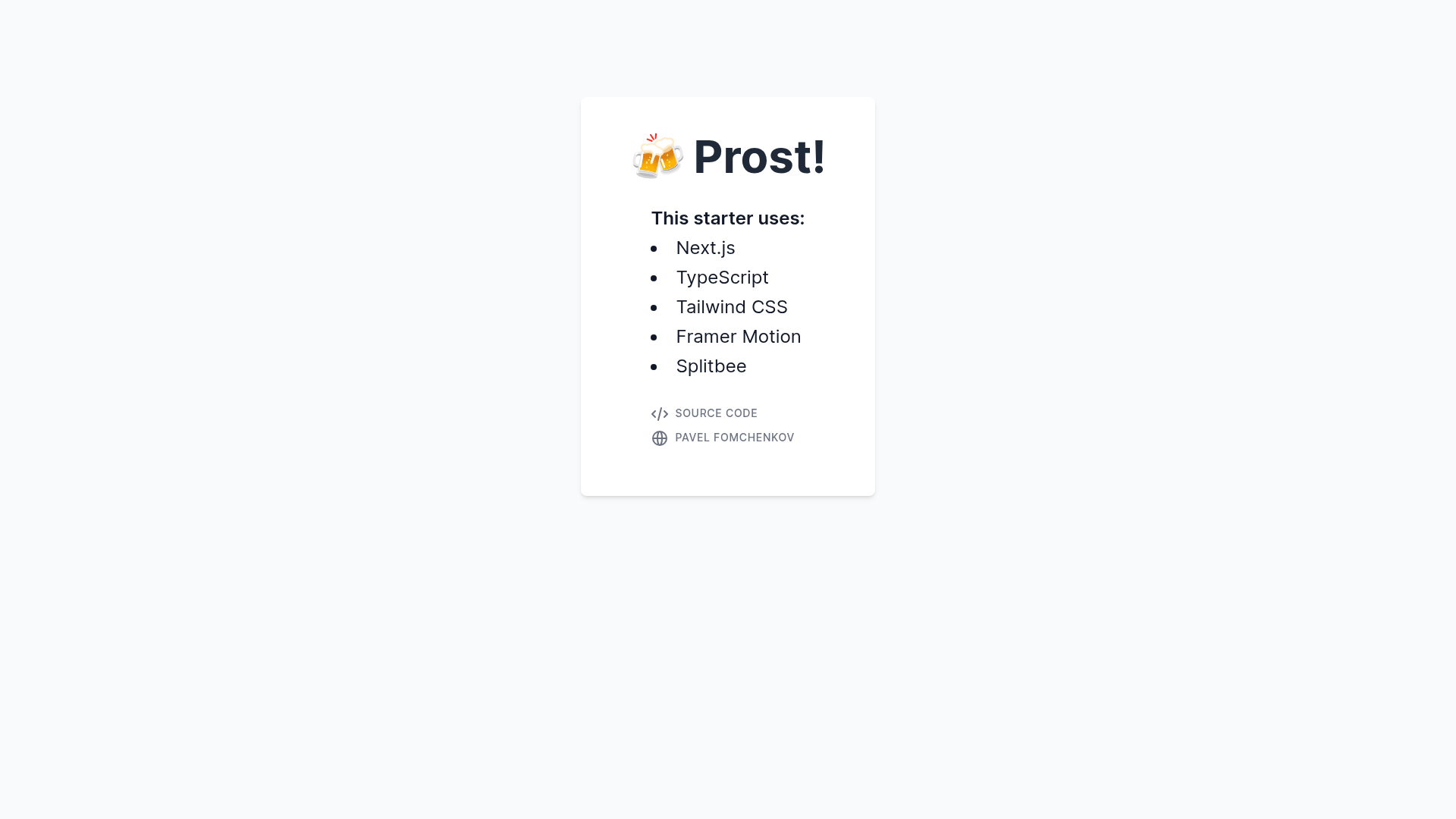
Next.js starter with TypeScript, Tailwind CSS, Framer Motion, and Splitbee
About this template
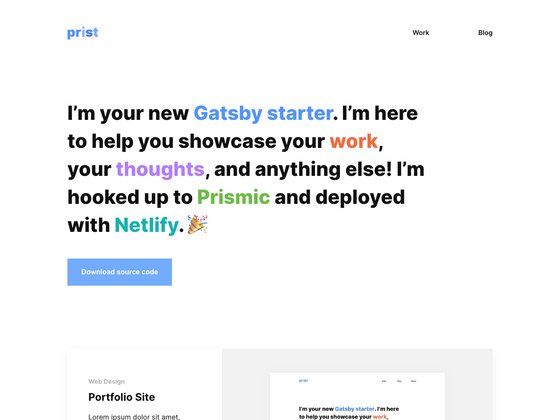
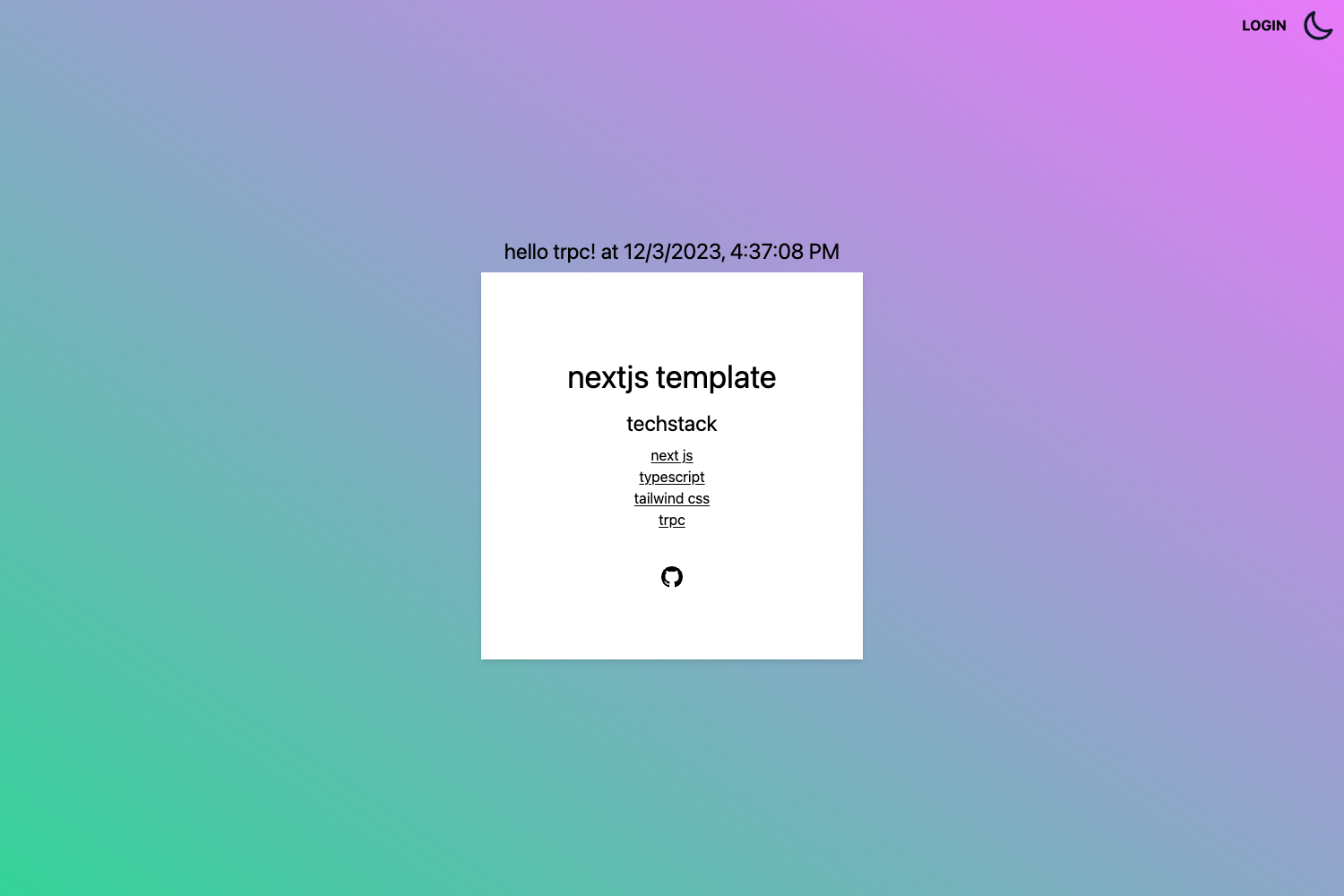
Prost is a Next.js starter template that bundles TypeScript, Tailwind CSS, Framer Motion, and Splitbee analytics so developers can scaffold a modern web app without configuring these tools themselves.
What is Prost?
Prost is a Next.js application template designed as a boilerplate for building web apps. It comes with TypeScript for static typing, Tailwind CSS for utility-first styling, Framer Motion for React animations, and Splitbee for website analytics. The project runs on Node.js and uses Yarn as its package manager, as stated in its README. The repository includes a live demo deployed at prost.vercel.app.
Key Features
- Next.js framework — Built on Next.js, so it includes file-based routing, server-side rendering, and static generation out of the box.
- TypeScript configuration — The project is already set up with TypeScript, enabling type-safe code from the first file.
- Tailwind CSS — Tailwind is integrated for rapid styling with utility classes, so no separate CSS-in-JS library is needed.
- Framer Motion — The animation library is included for creating smooth, declarative animations in React components.
- Splitbee analytics — A privacy-friendly analytics service is preconfigured to track page views and custom events.
- Automatic Vercel deployment — Every commit to the main branch triggers a deployment to Vercel, with a live version available at prost.vercel.app.
- Yarn-based workflow — Dependencies are managed with Yarn, and the commands in the README use
yarnandyarn dev.
Who is it for?
- Developers starting a new Next.js project — Use Prost as a starting point to avoid wiring up TypeScript, Tailwind, and analytics separately.
- Small teams shipping quickly — Because deployment is automated on Vercel, team members only need to push to the main branch to get a live URL.
- Prototypers and hobbyists — The template allows you to stand up a styled, animated, and tracked site with minimal setup.
- Devs learning the stack — The codebase serves as a reference for combining Next.js, TypeScript, Tailwind, Framer Motion, and Splitbee in one project.
What can you do with Prost?
- Launch a landing page: Assemble components with JSX and utility classes, animate them with Framer Motion, and ship via the configured Vercel pipeline.
- Prototype a web app: Use the Next.js file-based routing to add pages quickly while keeping styling consistent with Tailwind.
- Add analytics early: Splitbee starts collecting page views as soon as the app is deployed, so you can validate ideas with real traffic data.
How does Prost work?
After cloning the repository, you run yarn to install dependencies, then yarn dev to start the local development server. The project is structured as a standard Next.js app, so you edit pages and components under the conventional Next.js directory layouts. When you push to the main branch, Vercel rebuilds and redeploys the app automatically.
FAQ
What do I need to run Prost locally?
The README states that Node.js with Yarn is required to build and run the project. After installing those, you only need to run yarn and then yarn dev to start working.
Does Prost include TypeScript?
Yes, TypeScript is part of the starter configuration, so .ts and .tsx files are supported and type checking is enabled.
What analytics does Prost use?
Prost uses Splitbee, a privacy-friendly analytics service that can track page views and custom events.
Is Prost automatically deployed?
The repository is connected to Vercel, and every commit to the main branch triggers a new deployment. A live instance of the template is available at prost.vercel.app.