Template details
3-Hexo
A minimalist Hexo blog theme with a three-stage layout, unified category/tag/title search, multi-author mode, and mobile support.
About this template
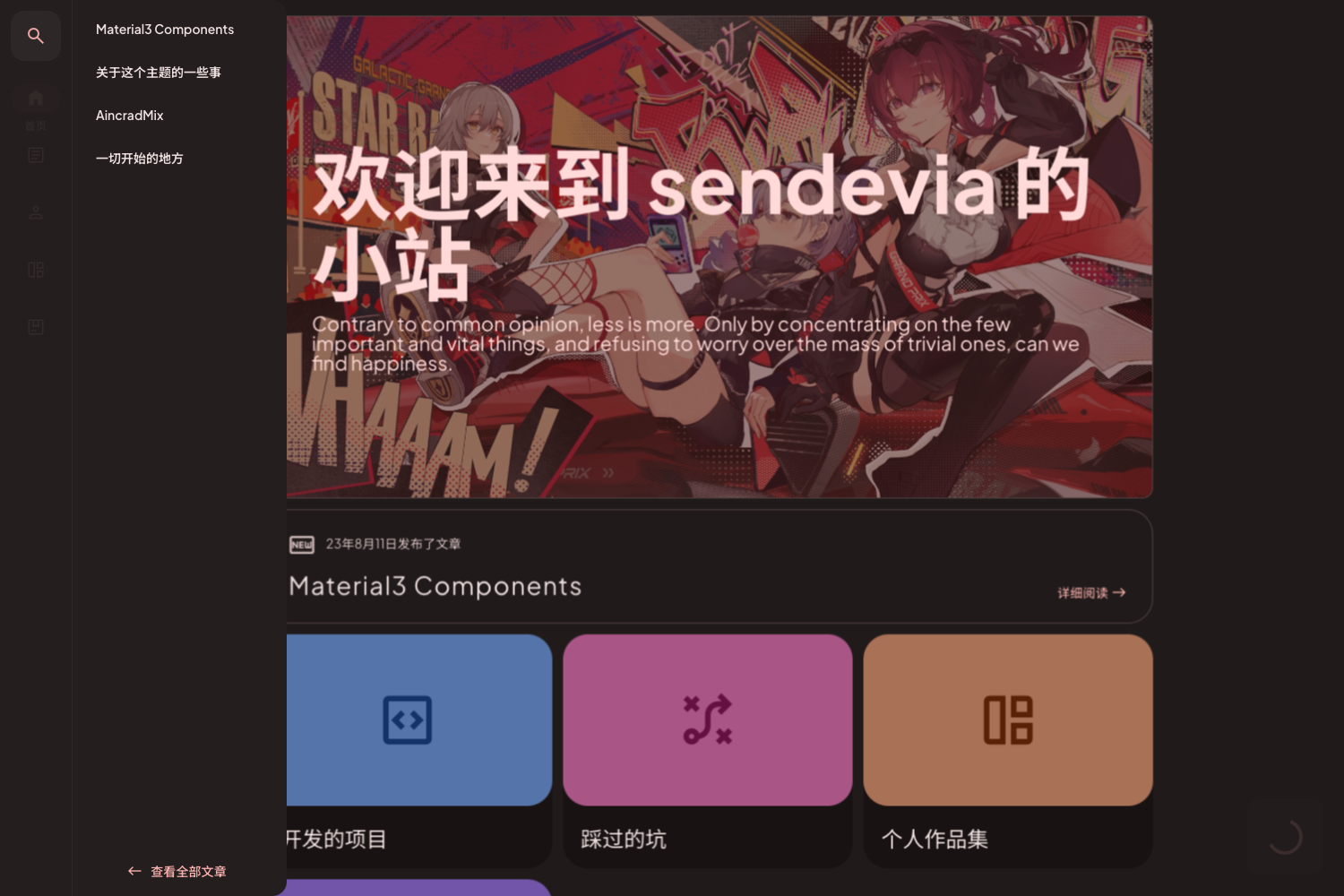
3-Hexo is a minimalist Hexo blog theme that uses a three-stage layout and combines category, tag, and title-keyword search into a single input field. The theme is developed by yelog and distributed as a GitHub repository; you clone it into your Hexo themes directory, set theme: 3-hexo in the site's _config.yml, and pull updates with git pull.
What is 3-Hexo?
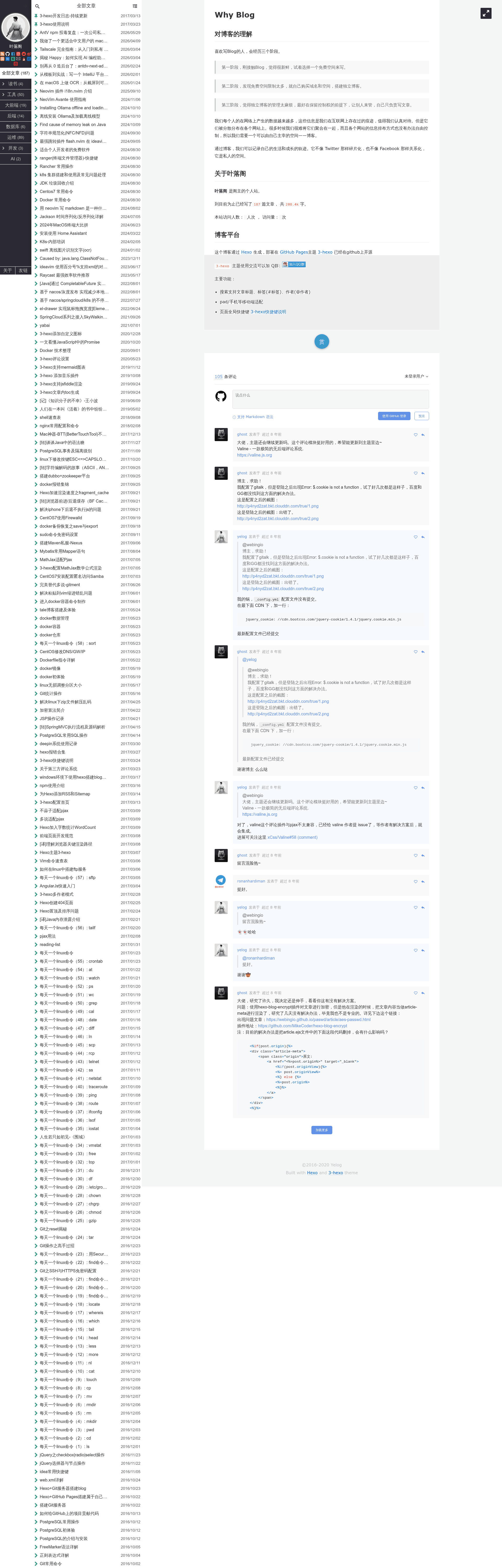
3-Hexo is a theme for the Hexo static site generator, created by yelog and published under the name hexo-theme-3-hexo. It takes the content of a Hexo blog—posts, tags, categories, and author information—and renders it into a responsive three-stage interface: a left navigation sidebar, a central content column, and a right panel for metadata and widgets. The theme is installed by running git clone from the GitHub repository into the themes folder, then updated with git pull.
Key Features
- Three-stage design — The layout is divided into three visible stages: a left sidebar for site navigation, the main post list or article column, and a right-side area that holds extra information such as tags, categories, and author details.
- Unified search — A single search box filters posts by category, by tag, or by title keyword. Typing # shows tag suggestions, and typing @ shows author names when multi-author mode is enabled.
- Multi-author mode — When turned on, readers can search for posts by a specific author using the @ prefix, and the theme displays author information throughout.
- Mobile adaptation — The theme is responsive and adapts to phone screens; the author provides a QR code specifically for previewing the mobile experience.
- Comments — Post pages support a comment feature, letting visitors leave feedback on articles.
- Tip/reward button — A 打赏 (tip/reward) button is built into the theme so readers can support authors.
- Post pinning — Individual posts can be pinned to the top of the list, giving editors control over which articles stay at the top.
- Back-to-top button — A floating button lets readers return to the top of long pages quickly.
- Full-text shortcuts — Keyboard shortcuts are available for quick actions and navigation.
Who is it for?
- Hexo bloggers who want a clean, uncluttered theme and strong built-in search for finding old posts.
- Multi-author blogs that need to let readers filter posts by specific authors via @ search.
- Developers who want an easy-to-install Hexo theme that can be updated simply with git pull and customized through standard Hexo configuration.
- Mobile readers — the responsive layout and back-to-top shortcut make long-form reading comfortable on phones.
Use cases
- Bloggers with a large archive: Use the unified search by category, tag, or title to quickly locate specific posts.
- Team or multi-author sites: Enable multi-author mode so readers can enter @username to see all posts by that author.
- Developers seeking a minimal reading experience: Use the three-stage layout to present articles without excessive visual decoration.
- Content that targets mobile users: The responsive design and quick navigation controls keep readers engaged on small screens.