Template details
academic-homepage
Jekyll template for building a personal academic website on GitHub Pages
About this template
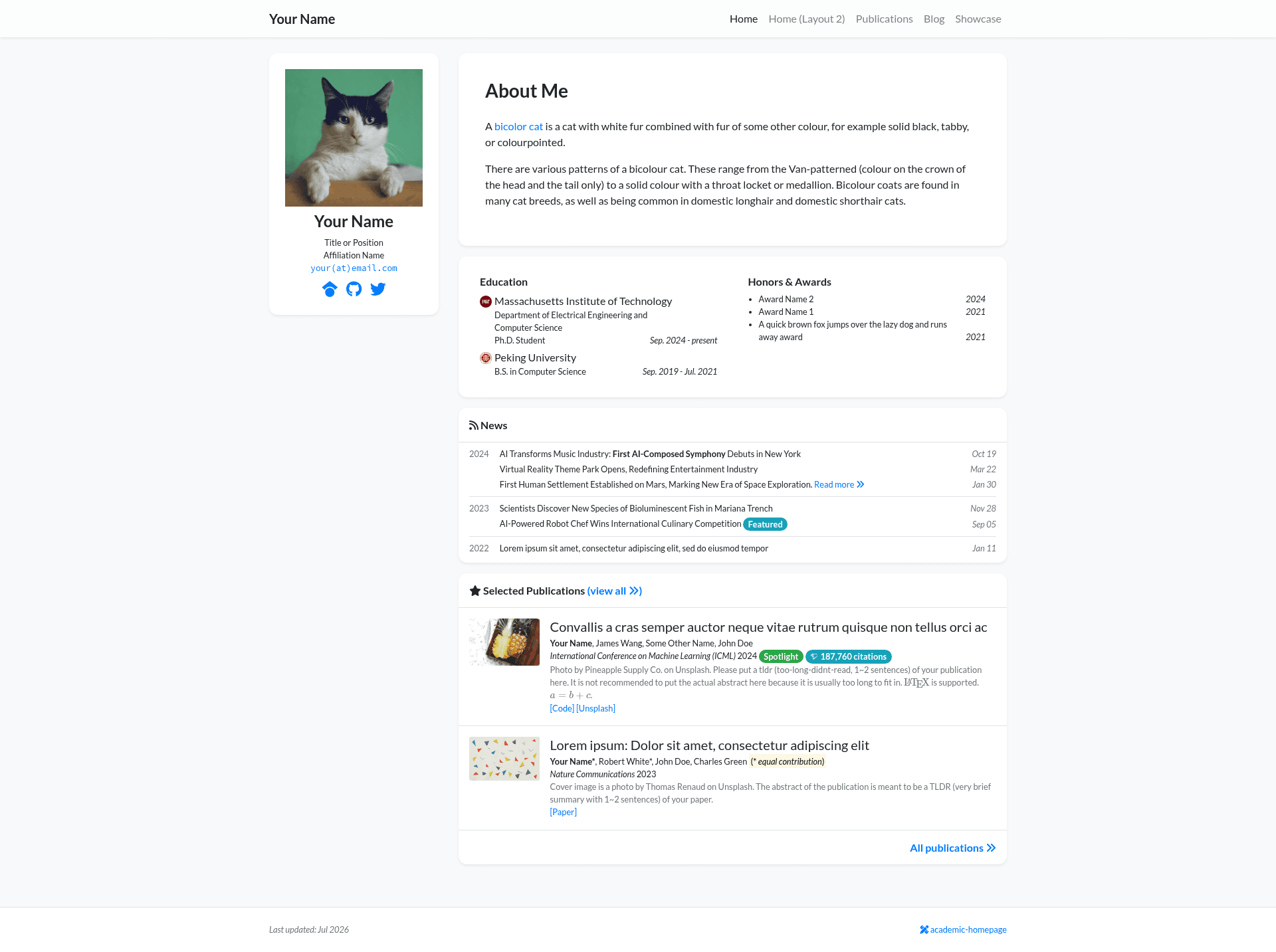
academic-homepage is a free Jekyll template designed for building a personal academic website on GitHub Pages, turning a repository into a deployable static homepage with publication listings and custom sections.
What is academic-homepage?
academic-homepage is a GitHub Pages (Jekyll) template for creating a personal academic website. It takes a repository created from the template and produces a static website hosted on GitHub Pages, with support for publications, news, and customization. The template is maintained by luost26 and is available on GitHub with over 680 stars. A live demo is available at luost26.github.io/academic-homepage.
Key Features
- GitHub Pages integration — The template is built for GitHub Pages with a pages-build-deployment workflow, so changes pushed to the repository are automatically built and published as a static site.
- Jekyll-based — Uses Jekyll, a Ruby-based static site generator, to convert templates and Markdown content into HTML pages without a database or server-side processing.
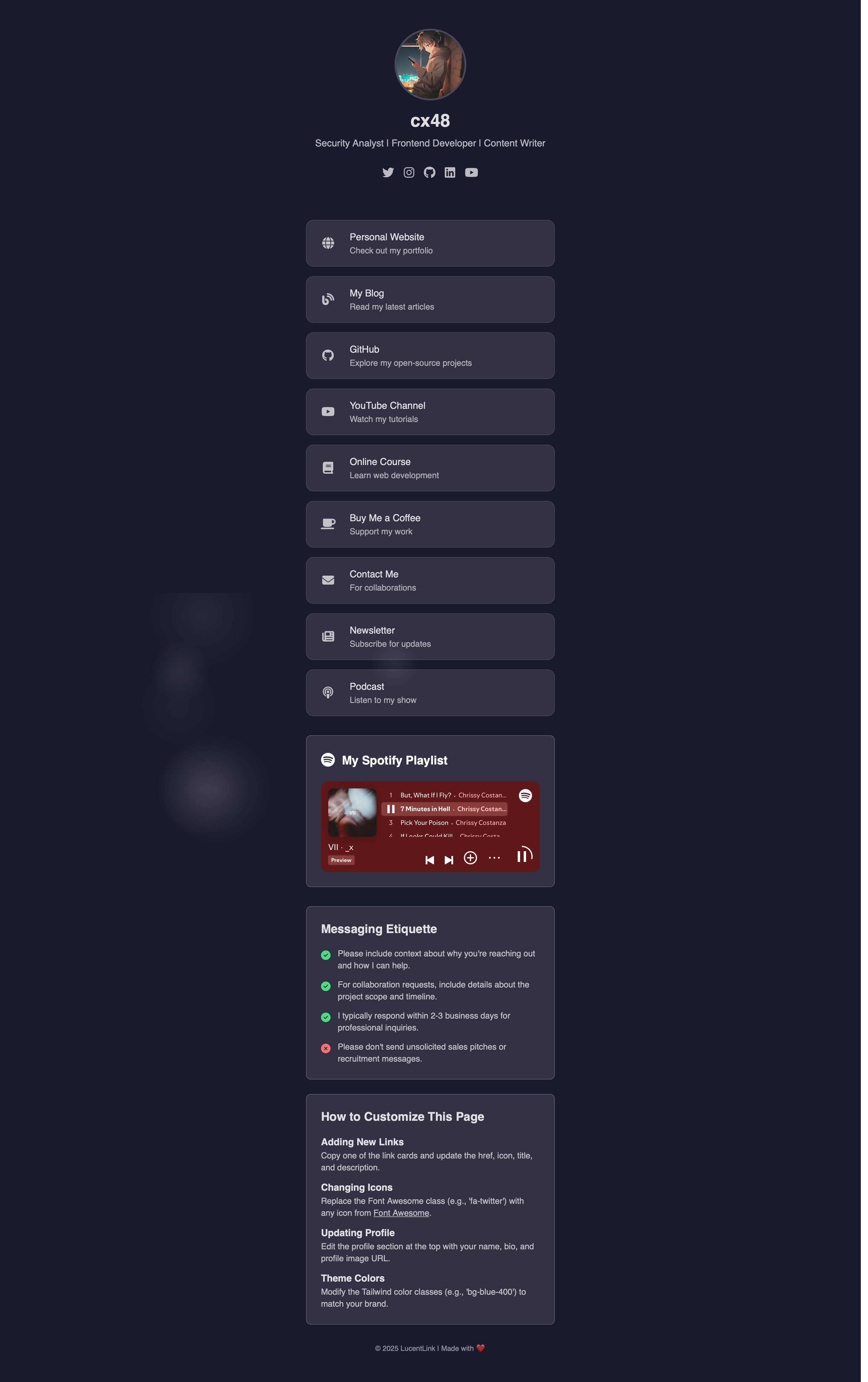
- Customizable layout — The template supports design tweaks such as increased corner radius and a two-column main page layout, demonstrated by user-customized sites linked in the README.
- Blog feature — A blog page can be added, as contributed by users and documented in the FAQ section, allowing academics to publish posts alongside their homepage.
- Citation count support — The FAQ includes instructions for showing citation counts for papers, making it possible to display Google Scholar or similar metrics.
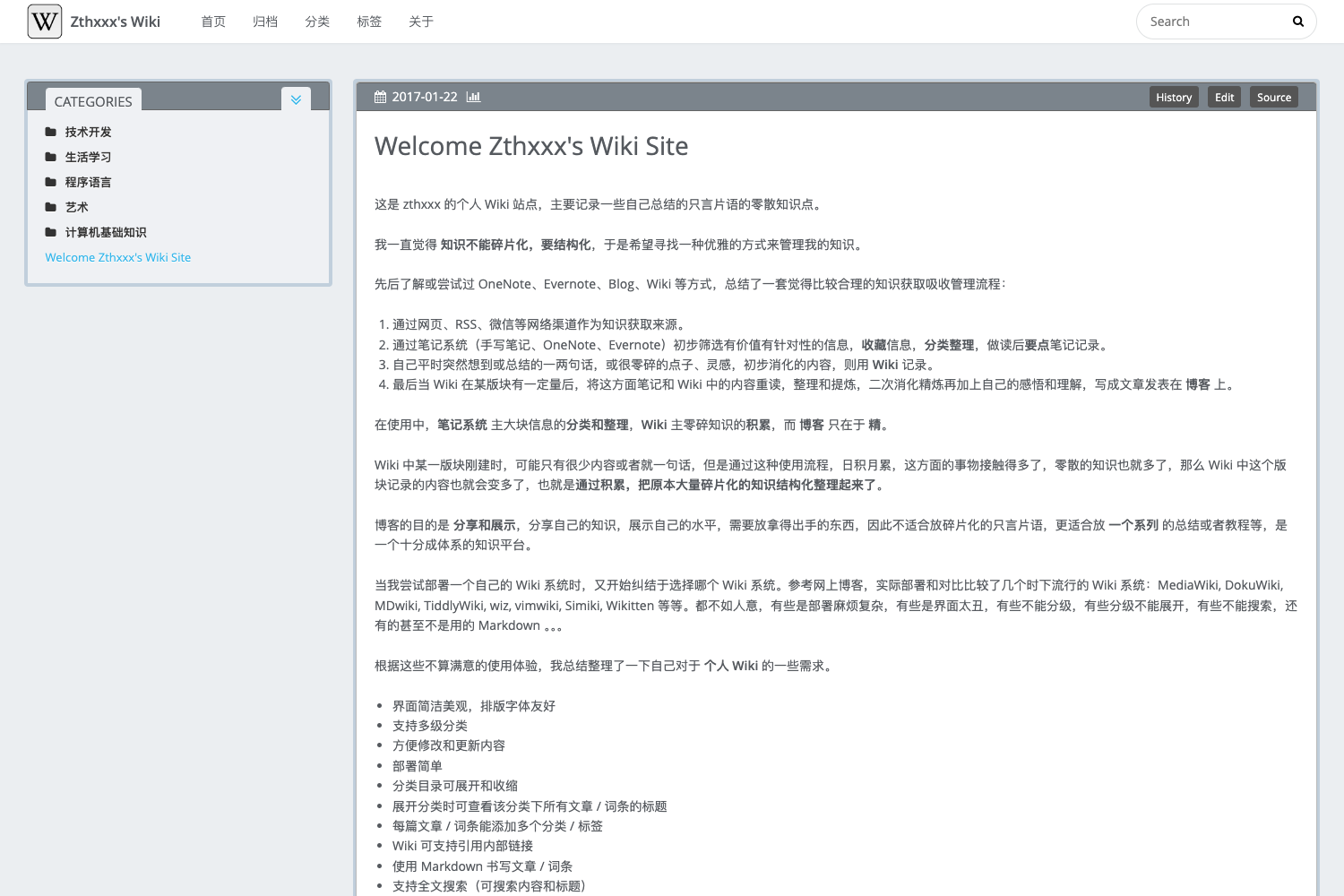
- User community — A list of dozens of academic websites built with this template is included in the README, along with acknowledgements of user-requested improvements.
Who is it for?
- Graduate students — Set up a personal homepage to present research interests, publications, and contact information without writing HTML from scratch.
- Postdocs and faculty — Showcase a publication list, citation metrics, and teaching or project pages in a professional, standardized layout.
- Researchers — Publish and update an academic presence on GitHub Pages, taking advantage of free static hosting and version control.
What can you do with academic-homepage?
- Create a homepage quickly — Use the "Use this template" button on GitHub to generate a new repository named your-username.github.io, then enable GitHub Pages to get a live site.
- Customize the design — Modify Jekyll configuration files and layouts to change colors, corner radius, and page structure, following examples from other users.
- Publish blog posts — Add a blog page to share research updates, tutorials, or conference notes, using the built-in Jekyll blog support.
- Display citation counts — Add citation metrics to your publication list using the documented FAQ method, so visitors can see how often your papers are referenced.
How does academic-homepage work?
The template is used by clicking "Use this template" on the GitHub repository to create a new repo that must be named your-username.github.io for GitHub Pages hosting. For local development, the README instructs you to install Jekyll, clone the repo, and run bundle exec jekyll serve to preview the site at a local URL. After pushing changes to GitHub, the pages-build-deployment workflow automatically rebuilds the site.
FAQ
Is academic-homepage free to use?
The template is open source and hosted on GitHub, and it is intended for use with free GitHub Pages hosting. There is no pricing information on the repository, and it can be copied directly from the "Use this template" button.
How do I add a blog to my academic homepage?
The README links to a specific issue thread that describes adding a blog feature, and includes a contributed implementation from user-based customization. By following that guide, you can add a blog page to the Jekyll site.
How do I show citation counts for papers?
The FAQ section of the repository points to an issue comment that explains how to display citation counts. The method integrates citation data into the publication listing on the homepage.
What repository name should I use for GitHub Pages?
For a user site, the repository must be named your-username.github.io, as documented in the GitHub Pages guide linked from the README. This naming convention allows the website to be published at that URL.
Can I run the site locally before deploying?
Yes, the README provides instructions to install Jekyll and run bundle exec jekyll serve in the repository root, which serves the site locally at the URL shown in the terminal.