Template details
Dr Reardon Website
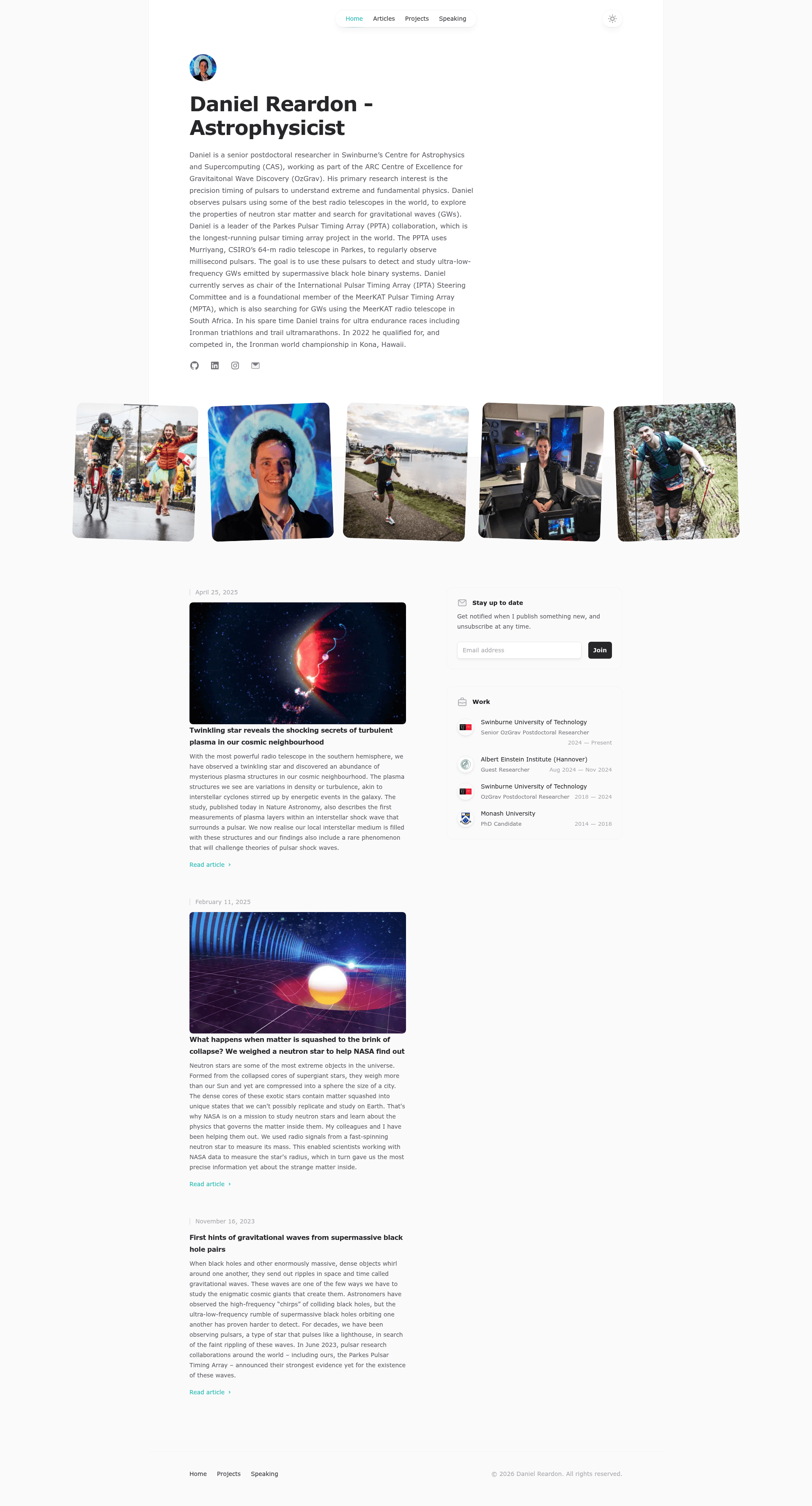
A personal website template for an astrophysicist, built with Next.js, Tailwind CSS, and Tailwind UI.
About this template
Dr Reardon Website is a personal website template for an astrophysicist, built on Next.js with Tailwind CSS and Tailwind UI, that turns Markdown and MDX articles into a live personal site.
What is Dr Reardon Website?
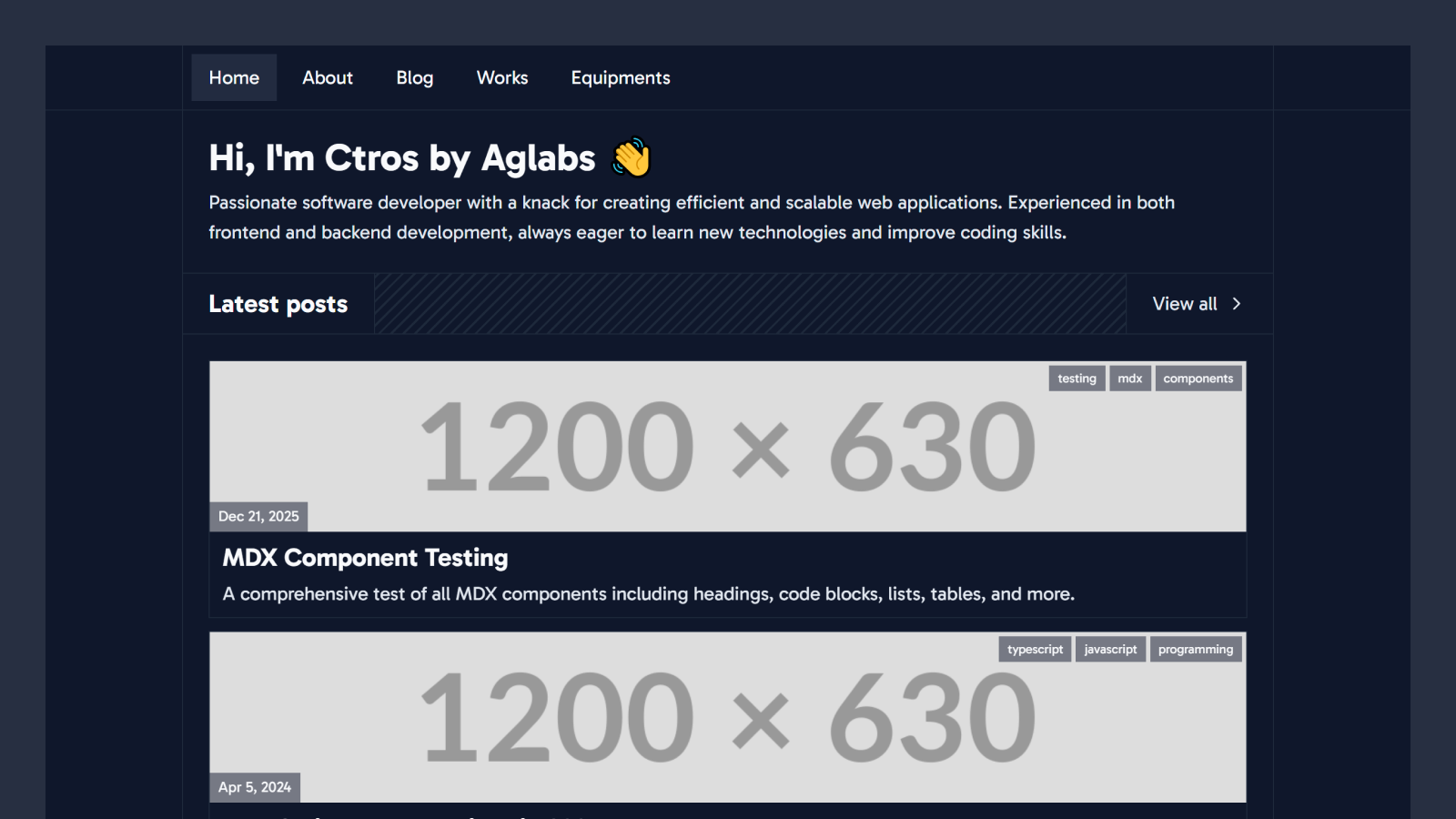
Dr Reardon Website is a template for a personal academic website, specifically themed for an astrophysicist. It is built with Next.js, a React framework, and styled with Tailwind CSS using Tailwind UI components. The template takes article content written in Markdown (.md) or MDX (index.mdx) and renders a website with a development server on localhost:3000.
Key Features
- Next.js framework — The site runs on Next.js, providing a local development server at localhost:3000 and production-ready static output.
- Tailwind CSS plus Tailwind UI — Styling is done with utility classes from Tailwind CSS, and prebuilt components come from Tailwind UI, a paid component library.
- Markdown and MDX article publishing — Create articles as .md files in /pages/articles; for images, create a folder with index.mdx and picture files.
- Environment-based configuration — The site's public URL is set through the NEXT_PUBLIC_SITE_URL variable in a .env.local file.
- Live auto-updating — Editing files in /src automatically refreshes the site in the browser.
Who is it for?
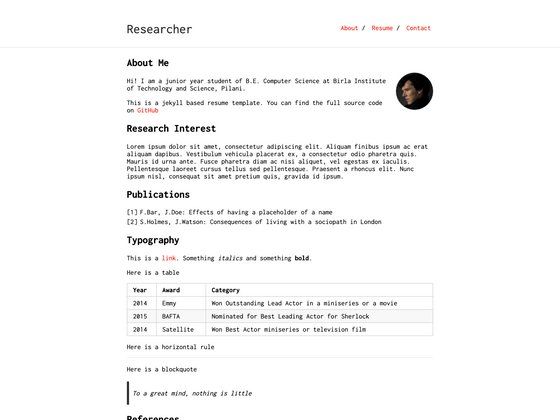
- Astrophysicists and researchers — Launch a personal site to present research interests, publications, and a biography.
- Academic bloggers — Publish articles without a CMS by writing plain Markdown or MDX files.
- Developers learning Next.js — Explore how a Next.js project is structured, including environment variables and article routing.
What can you do with it?
- Share research articles: Write an article as a .md file, drop it in /pages/articles, and it appears on the site.
- Add image-rich posts: Create a folder named for the article URL, place an index.mdx file and images inside, and the site displays them.
- Customize the design: Edit files in /src to change the layout, colors, and content while the dev server updates in real time.
How does it work?
- Install dependencies with
npm install. - Create a
.env.localfile and setNEXT_PUBLIC_SITE_URLto your public URL. - Start the development server with
npm run dev. - Open http://localhost:3000 to view the site, then edit files in /src to customize.
FAQ
How do I install the template?
Run npm install in the project root, create a .env.local file that sets NEXT_PUBLIC_SITE_URL, then run npm run dev and open http://localhost:3000.
How do I publish a new article?
Add a my-article-url.md file in the /pages/articles folder. For articles with pictures, create a folder named my-article-url containing an index.mdx file and image files.
What is the purpose of the NEXT_PUBLIC_SITE_URL variable?
It sets the public URL of your website. Next.js uses it to resolve absolute links and metadata during the build process.
Can I customize the design?
Yes. Edit files in the /src folder; the site auto-updates as you edit, so you see changes immediately.