Template details
Ctros
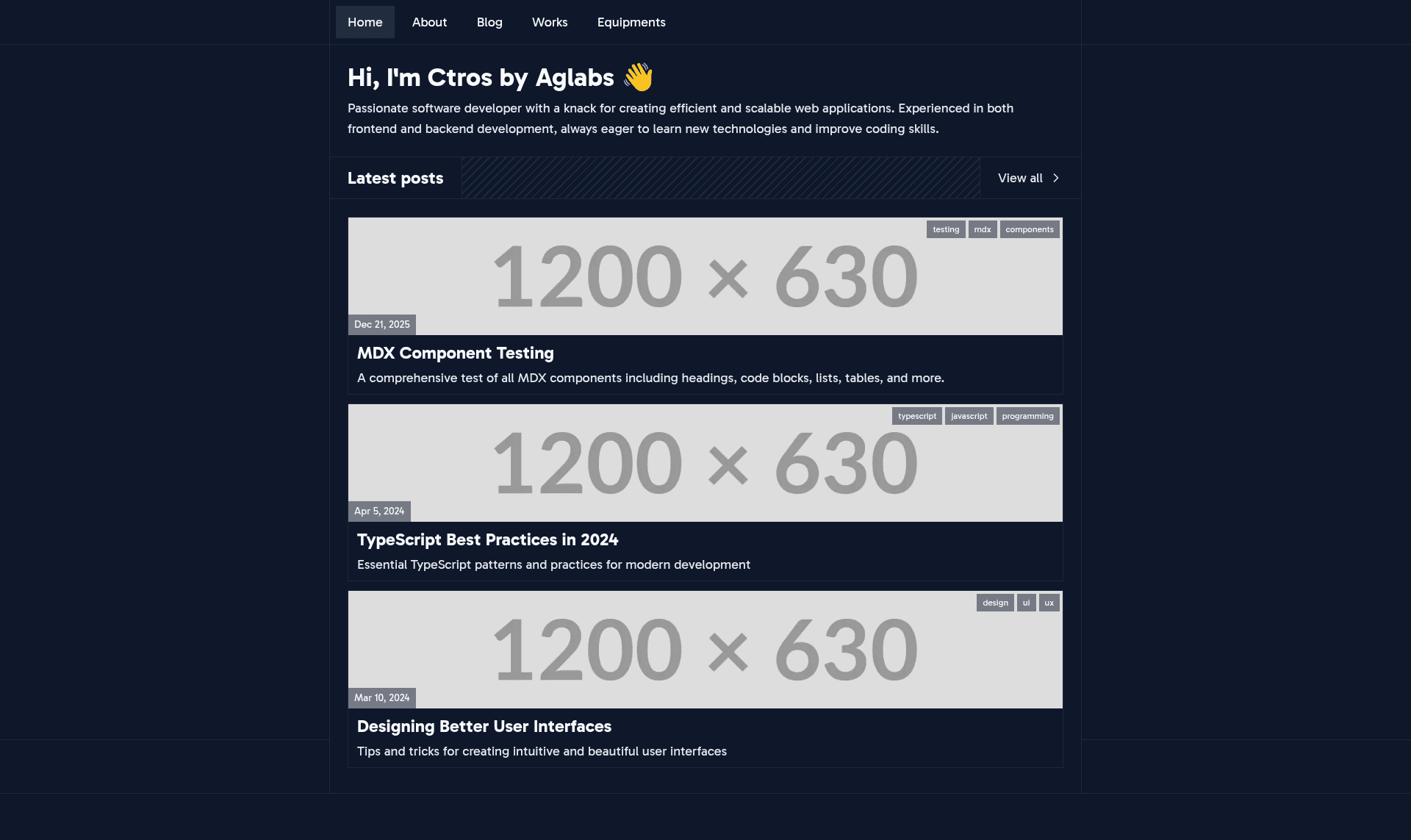
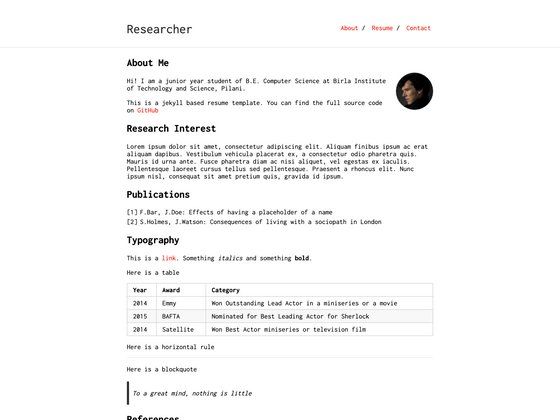
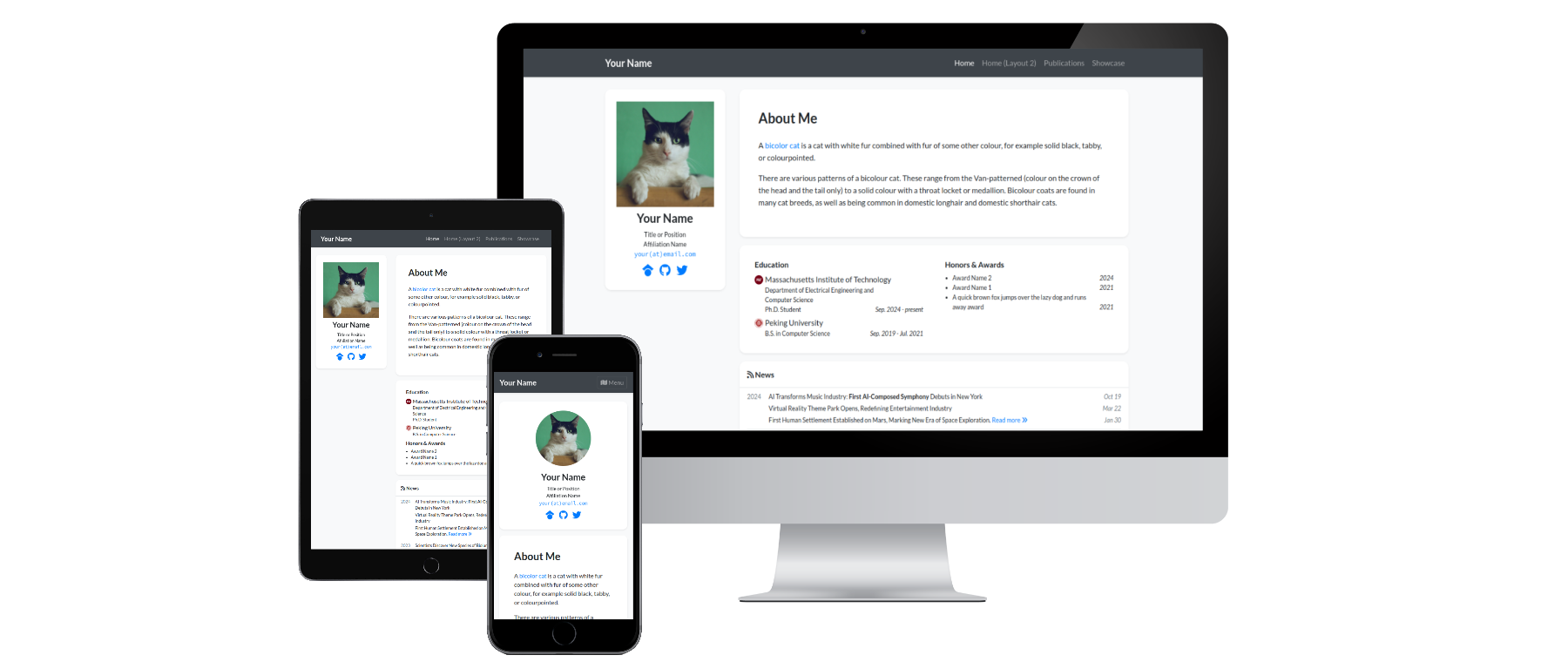
Minimal personal website template built with Astro, with MDX content, Giscus comments, and Umami analytics.
About this template
Ctros is a minimal personal website template built with Astro that generates a static site with a blog, project portfolio, dynamic Open Graph images, GitHub Discussions-powered comments (Giscus), and privacy-friendly analytics (Umami).
What is Ctros?
Ctros is an open-source Astro template for developers who want a personal website with a blog and portfolio. It accepts content as MDX files in src/content/post and src/content/project plus JSON data files in src/data (about.json, software.json, hardware.json, project-categories.json), and outputs a fully static site with SEO meta tags and structured data. The template is maintained by aglabsid and runs on Node.js 22+, using pnpm or npm as package managers.
Key Features
- Astro static site generation — The whole site compiles to static HTML at build time with no server or database required.
- Dynamic Open Graph images — Social-share preview images are generated automatically, so you don't need to create image assets by hand.
- MDX content collections — Blog posts and projects are authored in MDX with YAML frontmatter for title, thumbnail, summary, tags, dates, and optional external links.
- Giscus comments — Blog comments are powered by GitHub Discussions; configuration is done through four environment variables in a .env file (repository name, repository ID, category name, category ID).
- Umami analytics — The @yeskunall/astro-umami integration adds privacy-friendly tracking; you set your Umami website ID and host URL in astro.config.mjs.
- View transitions — Astro's built-in view transitions give shared element animations between page loads.
- Dark theme and mobile-first responsive layout — The template ships with a built-in dark mode and a responsive grid built on Tailwind CSS.
- SEO optimization — Meta tags and structured data support are included out of the box.
Who should use Ctros?
- Developers who want a clean, minimal personal site and prefer to write content in MDX rather than a full CMS.
- Technical bloggers who want GitHub Discussions as a comment backend and don't want to manage a separate commenting service.
- Freelancers and indie hackers who want a fast static portfolio with project showcase pages and privacy-friendly analytics via Umami.
What can you do with Ctros?
- Publish blog posts — Add a new folder under src/content/post with an index.mdx file; frontmatter includes title, thumbnail, thumbnail credit, summary, tags, author, and created/updated timestamps.
- Showcase projects — Add an index.mdx under src/content/project with title, thumbnail, description, category, and optional GitHub and demo URLs to build a portfolio grid.
- Customize site data — Edit the JSON files in src/data to change your about section, software/tools list, hardware/equipment list, and project categories without touching page templates.
How does Ctros work?
Clone the repository, run pnpm install, and copy .env.example to .env to start. Configure your Giscus repository and category IDs in the environment variables, then set your Umami website ID in astro.config.mjs. Run pnpm dev for local development, add your MDX content, and pnpm build creates a production-ready static site.
FAQ
What Node.js version does Ctros require?
Ctros requires Node.js 22 or newer. The README recommends pnpm, but npm is also supported as a package manager.
How do I enable comments on posts?
Comments use Giscus, which stores discussions in your GitHub repository. Enable Discussions in the repository's Settings -> Features, install the Giscus app, then copy the data-repo-id and data-category-id values from giscus.app into your .env file.
How do I set up Umami analytics?
Sign up at cloud.umami.is or self-host Umami, add your website in Settings, and copy the Website ID from the tracking code. Then update astro.config.mjs with your id and hostUrl (cloud.umami.is for hosted, or your self-hosted URL).
What commands are available?
The template provides pnpm dev for the dev server, pnpm build for production builds, pnpm preview to preview the built site, and pnpm format to format code with Prettier.