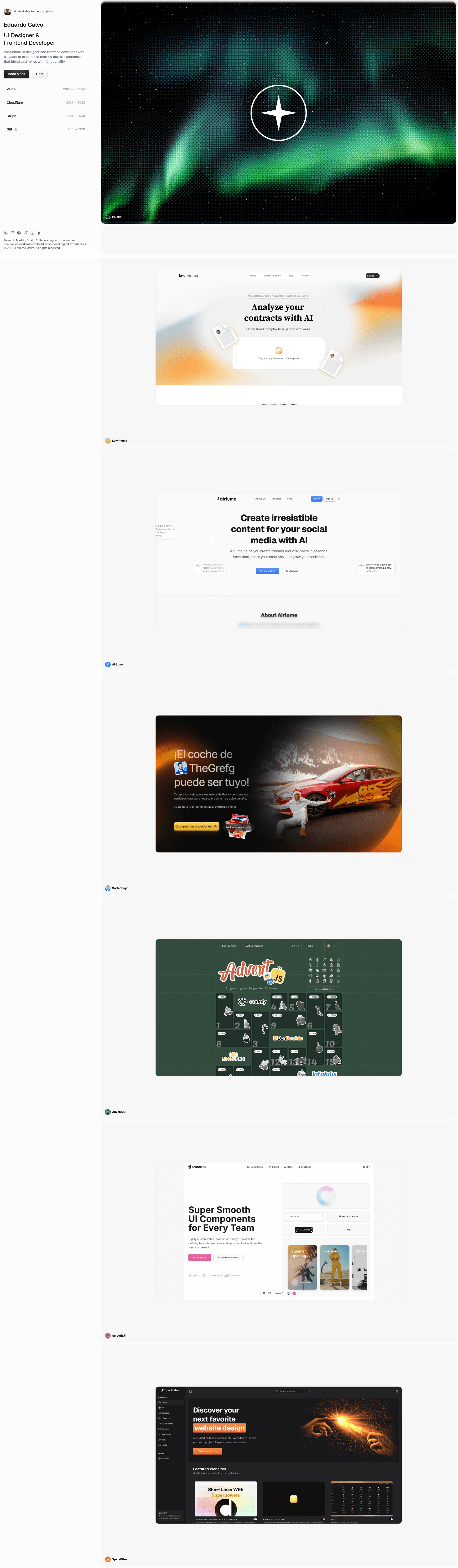
Template details
Polaris
A modern, responsive personal portfolio template built with Astro 7, React, and Tailwind CSS for designers and developers.
About this template
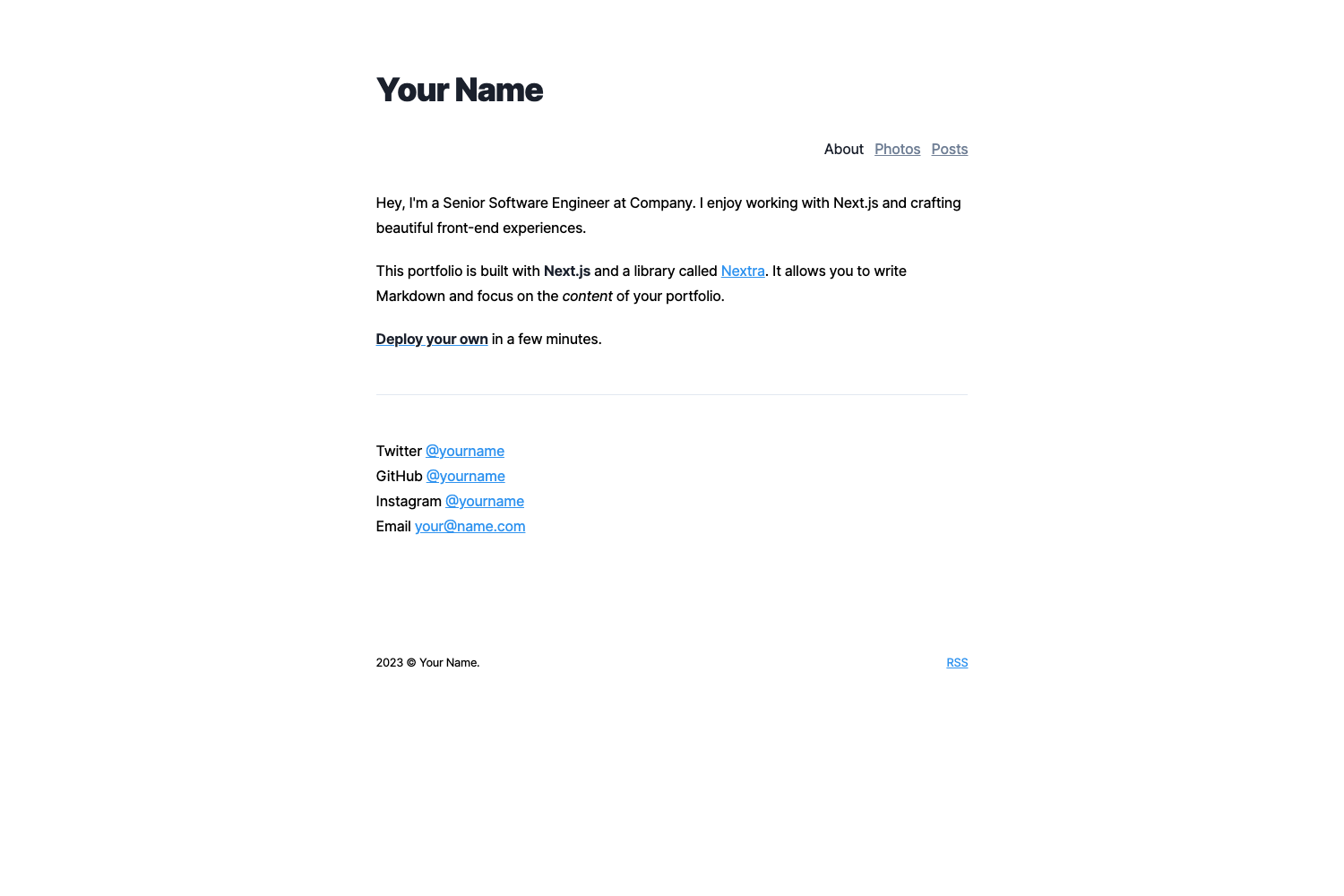
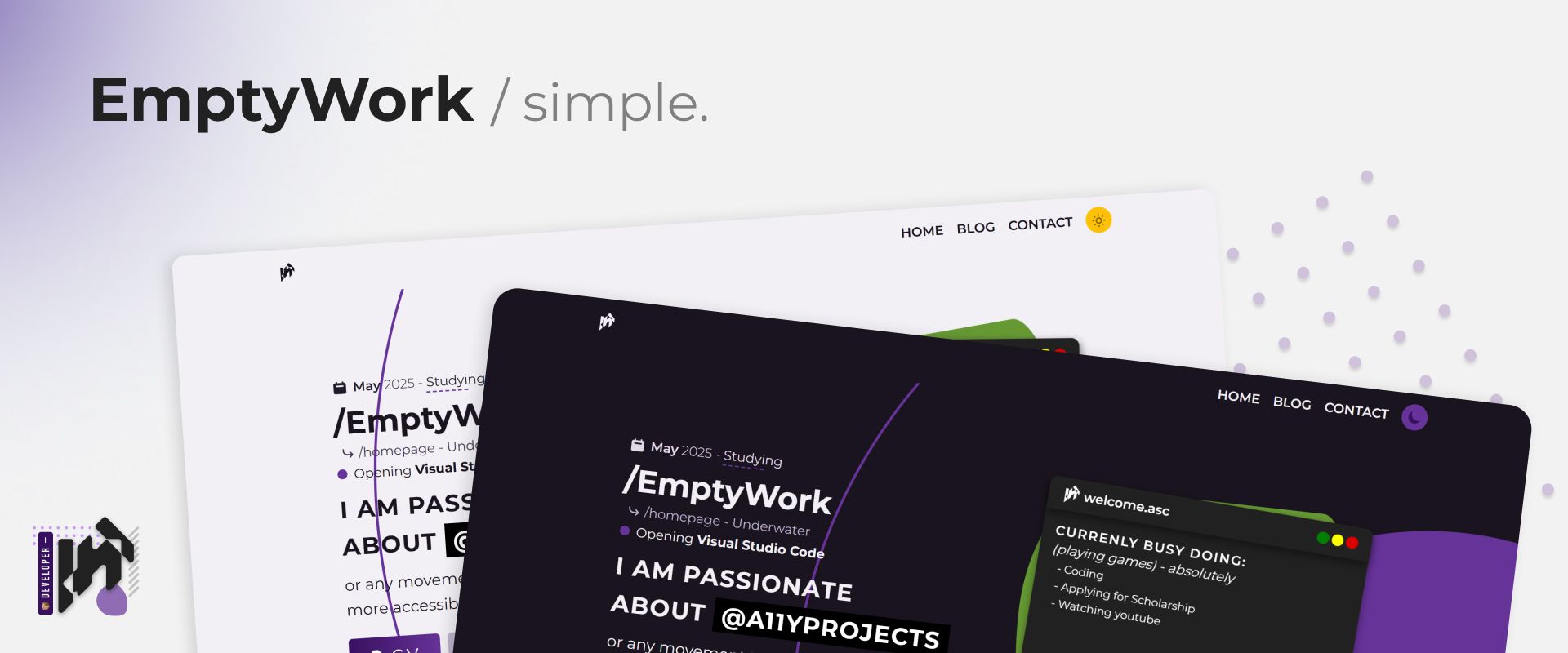
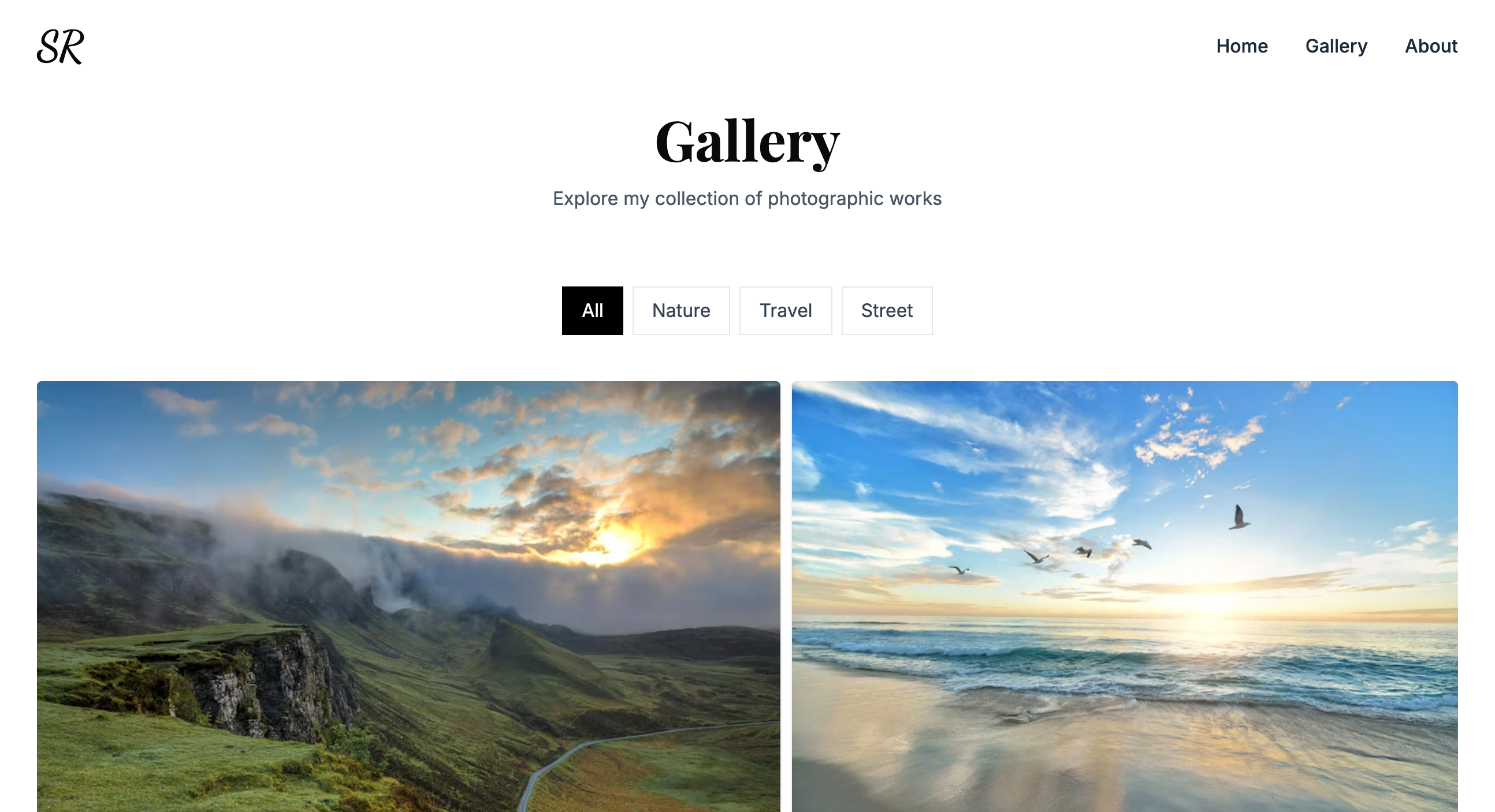
Polaris is an Astro 7 portfolio template that produces a modern, responsive personal website with dynamic project pages and markdown-based content management.
What is Polaris?
Polaris is a static site template built on Astro 7, a static site generator that uses Vite 8/Rolldown and a Rust compiler for fast builds. It takes content from markdown files and a centralized JSON configuration, and outputs a fully static site that can be deployed to any web host. The template is created by Eduardo Calvo, a UI designer and frontend developer based in Madrid, Spain, and is distributed as a GitHub repository.
Key Features
- Astro 7 static generation — Builds with Astro 7 (Vite 8/Rolldown, Rust compiler) and outputs a
./dist/folder of pure static assets. - React islands — React is integrated for interactive components inside the static Astro layout.
- Tailwind CSS styling — Utility-first styling with Tailwind CSS, plus a global stylesheet at
src/styles/global.cssfor custom transitions and design tokens. - MDX project showcase — Each project is a markdown/MDX file in
src/content/projects/; dynamic pages atsrc/pages/projects/render detailed case studies with images. - Radix UI primitives — Accessible component primitives from Radix UI handle interactive UI elements like dropdowns and buttons.
- Lucide icons — The Lucide icon library provides consistent SVG icons throughout the interface.
- Sharp image optimization — Images are optimized through Sharp, keeping the output light.
- Biome linting and formatting — Biome provides fast linting and formatting, with scripts
pnpm lint,pnpm lint:fix, andpnpm format.
Who is it for?
Polaris is aimed at designers, developers, and creatives who want a polished personal portfolio without building the frontend from scratch. A frontend developer can clone the repo, run pnpm install and pnpm dev, and immediately edit src/config/site.json to fill in personal information, social links, and experience. A designer can use the Tailwind-based styles and MDX project files to present case studies with images and structured metadata. A freelancer seeking a professional web presence can deploy the static output to Vercel, Netlify, or any static host with zero server-side code.
What can you do with Polaris?
- Designers and developers: Showcase portfolio projects by creating markdown files in
src/content/projects/with frontmatter metadata and images, generating detailed case study pages. - Freelancers: Publish a professional personal site by editing
src/config/site.jsonfor personal info, bio, social links, and experience timeline, then deploy the staticdistfolder. - Open-source maintainers: Use the template as a clean starting point for a personal landing page, leveraging the included
pnpm buildscript for quick publishing.
How does Polaris work?
Clone the repository, install dependencies with pnpm, and run pnpm dev to start a local server at localhost:4321. Content lives in src/config/site.json for site metadata and src/content/projects/ for project markdown files. Running pnpm build produces a static ./dist/ folder that you can deploy to any static hosting service such as Vercel, Netlify, or GitHub Pages.
Pros and cons
- Pros: Requires no server-side code — output is fully static. Linting and formatting are handled by Biome with fast, safe fixes. Uses accessible Radix UI primitives and responsive Tailwind styling.
- Cons: Requires Node.js 22.12 or higher, which may be more recent than some maintained LTS environments.
FAQ
What Node.js version do I need for Polaris?
Polaris requires Node.js 22.12 or higher, as stated in the prerequisites. The recommended package manager is pnpm, and Git is needed to clone the repository.
How do I add a project to Polaris?
Create a new markdown file in src/content/projects/, put its images in src/content/projects/images/, and follow the existing project files as a template for frontmatter metadata. The dynamic project pages at src/pages/projects/ will render the new content automatically.
Can I deploy Polaris to Netlify?
Yes. You can either drag and drop the dist folder produced by pnpm build into the Netlify dashboard, or connect your repository for automatic deployment. Vercel and GitHub Pages are also listed as supported hosting options.
What is included in the template?
The template includes Astro 7, React, Tailwind CSS, Lucide, TypeScript, MDX, Sharp, Class Variance Authority, Radix UI, and Biome. It ships with a homepage, dynamic project pages, a reusable UI components folder, and a configuration file src/config/site.json for personalization.