The Portfolio Starter Kit is a Next.js and Nextra template that turns Markdown files into a blog-style portfolio site with an RSS feed and one-click Vercel deployment.
What is the Portfolio Starter Kit?
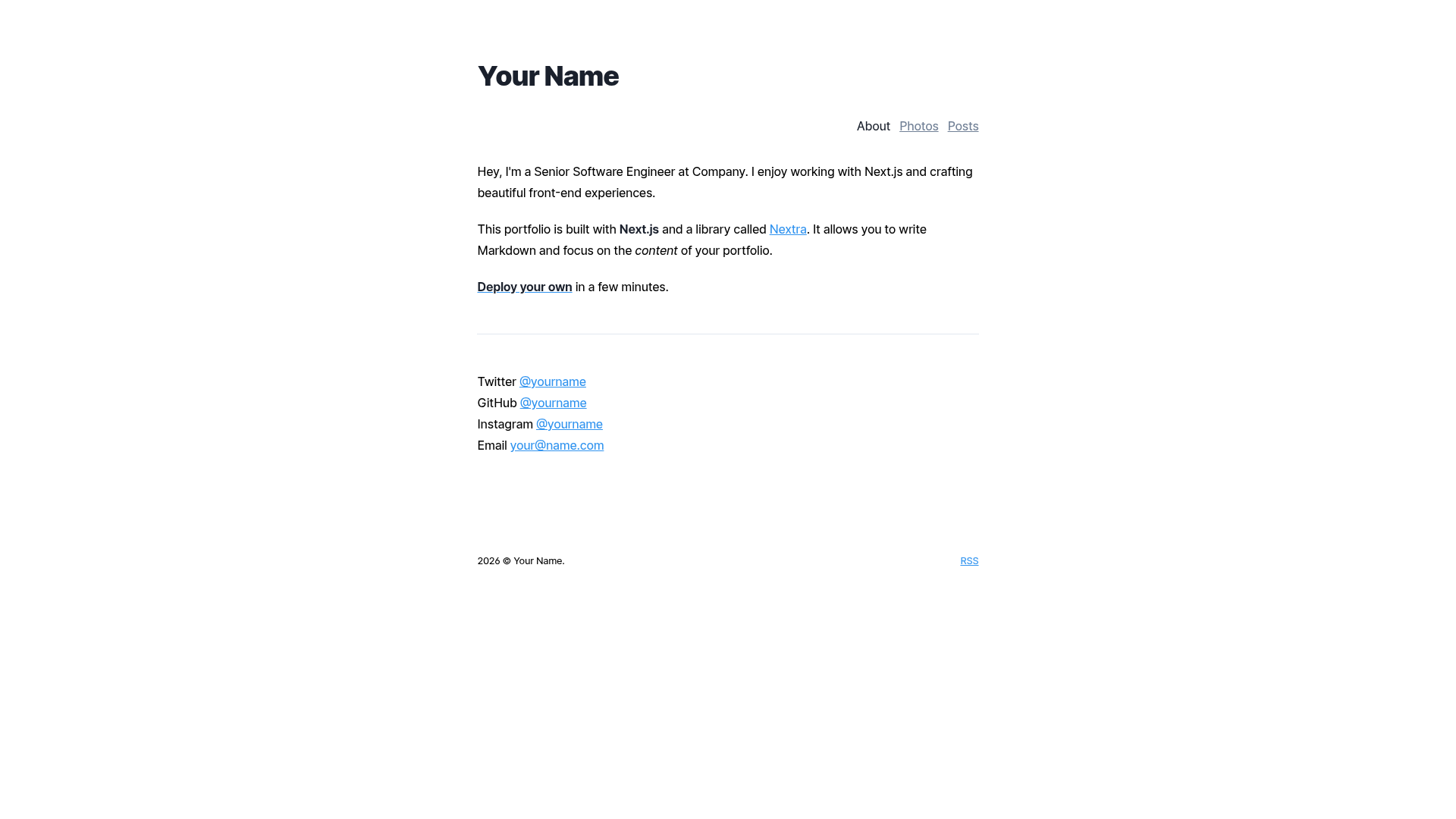
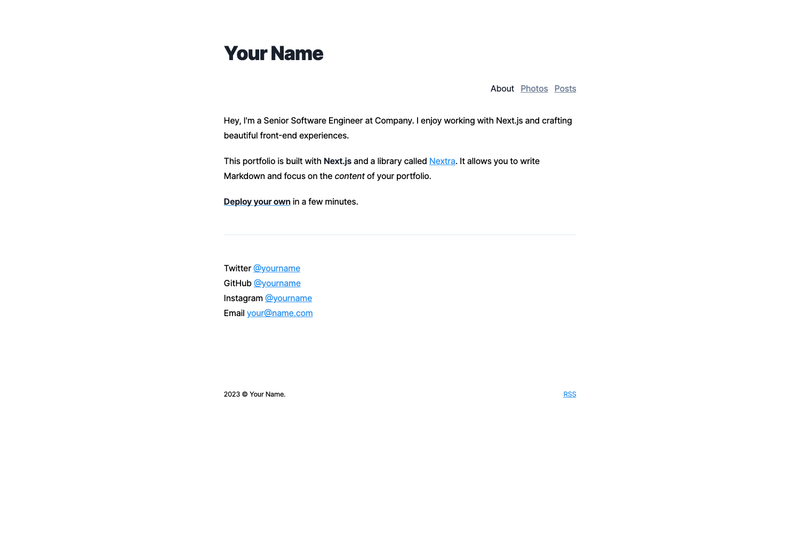
The Portfolio Starter Kit is an open-source example from Vercel's Next.js repository, built on the Nextra library. It functions as a static-site generator for portfolios and blogs: you write posts in Markdown or MDX in the pages/posts directory, and the template outputs a styled website with tag filtering and an RSS feed. The project runs on Next.js and is designed to be deployed to Vercel.
Key Features
- Markdown/MDX support – The template is pre-configured to handle both
.mdand.mdxfiles, so you can write content without touching build configuration. - RSS feed generation – A script at
scripts/gen-rss.jsscans your posts and generates an RSS feed; you update your site name and URL there. - Included theme – A clean, responsive theme ships out of the box, so you don’t need to write CSS to get a working portfolio.
- Tag support – Posts can be categorized with tags, giving readers a way to filter content by topic.
- Optimized font loading – Fast, optimized web font loading is built into the starter, reducing render-blocking requests.
Who should use the Portfolio Starter Kit?
- Developers – who want a minimal, fast portfolio/blog without setting up a CMS or custom build pipeline.
- Markdown writers – who prefer writing in plain text and want a simple publishing flow.
- Freelancers – who need a clean site to showcase projects and deploy quickly via Vercel.
What can you do with the Portfolio Starter Kit?
- Publish blog posts: Drop new
.mdfiles intopages/postsand they appear on the site automatically, with tag support and RSS integration. - Deploy to Vercel: Use the included Deploy with Vercel button or the
create-next-appbootstrap command to get a live site in minutes. - Customize meta tags: Edit
pages/_document.jsto update SEO meta tags, andtheme.config.jsto change your name and footer.
How does the Portfolio Starter Kit work?
To set it up, run npx create-next-app --example blog my-blog (or the Yarn equivalent). Then update your name in theme.config.js, set your site URL in scripts/gen-rss.js, adjust meta tags in pages/_document.js, and replace the sample posts in pages/posts with your own content. Finally, deploy to Vercel using their deploy button or the Vercel CLI.
FAQ
Is the Portfolio Starter Kit free?
Yes. It's an open-source example maintained by Vercel and part of the Next.js repository, so you can use, modify, and deploy it without a license fee.
Do I need to know Next.js to use it?
No deep Next.js knowledge is required. The starter does the configuration for you; you just write Markdown files and edit a few config files. Basic familiarity with JavaScript and Markdown is helpful.
Can I use MDX instead of Markdown?
Yes. The template is configured for both Markdown and MDX, so you can embed React components in your posts if you want.
Does it support tagging?
Yes, the starter has built-in tag support. You can categorize each post with tags, and they'll be displayed on the site.
How do I deploy it?
The easiest way is to click the Deploy with Vercel button in the repository, or push the project to a Git repository and import it into Vercel. The template is optimized for Vercel deployment.