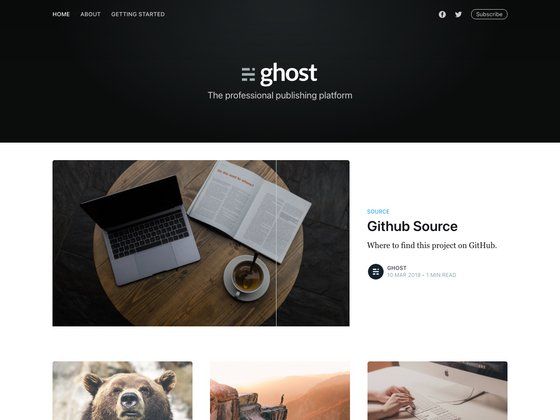
Template details
Adam Blog
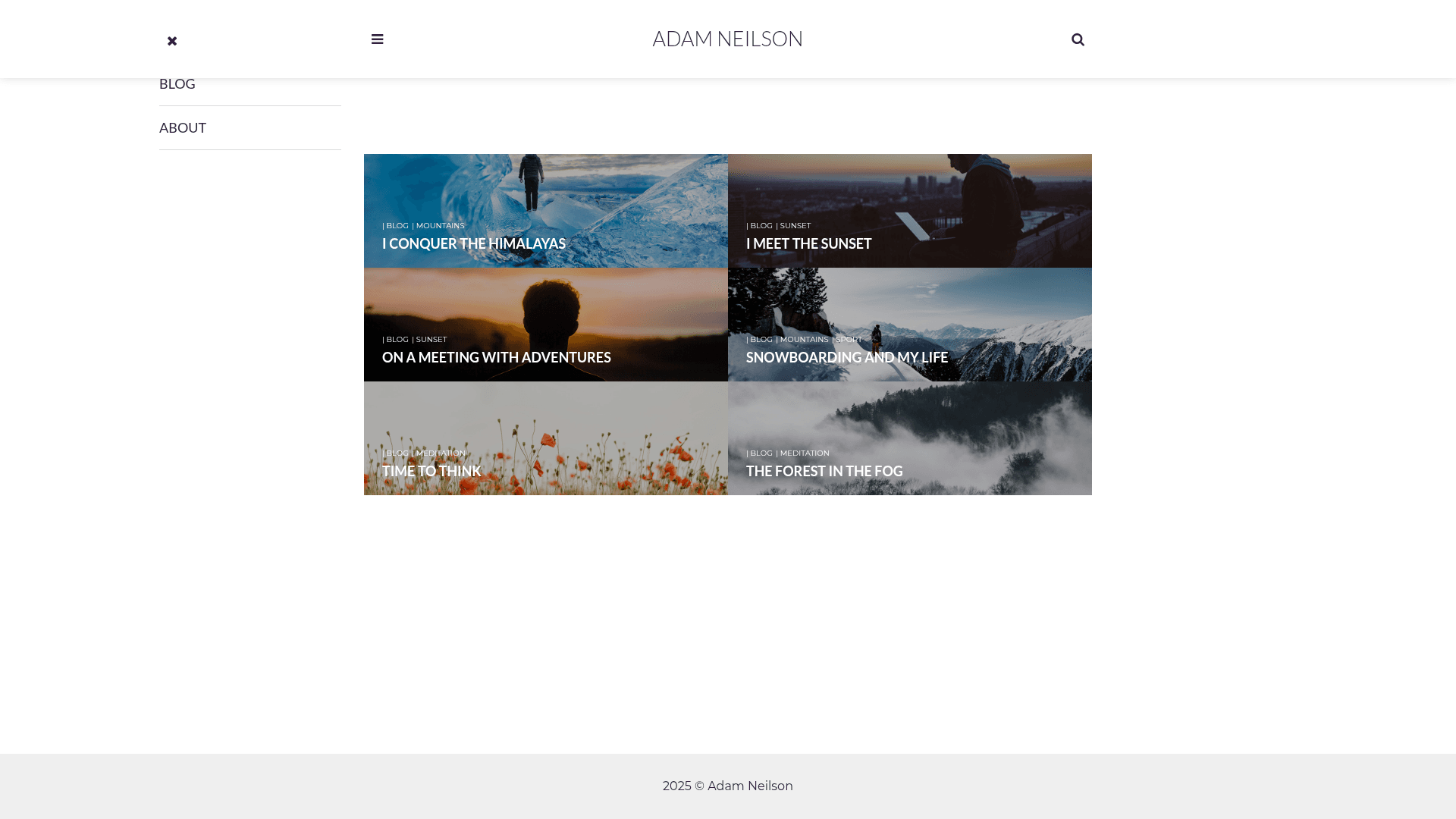
A minimal, clear Jekyll theme for personal blogging with search, comments, newsletter, and analytics.
About this template
Adam Blog is a free, minimal Jekyll theme for personal blogging, built with HTML5 and SCSS and available under the GNU General Public License v3.0.
What is Adam Blog?
Adam Blog is a minimal, clear Jekyll theme that produces a responsive static blog. It accepts standard Jekyll posts written in Markdown and generates a homepage with post excerpts plus individual post pages styled with a clean white layout. The theme is created by Artem Sheludko and distributed on GitHub; a live demo is hosted on GitHub Pages. Its design uses SCSS for styling and HTML5 for markup, making it suitable for developers and non-developers alike.
Key Features
- Google Fonts — Typography is loaded from Google Fonts, letting you change the font family in the configuration without touching the code.
- Font Awesome — The icon set is included for adding social icons and interface elements without external icon libraries.
- Disqus integration — Commenting is handled by Disqus; you only need to supply your Disqus shortname in the theme config.
- MailChimp support — A newsletter subscription form is built in, allowing you to grow an email list from your blog.
- Google Analytics — Built-in analytics snippet tracks visitors once you add your Google Analytics tracking ID.
- Simple-Jekyll-Search — Client-side search filters posts by keyword using a small JavaScript library, no server-side dependencies.
- Responsive SCSS layout — The layout is written in SCSS and adapts to mobile, tablet, and desktop breakpoints.
- HTML5 structure — Semantic HTML5 elements are used throughout the templates for cleaner code and better accessibility.
Who is it for?
- Personal bloggers — Launch a clean, fast blog in minutes with minimal configuration and no recurring hosting costs.
- Developers — Fork the repository, customize the SCSS variables and layouts, and deploy the static site to GitHub Pages.
- Writers and journalists — Take advantage of the MailChimp form and Disqus comments to interact with readers without building a custom system.
What can you do with Adam Blog?
- Publish posts — Write in Markdown, add a YAML front matter block, and the theme automatically updates the homepage.
- Capture email subscribers — Embed the MailChimp signup form to turn blog visitors into newsletter subscribers.
- Provide site search — Use the included Simple-Jekyll-Search library so readers can search for posts by keyword.
- Track audience analytics — Add your Google Analytics ID to monitor page views and visitor behavior.
How does installation work?
The installation instructions are concise: fork the master branch and delete the gh-pages branch, because the gh-pages branch only hosts the demo. For your own site, keep master as the source branch and create a fresh gh-pages branch for deployment. After forking, you can edit the configuration file to set your site title, Disqus shortname, and analytics ID.
FAQ
Is Adam Blog free?
Yes, the theme is open source and released under the GNU General Public License v3.0, so you can use, modify, and distribute it freely with attribution.
Does Adam Blog support comments?
Yes, comments are powered by Disqus. You need a Disqus account and your site shortname to enable them.
Can I use Adam Blog on GitHub Pages?
Yes, the theme is designed for GitHub Pages and the demo runs on the platform. The recommended workflow is to fork the repo, delete the original gh-pages branch, and create a new one for your deployment.
What Jekyll version does it require?
The page doesn't specify a minimum Jekyll version, but as a Jekyll theme it works with standard Jekyll sites and can be installed locally or on GitHub Pages.