Template details
Minimal Gatsby Blog
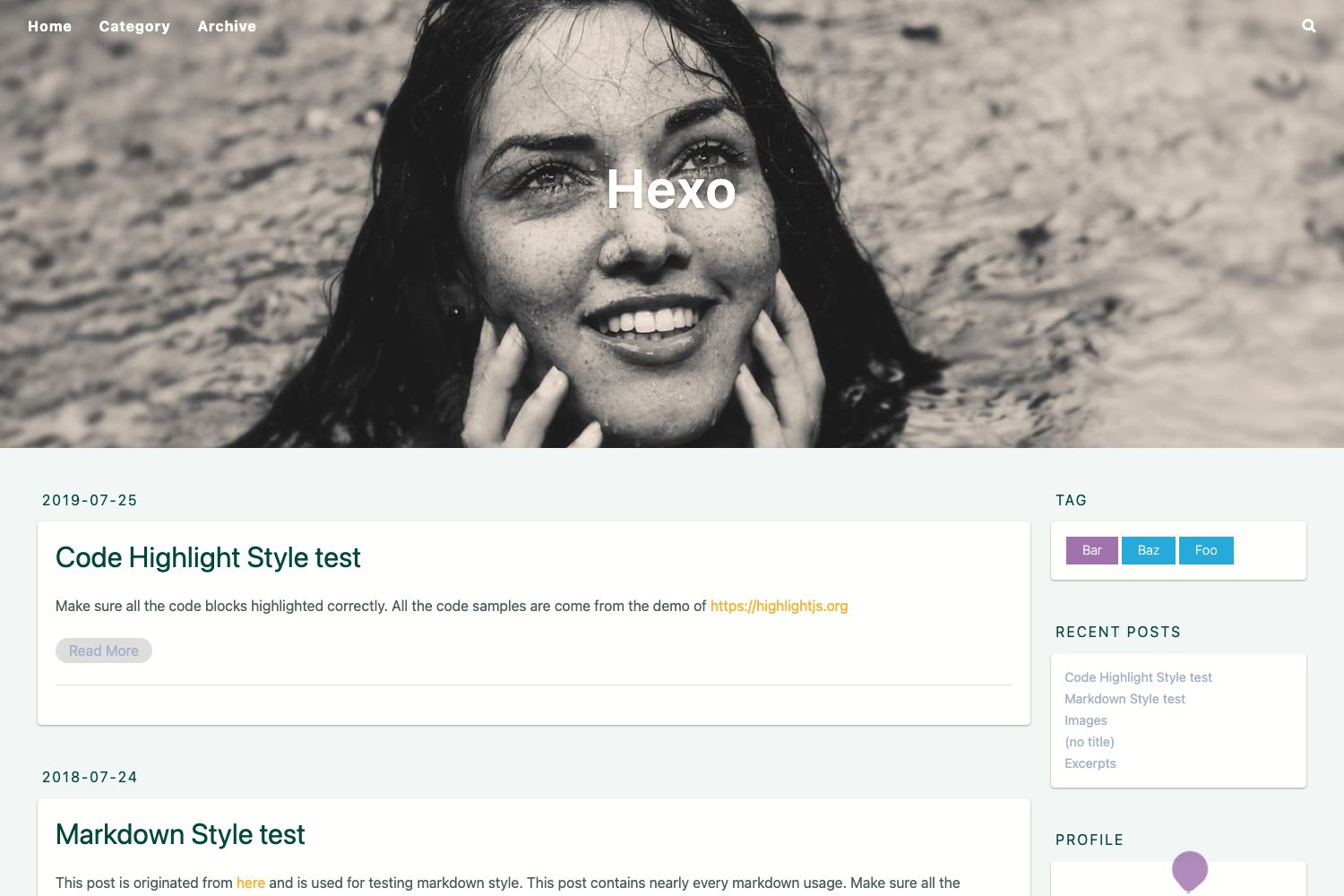
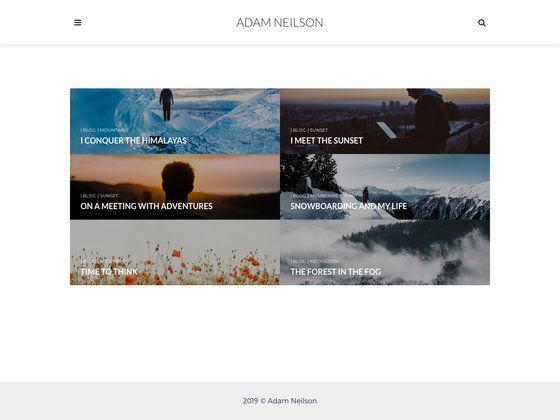
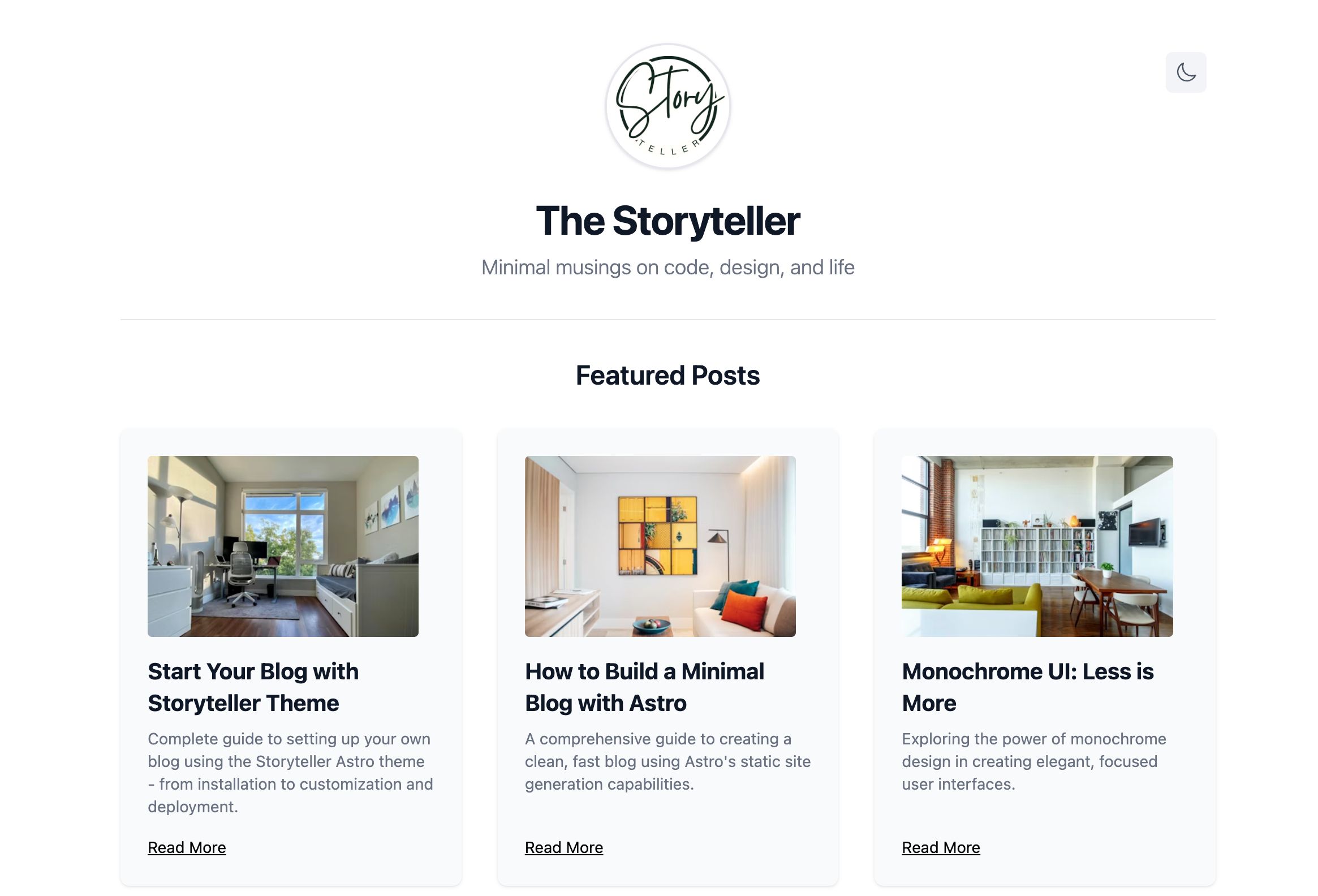
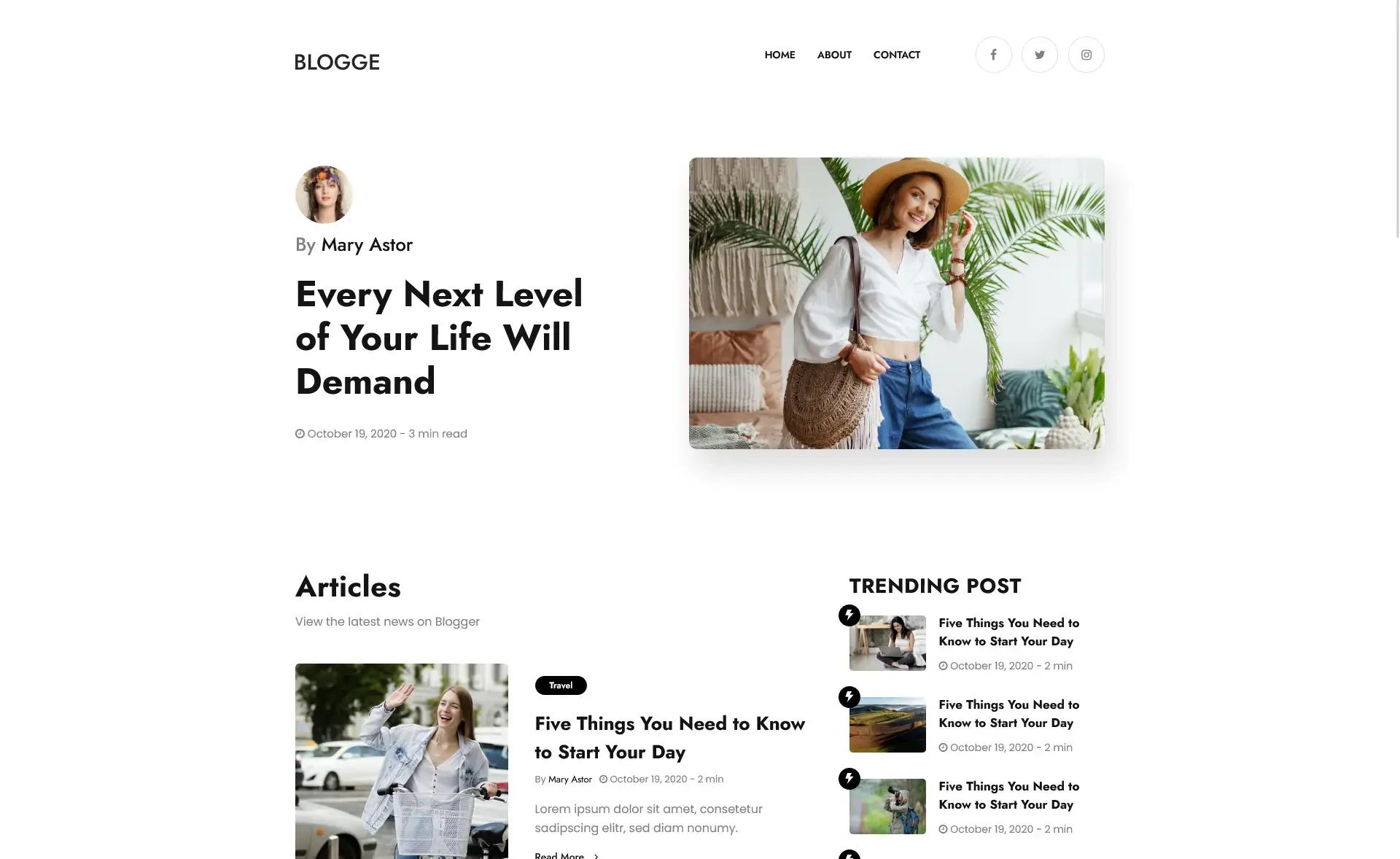
A simple Gatsby blog starter for minimalists, focused on speed and Lighthouse 100 scores.
About this template
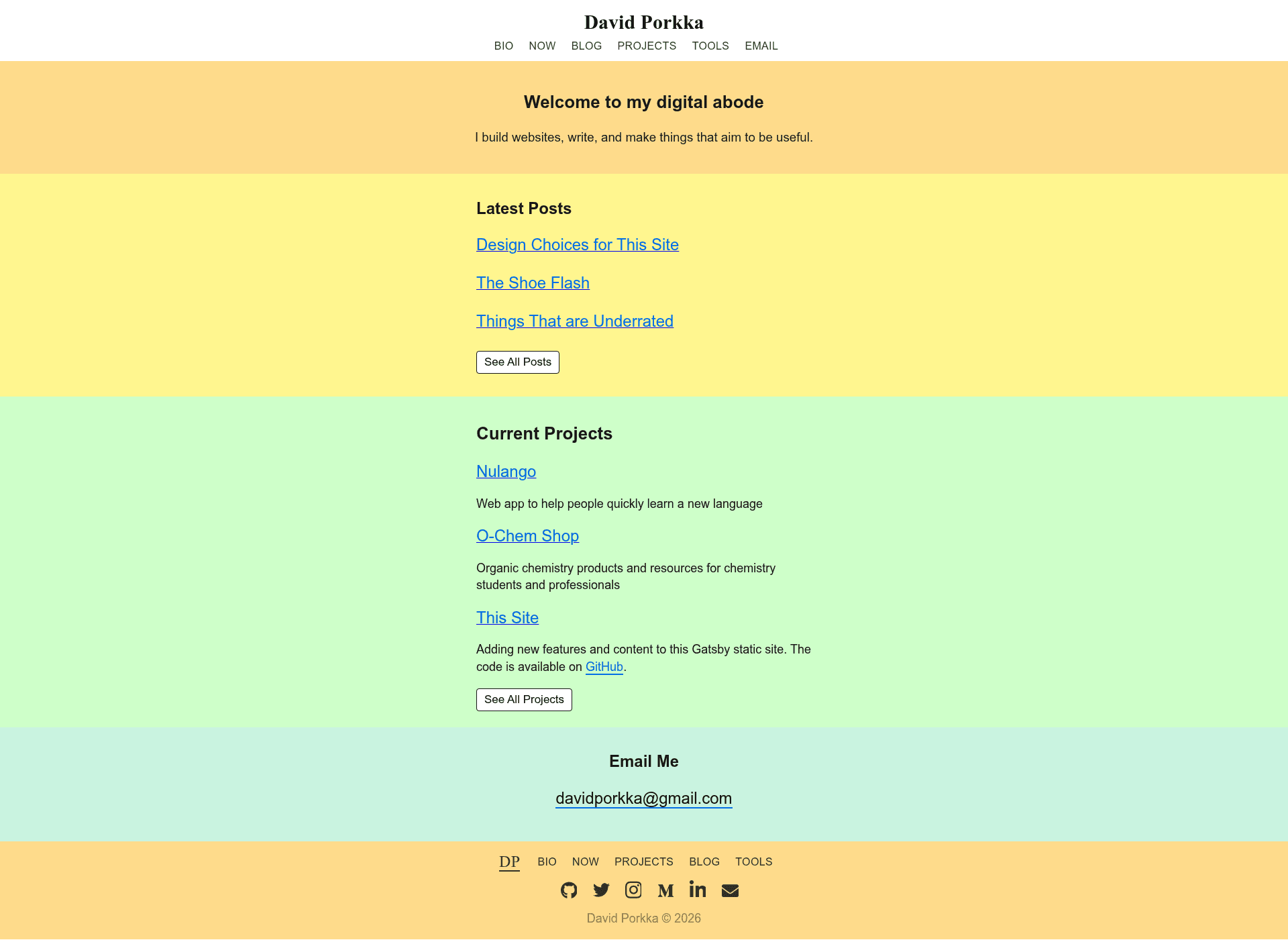
Minimal Gatsby Blog is a free, open-source Gatsby starter that creates a fast, lightweight single-page blog site, built by developer David Porkka and deployable to Netlify with a single click.
What is Minimal Gatsby Blog?
Minimal Gatsby Blog is a Gatsby starter template based on Gatsby's hello-world starter, providing a minimal codebase for a blog or simple site. It takes a Gatsby project scaffold as input and produces a static React site with the core Gatsby configuration files (gatsby-config.js, gatsby-node.js, gatsby-browser.js, gatsby-ssr.js) already in place. The template runs on the Gatsby framework and is hosted on Netlify for the live demo at minimal-gatsby.netlify.app.
Key Features
- Lightweight bundle — The built site weighs approximately 168.2 kb, and removing the image processing package can reduce it to under 100 kb.
- Fast loading — The site loads in about 0.3 seconds on desktop and 0.9 seconds on mobile, scoring 100 on Lighthouse for both mobile and desktop.
- Works without JavaScript — The site can function with little change in behavior even when JavaScript is disabled, making it future-proof.
- Unopinionated styling — The template uses SASS and includes no external CSS framework, giving you full control over the look.
- Complete Gatsby configuration — Ships with gatsby-browser.js, gatsby-config.js, gatsby-node.js, and gatsby-ssr.js for customizing browser APIs, site metadata, build processes, and server-side rendering.
- One-click Netlify deployment — The README includes a Deploy to Netlify button that builds the site directly from the GitHub repository.
Who should use Minimal Gatsby Blog?
Minimalist bloggers who want a fast, clean home for their writing without extra design opinionation. Gatsby beginners who want a small codebase to learn how Gatsby's config files, GraphQL layer (available at localhost:8000/___graphql), and page system work. Performance-focused site owners who need high Lighthouse scores and quick load times as a starting point.
Use cases
- Personal blogs: Set up a lightweight blog with the gatsby new command and customize the content in src/pages/index.js.
- Developer portfolios: Use the minimal structure to build a small personal site; the SASS styling lets you add your own theme.
- Learning Gatsby: Experiment with Gatsby's API files and GraphQL to understand how a static React site is assembled.
How does Minimal Gatsby Blog work?
To get started, run gatsby new my-new-blog https://github.com/dporkka/minimal-gatsby-blog, then navigate into the directory and run gatsby develop. Edit src/pages/index.js to change the homepage; the browser updates in real time. When ready to launch, delete the robots.txt file so search engines can index the site, then deploy to Netlify.
Pros and cons
- Pros: Small bundle size, top Lighthouse scores, minimal styling constraints, includes standard Gatsby config files.
- Cons: The starter is minimal, so it lacks built-in blog features like pagination or tags; the included robots.txt blocks search engines until you remove it.
Alternatives
gatsby-starter-hello-world — the official Gatsby hello-world starter that Minimal Gatsby Blog is based on, providing an even smaller base.
FAQ
Is Minimal Gatsby Blog free?
Yes, the template is open source and available on GitHub at github.com/dporkka/minimal-gatsby-blog. The repository includes an MIT license file, so you can use and modify it freely.
How do I create a new site with this template?
Run this command in your terminal: gatsby new my-new-blog https://github.com/dporkka/minimal-gatsby-blog. Then change into the new directory and run gatsby develop to start a local development server at localhost:8000.
Why does the template include a robots.txt file?
The robots.txt file prevents search engines from indexing your site while you are still developing. The README instructs you to delete this file after you are ready to show the site publicly.
How fast is the site that this template produces?
The live demo loads in approximately 0.3 seconds on desktop and 0.9 seconds on mobile, and it scores 100 on Lighthouse for both mobile and desktop. The total bundle size is about 168.2 kb.