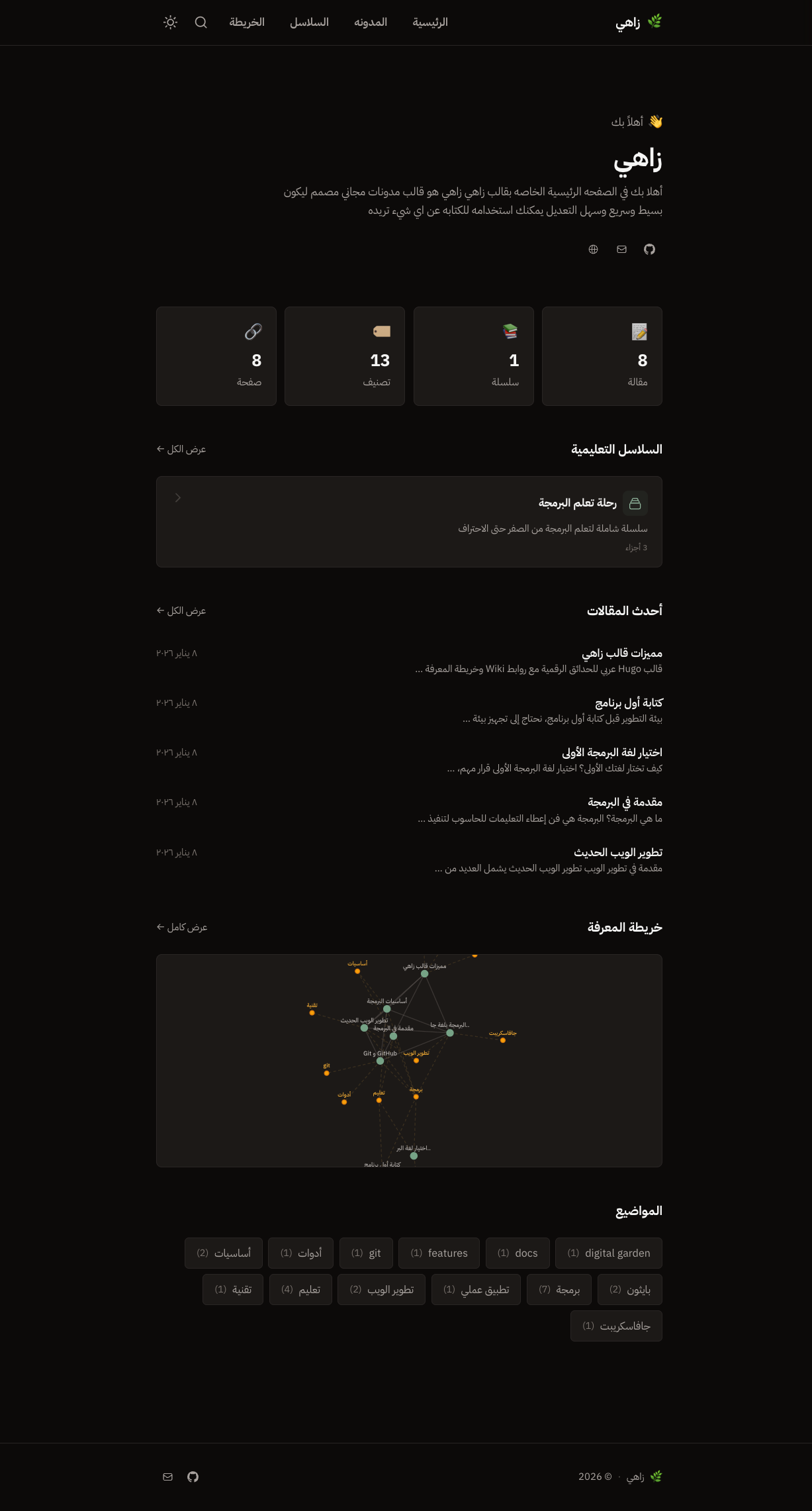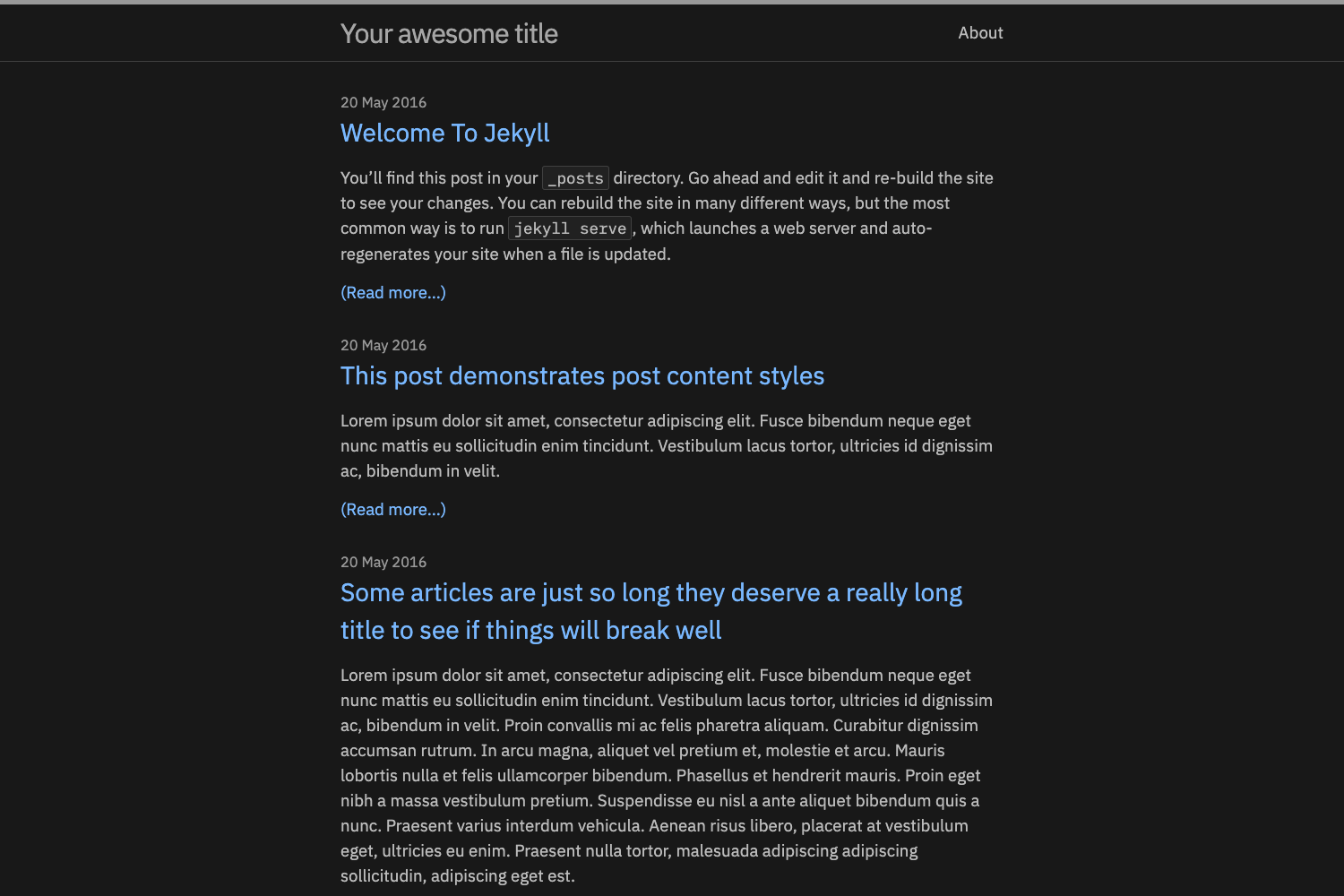
Template details
Void
A clean, modern Hugo blog theme with Tailwind CSS, dark mode, TOC, code highlighting, and KaTeX support.
About this template
Void is a clean, modern Hugo blog theme built with Tailwind CSS, designed for personal blogs with a focus on content presentation and reading experience. It is developed by Daucloud and distributed under the MIT License, with a live example at Daucloud's Blog (https://www.daucloud.com/).
What is Void?
Void is a theme for the Hugo static site generator that transforms Markdown content and TOML configuration into a responsive static website. It ships as a Git repository that you add to your Hugo site via git submodule or direct download, and it provides templates, partials, and Tailwind CSS styling for blog posts, tags, and categories. The theme is built with a Tailwind v4 pipeline processed through Hugo assets, so you can develop with npm run dev and compile CSS with npm run build.
Key Features
- Responsive Tailwind CSS design — the theme is built on Tailwind CSS and renders correctly on screens from mobile to desktop without custom CSS.
- Dark/light mode toggle — a header icon toggles between themes; the choice persists in
localStorageand respects the system preference when unset, and the theme is applied early enough to avoid a white flash on page load. - Collapsible table of contents — articles with headings get a TOC near the top that highlights the active section while scrolling and supports hash links.
- Heading anchors and copy-permalink — clicking a heading highlights the target in the page and copies a direct permalink to the clipboard.
- Code blocks with language headers — fenced code blocks display a header with the language name and a copy button; Highlight.js applies light or dark themes automatically.
- KaTeX math rendering — inline math with
$...$and display math with$$...$$are supported, including common macros such as\E,\Var,\argmax, and\argmin. - Callout shortcodes — a
calloutshortcode (and fencedcalloutsyntax) supports typesinfo,tip,warning,danger, andneutral, with titles that accept inline Markdown and math. - Readability and metadata — paragraph and list spacing, footnotes, tag chips, reading time, social links, and avatar configuration are built in.
Who is it for?
Void is aimed at personal bloggers and writers who want a distraction-free reading experience. It suits developers and technical bloggers who need highlighted code blocks with copy buttons and a collapsible TOC for long posts. Academics and math-heavy writers can use the KaTeX integration to include equations inline and in display mode, with macros like \argmax and \argmin ready to use. Hugo users who want a minimal, Tailwind-based theme with dark mode and little JavaScript overhead are the primary audience.
Use cases
- Technical bloggers: publish posts with fenced code blocks that show a language label and a copy button, plus a collapsible TOC for long tutorials.
- Academic writers: write posts containing mathematical notation using KaTeX inline or display math, with support for custom macros such as
\Eand\Var. - Personal bloggers: customize social links and avatar in the TOML config, add tags and categories, and let readers see reading time and footnotes.
- Theme developers: fork or modify the theme by installing Node.js dependencies, running
npm run devfor live Tailwind CSS compilation, and editing partials like the header toggle icon size.
How does it work?
To use Void, create a Hugo site (hugo new site mysite), add the theme as a git submodule (git submodule add https://github.com/Daucloud/hugo-theme-void themes/void), set theme = "void" in hugo.toml, and run hugo server -D. Configuration options include social links, avatar URL, main menu items with weights, table of contents start/end levels, and enabling raw HTML for KaTeX via markup.goldmark.renderer.unsafe = true. For development, cd themes/void && npm install and then npm run dev watches source files and rebuilds the CSS pipeline.
FAQ
Is Void free to use?
Yes. The theme is released under the MIT License, so you can use, modify, and redistribute it freely, including in commercial projects.
How do I install Void?
You can add it as a Git submodule with git submodule add https://github.com/Daucloud/hugo-theme-void themes/void, or download the latest release from the GitHub releases page and extract it into themes/void. Then set theme = "void" in your Hugo configuration.
Does Void support dark mode?
Yes. A header icon toggles between light and dark modes, and the selection is stored in localStorage. The theme also respects the system color-scheme preference when you have not chosen a mode manually, and it avoids a flash of the wrong theme on initial load.
Can I use math equations in posts?
Yes. Void includes KaTeX support for $...$ inline math and $$...$$ display math, with common macros such as \E, \Var, \argmax, and \argmin predefined. You need to enable raw HTML in the Goldmark renderer to let KaTeX work inside Markdown.
How do I customize the theme?
You can adjust configuration in hugo.toml (social links, menu, TOC levels), edit partials such as the header to change the toggle icon size, or modify the Tailwind pipeline. The theme ships a Tailwind v4 setup via Hugo assets; run npm install and npm run dev inside themes/void for live CSS compilation.