Template details
Adam & Eve
A Hugo wiki theme with Dokuwiki-style notes, link shortcodes, search, and configurable table of contents.
About this template
Adam & Eve is a Hugo theme for wiki-style documentation sites, recreating Dokuwiki conventions such as note boxes and special link types on top of Hugo's static site generator.
What is Adam & Eve?
Adam & Eve is a responsive Hugo theme created by blankoworld after migrating a Dokuwiki instance to Hugo. It accepts Hugo content directories and produces a static site with wiki-like navigation, table-of-contents generation, and shortcodes for formatted notes and links. The theme is designed to be simple, clean, and mobile-friendly, and it is distributed under the MIT License. It draws inspiration from Dokuwiki's Note Plugin for note boxes and from Dokuwiki's handling of external and internal links.
Key Features
- Special link shortcodes — remote, internal, and nolink shortcodes distinguish external links (with a globe icon), internal wiki links, and planned-but-missing links (red) directly in Markdown content.
- Note boxes — four note models (warning red, important yellow, tip green, normal blue) create colored sidebars for highlighting content.
- Configurable table of contents — set start and end heading levels via the markup.tableOfContents configuration, from h1 to h6, ordered or unordered.
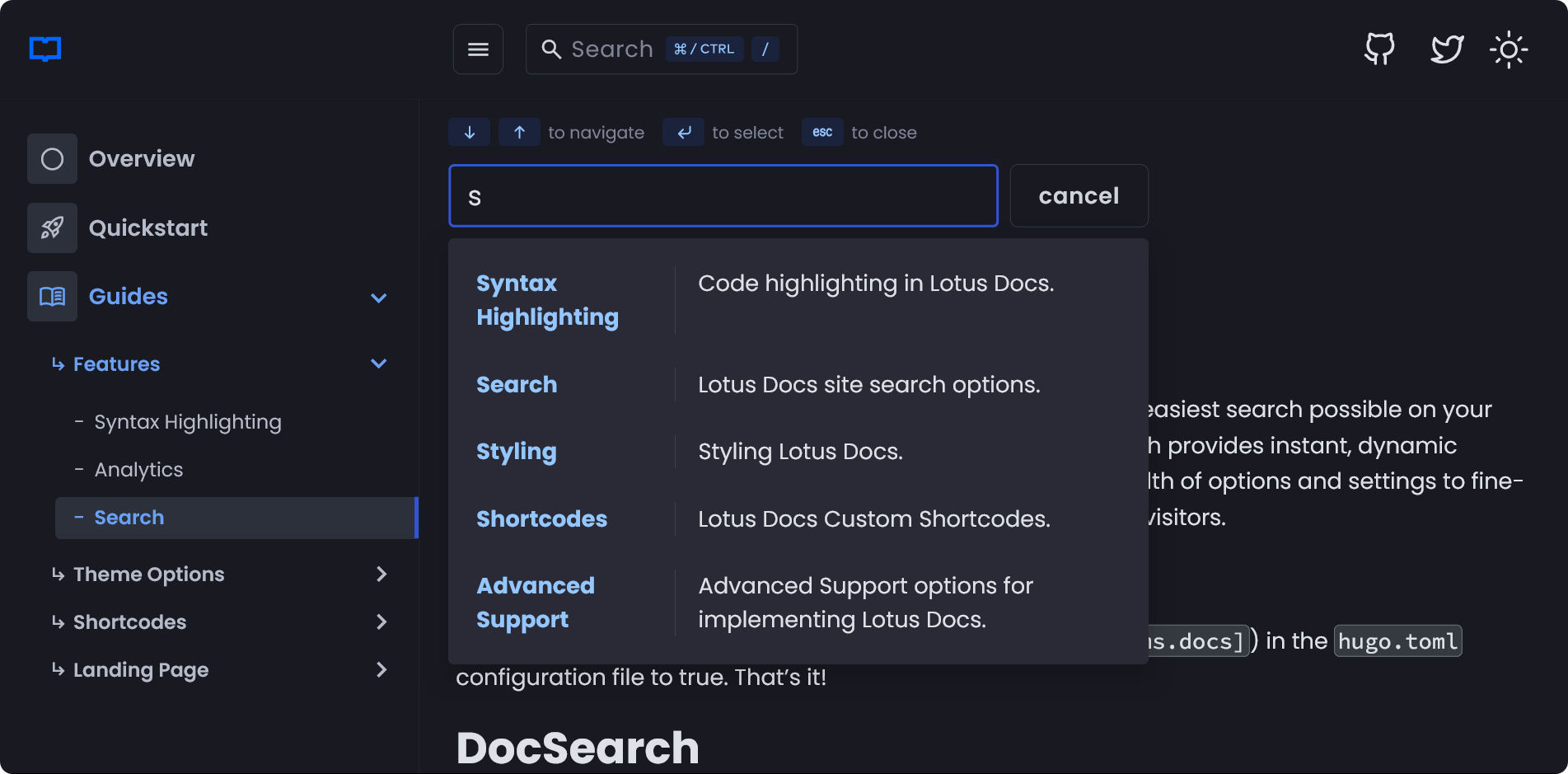
- Search bar — enable the withsearchbar parameter, add JSON output format, and create a search page to get a client-side search interface.
- Git-based last-modified dates — set EnableGitInfo to true so each page's last modification date comes from the git commit history.
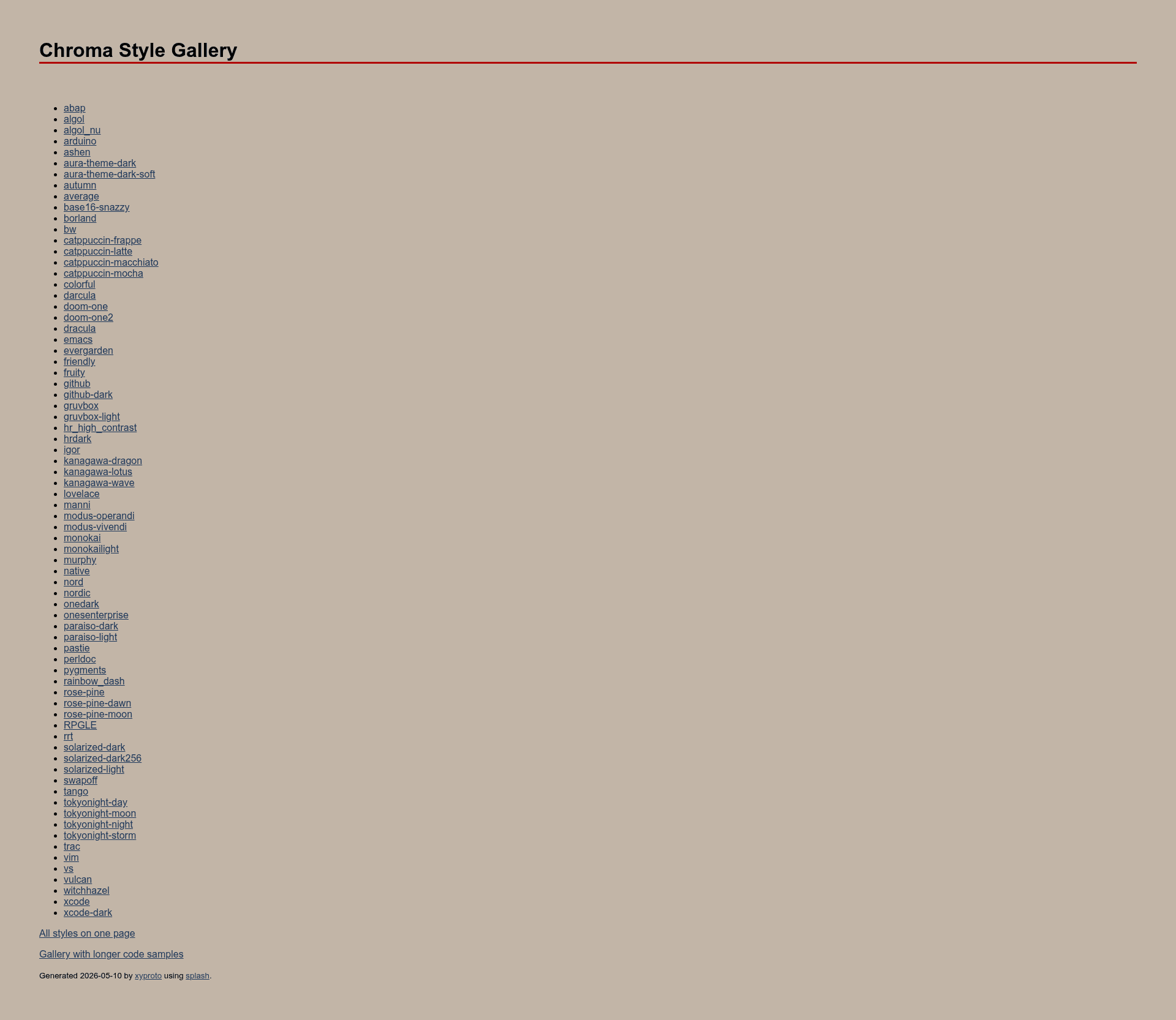
- Customizable code colorization — set pygmentsstyle in config.toml, for example 'monokai', to pick a Chroma theme.
- Homepage toggles — disable the homepage menu (nohomebar) or the homepage posts list (NoHomepagePostList) via config parameters.
- Category index via _index.md — each content directory can have an _index.md to display a category listing; link to it with a relref to the index.md file.
Who is it for?
Adam & Eve suits anyone running or building a personal wiki or documentation site on Hugo, especially former Dokuwiki users. It is also appropriate for academic or research groups that need to publish structured notes (the theme is used by WSODA, a research project, and a personal wiki at olivier.dossmann.net). Static site generation suits developers and technical writers who keep content in git repositories.
What can you do with Adam & Eve?
- Personal wiki owners: maintain a private or public knowledge base with internal links and search, rendering as static HTML with no server-side dependencies.
- Documentation maintainers: publish API guides or research documentation with note boxes, a table of contents, and git-based modification dates.
- Bloggers with wiki flavor: combine regular posts (from the post directory) with wiki categories, and toggle the homepage posts list on or off.
How does Adam & Eve work?
After cloning the repository into the themes directory, you copy config.toml.example to your site root and adjust it. Content lives in content directories; category pages use _index.md, and individual pages can invoke shortcodes like remote, internal, nolink, and note in Markdown. To enable search, add the withsearchbar parameter, add JSON to the outputs, and create content/search.md with the search layout.
FAQ
Is Adam & Eve free?
Yes, the theme is released under the MIT License, allowing commercial and personal use with attribution and inclusion of the license text.
How do I enable the search bar?
Set withsearchbar to true in the params section of config.toml, add "JSON" to the home output formats, and create a content/search.md file with the "search" layout. The theme includes the necessary JavaScript without an external service.
How can I change the code colorization theme?
Edit the pygmentsstyle line in config.toml to any Chroma theme name from the Splash documentation, such as 'monokai'. The theme uses Hugo's built-in Chroma highlighter.
What do the note colors mean?
The note shortcode accepts four models: warning (red, for cautions), important (yellow, for key points), tip (green, for hints), and normal (blue, for asides). You close the shortcode with a closing tag.