Template details
Documentation HTML Template
A sample HTML documentation template for themes, templates, and plugins, built with Bootstrap 3.
About this template
Documentation HTML Template
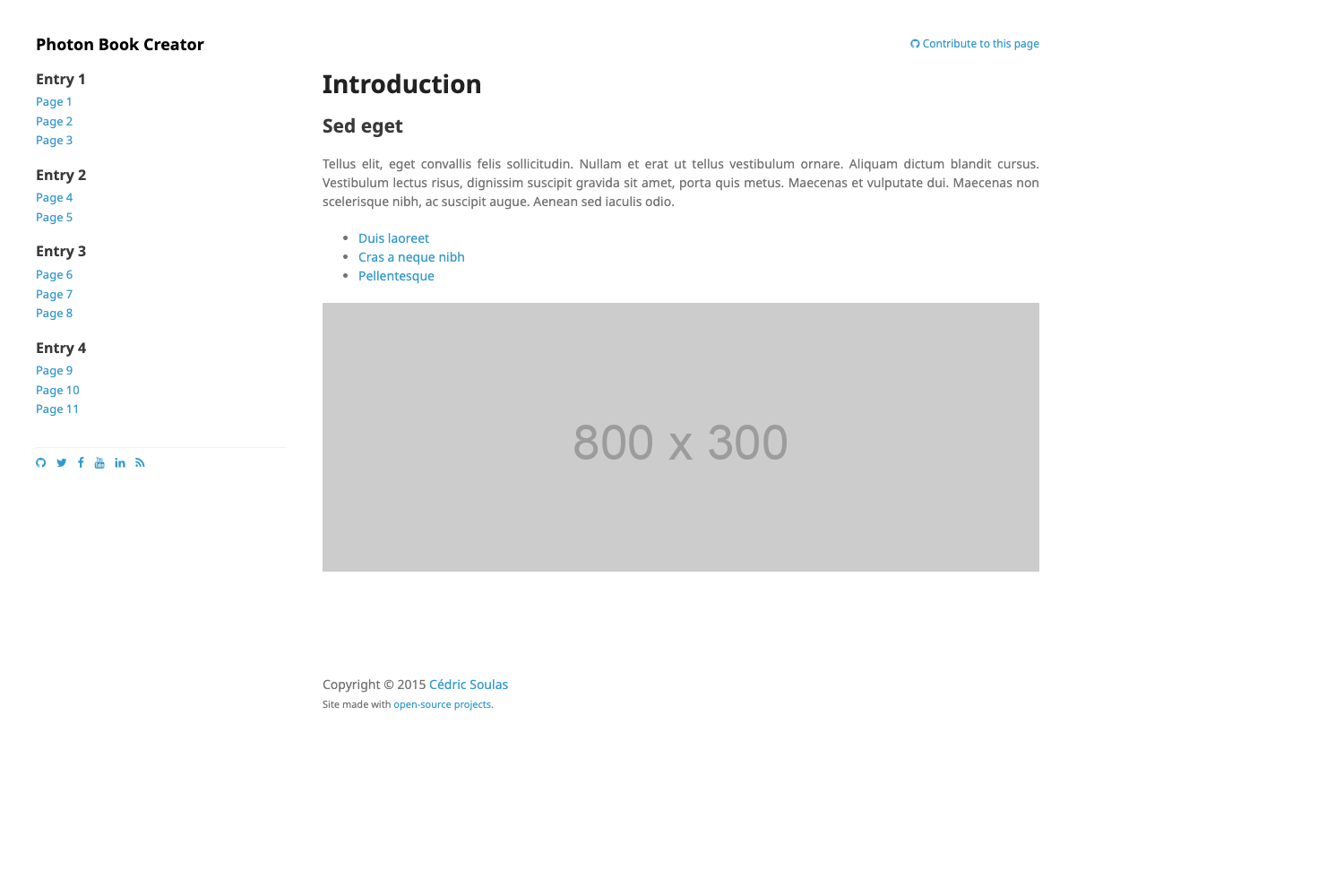
Documentation HTML Template is a free, open-source HTML documentation template for product manuals, theme docs, and plugin guides. Built with Bootstrap 3 and distributed on GitHub, it takes plain HTML and CSS files and produces a static documentation page with a sidebar layout typical of software documentation.
What is the Documentation HTML Template?
Documentation HTML Template is a sample documentation page created by surjithctly for WordPress themes, HTML templates, and plugins. It takes editable HTML and CSS files as input and outputs a responsive documentation page with a sidebar navigation and content sections. The template runs entirely in the browser with no build step and is hosted on GitHub, where the project has 469 stars.
Key Features
- Bootstrap 3 layout — Built on Bootstrap 3's grid and components, providing responsive navigation, tables, alerts, and code blocks out of the box.
- Single-page static structure — The package contains one documentation page with a sidebar and content area; no server-side rendering or database is required.
- Easy installation — Download the package as a ZIP, edit the HTML and CSS files as you like, and host the static files anywhere.
- Live demo — A working demo is available at http://surjithctly.github.io/documentation-html-template/ so you can see the exact sample output.
- Derived from Template Visual's documentation — This is a modified version of Template Visual's documentation, originally sold on ThemeForest, so the layout follows a professional docs pattern.
- Browser-tested — Browser testing is provided by Browserstack, covering real browsers and devices.
- Community-supported — The project accepts donations through an Open Collective page and is tagged with hacktoberfest on GitHub for contributions.
Who is it for?
- Theme and plugin authors — Create a clean documentation page for a WordPress theme or HTML template by replacing the sample content in the HTML files.
- Open-source maintainers — Publish lightweight project documentation on GitHub Pages without configuring a static site generator; just edit the HTML and push.
- Front-end learners — Study a complete, structured documentation page built with Bootstrap 3 to see how sidebars, typography, and code blocks are organized.
What can you do with it?
- Product documentation: Write installation steps, usage notes, and configuration guides by adding sections to the provided HTML layout.
- API or plugin guides: Document endpoints, options, and changelogs in the familiar documentation sidebar structure.
- Theme documentation: Present theme features, customization options, and credits for a theme release.
How does the template work?
Download the ZIP from GitHub, edit the HTML and CSS files to match your product's content, and upload the static files to any web host or GitHub Pages. There is no build tool, database, or backend required. The live demo runs directly from the GitHub Pages URL.
FAQ
Is the Documentation HTML Template free?
Yes, the template is open source and available on GitHub. You can download the ZIP and use it for your own documentation at no cost, with donations accepted via the Open Collective page.
Does the template require a build step?
No. It is plain HTML and CSS built with Bootstrap 3. You edit the files directly and open them in a browser; node modules, compilers, and server-side processing are not needed.
Where can I see a live demo?
The demo is hosted at http://surjithctly.github.io/documentation-html-template/ and shows the exact sample documentation page produced by the template.
What is included in the download?
The repository contains HTML and CSS files forming a single documentation page. You edit these files to replace the sample content with your own documentation text.