Template details
Airy Personal Page
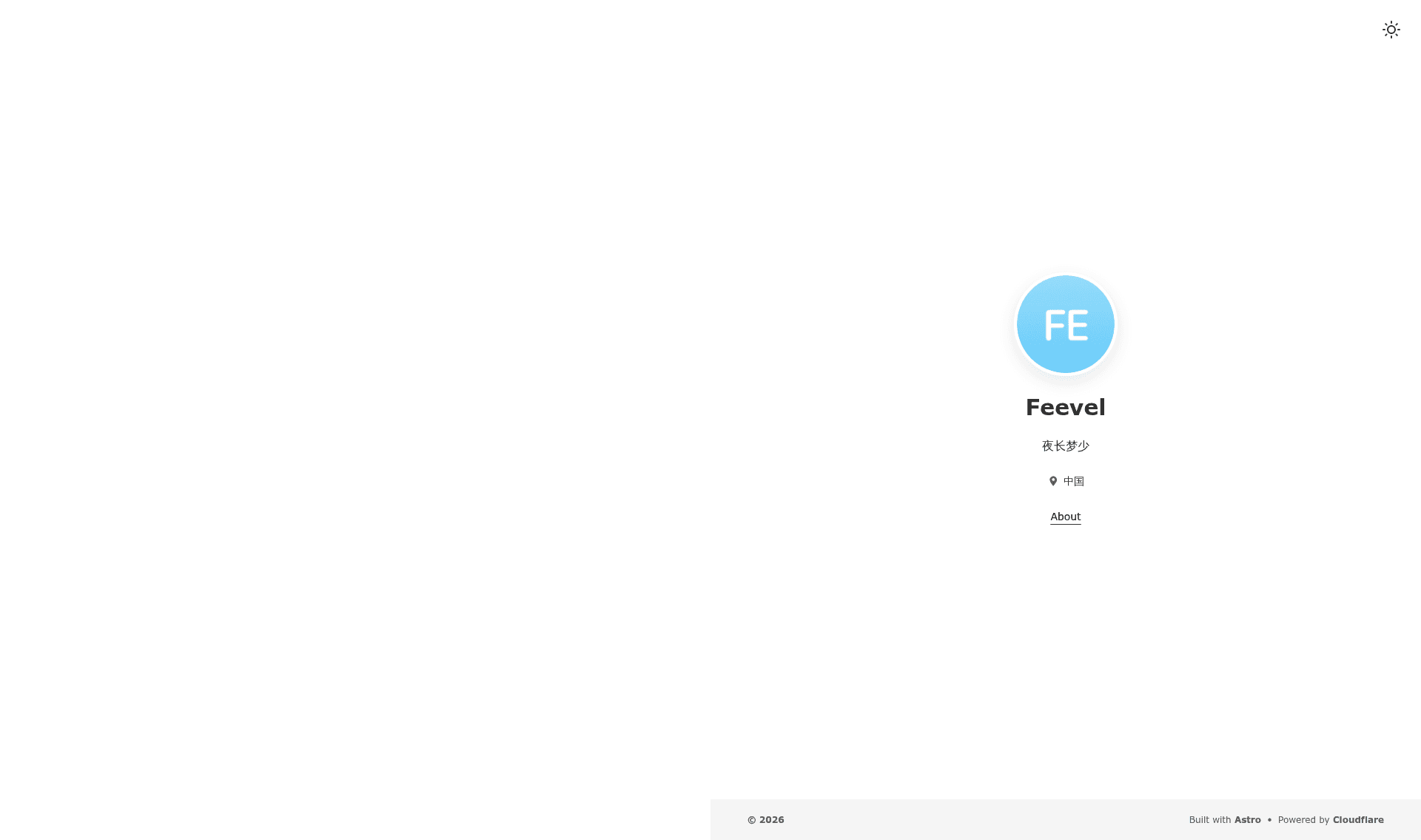
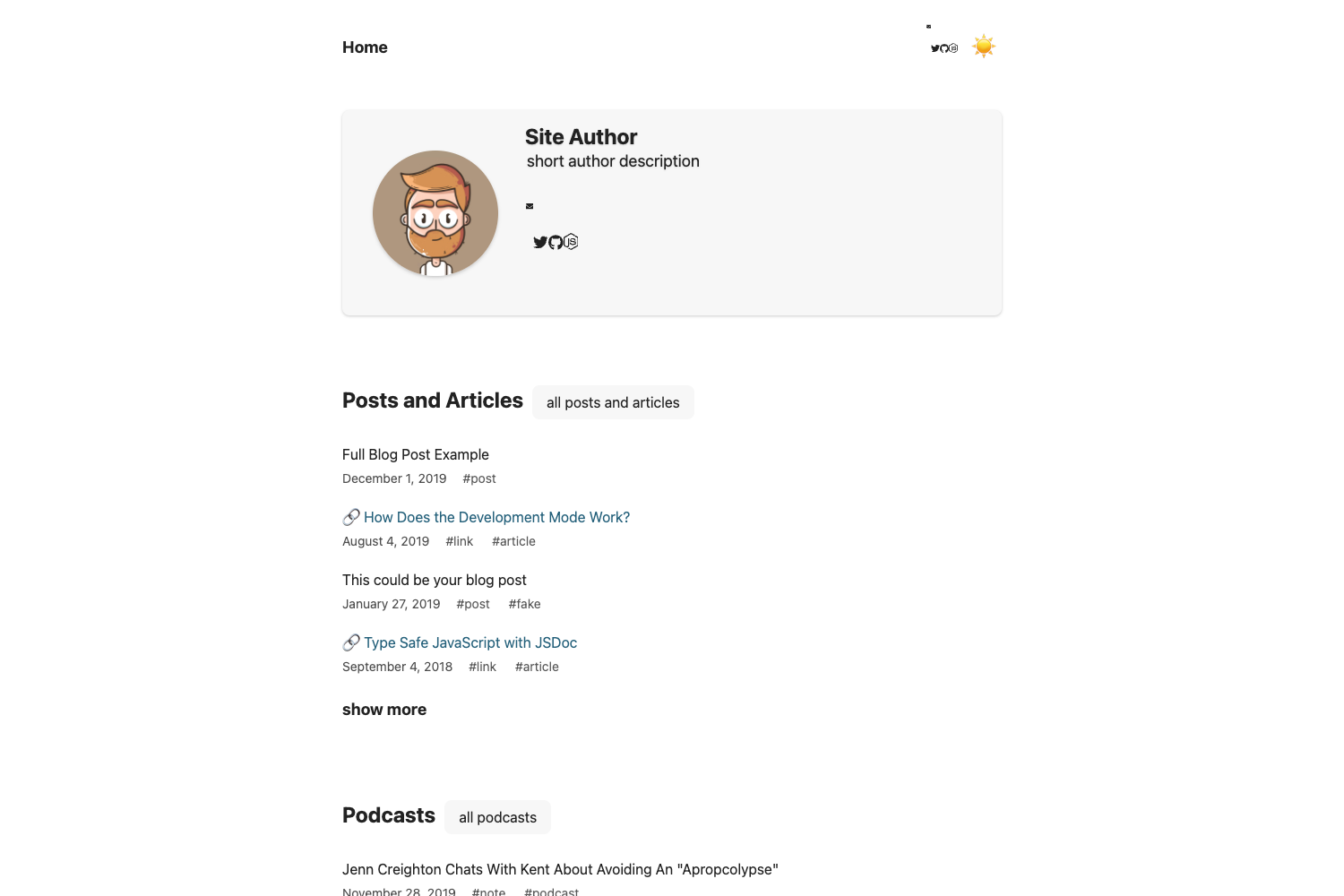
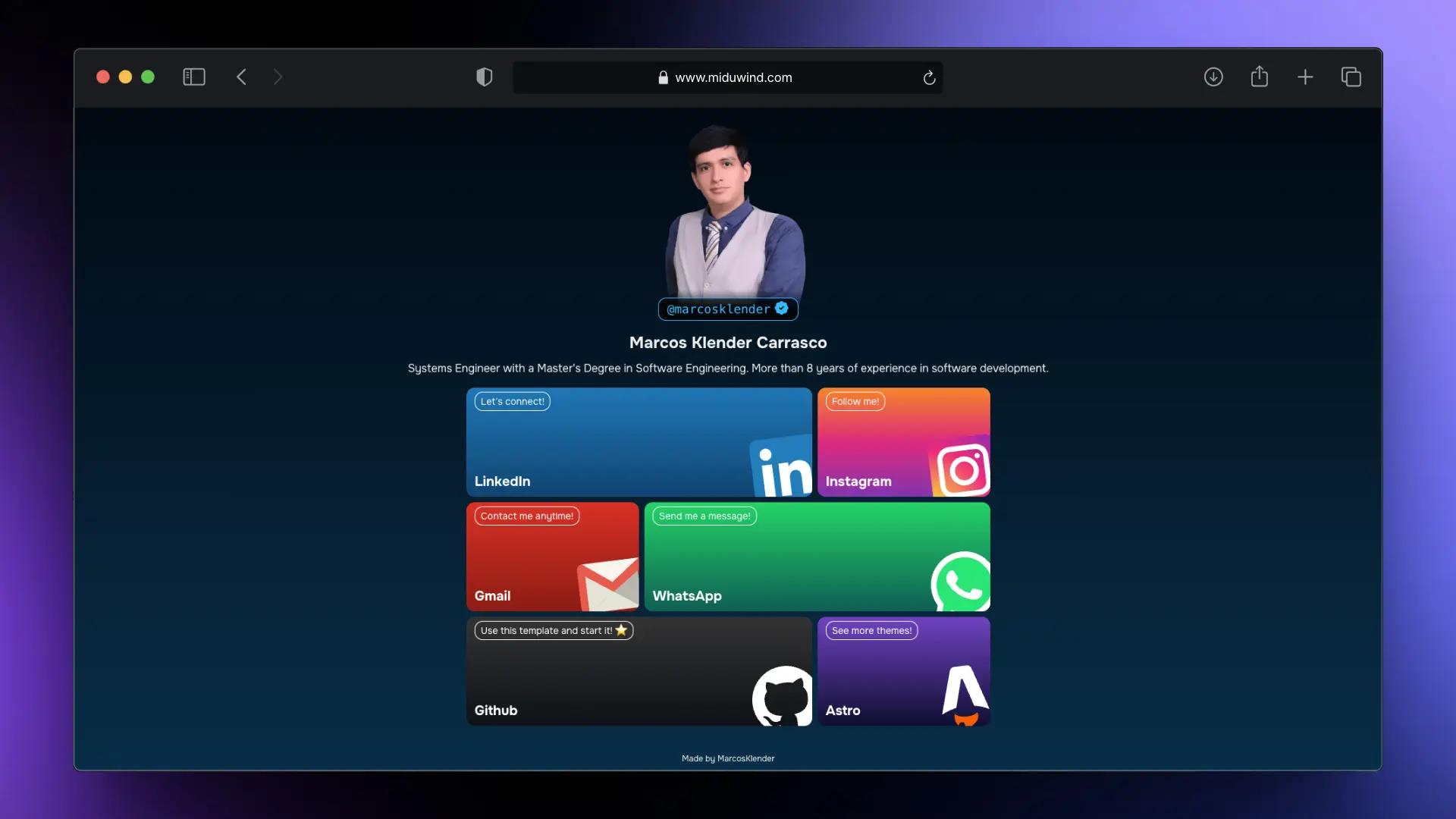
A minimal, high-performance personal landing page template built with Astro 5, Preact, and TypeScript, featuring zero-JS output and Bento layout.
About this template
Airy Personal Page is a minimal, high-performance personal landing page template built with Astro 5, Preact, and TypeScript, designed to ship zero-JavaScript static sites that load quickly on modern browsers.
What is Airy Personal Page?
The template reads all site content from a single config/site.yaml file and outputs a fully static website with a Bento Grid layout, built-in dark mode, and an interactive announcement banner. It targets Astro 5.0+ and uses Preact 10 islands for client-side interactions, with TypeScript 5 providing type safety across the codebase. The build command generates a dist/ folder that can be deployed to Vercel, Netlify, GitHub Pages, or Nginx.
Key Features
The template's standout qualities are its zero-JavaScript output, configuration-driven content, and Preact islands for interactivity.
- Zero-JS runtime — Static pages ship no JavaScript by default, making first load fast; interactive components are hydrated locally via Astro islands.
- Config-driven setup — Site title, description, navigation links, and announcement content all live in
config/site.yaml, so editing one file updates the whole page. - Bento Grid layout — Content pages use a Bento Grid style with configurable content blocks that keep a clean, structured appearance.
- Dark mode with persistence — A theme toggle follows the system setting or a manual choice, and the selected mode is saved in localStorage on the visitor's browser.
- Preact islands for interactivity — A global announcement component is built as a Preact TSX island, supporting multiple rotating announcements with Info/Success/Warning/Error color semantics.
- Responsive and deploy-anywhere — The layout is optimized for mobile, tablet, and desktop, and the static
dist/output works on GitHub Pages, Vercel, Netlify, or Nginx.
Who is it for?
This template suits anyone who wants a fast, clean personal page without hand-building a site from scratch.
- Developers — Use it as a starter to create a personal homepage by editing
config/site.yamland adding page files undersrc/pages/. - Designers and front-end learners — Modify the CSS in
src/styles/andsrc/components/to practice theming and responsive layout. - Students and freelancers — Deploy a clean portfolio page to GitHub Pages or Netlify with zero server costs, since the build output is fully static.
What can you do with it?
With the config-driven design, you can quickly turn the template into several kinds of clean personal web pages.
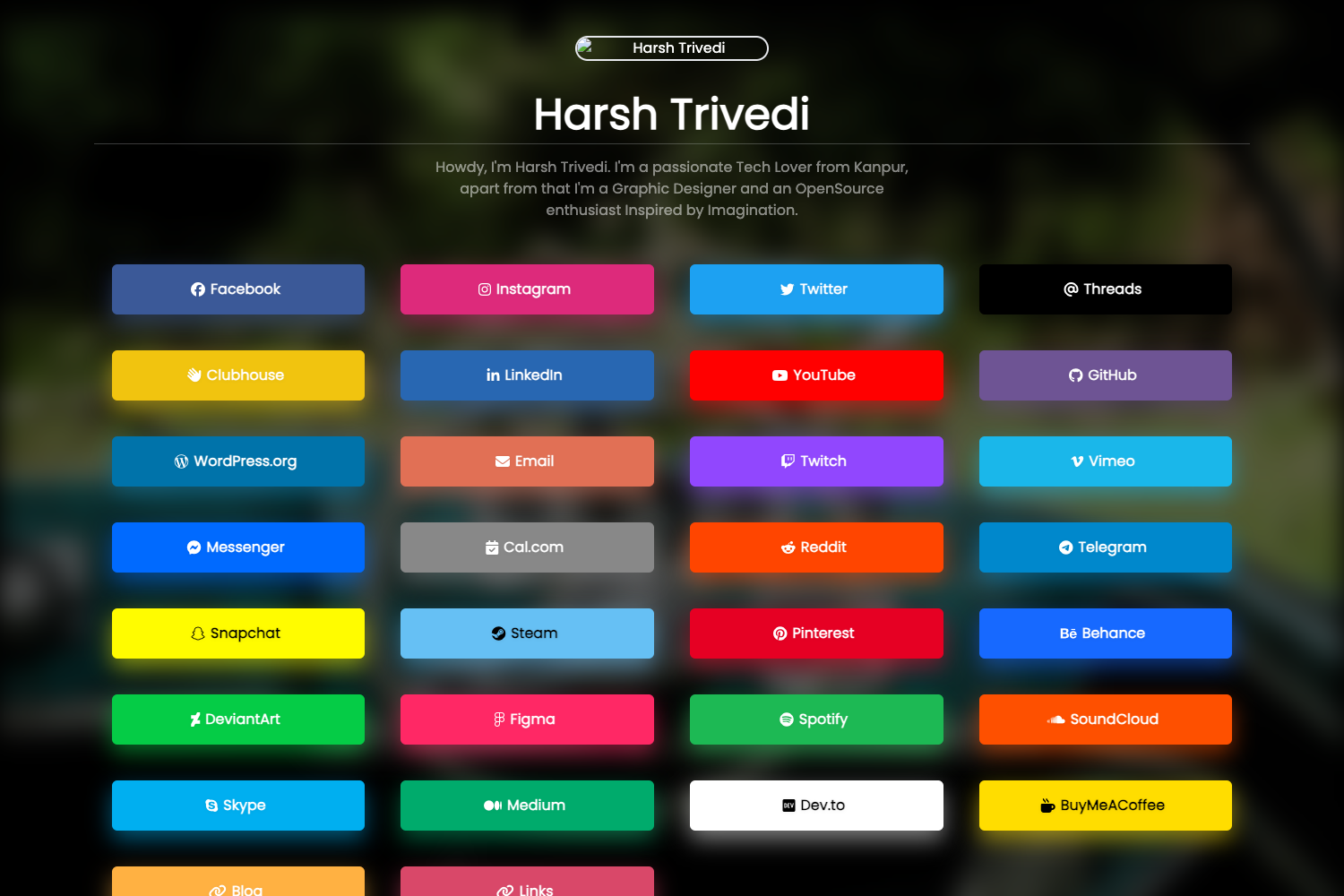
- Personal link-in-bio page — Present your bio, links, and short announcements in a compact Bento grid that visitors can scan quickly.
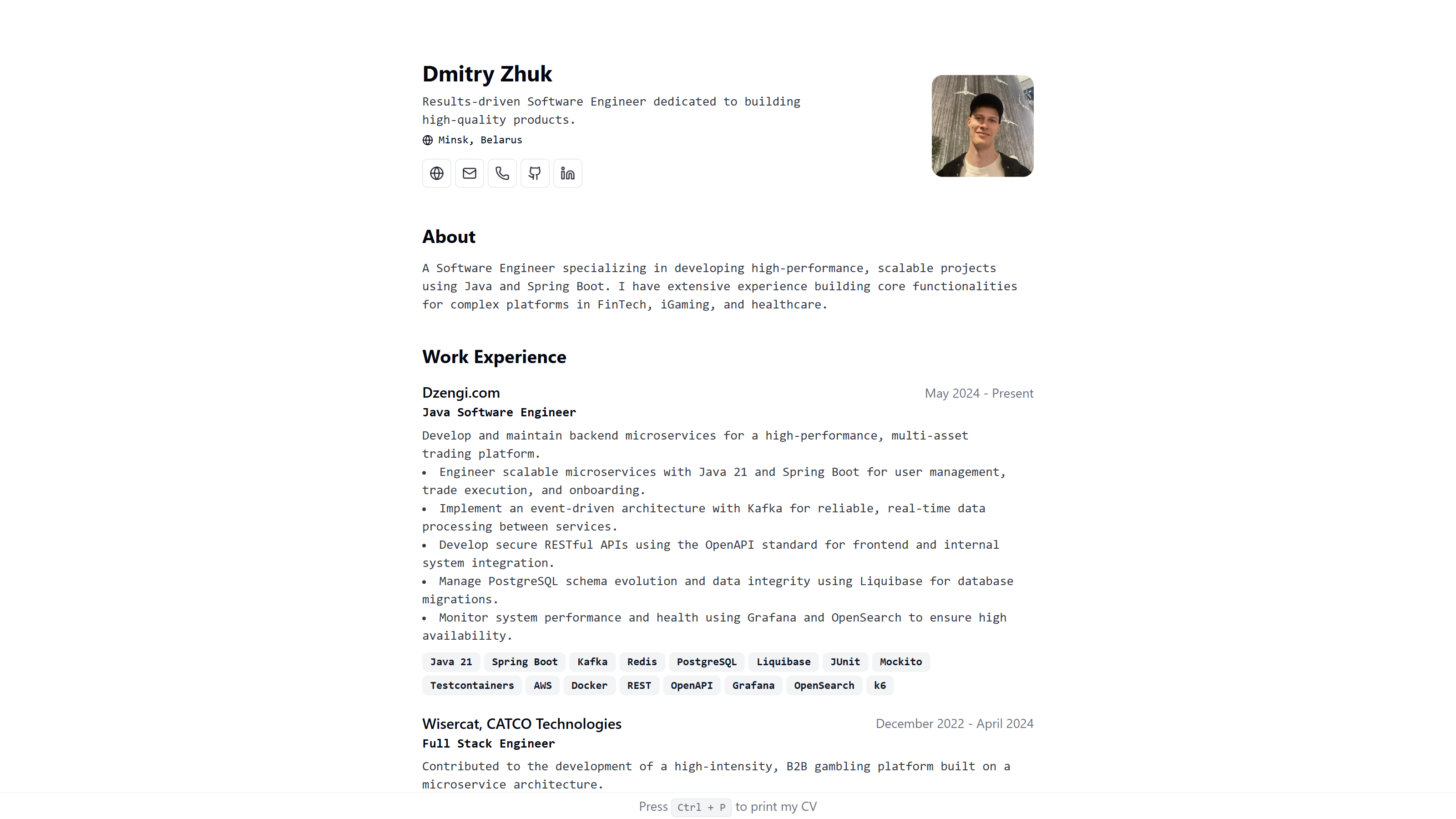
- Portfolio entry point — Link out to project demos, code repositories, or social profiles, with a polished dark-mode layout.
- Small-project landing page — Use the config-driven system to spin up a minimal site for a side project without writing much code.
How does it work?
Setup and customization follow a straightforward workflow.
- Install dependencies with
npm install. - Run
npm run devto preview athttp://localhost:4321. - Edit
config/site.yamlto change site content, then runnpm run buildto generate a static site indist/.
FAQ
The FAQ covers licensing, customization, Node.js requirements, dark mode, and the announcement banner.
Is Airy Personal Page free?
Yes, the template is released under the MIT License, so it is free to use, modify, and deploy for personal or commercial purposes.
How do I change the site information?
Edit the config/site.yaml file; the site title, description, navigation links, and announcement content are all read from this YAML file.
What Node.js version do I need?
The project requires Node.js v18.20.8 or later, along with npm to install dependencies and run build scripts.
Does it support dark mode?
Yes, the template includes a dark theme with a toggle that follows the system setting or a manual choice, and the preference is persisted in localStorage.
How do I hide the announcement banner?
The announcement is a Preact island driven by config/site.yaml; you can configure or disable it there, and visitors can also dismiss it, with the dismissed state stored in localStorage.