Template details
Cover Card
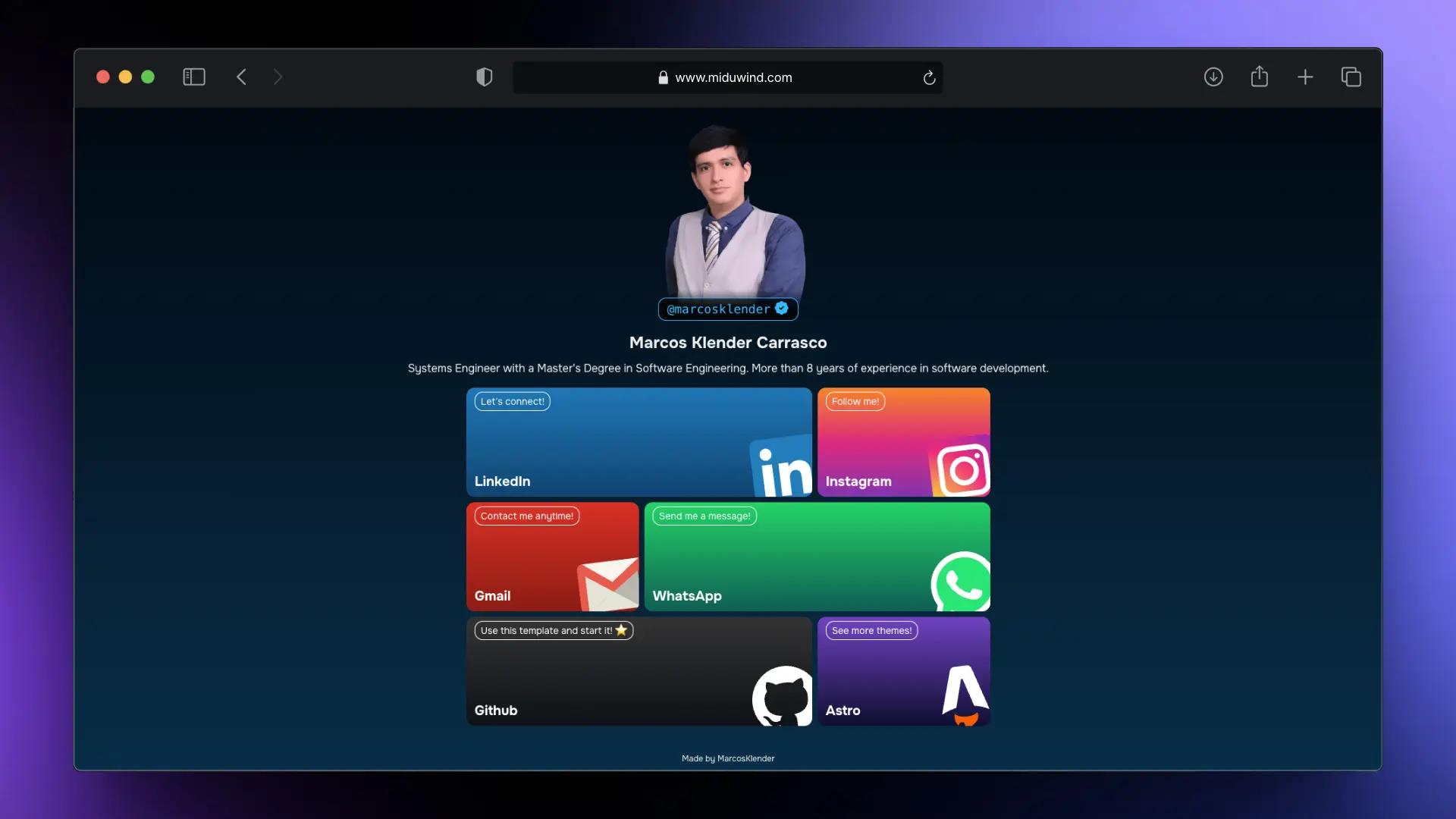
:necktie: Online business card with a minimal landing page theme for any social media or online presence account: fork, edit, and go!
About this template
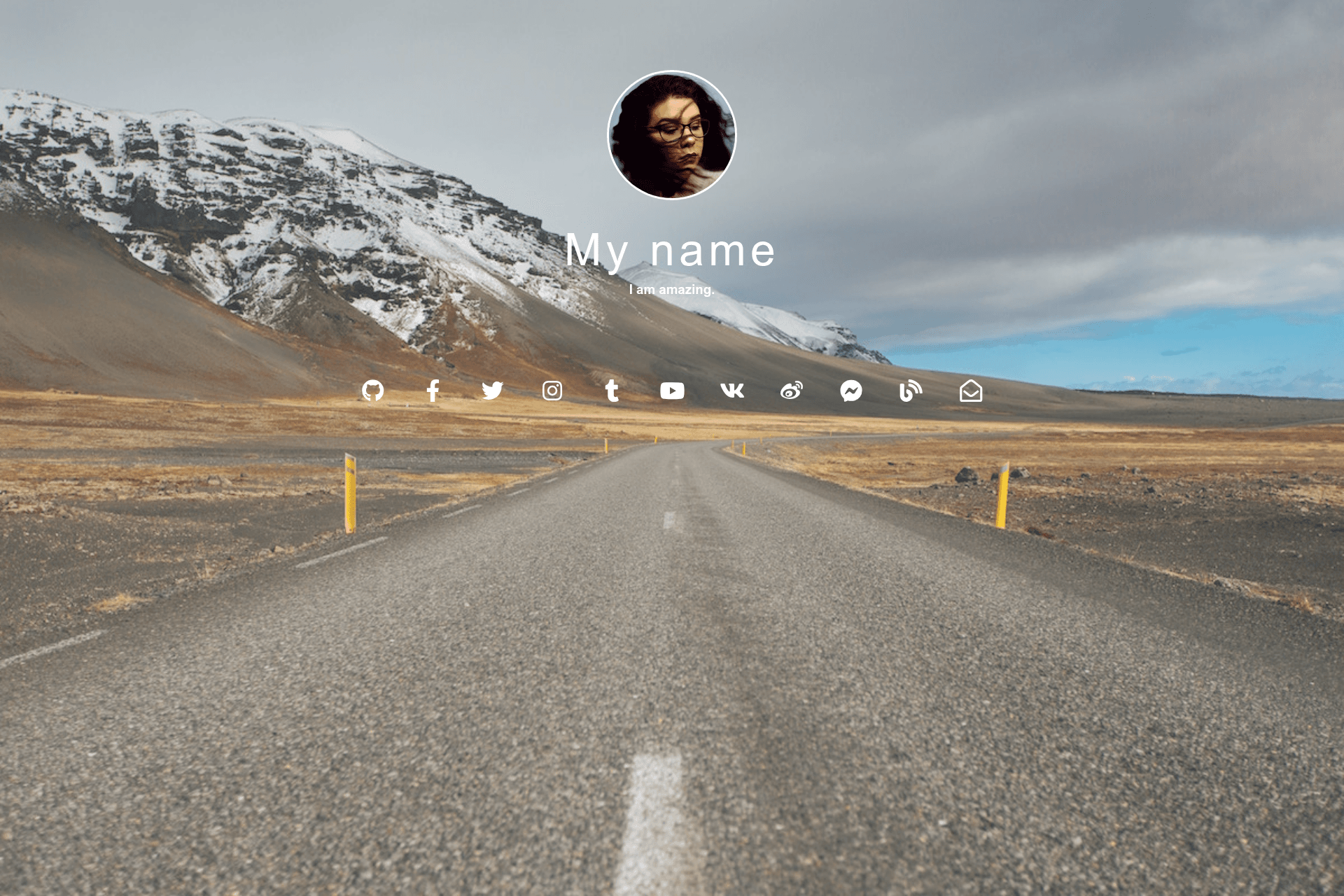
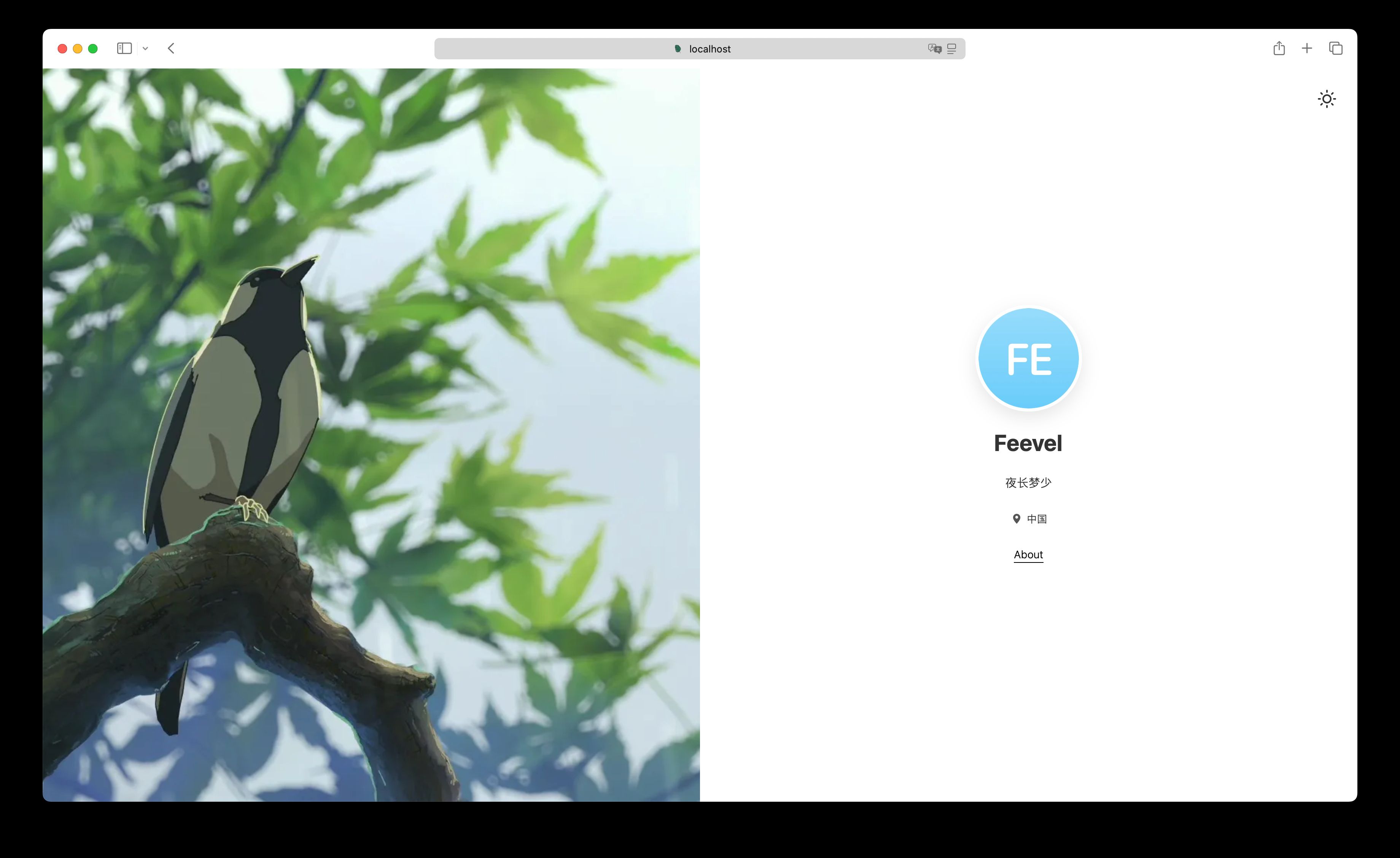
Cover Card is a minimal Jekyll landing-page theme that produces an online business card — a single page with an avatar, a background image, and icons linking to your social media profiles — built and hosted for free on GitHub Pages.
What is Cover Card?
Cover Card is a Jekyll remote theme developed by GitHub user epidrome that intentionally includes no blog. It takes as input a square avatar image (at least 200 pixels), a background image, and a list of social media account names edited into the _config.yml file; it outputs a static landing page with white foreground text and icons. The theme builds on Jekyll, jekyll-remote-theme, and Font Awesome icons, and is natively supported by GitHub Pages, which compiles and deploys the site automatically on every file change. The repository links two demos: the official demo and the author's own home page.
Key Features
- Jekyll remote theme — the theme is applied through jekyll-remote-theme, so no local Ruby or Jekyll installation is needed; GitHub Pages handles the build.
- Free GitHub Pages hosting — the theme is designed around the gh-pages branch workflow, and GitHub Pages builds the site whenever you change your files.
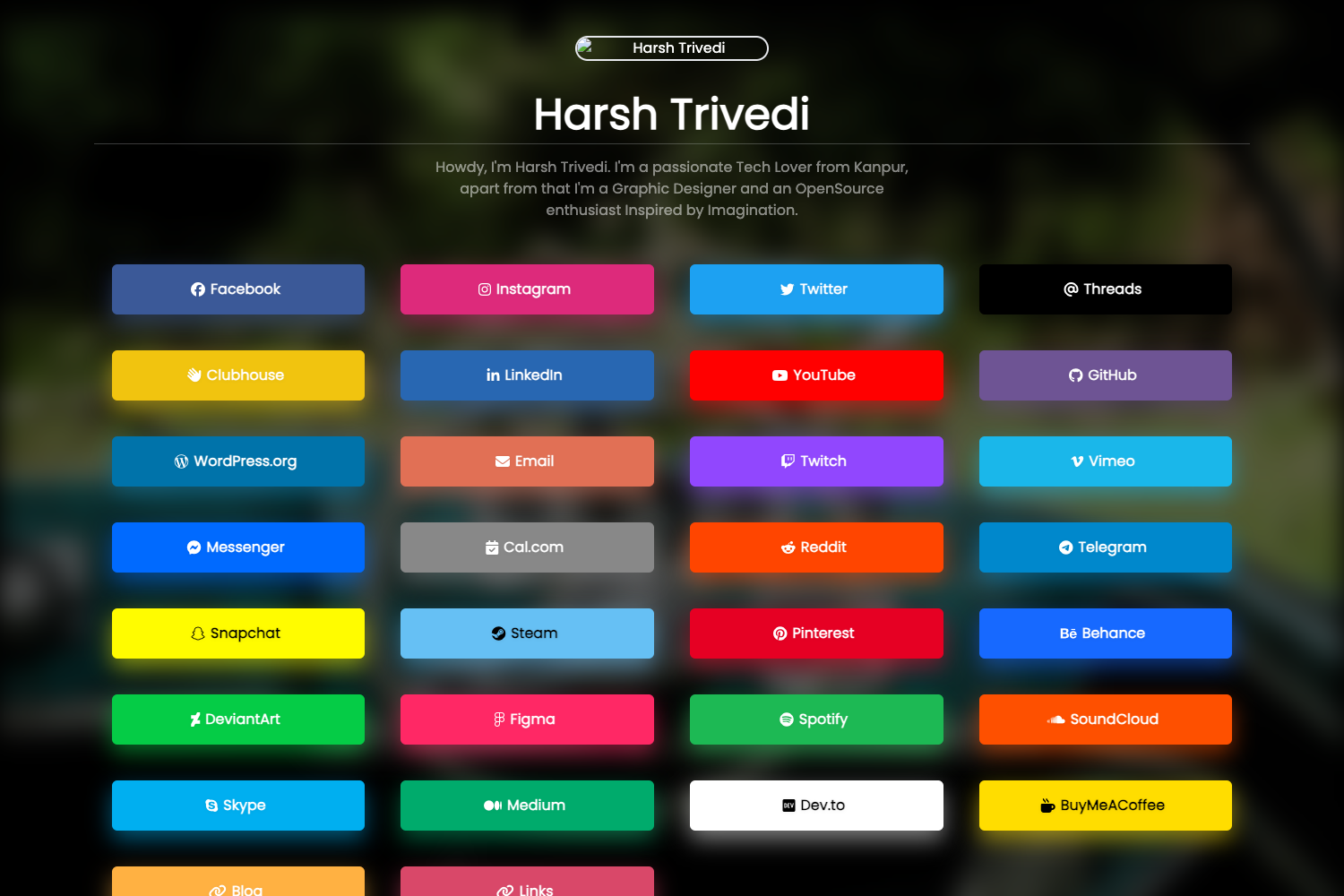
- Single-page social card — the output is one landing page with social media profile icons, comparable to linktree or about.me but without a subscription.
- Config-file profile management — you add, remove, reorder, and extend social media accounts by editing
_config.yml; since v04 the order of icons is controllable and new accounts with custom icons can be added. - Font Awesome icons — the icon set that renders each social profile link comes from Font Awesome.
- Flexible imagery — the avatar or logo must be square and at least 200 pixels; the background has no aspect ratio requirement but should be large enough for desktop, tablet, and phone displays and dark enough for white text.
- One-click template start — a "Use this template" button on GitHub generates a new repository preloaded with the theme.
- Local expert overrides — advanced font, image, and icon style options documented on the master branch can be overridden locally in your fork.
Who should use Cover Card?
This theme targets people or organizations who want a simple business card for their online presence and do not want to maintain a blog. A busy individual can set up a personal link page in minutes and keep it current without recurring maintenance. A business or product can replace the avatar image with a logo and present a single official entry point to its web profiles. Anyone already using GitHub Pages can fork the repository and customize the _config.yml and images to match their own accounts.
What can you do with Cover Card?
- Personal link-in-bio pages: publish a single curated list of your social media profiles, hosted free on GitHub Pages instead of a paid service.
- Business or product cards: upload a logo as the avatar and a dark background photo, then link out to the company's official accounts.
- Custom-domain home pages: buy a domain name and set it in the GitHub Pages Custom domain field to serve the page under your own address.
- Frozen theme deployments: pin the remote theme to a specific release tag (for example, version v0.3) to keep the site stable while the theme is in beta.
How does Cover Card work?
Setting up the theme takes three steps. First, generate a new repository from the template using the "Use this template" button. Second, edit _config.yml with your social media account names and upload a background image and a square avatar image. Third, open the Settings tab, select Pages from the sidebar, and find the gh-pages branch, which contains the URL of your new home page.
Pros and cons
- Free to use — the theme and its GitHub Pages hosting cost nothing, unlike the linktree, about.me, and carrd services it resembles.
- Low maintenance — because there is no blog, the page never looks outdated when you stop posting.
- Beta status — the theme is in beta, and updates to the master branch might break your site.
- Stale builds — GitHub Pages appears to rebuild only when you make a local change, so you will not receive upstream theme updates unless you touch your fork.
Pricing
Cover Card is free. The theme and its GitHub Pages hosting carry no cost, and the README describes the result as similar to linktree, about.me, and carrd "but without the price tag."
Alternatives
The README identifies linktree, about.me, and carrd as similar services that achieve the same link-page purpose but carry a price tag. Cover Card offers the same idea as a self-hosted Jekyll theme on GitHub Pages.
FAQ
Is Cover Card free?
Yes. The theme is free to fork and use, and GitHub Pages builds and hosts the resulting site at no cost. The README explicitly positions it as an alternative to paid link-in-bio services.
Does Cover Card include a blog?
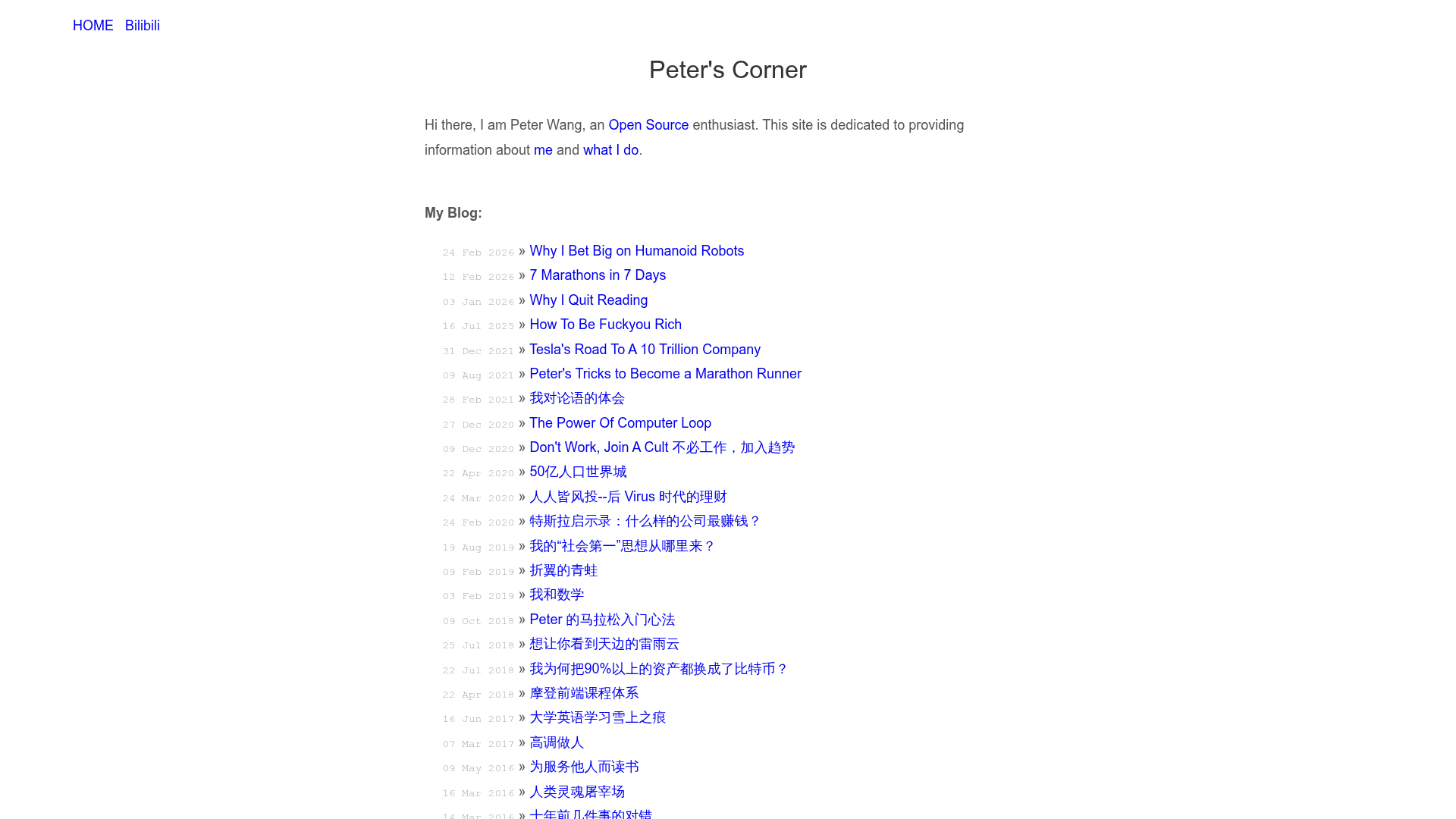
No. The theme deliberately omits blog functionality, because the author found blog content and technology difficult to keep updated; a site without a blog avoids looking abandoned to new visitors.
How do I update Cover Card?
Because the theme is applied through jekyll-remote-theme, upstream changes reach your site only after you make a local change in your forked repository, which triggers a GitHub Pages rebuild. While the theme is in beta, master-branch updates might break your site, so you can pin the remote theme to a release tag such as v0.3.
Can I use a custom domain with Cover Card?
Yes. GitHub Pages supports free custom domain names, and the README's directions say to buy a domain and fill it into the Custom domain field in the repository settings. If you want to use it on a user page such as username.github.io, you must rename the gh-pages branch to master.
What image sizes does Cover Card need?
The avatar or logo should be square and at least 200 pixels. The background image has no required aspect ratio, but it should be large enough for current desktop, tablet, and phone displays and dark enough for the white foreground text and icons to remain readable.