Template details
Gatsby Starter Chronoblog Profile
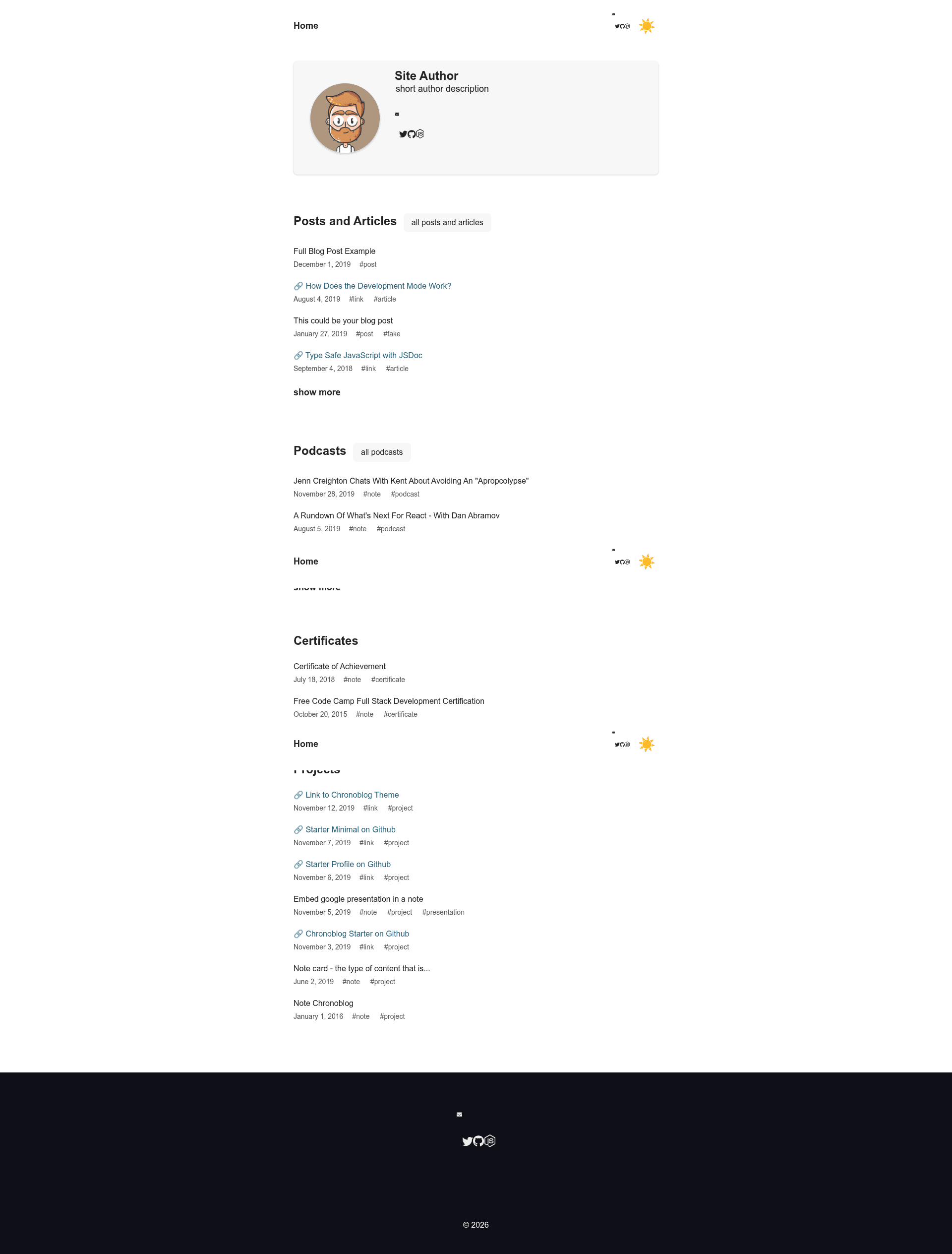
A Gatsby starter for launching a personal website with a simple text feed organized by tags, dates, and search.
About this template
Gatsby Starter Chronoblog Profile is a Gatsby starter that scaffolds a personal website with a chronologically organized text feed, built on the Chronoblog Gatsby theme.
What is Gatsby Starter Chronoblog Profile?
Gatsby Starter Chronoblog Profile is a starter repository that helps you launch a personal website with a simple, text-focused feed on the homepage. It is based on the Chronoblog Gatsby theme, which was designed to let you keep a record of everything important you have done. The starter takes MDX content as input and produces a static, SEO-optimized site. It runs on Gatsby and is maintained by the Chronoblog community; a live demo is available at chronoblog-profile.now.sh.
Key Features
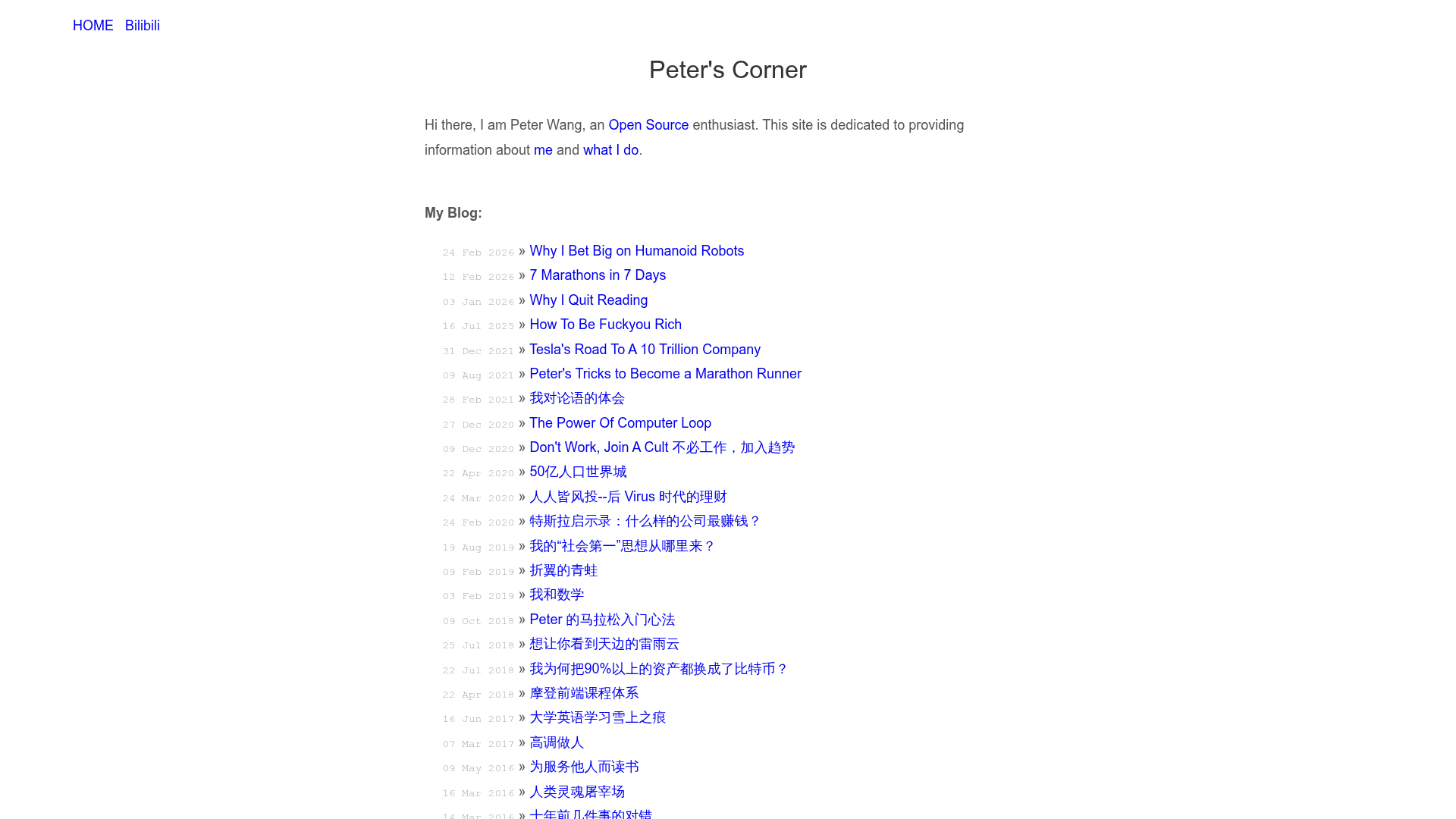
- Universal text feed — The homepage organizes content into compact feeds; each feed shows only items whose tags match, so content tagged "podcast" appears in the podcast feed.
- Search and Tags — Built-in search, plus tag-based organization, makes it easy to filter and find past content by date or category.
- Theme UI theming — Change primary and secondary colors, fonts, and border radius of elements through Theme UI's theming system.
- Clean and universal UI — A strict, minimal "text" style that keeps the focus on your writing.
- Mobile friendly — All elements and custom images adapt to any screen size.
- Light/Dark mode — Users can switch between light and dark appearances.
- MDX everywhere — The main menu, footer, and page content are all written in MDX, allowing embedded JSX and components.
- Code syntax highlighting — Code blocks are highlighted out of the box.
- SEO built in — OpenGraph and Twitter meta tags are provided via React Helmet with sensible defaults.
Who should use it?
- Personal bloggers who want a minimal, text-first site with a chronological feed and tag-based organization.
- Life-loggers who want to record daily activities, notes, and podcasts in a structured, searchable format.
- Developers who want a Gatsby starter with MDX, theming, and easy deployment to ZEIT Now or Netlify.
What can you do with it?
- Personal bloggers: publish MDX posts and group them into categorized feeds using tags like "podcast" or "note".
- Portfolio owners: present projects and writings on a simple homepage with search and tags.
- Indie hackers: quickly launch a personal site with Light/Dark mode and deploy it to ZEIT Now or Netlify using the one-click buttons.
How does it work?
To get started, run gatsby new chronoblog-site https://github.com/Chronoblog/gatsby-starter-chronoblog-profile, then cd chronoblog-site and gatsby develop. Alternatively, clone the repository directly and run npm i and npm start. The development server runs at http://localhost:8000.
FAQ
Is Gatsby Starter Chronoblog Profile free?
Yes, the starter is open source and available on GitHub under the Chronoblog organization. You can use it without a license fee, and contribute back to the project.
What does it use for theming?
The starter uses Theme UI, which allows you to define design tokens for colors, fonts, and spacing. Changes to the theme automatically update the entire site.
Does it support dark mode?
Yes, a Light/Dark mode toggle is included. The theme respects the user's system preference and can be toggled manually.
How do I deploy it?
The README documents deployment to ZEIT Now and Netlify, each with a one-click deploy button. Follow the Gatsby deployment guides for each platform linked in the repository.
What content formats can I use?
Content is written in MDX, so you can include JSX components inside your markdown. The starter also supports code syntax highlighting for technical posts.