Template details
Links
A Beautiful Jekyll Theme For Links
About this template
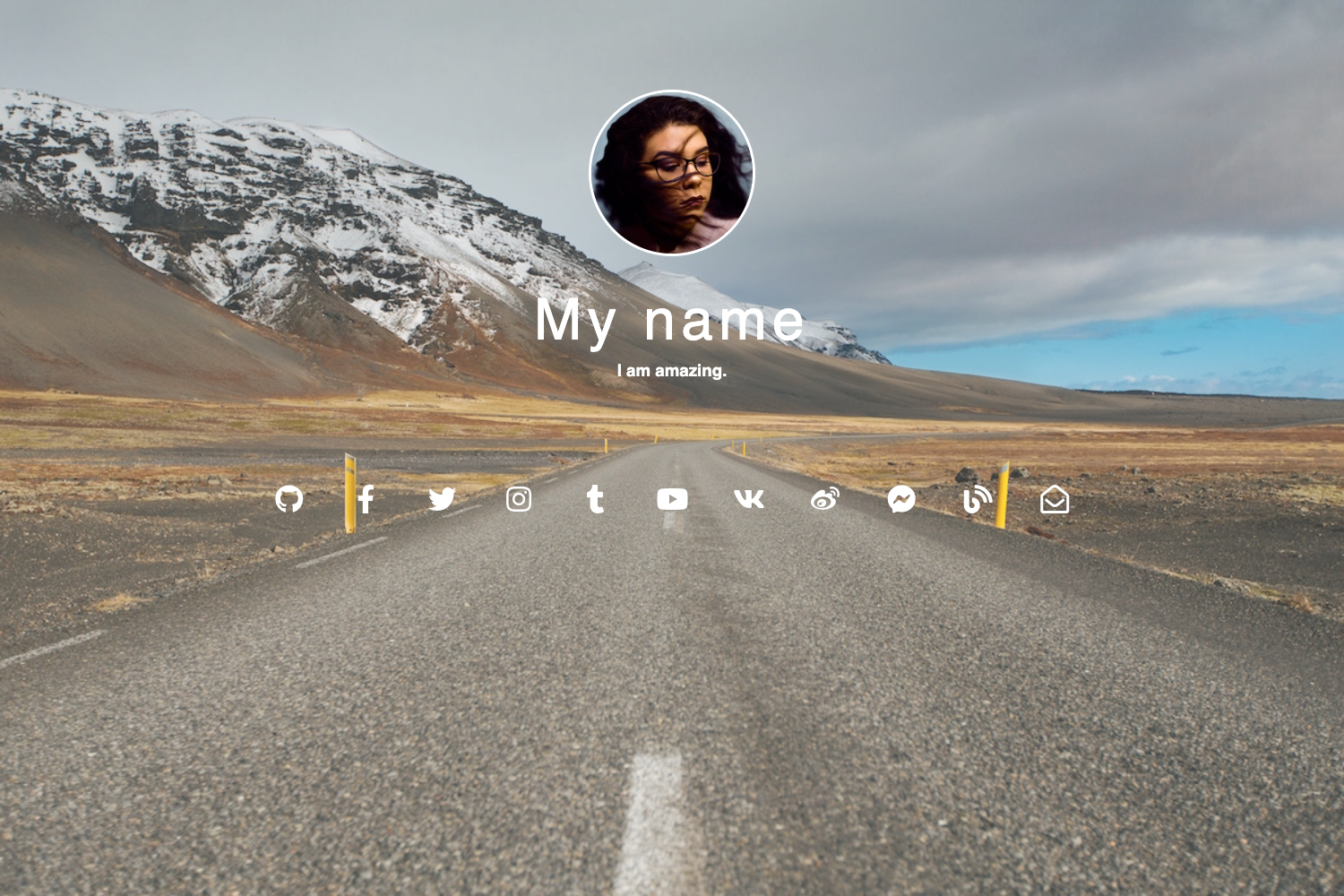
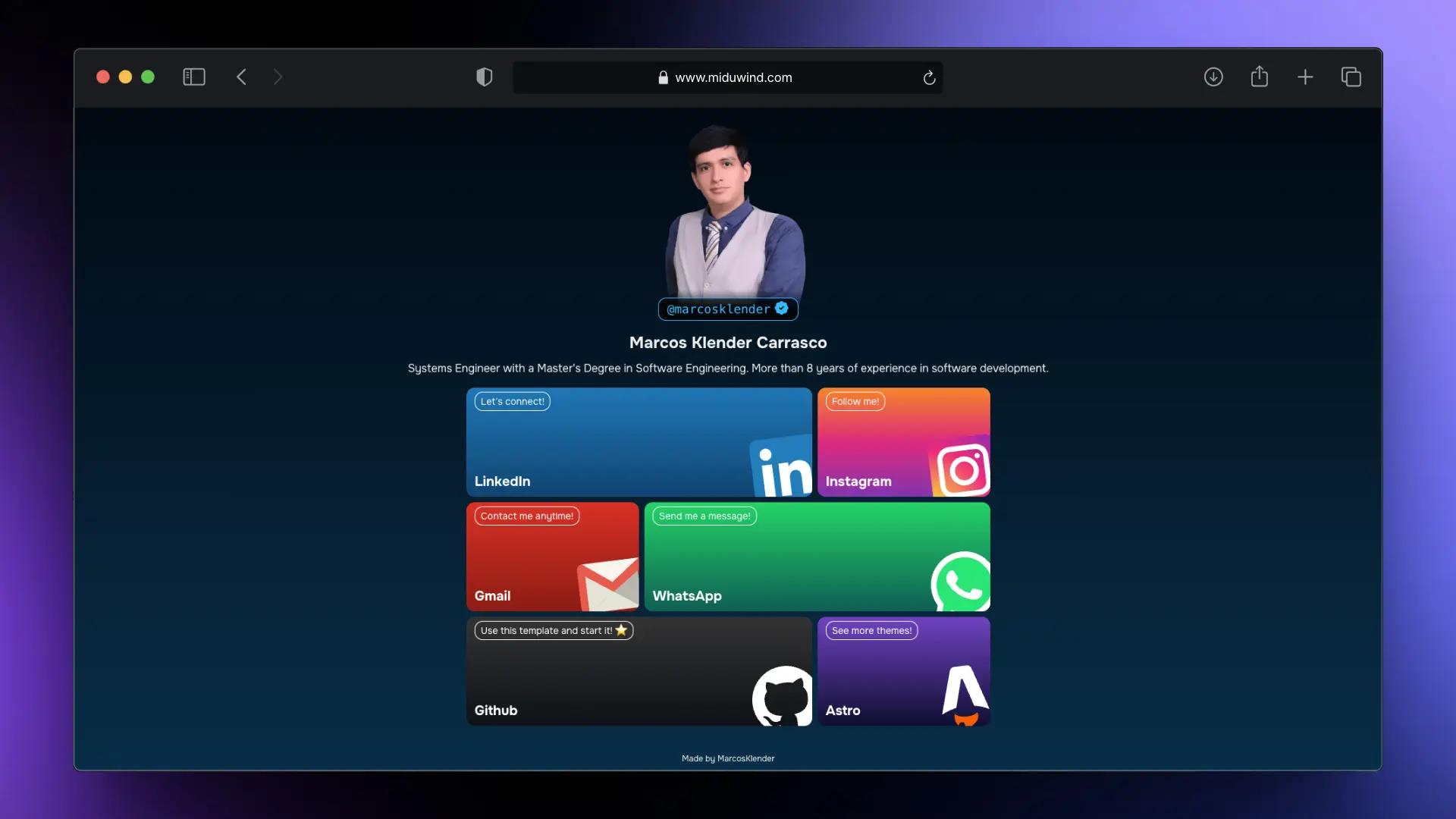
Links is a Jekyll theme that creates a single-page link-in-bio website (a Linktree alternative) from one _config.yml configuration file. The theme outputs a static HTML page with a profile photo, a set of buttons, and social icons, and is designed to be deployed anywhere Jekyll runs — GitHub Pages, Netlify, or a Docker container. It was built by Harsh Trivedi and released under the GNU General Public License v2.0.
What is Links?
Links is a Jekyll theme for building a personal links page — the kind you put in your Instagram, Twitter, or YouTube bio — from a single YAML configuration file. You provide your details in _config.yml (name, photo, links, social accounts), and the theme generates a static HTML page with a clean card layout. The site runs on the Jekyll static site generator, requires Ruby and Node.js for local development, and is also packaged as a Docker image on Docker Hub.
Key Features
- Single-file configuration: All of your profile and link data lives in
_config.yml; commit that one file and the site re-renders. - Docker support: Official image
harsh98trivedi/linkson Docker Hub mounts your_config.ymlas a volume, so you can run the site withdocker run -d -p 4000:4000. - Netlify ready: The repository deploys directly to Netlify without extra build configuration; a live example runs at htlink.netlify.app.
- Local development with live reload: Run
npm startafter cloning to start a local Jekyll server; Nodemon is configured to watch for changes. - Font Awesome icons: Social links are rendered using Font Awesome icon fonts.
- Poppins typography: The theme uses the Poppins font from Google Fonts.
- Unsplash cover images: The header uses cover images from Unsplash, with image optimization handled by images.weserv.nl.
Who is it for?
- Content creators and influencers who want a branded page to list their YouTube, Instagram, Twitch, and other links in a bio.
- Developers who prefer to manage their link page as code in Git rather than through a hosted service, and who want to control hosting (GitHub Pages, Netlify, or Docker).
- Freelancers and small businesses that need a simple, one-page directory of their contact channels, products, and booking links.
What can you do with Links?
- Build a personal link hub: Point your social bios to the generated page, where visitors can find all your profiles in one place.
- Deploy from a single config: Fork the repository, fill in
_config.yml, and commit — the live site updates automatically on Netlify or GitHub Pages. - Run it in Docker: Mount your
_config.ymlinto the official Docker image and serve the page on port 4000 inside any containerized environment.
How does Links work?
Fork the repository and edit _config.yml with your name, photo, and link URLs, then commit the changes — the Jekyll site rebuilds. For local work, clone the repo, install dependencies with npm, and run npm start to serve on a local Jekyll server. On Docker, the image reads your mounted _config.yml and exposes the site on port 4000; you must restart the container after editing the config.
Pricing
Links is free and open source under the GNU General Public License v2.0. There are no paid tiers or hosted plans — you pay only for wherever you deploy it (GitHub Pages, Netlify, or your own server).
Alternatives
- Linktree — a hosted commercial link-in-bio service that requires no coding and charges for extra features.
- Carrd — a one-page site builder that lets you create a similar link page with a visual editor.
FAQ
Is Links free to use?
Yes. Links is open source under the GNU General Public License v2.0, so you can use, modify, and redistribute it freely. You only need to cover the cost of your hosting platform.
Does Links require coding skills?
No. Basic use only involves editing _config.yml — a YAML file where you fill in your name, photo, links, and social accounts. No HTML or CSS changes are needed to get a working page.
Can I deploy Links to Netlify?
Yes. The repository is Netlify ready and deploys without extra build configuration. A live example is available at htlink.netlify.app.
Can I run Links locally?
Yes. You need Ruby, Jekyll, and Node.js installed, then clone the repository and run npm start. This starts a local server with Nodemon for auto-reload during development.
How do I use Links with Docker?
The Docker Hub image harsh98trivedi/links mounts your _config.yml into the container. Run it with docker run -d -p 4000:4000 -v /absolute/path/to/_config.yml:/app/_config.yml --name links harsh98trivedi/links:latest, then visit port 4000 on your host.