Template details
al-folio
A simple, clean, and responsive Jekyll theme for academics.
About this template
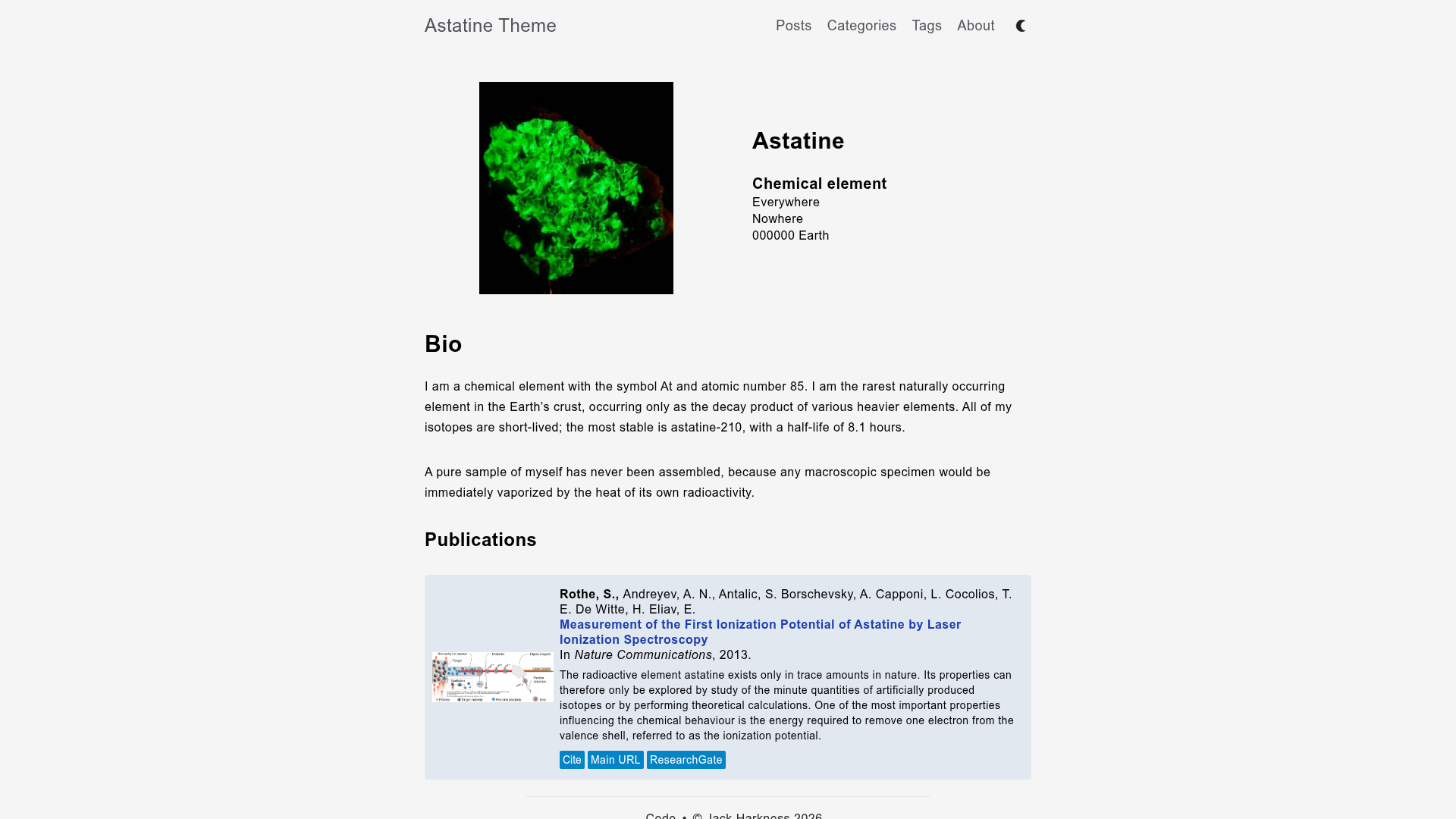
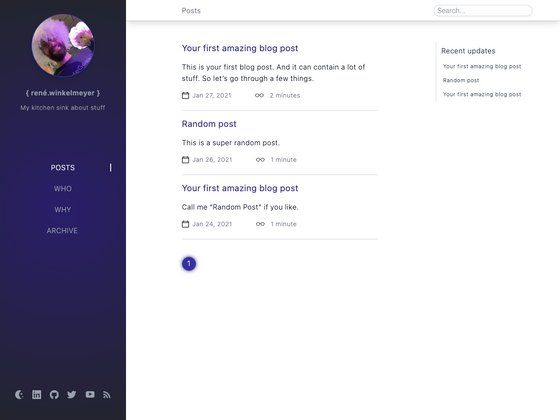
al-folio is a responsive Jekyll theme for academics that turns BibTeX bibliographies, Markdown collections, and YAML data into a static personal or lab website deployable to GitHub Pages.
What is al-folio?
al-folio is an open-source Jekyll theme created by Maruan Al-Shedivat, designed for academic websites. It takes content from Markdown files, BibTeX bibliography entries, and YAML data files, and produces a clean, responsive static site that can be hosted on GitHub Pages. The theme is licensed under the MIT License and includes pages for publications, projects, news, and blog posts, plus support for Distill-style scientific articles.
Key Features
- Automatic publications page — Reads your BibTeX library from
_bibliography/papers.biband renders a publication list; additional .bib files can be added and the layout is customizable in_pages/publications.md. - Co-author link insertion — Stores co-author metadata in
_data/coauthors.ymland automatically adds links to co-author webpages. - News and project collections — Ships with two Jekyll collections:
newsitems appear on the home page, andprojectsitems display in a responsive grid. - Distill-style blog posts — Supports the distill.pub presentation style using custom
<d-*>tags for interactive scientific writing. - KaTeX math typesetting — Renders LaTeX math quickly via KaTeX, with GitHub-style code syntax highlighting.
- Bootstrap photo grids — Uses Bootstrap's grid system to create responsive photo layouts in posts and project pages.
- Six theme color options — Change the accent color by editing
$theme-colorin_sass/variables.scss; purple is the default. - Open Graph social previews — Set
serve_og_meta: truein_config.ymlto add Open Graph metadata, with per-pageog_imageoverrides.
Who is it for?
- Academic researchers — Personal homepages that list publications, projects, news, and a blog without writing HTML.
- Lab groups — Lab websites that present research areas, team members, and updates (e.g., Haylab at Caltech).
- Course instructors — Course pages with homework, schedule, and materials (e.g., CMU's PGM Spring 2019 course).
- Conference and workshop organizers — Event sites such as ML Retrospectives at NeurIPS 2019 and ICML 2020.
What can you do with al-folio?
- Publish an academic blog — Write posts in plain Markdown or in Distill style, with math and code highlighting.
- Showcase research projects — Add projects via the
projectscollection and display them on a responsive grid. - Manage your bibliography — Maintain BibTeX files and let Jekyll render a formatted publication list with co-author links.
How does al-folio work?
Installation follows a standard Jekyll workflow: fork the repository, clone it, run bundle install, then bundle exec jekyll serve to preview locally. After customizing content, deploy to GitHub Pages by running ./bin/deploy (or ./bin/deploy --user for personal pages). The deploy script pushes the built site to the gh-pages branch, bypassing GitHub Pages' plugin restrictions.
Pricing
al-folio is free and open source under the MIT License.
FAQ
Why don't bibliography Liquid tags work on GitHub Pages?
GitHub Pages does not support the jekyll-scholar plugin used to render bibliographies. Use the included bin/deploy script to build and deploy the site, which circumvents this limitation.
What if my deployed page returns a 404 error?
For personal pages, run bin/deploy --user instead of the default command. This deploys to the master branch, which is required for user and organization GitHub Pages.
Can I customize the theme color?
Yes. Edit the $theme-color variable in _sass/variables.scss. Six color options are predefined, with purple as the default.
Is al-folio free to use?
Yes, al-folio is open source under the MIT License. You can use it freely, and the README asks only that you provide a link back to the author's website if you do.