Template details
alaGeek
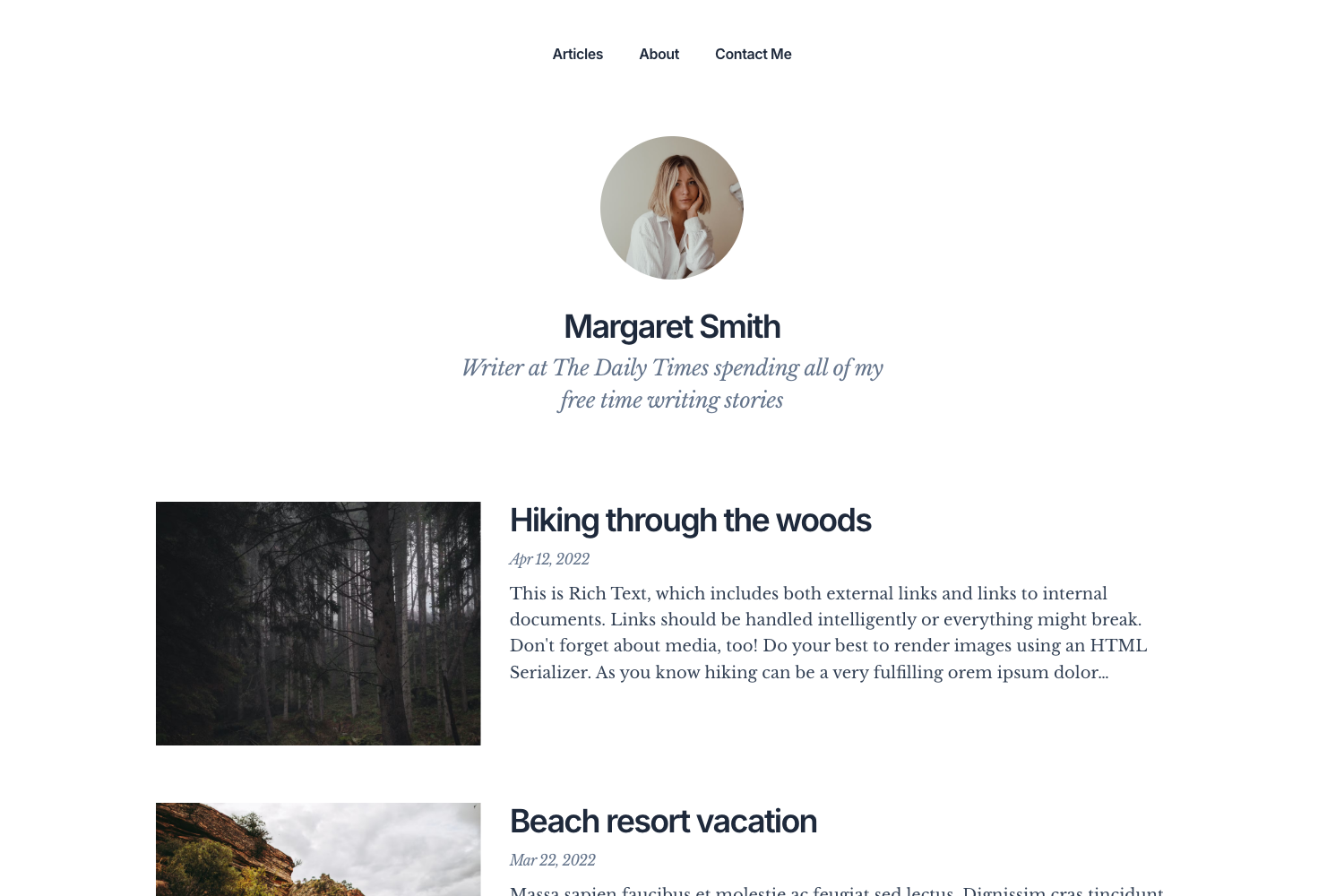
A Hugo blog theme rewritten with Bootstrap 5, featuring dark mode, MathJax, syntax highlighting, and customizable homepage sections.
About this template
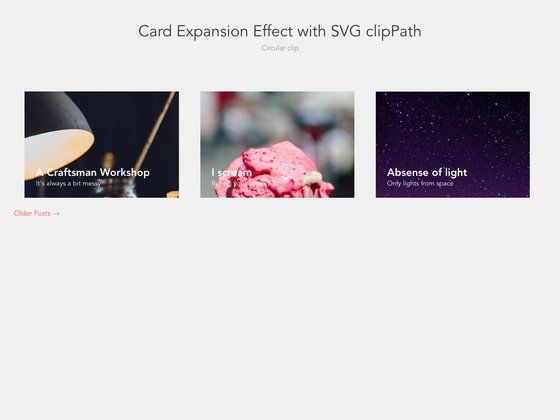
alaGeek is an enhanced Hugo blog theme, rewritten from the Cocoa theme with Bootstrap 5, that gives you a customizable homepage with latest and best posts, syntax highlighting, MathJax, and dark-mode support.
What is alaGeek?
alaGeek is a Hugo theme for building blogs and personal websites. It takes Hugo content files as input and renders static HTML pages with a responsive layout. The theme is built on Bootstrap 5.2.1, uses highlightjs 11.6.0 for code highlighting, MathJax 3 for LaTeX rendering, and the progressively library for progressive images. It was originally created as an enhanced version of the Cocoa Hugo theme and is released under the MIT License.
Key Features
- Customizable homepage — Displays sections for latest and best posts; configuration is done through Hugo site parameters.
- Dark mode — Automatically reads the system or browser color scheme and switches between dark and light modes; can be forced to dark by overriding the CSS.
- Syntax highlighting — Uses highlightjs 11.6.0 to highlight code blocks in multiple languages.
- MathJax support — Renders LaTeX math formulas in posts using MathJax 3.
- Social media links — Footer includes links for 500px, Facebook, Flattr, GitHub, GitLab, Linkedin, Mastodon, and Twitter.
- Table of Contents — Supports general and post-specific TOC.
- Accessibility — Reports a high accessibility score.
- Pagination — Built-in pagination support for blog posts.
- Extra scripts — Allows adding custom scripts via a footer_extra.html partial.
Who is it for?
Bloggers and personal website owners who use Hugo and want a feature-rich theme without writing custom code. Developers who need LaTeX support in Markdown can use alaGeek's MathJax integration. Site owners who want a bilingual or multilingual blog can take advantage of the six supported languages. Users who prefer dark mode can rely on the automatic system-based switching.
What can you do with alaGeek?
- Academic or technical bloggers — Publish articles with LaTeX math notation and highlighted code snippets.
- Personal bloggers — Set up a homepage that showcases your latest and best posts with progressive image loading.
- Multilingual sites — Switch the interface language among Catalan, English, Romanian, Russian, Spanish, and Turkish.
How does dark mode work?
alaGeek automatically reads your system or browser color scheme and activates dark or light mode. If you want to use dark mode in all cases, you can copy main.css into your static folder, keep the path, and remove light-mode specific colors.
Pricing
alaGeek is free and open source under the MIT License.
Limitations
The original author no longer uses Hugo and has stopped active development; the README suggests forking the theme if you still need it.
FAQ
Is alaGeek free?
Yes, alaGeek is released under the MIT License, so you can use, modify, and distribute it freely.
Does alaGeek support LaTeX?
Yes, alaGeek includes MathJax 3 support, which renders LaTeX math expressions in your Markdown posts.
Can I customize the fonts?
Yes, you can customize typography by editing the style_main.html file. The default fonts are Merriweather Sans for titles, Merriweather for content, and Fira Code for code.
Which languages are supported?
alaGeek includes translations for Catalan, English (default), Romanian, Russian, Spanish, and Turkish.