Template details
Emerald
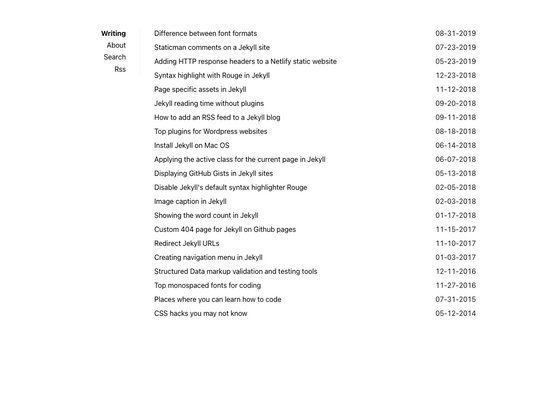
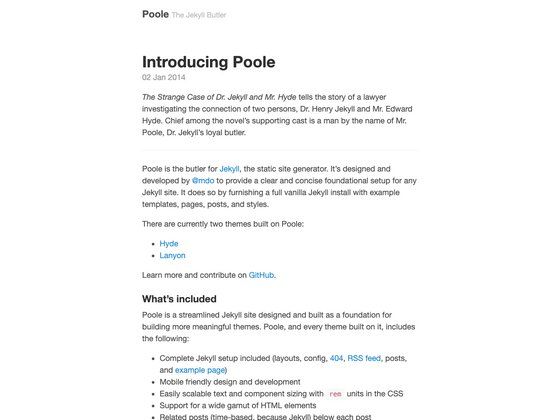
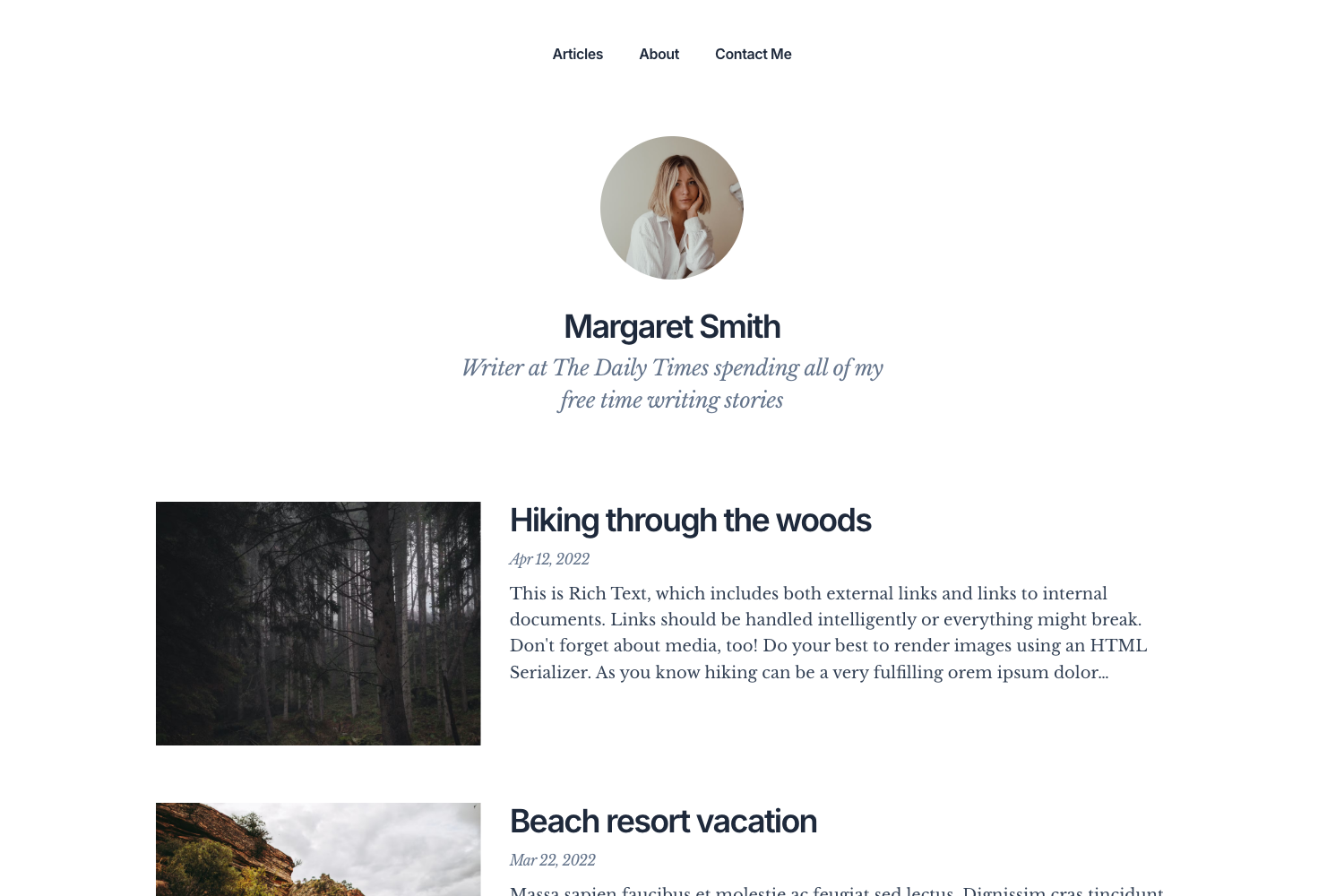
A minimal, mobile-first blog theme for Jekyll with customizable colors and typography.
About this template
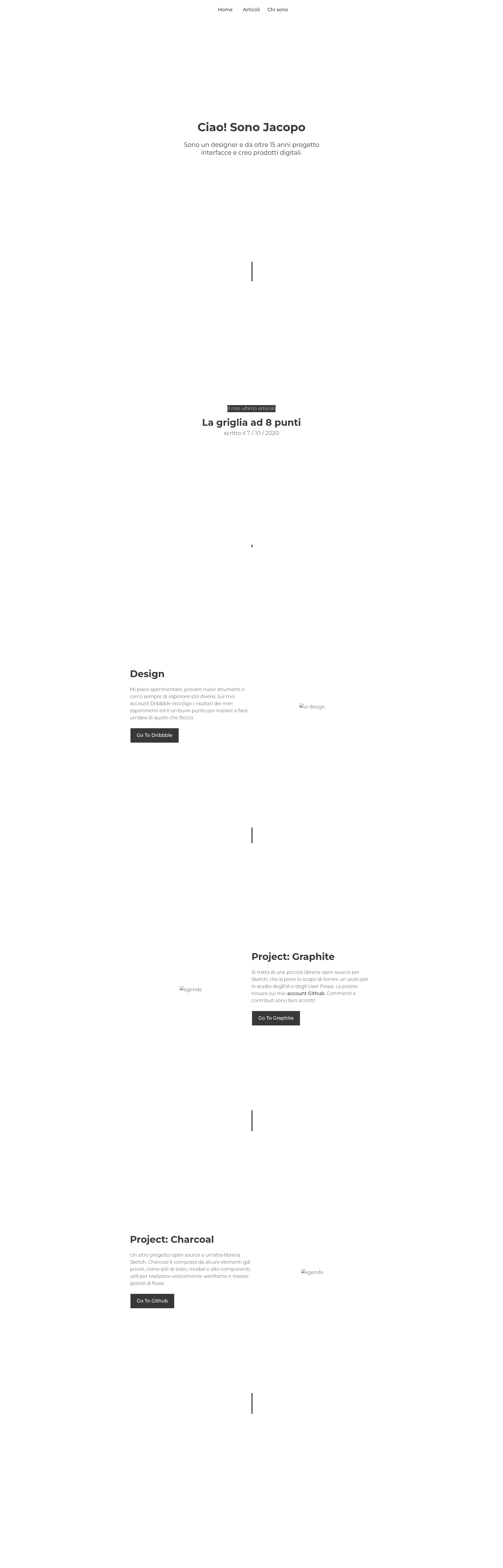
Emerald is a minimal, mobile-first Jekyll blog theme designed to launch a content-focused site quickly, with customizable colors, navigation, and typography.
What is Emerald?
Emerald is a Jekyll theme created by Jacopo Rabolini, released under the MIT License. It takes a standard Jekyll directory structure as input and produces a responsive, content-focused blog with an auto-generated navigation menu, color theming through SCSS variables, and a modular typographic scale. The theme is built for use with GitHub Pages: several template tags include {{ site.baseurl }} to support project sites, and the baseurl value in _config.yml can be changed to match your directory or set to "/" for a root install.
Key Features
- Mobile-first layout — the theme prioritizes content readability on small screens and scales up to larger displays.
- SCSS color variables — define $main-color, $background-color, and $text-color in
base.scssusing HEX, RGB, or any CSS value to restyle the entire theme. - Autogenerated navigation — menu links are generated from pages with the "page" layout; add custom links by editing the
link.htmlfile. - Custom header/footer slots — since version 1.1.0, set options in
_config.ymlto inject custom code viaheader-custom.htmlandnav-footer-custom.html. - Reverse menu option — move the navigation menu to the left side by enabling the reverse option in
_config.yml. - 24px typographic baseline — a modular scale maintains vertical rhythm; embed media whose height is a multiple of 24px.
- GitHub Pages ready — fork the repository and change the baseurl to host the theme as a project or user site.
Who is it for?
- Bloggers who want a clean, content-first Jekyll blog without building a theme from scratch.
- Developers who need a fast starting point for a Jekyll or GitHub Pages project, with easy configuration of colors and navigation.
- Designers who value typographic consistency and a 24px vertical rhythm.
What can you do with Emerald?
- Personal blogging: download the zip, extract into a Jekyll directory, run
jekyll serve, and open0.0.0.0:4000/emerald/to preview your new blog. - Project hosting on GitHub Pages: fork the repository, change the baseurl to your project folder (e.g., /blog) or "/" for the root, and push to publish.
- Multi-page content sites: create pages with the "page" layout to automatically populate the navigation menu for a portfolio, documentation, or personal site.
How does Emerald work?
Install by downloading the zip from the GitHub repository and extracting it into your target directory, then run jekyll serve from the terminal. For GitHub Pages, fork the repo and update the baseurl value in _config.yml to match your project directory or "/". The master branch is for development; the gh-pages branch hosts the demo site.
FAQ
Is Emerald free to use?
Yes, Emerald is released under the MIT License, so you can use, modify, and distribute it freely.
Does Emerald work with GitHub Pages?
Emerald is designed for GitHub Pages. Fork the repository, set the baseurl in _config.yml to your project directory or "/", and enable GitHub Pages for the branch.
How do I change the theme colors?
Edit the SCSS variables in the base.scss file: $main-color controls the menu, title, links, and footer; $background-color controls the background and navigation link colors; $text-color controls text and post titles.
How do I add custom navigation links?
Navigation links are auto-generated from pages set with the "page" layout. To add custom links, put an anchor tag in the link.html file. There is no need to edit menu config separately.