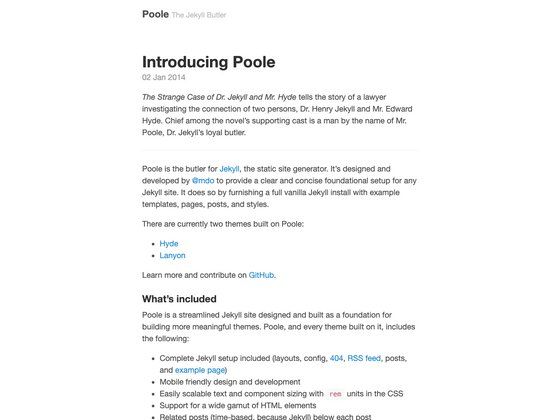
Template details
Hugo Theme Amaze
A minimal Hugo blog theme based on AmazeUI, ported from the Typecho Amaze template with custom banner and social buttons.
About this template
Hugo Theme Amaze is a Hugo blog theme built on the AmazeUI framework, ported from the Typecho Amaze template, that turns Hugo site content into a minimal personal blog with customizable top banner, social buttons, and navigation.
What is Hugo Theme Amaze?
Hugo Theme Amaze is a Hugo blog theme based on the AmazeUI v3.0.0 alpha.beta framework, ported from the Typecho Amaze template by spiritree. It takes standard Hugo content files and renders them as a minimal blog with a top banner, navigation bar, social buttons, and an About page. The theme is hosted on GitHub under the hugo-theme-amaze repository and requires Hugo version 0.57 or newer.
Key Features
- AmazeUI v3.0.0 alpha.beta — Uses the AmazeUI CSS framework for the responsive UI components and grid layout.
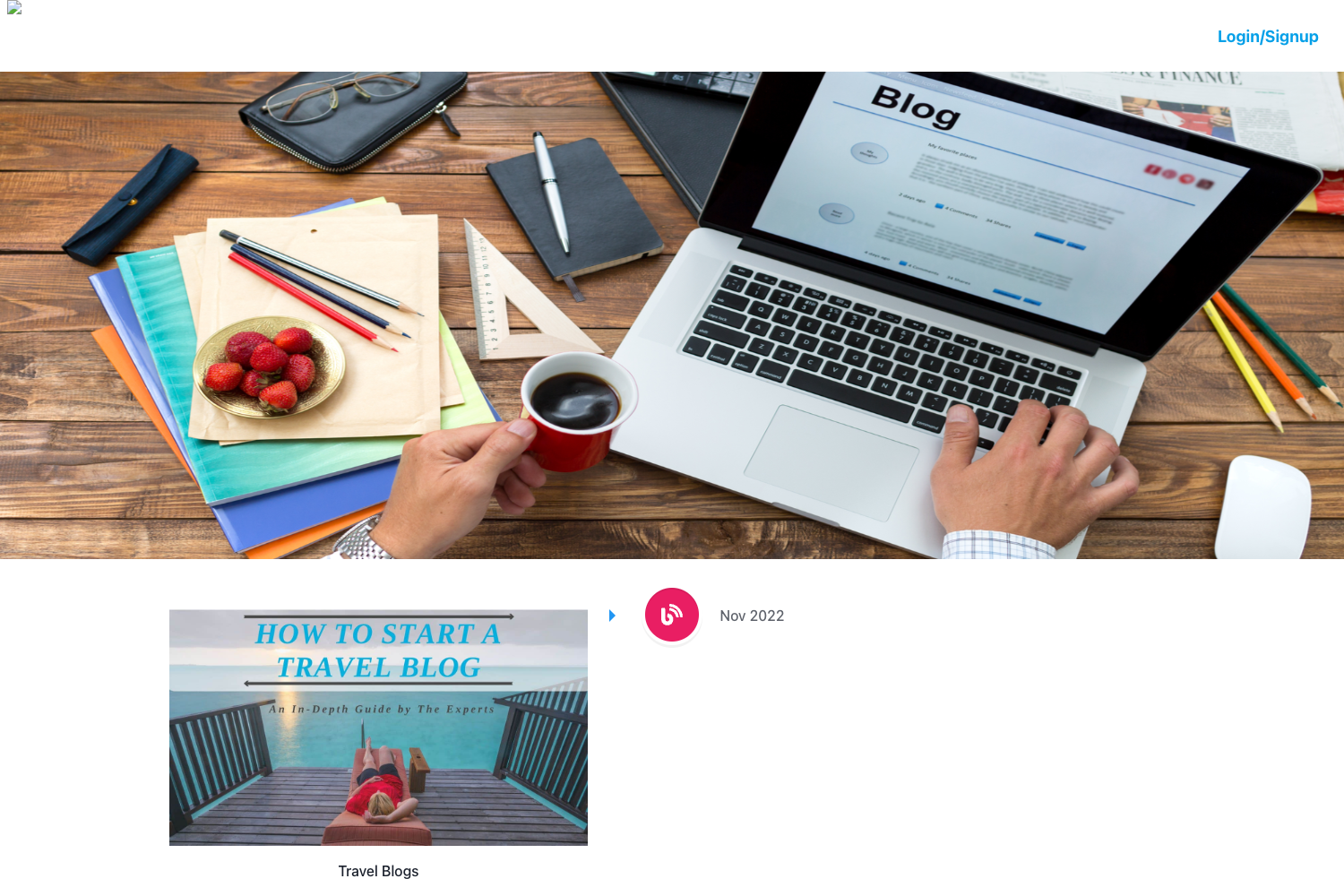
- Custom top bar background image — Configure a background image for the header area through the theme's settings.
- Custom social buttons — Define personal social network links in the configuration; the theme outputs them as top-bar buttons.
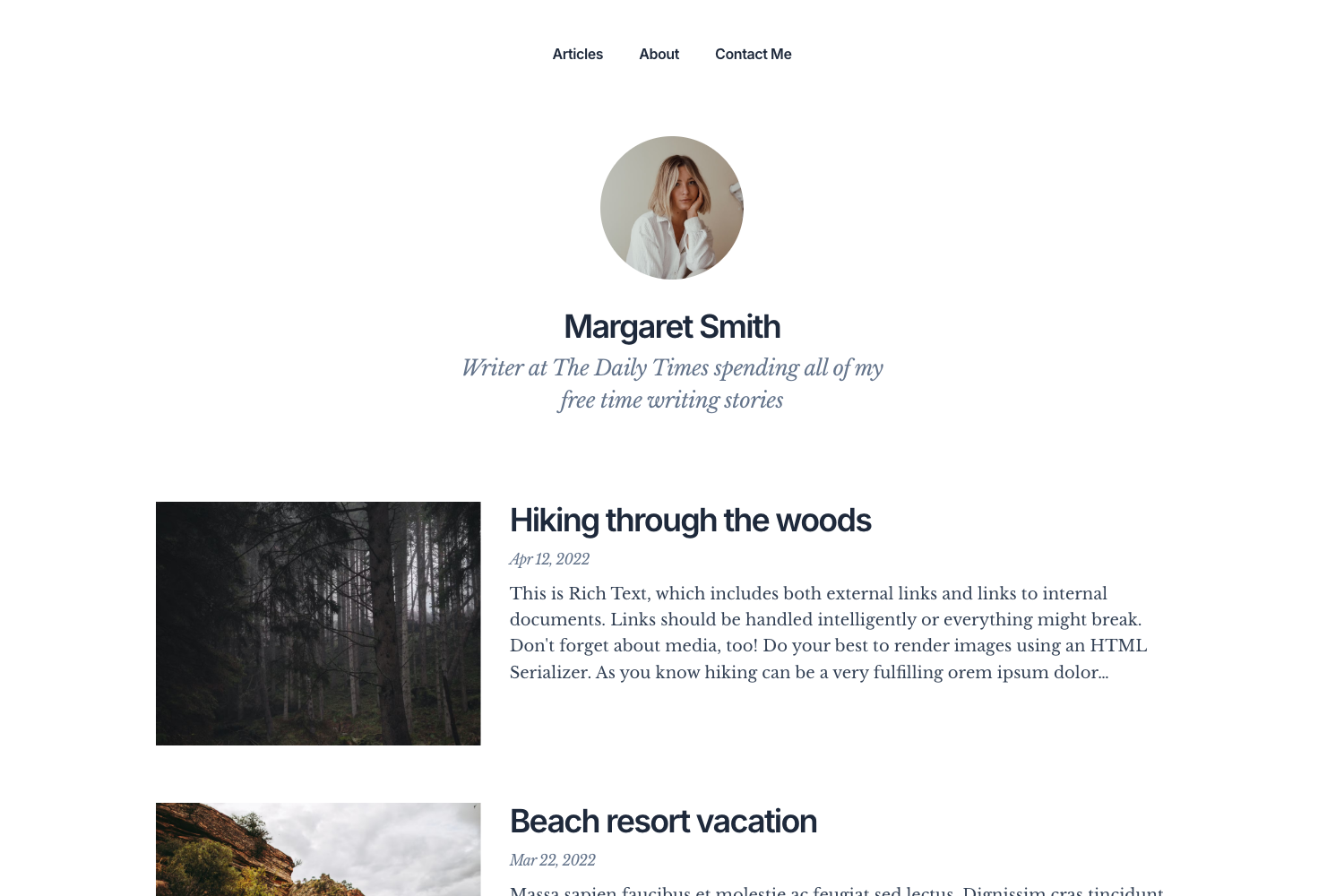
- Editable navigation and About page — Navigation bar items and the About page content are easy to customize, letting you present personal information or project details.
- jQuery and Highlight.js included — jQuery drives the JavaScript interactions, and Highlight.js provides syntax highlighting for code blocks in posts.
- Example site included — An
exampleSitefolder is bundled with the theme so you can copy its content into a new Hugo site to get a working blog immediately. - Simple clone-and-run setup — Installation instructions cover creating a Hugo site, cloning the theme, copying the example content, and running
hugo server.
Who is it for?
- Hugo users — who want a clean, simple blog theme based on AmazeUI and a quick way to get started with their own blog or personal site.
- Former Typecho bloggers — who used the original Amaze template on Typecho and want the same look and feel after migrating to Hugo.
- Developers learning Hugo — who can use the
exampleSiteand the theme's compact template structure as a reference for building custom Hugo themes.
What can you do with Hugo Theme Amaze?
- Personal bloggers: publish markdown posts and have them rendered with Highlight.js code highlighting, a custom banner, and social links to your profiles.
- Profile or project pages: customize the navigation and About page to present a short bio, links, and project highlights.
- Hobbyist developers: fork the theme and modify the AmazeUI-based templates to match their preferred minimalist style.
How does Hugo Theme Amaze work?
Installation is a four-step process: create a new Hugo site, clone the theme from GitHub into the themes directory, copy the contents of the bundled exampleSite folder into the site root, and run hugo server to start the development server. The theme reads the site configuration for top-bar background, social buttons, and navigation settings.
Pricing
The theme is free and open source; the complete source code is available on GitHub, and you can clone or fork it without restrictions.
FAQ
Is Hugo Theme Amaze free?
Yes, the theme is open source and its code is freely available on GitHub. You can download, use, and modify it for personal or commercial projects, subject to the license included in the repository.
Does Hugo Theme Amaze work with older versions of Hugo?
No, the theme explicitly requires Hugo 0.57 or newer. Older Hugo versions will likely not render the theme correctly because of template features introduced in that release.
How do I customize the social buttons?
You edit the site configuration file to add your social network URLs. The theme then displays those links as buttons in the top bar, with no template editing required.
Does Hugo Theme Amaze support syntax highlighting?
Yes, the theme bundles Highlight.js, so code blocks in your Markdown posts are highlighted automatically when the page loads, with no extra setup needed.
What is the difference between this theme and the original Typecho Amaze template?
This is the Hugo port of the Typecho template. It reimplements the same minimalist look using Hugo's template system, so it works with Hugo 0.57+ instead of Typecho, while keeping the custom top banner, social buttons, and simple navigation.