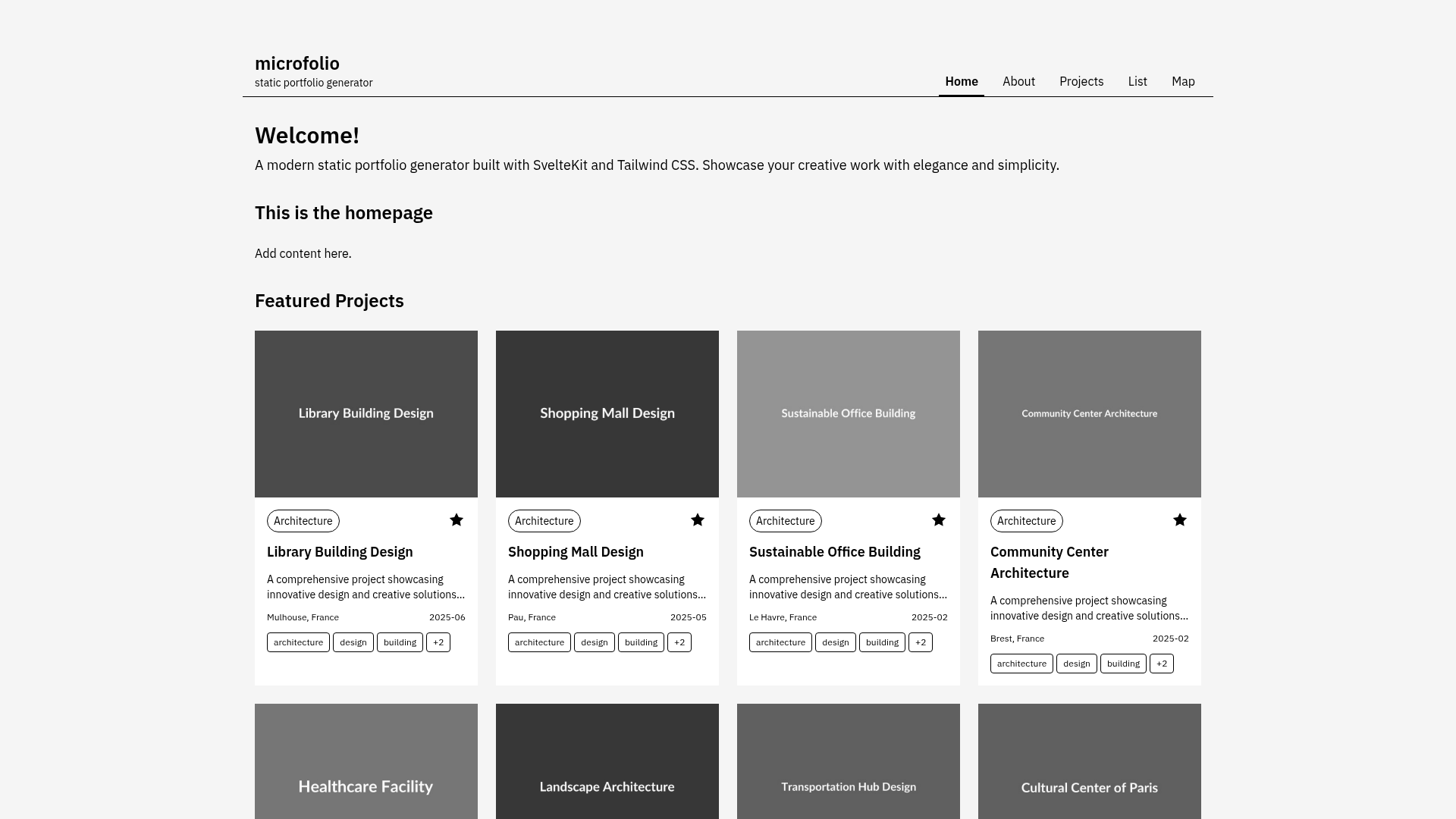
Template details
MyPortfolio
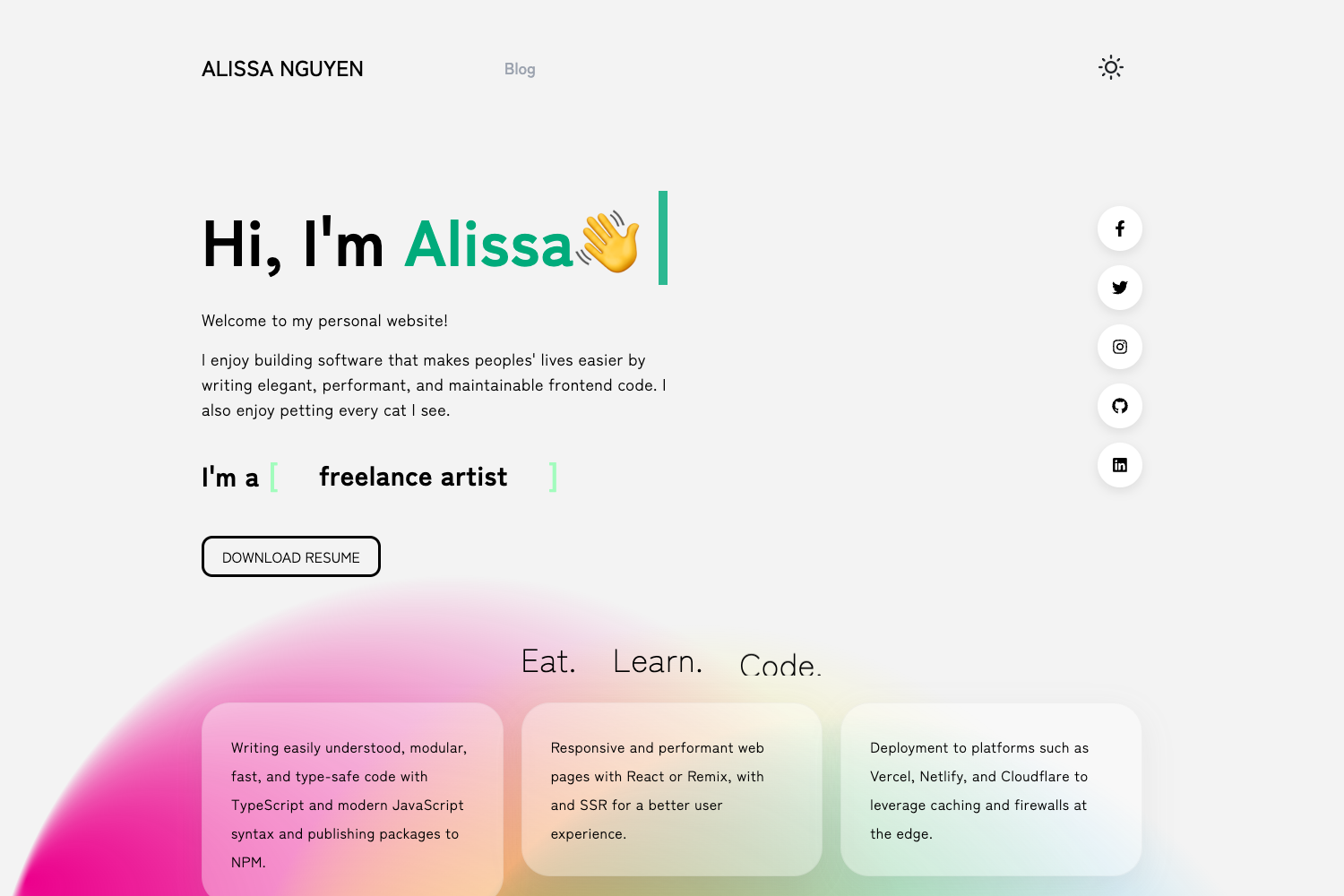
Next.js + Chakra UI portfolio template with Dev.to API and MDX blog.
About this template
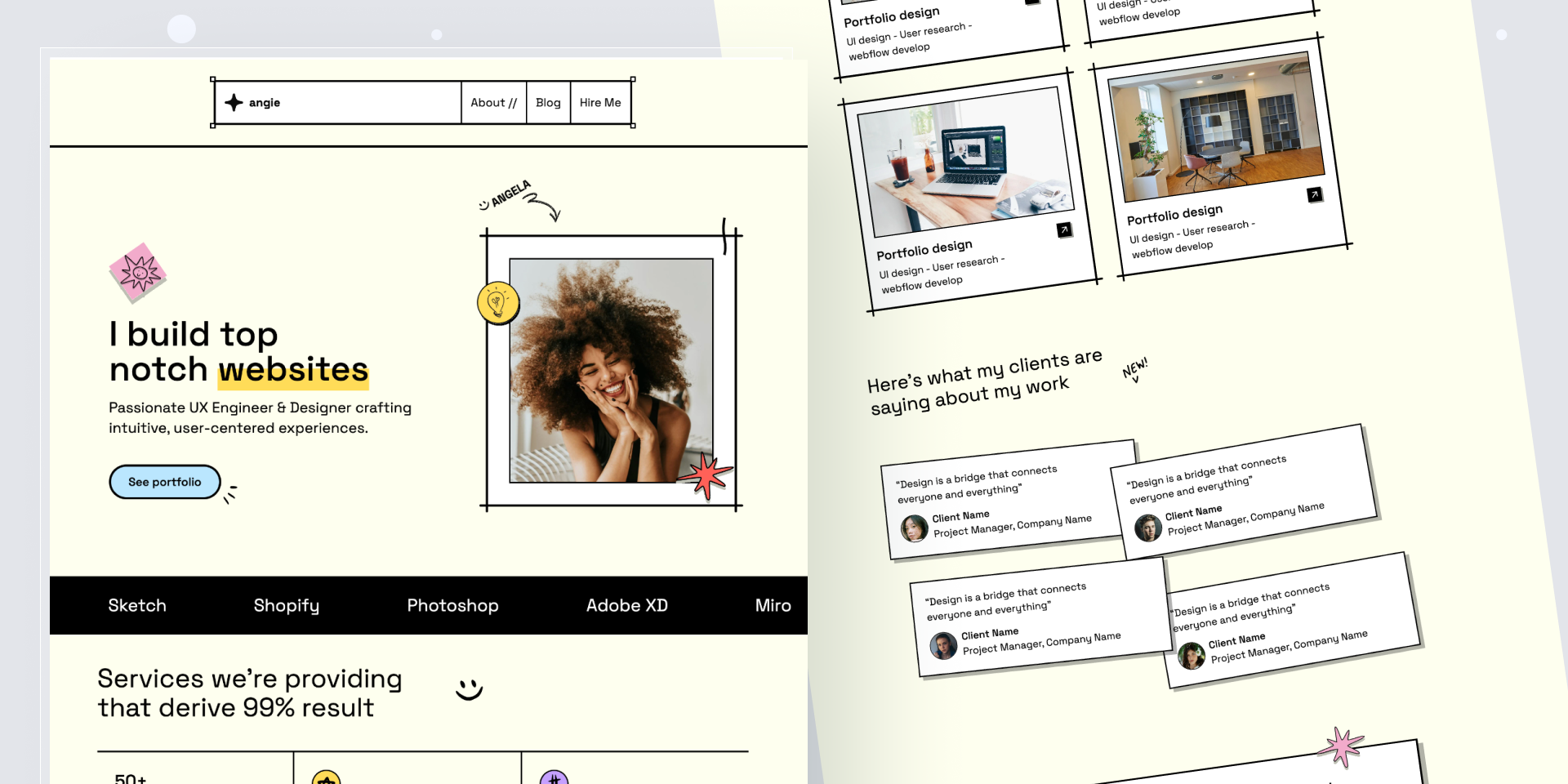
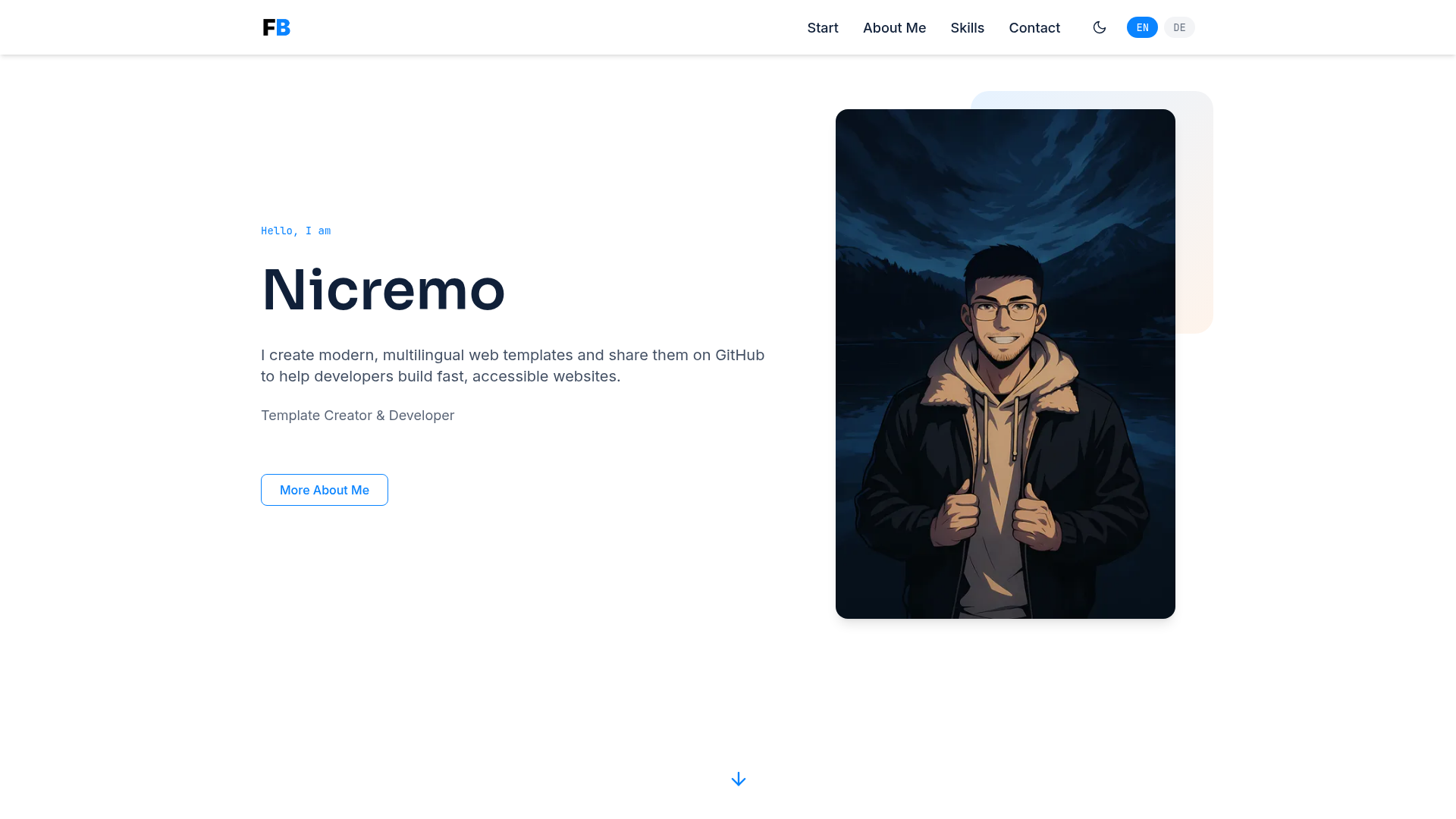
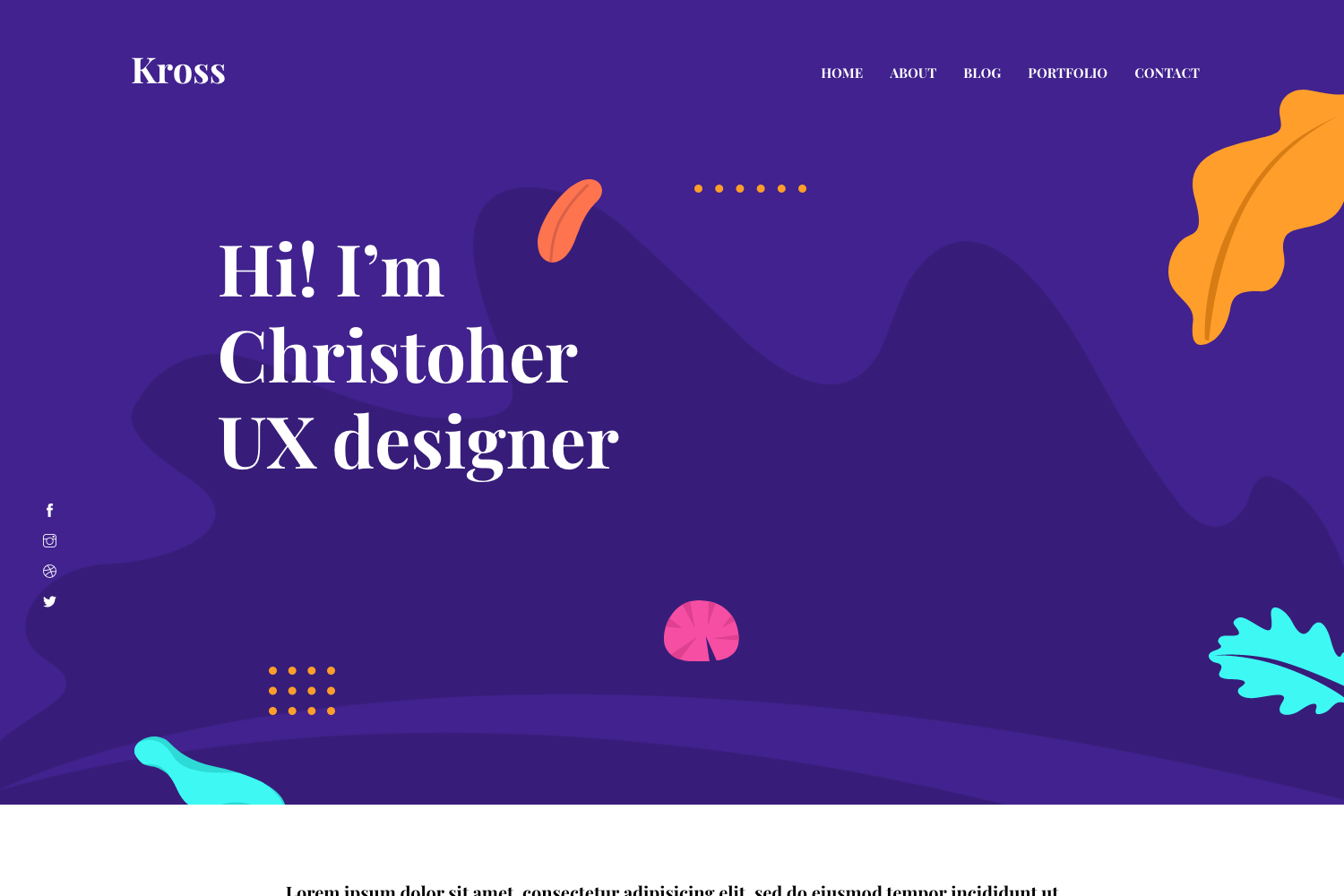
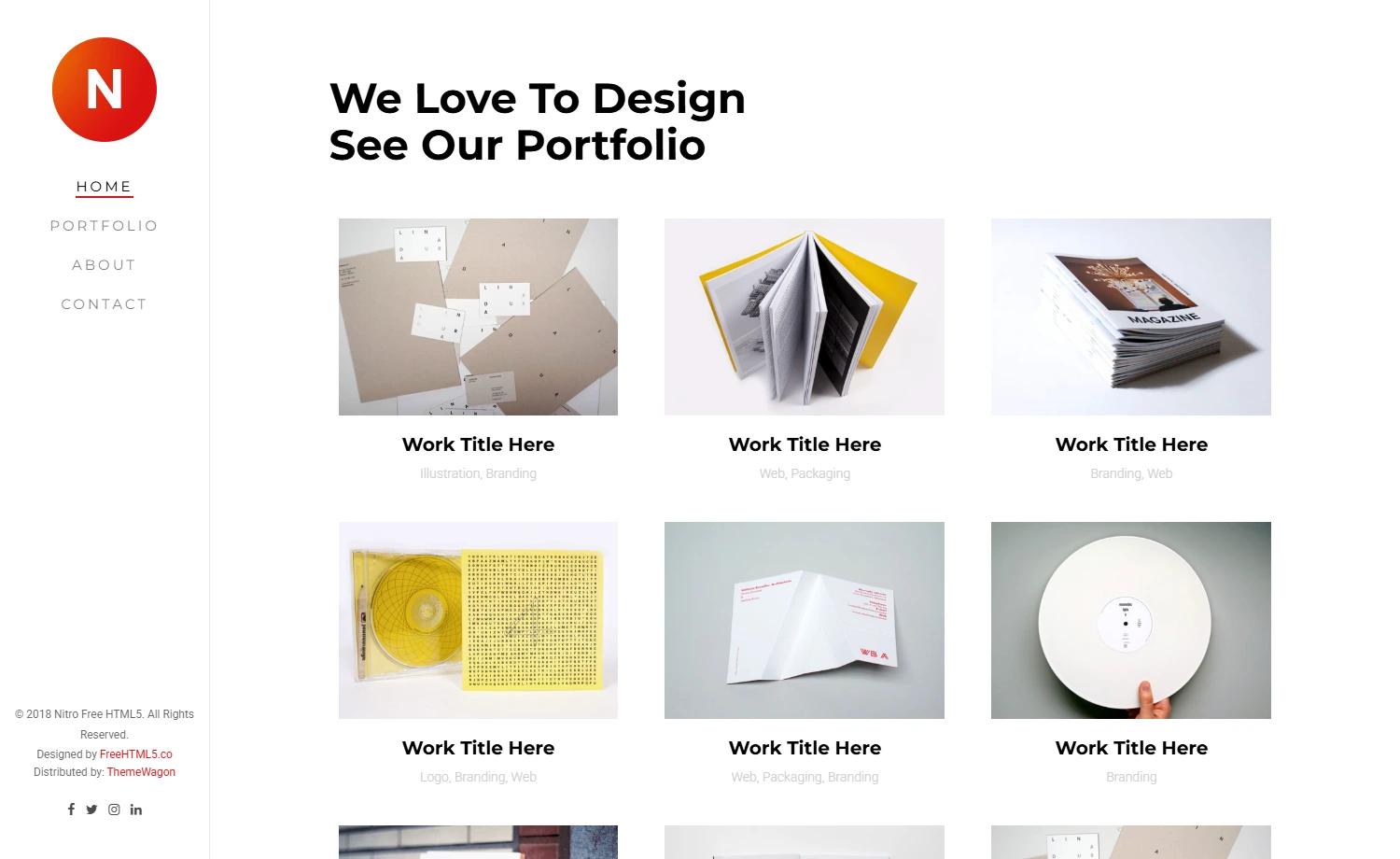
MyPortfolio is a personal portfolio template built with Next.js, Chakra UI, TypeScript, and the Dev.to API, designed to present a developer's skills, experience, projects, and published articles. The template outputs a static Next.js site with pre-rendered MDX blog pages and can be deployed to Vercel.
What is MyPortfolio?
MyPortfolio is a portfolio application created by MA-Ahmad, published on GitHub and listed on TemplatesKart. It takes a developer's personal data (projects, blog posts, profile info) as input and produces a polished single-page-plus-blog website as output. It runs on the Next.js framework with Chakra UI for styling, Framer Motion for animations, and Prisma for database access, and it integrates the Dev.to and GitHub APIs.
Key Features
- Next.js framework — Uses the React-based Next.js framework with server-side rendering and API routes for dynamic functionality.
- Chakra UI styling — Provides an accessible, themeable component library; the theme is managed in
components/theme. - MDX blog — Blog posts are written in Markdown/MDX and statically pre-rendered into
pages/blogpages. - Dev.to API integration — The
libfolder contains utilities for fetching external content, including the Dev.to API. - Prisma ORM — Includes a Prisma schema in
prisma/*that connects to a PostgreSQL database. - Syntax highlighting — Uses prismjs to highlight code blocks in blog content.
- Markdown processing — Uses remark to process Markdown into HTML.
- Deployment-ready — Configured for Vercel deployment with static and serverless workloads.
Who is it for?
Software developers looking for a personal portfolio site to showcase their work, experience, and articles. Technical writers who publish on Dev.to and want those posts automatically surfaced on their own site. Job seekers who need a clean, code-focused online presence. Also useful for developers who want to learn how to structure a Next.js project with TypeScript, Chakra UI, and an API layer.
What can you do with MyPortfolio?
- Developers: Launch a personal portfolio with project listings, an about page, and a blog in a few steps — clone the repo, install dependencies with
yarn install, and runyarn dev. - Technical bloggers: Publish MDX posts locally and bring in Dev.to articles via the API to have a single hub for content.
- Learners: Study a real-world Next.js project layout featuring pages, API routes, Prisma models, and reusable components.
How does MyPortfolio work?
After cloning the repository from GitHub, run yarn install and yarn dev to start the application at http://localhost:3000. The site pulls personal content from data files and the Dev.to API, and it pre-renders blog posts as static pages at build time.
FAQ
Is MyPortfolio free?
Yes, the source code is publicly available on GitHub. Before using it, review the LICENSE file and remove all personal information (projects, blog posts, images) as instructed.
Does MyPortfolio use a database?
It includes a Prisma schema for PostgreSQL, though the core portfolio pages work without a database; the database is used for additional application features.
How do I deploy MyPortfolio?
The template is set up for Vercel, so you can connect the GitHub repo to Vercel and use the default Next.js build settings for deployment.