Template details
Angular Master Portfolio
A customizable Angular portfolio template with SCSS, Tailwind CSS, and AOS animations for developers.
About this template
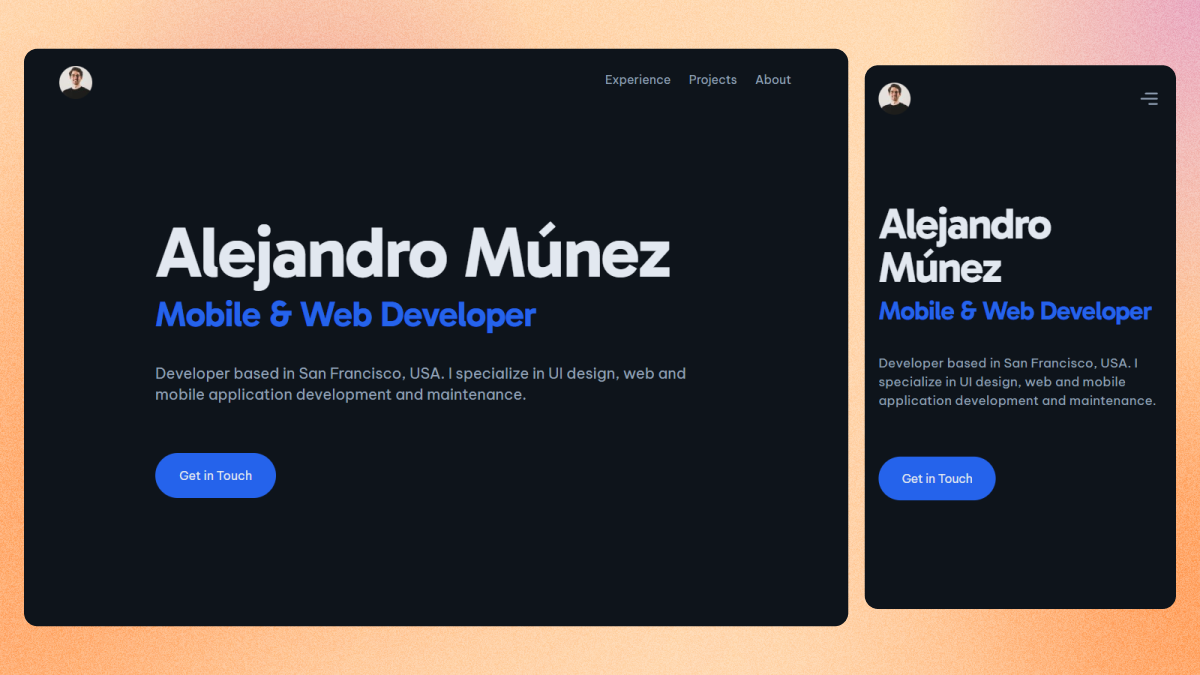
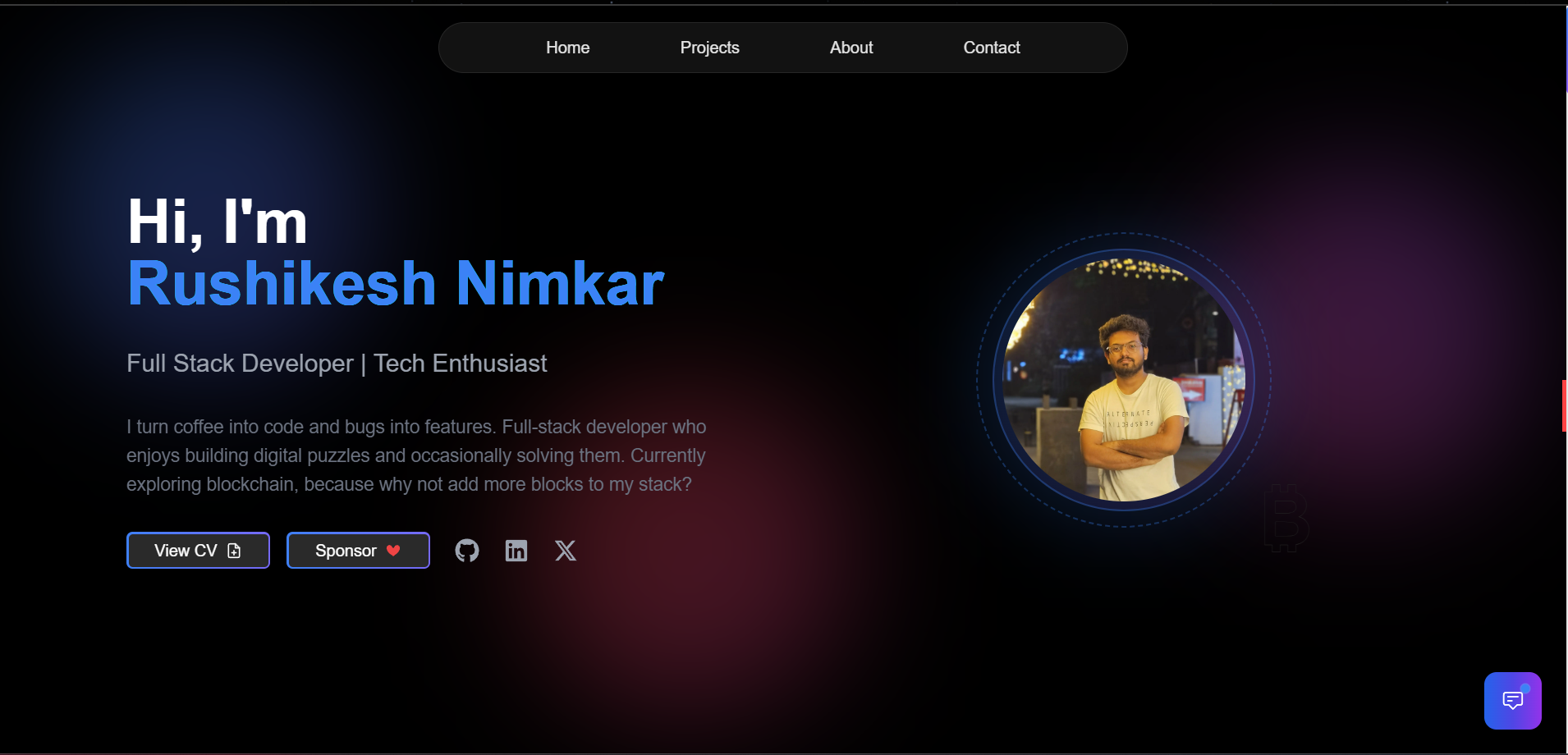
Angular Master Portfolio is a portfolio template for software developers, built with Angular and SCSS, that generates a personal website with Home, About, Projects, Experience, and Education sections.
What is Angular Master Portfolio?
Angular Master Portfolio is a responsive, customizable portfolio template built with Angular and SCSS, designed to showcase a software developer's skills, projects, experience, and education. It reads all content from a single data file, app-data.enum.ts, and outputs a static website with five predefined sections: Home, About me, Projects, Experience, and Education. The template is hosted on Firebase Hosting in its live demo and is developed by Dhruvil Rathod, drawing design inspiration from existing developer portfolio templates. It also uses Tailwind CSS and AOS (Animate on Scroll) for styling and scroll animations.
Key Features
Angular Master Portfolio packs a focused set of features that make it easy to run, style, and deploy a developer portfolio.
- Angular framework — The template is written in Angular and requires an Angular CLI installation to clone, run, and build locally.
- SCSS styling — Styles use SCSS, allowing modular and maintainable CSS architecture.
- Tailwind CSS — The project also includes Tailwind CSS in its tech stack for utility-first styling.
- AOS scroll animations — The Animate on Scroll library adds scroll-triggered entrance animations to page elements.
- Five predefined sections — Home, About me, Projects, Experience, and Education are included out of the box, with all data controlled from the file
app-data.enum.ts. - Simple Icons integration — Icons throughout the site come from Simple Icons, letting you swap in tech and social logos easily.
- Custom splash screen — The initial logo animation can be disabled or replaced with a custom SVG created in Figma or Adobe Illustrator and animated with SVG Artista.
- Firebase Hosting deployment guide — The repository includes Firebase configuration and step-by-step instructions for deploying your portfolio to Firebase.
Who is it for?
Angular Master Portfolio suits anyone who wants a polished Angular-based portfolio without writing the UI from scratch.
- Software developers — who want a professional online presence that shows off their projects, experience, and education without building a site from scratch.
- Angular learners — who are looking for a real-world Angular project structure to study and modify, with a clear single-file data model.
- Tech job seekers — who need a responsive, visually clean portfolio to send to recruiters, with sections for experience and education.
What can you do with Angular Master Portfolio?
With Angular Master Portfolio, you can control the entire site content and design through a few straightforward customization points.
- Fully customize content: Edit the
app-data.enum.tsfile to change every text block and list shown in the Home, About, Projects, Experience, and Education sections. - Swap icons and illustrations: Use Simple Icons to update tech and social logos, and replace the included UnDraw illustrations with your own art.
- Deploy to Firebase Hosting: Follow the guide to create a Firebase project, update the configuration, and push your portfolio live via
firebase initandfirebase deploy. - Add a custom animated splash: Turn off the default logo animation or replace it with an animated SVG crafted with SVG Artista for a personalized loading screen.
How does Angular Master Portfolio work?
After installing Angular, you clone the repository, run npm install to pull dependencies, and start developing with ng s -o, which opens the app in your default browser. All content changes are made by editing the app-data.enum.ts file, so you don't touch component templates for most updates. To publish, run ng build to produce a production bundle, then deploy the output using the Firebase Hosting instructions in the README. The live demo is available at https://angular-master-portfolio.web.app/.
Alternatives
Several similar developer portfolio templates exist, and this project directly credits two of them as design references.
- DeveloperFolio — a portfolio template that directly inspired some design ideas in this project.
- Master Portfolio — another developer portfolio template cited as a design reference in the README.
FAQ
Is Angular Master Portfolio free to use?
The repository is public on GitHub, so you can clone and modify the code for your own portfolio. The author does not list a price or license in the README, and simply asks for a star in return.
Can I customize the portfolio content?
Yes. All portfolio data lives in the file app-data.enum.ts. You can edit the object variables there to update your name, bio, projects, experience, education, and other details. Predefined interfaces show what fields each section accepts.
Does the template work without Angular?
No. The template is built with Angular, so it requires Node.js and the Angular CLI to run, build, and customize. If you are not using Angular, you would need to migrate the code to another framework.
Can I deploy to a platform other than Firebase?
The README only documents Firebase Hosting. Since ng build produces a static Angular bundle, you could adapt the deployment to other static hosts, but you would need to adjust the configuration and instructions yourself.