Template details
API MVP Portal Template
A fill-in-the-blanks Jekyll template for a minimum viable API portal with getting started guide and reference docs.
About this template
The MVP Portal Template for APIs is a fill-in-the-blanks Jekyll template that produces a minimum viable API developer portal, complete with a getting started guide and API reference documentation, ready to host on GitHub Pages.
What is the API MVP Portal Template?
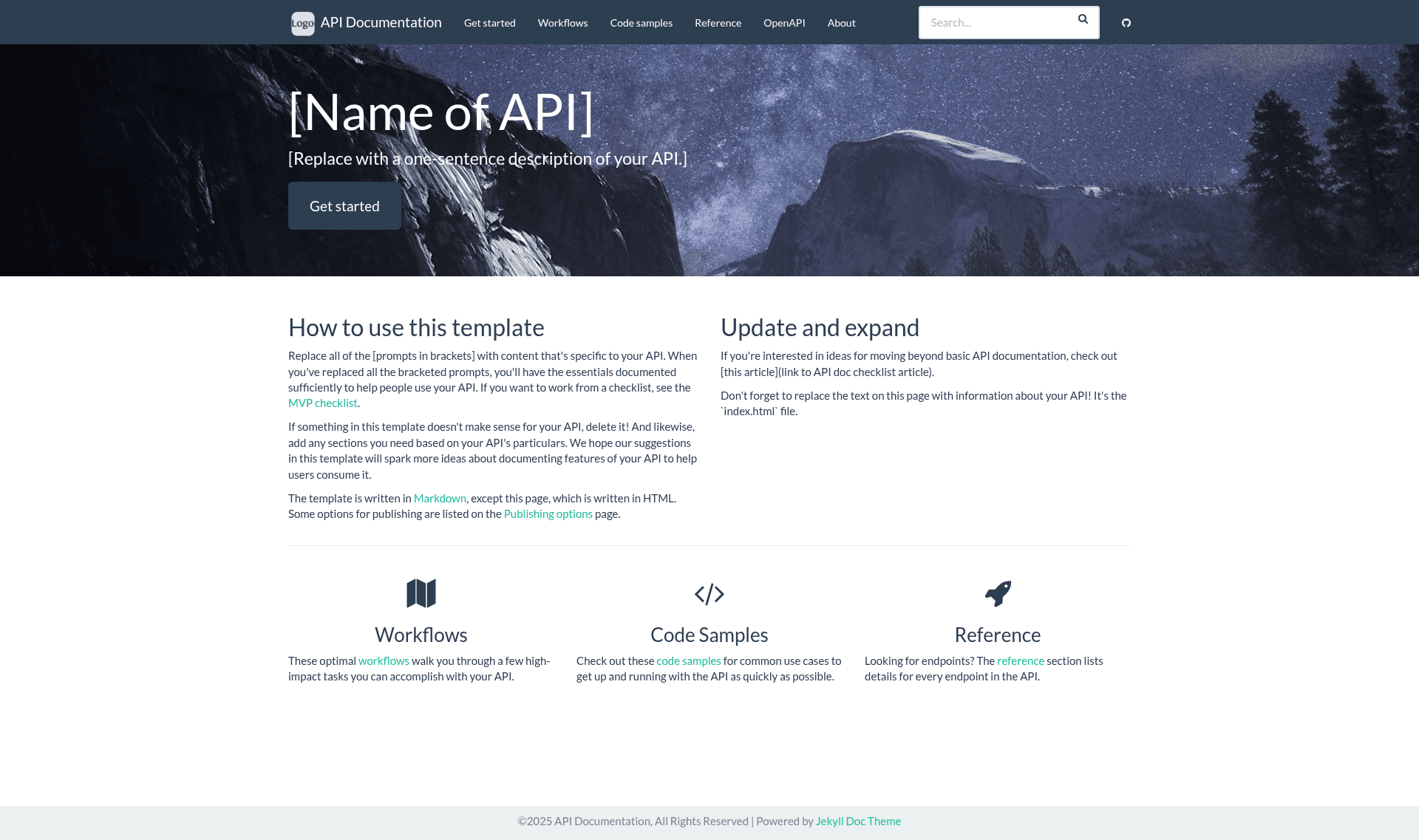
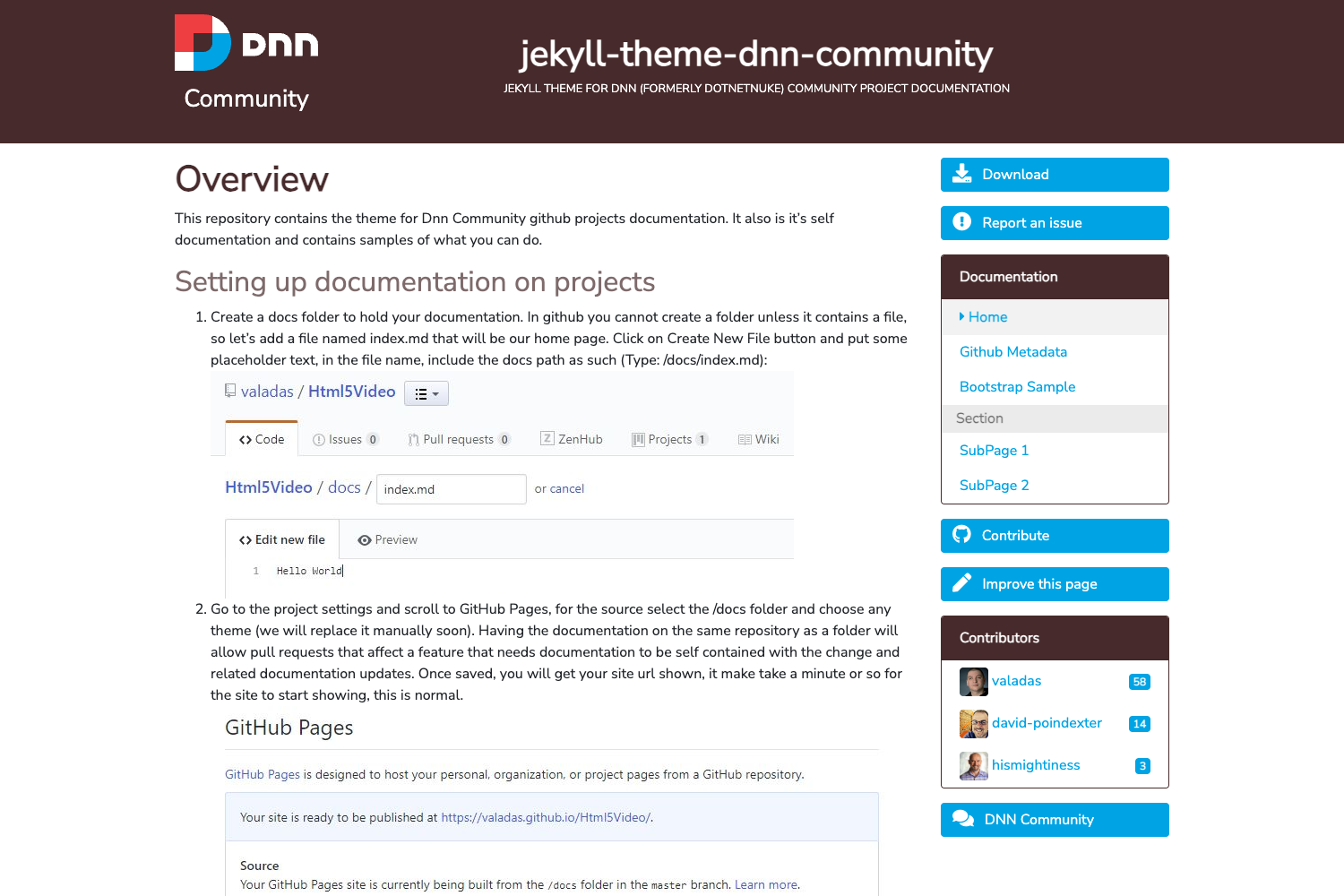
The API MVP Portal Template is a static documentation-site starter that turns a few Markdown files into a functioning API portal. You supply API-specific text in place of bracketed prompts; the template outputs a Jekyll-built site with a home page, about page, documentation pages, and a top navigation bar. The template lives in the launchany/mvp-template GitHub repo, is based on the jekyll-doc-theme by Can Güney Aksakalli, and is intended to be deployed on GitHub Pages.
Key Features
The template bundles all pages and configuration files needed for a minimal API portal.
- Fill-in-the-blanks content — Every section of the Markdown files uses [prompts in brackets]; replace or delete them to make the portal yours.
- Jekyll on GitHub Pages — The site is a standard Jekyll project that builds on gh-pages; a local-run guide is linked in the README, plus GitHub's official instructions for running Jekyll locally.
- Markdown-first authoring — All documentation pages live in the
_docsfolder as Markdown; the only HTML page is the homepageindex.html. - Two reference styles — Either write reference docs in Markdown (
mdreference.md) or embed Swagger UI with your own OpenAPI YAML by replacing/dist/swagger_petstore.yml. - Configurable navigation — The left documentation menu is generated from
_data/docs.yml; the top navigation is edited in_includes/topnav.html. - Theme selection — Choose from Bootwatch themes via the
bootwatchoption in_config.yml; replace the hero background (img/bg.jpg, 1920x1280 JPG) and the nav logo (img/logonav.png, 410x410 transparent PNG). - Sensible starting sections — Comes with files for get-started and authentication (
_docs/index.md), workflows, code samples, and reference/endpoints.
Who should use the API MVP Portal Template?
This template suits teams that need a simple, static API documentation site with minimal setup.
- API product managers who need a first version of developer docs without involving a dedicated doc platform.
- Technical writers who want a lightweight, static, version-controlled docs site that non-developers can edit via Markdown.
- Startup teams shipping an API quickly and needing a polished-looking portal that can be deployed for free on GitHub Pages.
What can you do with the API MVP Portal Template?
The template supports several practical documentation workflows.
- API teams: Publish a getting-started guide, authentication instructions, workflows, code samples, and endpoint reference in one afternoon by editing the provided Markdown files.
- OpenAPI-first teams: Embed Swagger UI and serve your existing OpenAPI spec in an iframe, skipping Markdown reference entirely.
- Open-source projects: Host the portal on gh-pages at no cost and let contributors update docs through pull requests.
How does the API MVP Portal Template work?
Clone the repository with git clone https://github.com/launchany/mvp-template.git, replace all bracketed prompts in the _docs Markdown files and index.html with your API details, update site settings in _config.yml, then commit and push to GitHub Pages. If you want to preview locally, follow GitHub's Jekyll local-setup instructions linked in the README.
FAQ
Can I use my own OpenAPI specification with this template?
Yes. Replace the sample dist/swagger_petstore.yml with your own YAML file, delete the example Markdown reference _docs/mdreference.md, and remove the Reference menu item from both _includes/topnav.html and _data/docs.yml.
What files do I need to edit to customize the navigation?
For the documentation sidebar, edit _data/docs.yml; for the top navigation bar, edit _includes/topnav.html. If you only change content in _about/index.md, _docs/, or index.html, you do not need to touch either navigation file.
Is the template tied to a specific hosting provider?
No, but it is optimized for GitHub Pages. The template is a Jekyll site, so it can run on any Jekyll-compatible static hosting service; the README includes a guide for running it locally during development.