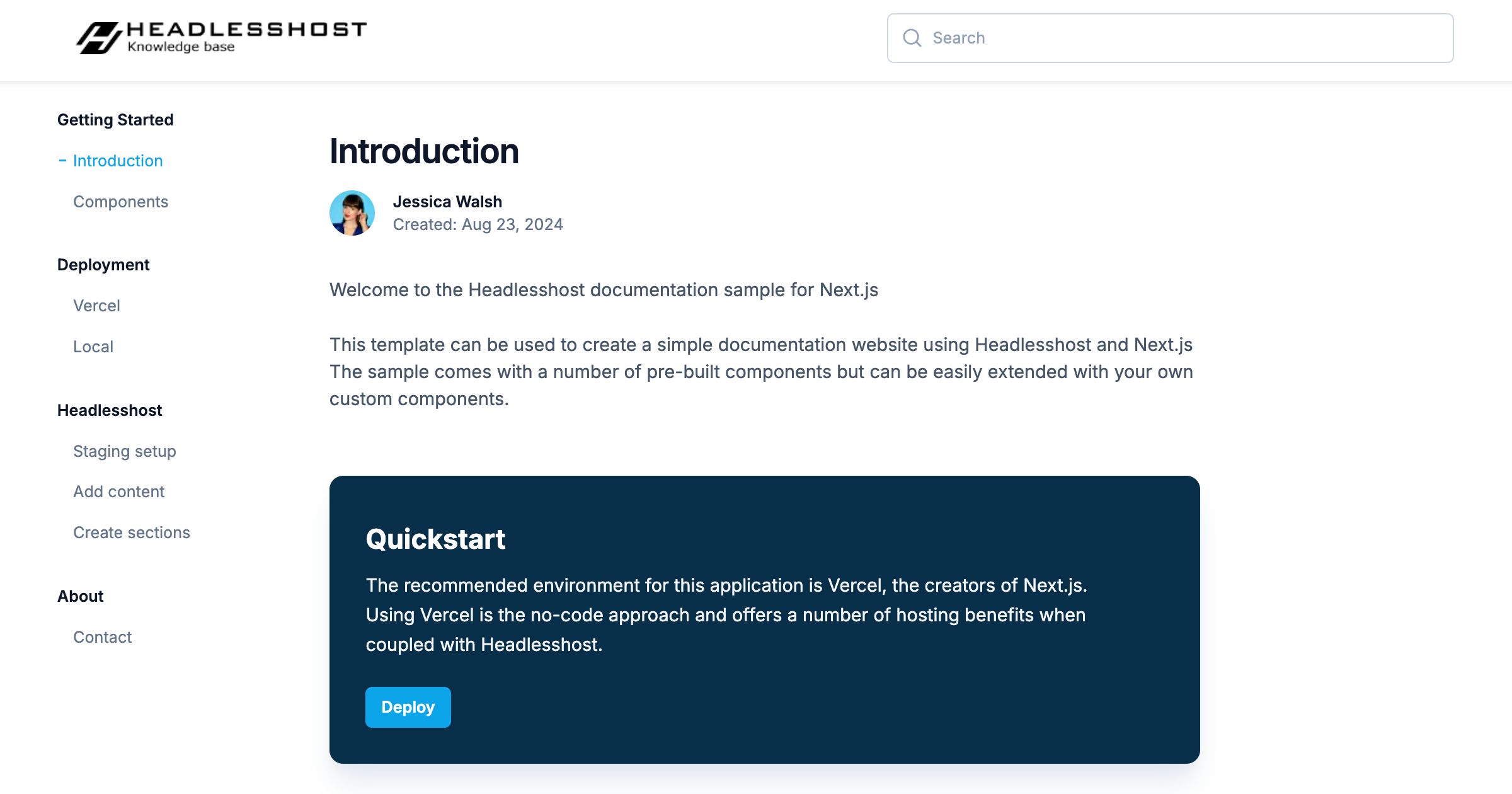
Template details
jekyll-theme-dnn-community
Jekyll theme for DNN (formerly DotNetNuke) Community project documentation
About this template
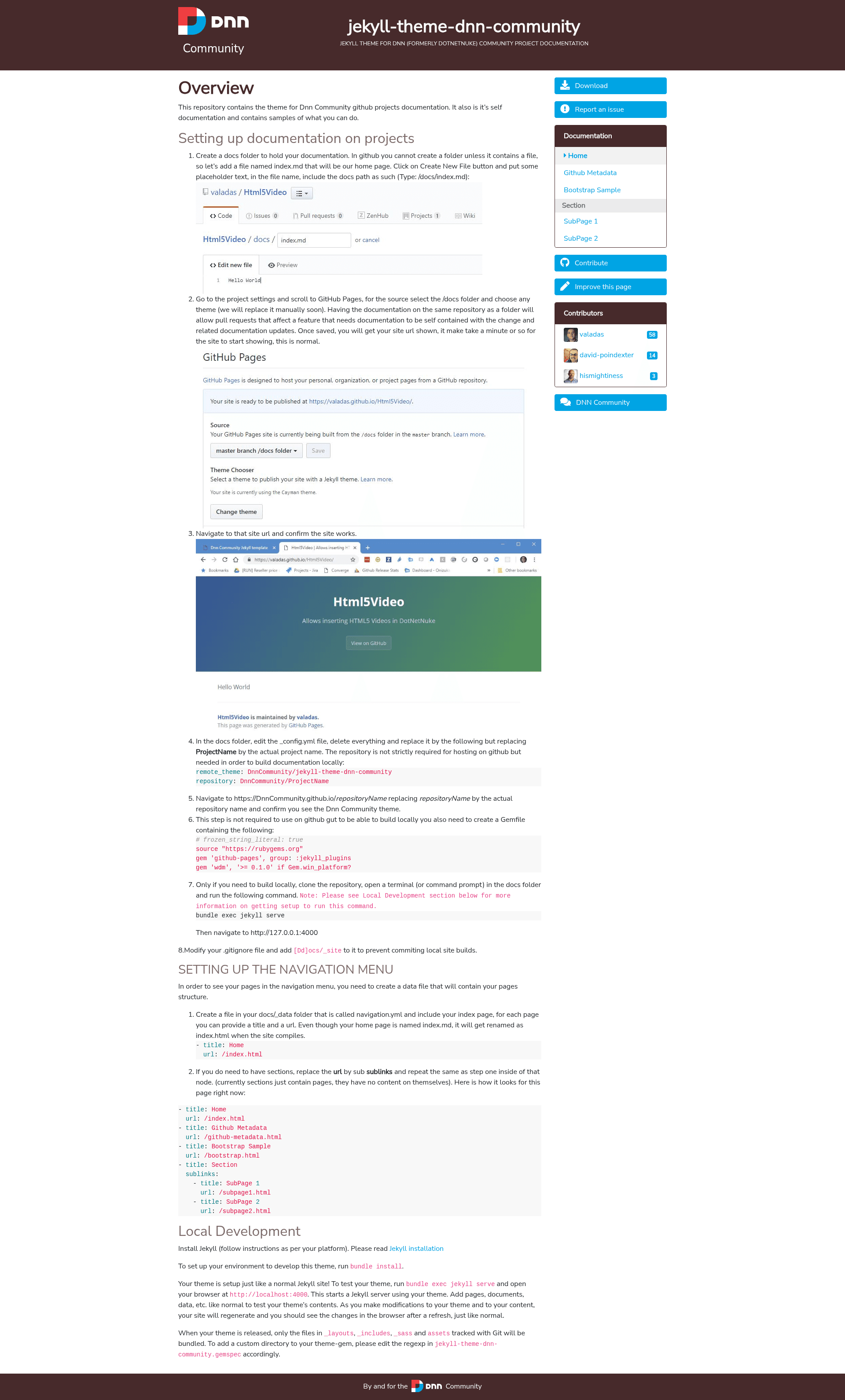
jekyll-theme-dnn-community is an open-source Jekyll theme for building static documentation sites for the DNN (formerly DotNetNuke) Community project.
What is jekyll-theme-dnn-community?
jekyll-theme-dnn-community is a Jekyll theme distributed as a gem that provides layouts, includes, Sass stylesheets, and static assets for creating project documentation. It is designed specifically for documentation of the DNN (formerly DotNetNuke) Community project. The theme runs on Jekyll, the Ruby-based static site generator, and outputs a plain HTML static site that can be hosted anywhere. The repository is hosted on GitHub and is released under the MIT License.
Key Features
- Standard Jekyll structure — Uses the conventional directories
_layouts,_includes,_sass, andassetsfor straightforward customization and maintenance. - Documentation-oriented layouts — Provides page templates aimed at presenting technical documentation for the DNN Community project.
- Local development with hot reload — Run
bundle exec jekyll serveand view the site athttp://localhost:4000; edits regenerate automatically in the browser. - Theme gem packaging — Only files in
_layouts,_includes,_sass, andassetstracked by Git are included when the theme is released as a gem. - Open source license — Available under the MIT License, so it can be freely used, modified, and redistributed.
- Hacktoberfest friendly — The repository lists
hacktoberfestamong its topics, signaling that contributions are welcomed.
Who is it for?
- DNN Community maintainers — Publish and maintain documentation for the DNN open-source project without building a site from scratch.
- Jekyll users — Use the theme as a starting point for any documentation site; install with standard Jekyll gem workflows.
- Open source contributors — Participate in Hacktoberfest by improving layouts, styles, or documentation for the theme itself.
What can you do with it?
- Set up a documentation site quickly — Clone the theme, run
bundle install, and start the local server withbundle exec jekyll serveto preview the default documentation pages. - Customize the appearance — Edit Sass files in
_sassand adjust layouts in_layoutsto match the DNN Community branding. - Add content — Add pages and documents as you would in any Jekyll site, and the theme will render them with the provided layouts.
How does the theme work?
The theme follows the standard Jekyll development workflow. After installing Jekyll and running bundle install, you start a local server with bundle exec jekyll serve. The site regenerates as you modify layouts, includes, Sass, assets, and content. When the theme is released, the gem package includes only the four standard directories (_layouts, _includes, _sass, assets), as defined in the gemspec.
License
The theme is open source under the MIT License, allowing free use, modification, and distribution.