Template details
Docsta
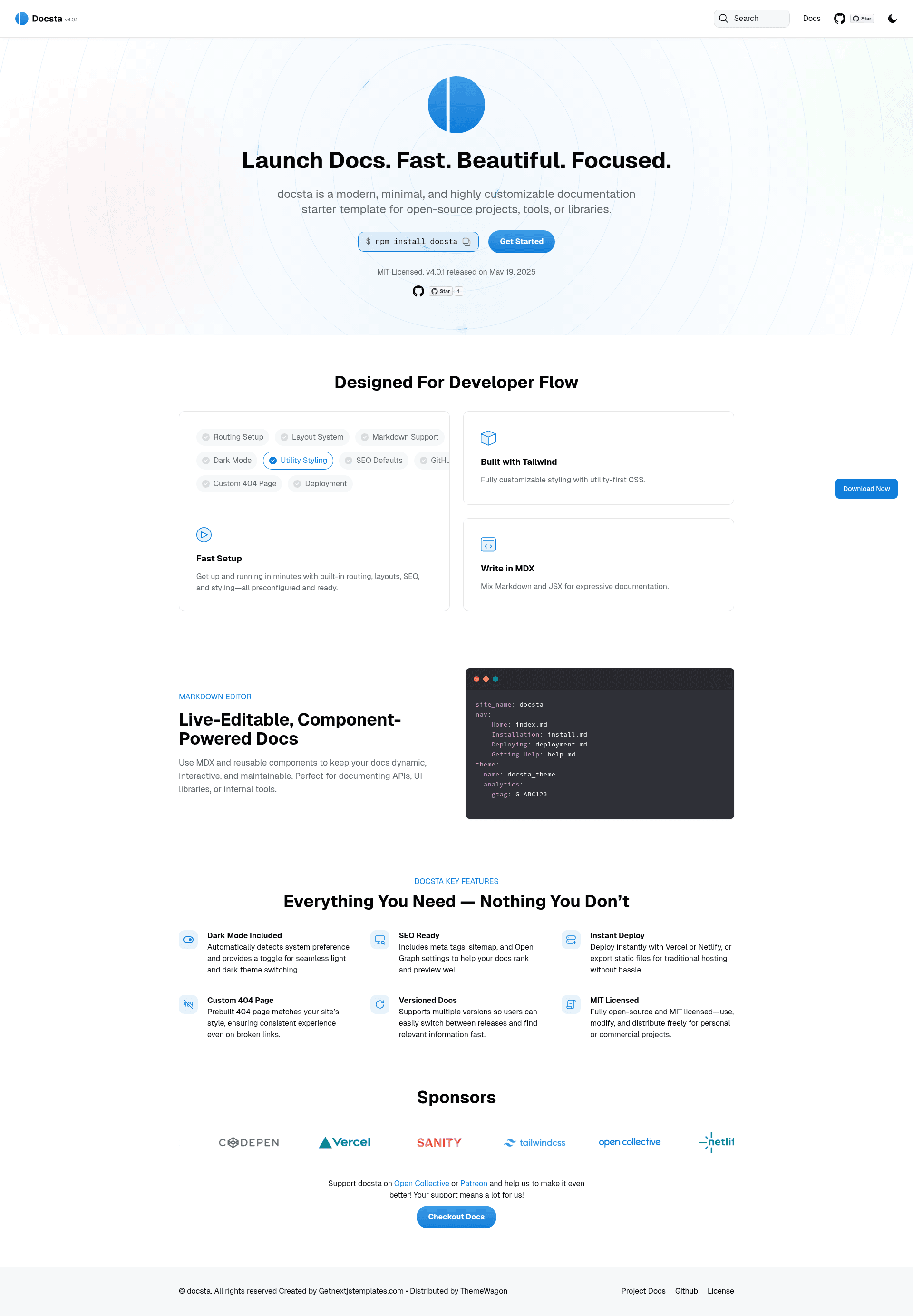
Free multipage documentation and landing page template built with Tailwind CSS v4, React, and Next.js.
About this template
Docsta is a free, multipage documentation starter template from ThemeWagon, built with Tailwind CSS v4.0.0, React, and Next.js to produce fast-loading, SEO-friendly documentation and landing pages.
What is Docsta?
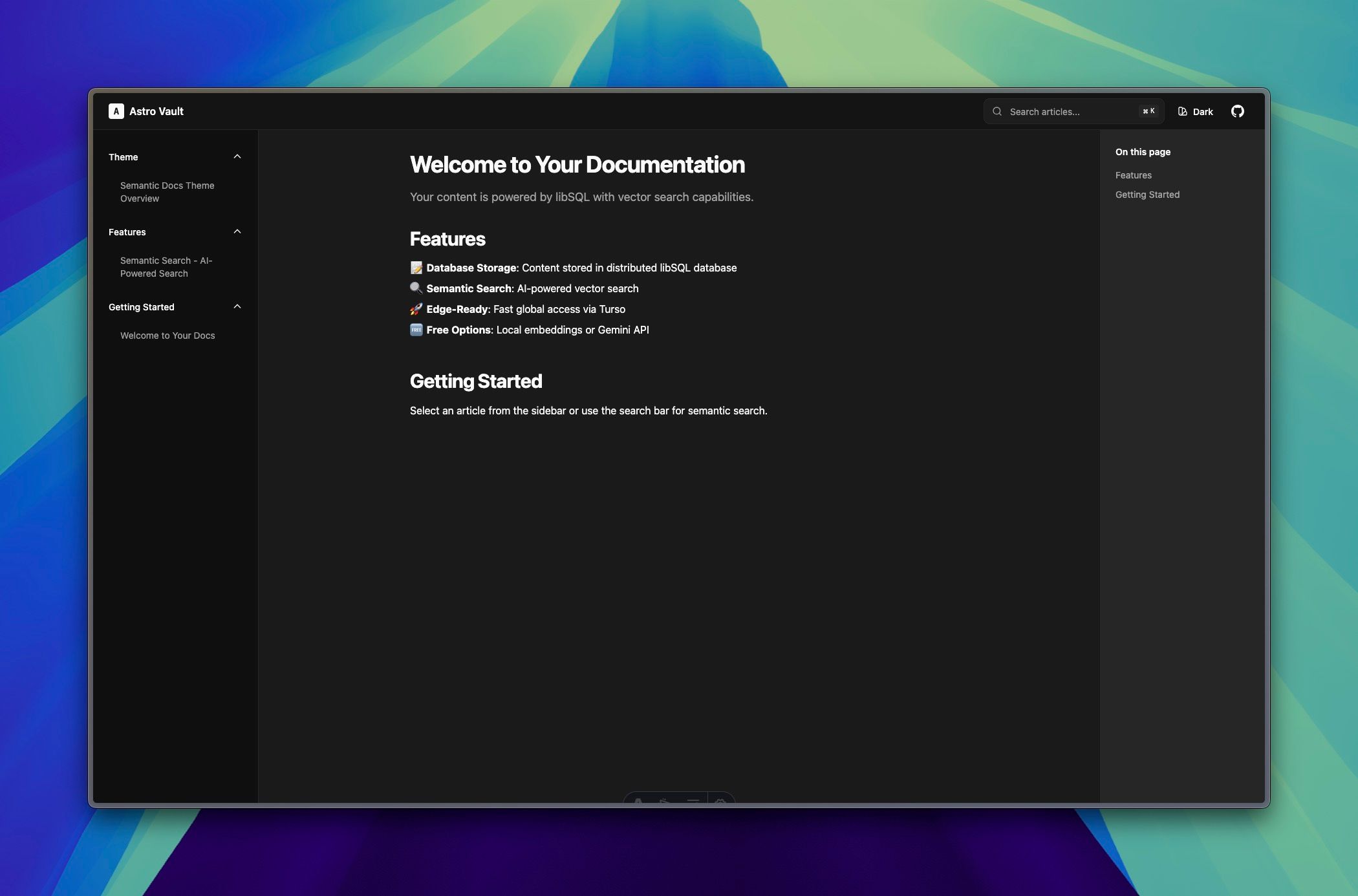
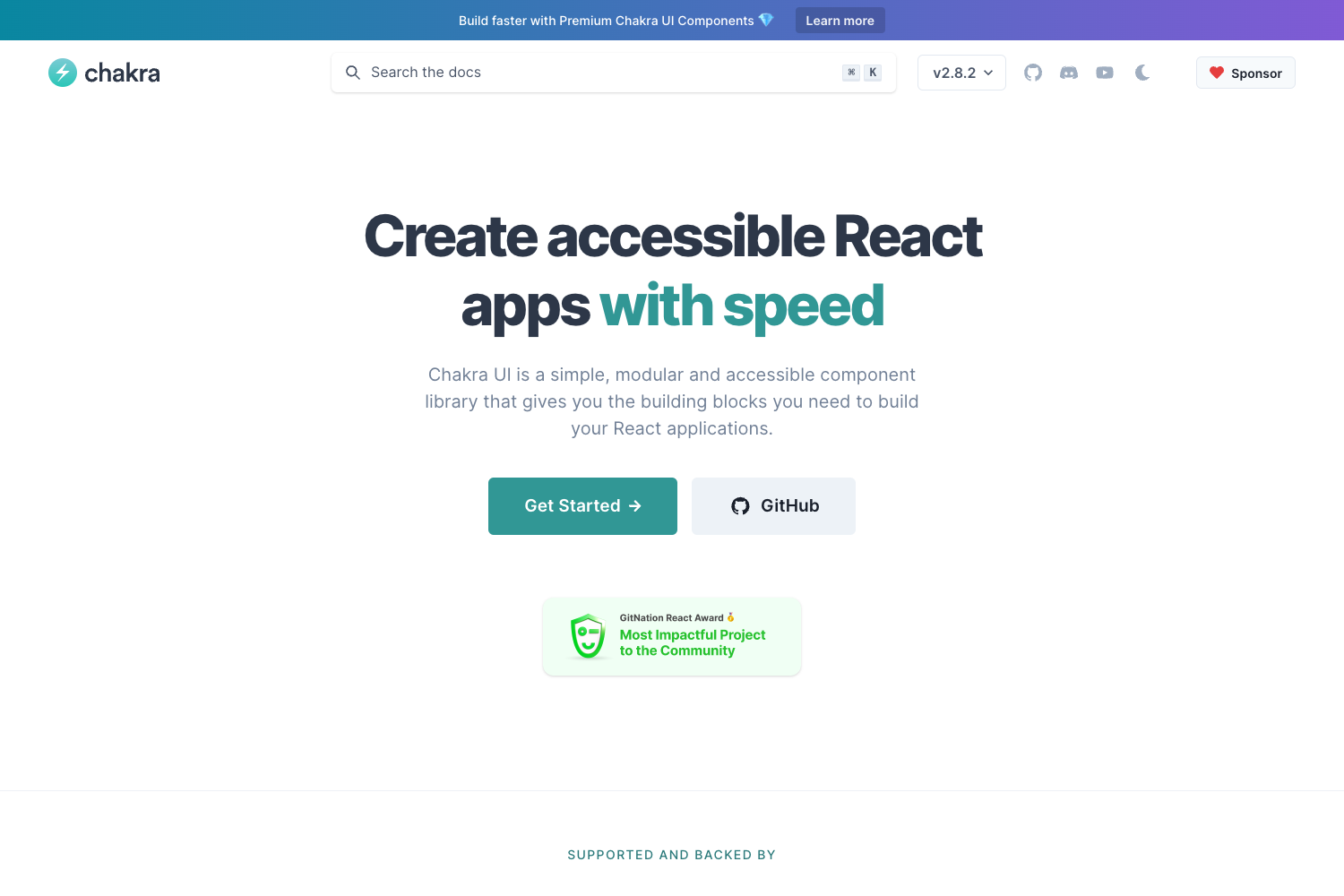
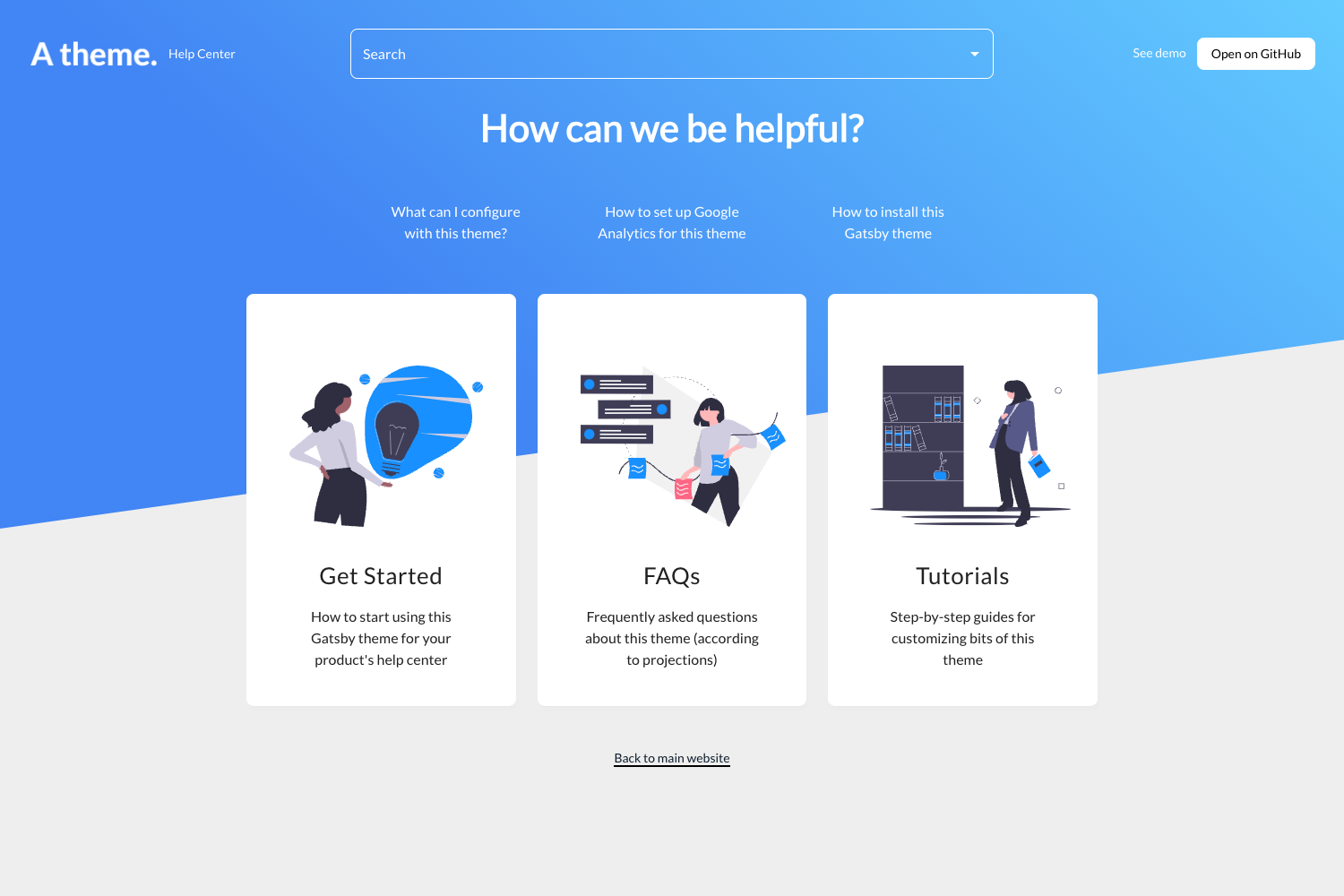
Docsta is a free responsive documentation template distributed by ThemeWagon and created by the author "Get Next.js Templates". It takes design components and pre-built page sections as input and outputs a complete multipage website with 3 pre-built pages, a sticky top navigation bar, a large header, search filter, light/dark modes, call-to-action buttons, and a detailed footer. The template runs on the Next.js framework with React and uses Tailwind CSS v4.0.0 for styling, and it is compatible with Android, Chrome, Edge, Firefox, iPad, iPhone, Mobile, Opera, and Safari.
Key Features
- Tailwind CSS v4.0.0 — The template is styled with the latest Tailwind CSS release, giving you utility-first classes for rapid customization.
- Multipage design — Includes 3 pre-built pages plus a dedicated 404 page, covering the essential routes of a documentation or landing site.
- Light & dark modes — Users can switch between light and dark color schemes, built into the layout without extra configuration.
- Search filter — A search input is included to let visitors filter documentation content directly on the page.
- Sticky top navigation bar — The top nav stays visible while scrolling, with social media icons and call-to-action buttons integrated.
- Mobile-first responsive layout — The layout scales across all screen sizes and is cross-browser compatible with fewer rendering bugs.
- SEO optimized — The theme is built with search-engine-friendly markup to help pages rank higher in search results.
- Page-speed optimized — Optimized loading is designed to reduce bounce rates on documentation pages.
Who should use Docsta?
- Open-source project maintainers — can use Docsta as a clean, fast documentation starter to publish API docs, user guides, or contributor pages.
- Startup founders — can use the multipurpose layout to launch a landing page with call-to-action buttons and a 404 page included.
- Front-end developers — can customize the Tailwind CSS v4 and Next.js codebase to match a brand's styling without starting from scratch.
What can you do with Docsta?
- Documentation sites: Build a minimal docs page with a header, search filter, and sticky navigation, all responsive on mobile.
- Product landing pages: Use the large header section and call-to-action buttons to present a product and drive sign-ups.
- Personal or project portfolios: Adapt the multipurpose layout to showcase work with light/dark modes and social media icons.
Pricing
Docsta is free to download from ThemeWagon. It is open source, can be used in commercial projects, and includes lifetime free updates.
FAQ
Is Docsta free?
Yes, Docsta is a free template. The download link is sent to your email address, and the license permits open-source use, commercial projects, and lifetime free updates.
What tech stack does Docsta use?
Docsta is built with Tailwind CSS v4.0.0, React, and Next.js. It includes all demo images and required libraries and plugins in the download.
How many pages are included?
Docsta includes 3 pre-built pages plus a 404 page, along with a sticky top navigation bar, search filter, light/dark modes, and a detailed footer.
Does Docsta support dark mode?
Yes, the template includes both light and dark modes, allowing visitors to switch between the two color schemes.
Which browsers are supported?
Docsta is cross-browser-compatible and listed as compatible with Chrome, Edge, Firefox, Opera, Safari, and mobile devices including iPad and iPhone.