Template details
Artists Theme
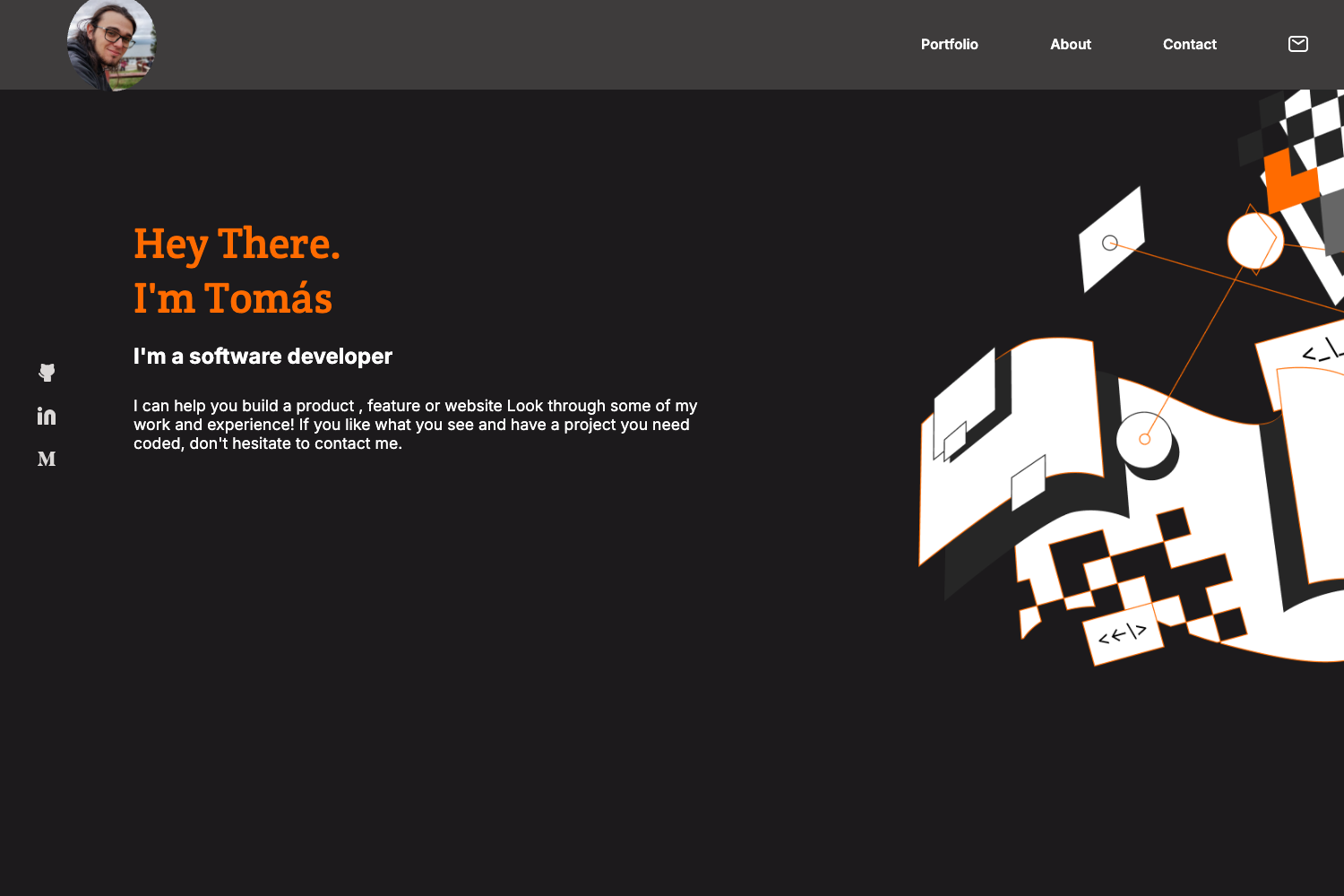
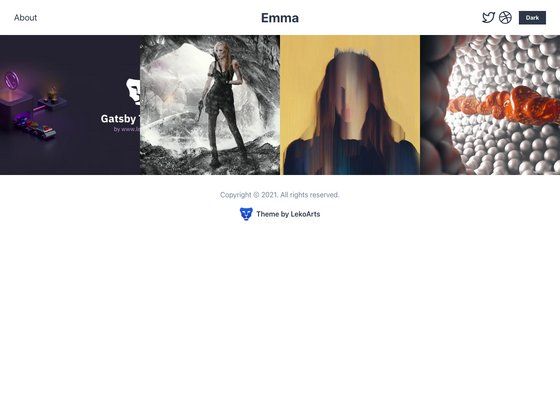
A one-page portfolio Hugo theme for freelancers with skills, portfolio, testimonials, and contact sections.
About this template
Artists Theme is a one-page portfolio Hugo theme for freelancers, ported from Travis Neilson's (DevTips) Jekyll theme of the same name.
What is Artists Theme?
Artists Theme is a static-site portfolio template built for Hugo, the Go-based static site generator. It takes TOML configuration files (config.toml, data/work.toml, data/clients.toml) and Markdown content as input, and outputs a one-page website with an about section, a portfolio grid, a client testimonial gallery, and a contact form. The original Jekyll theme was created by Travis Neilson (DevTips), and this Hugo port was developed by digitalcraftsman. The theme is released under the Unlicense License and is described as no longer maintained.
Key Features
- One-page layout — All sections (about, work, clients, contact) appear on a single scrolling page.
- Skills with self-ratings — Define skills in config.toml with a name and a value from 0 to 10 to display proficiency bars in the about section.
- Responsive portfolio grid — Projects are defined in data/work.toml and content/work/*.md, with images stored in static/img/work/your-folder-name/; each project needs a thumb.jpg for the grid preview, and the grid includes hover effects.
- Client testimonial gallery — Add quotes, avatars, and logos in data/clients.toml; avatars and logos are stored in static/img/clients.
- Social network links — The contact section supports icons for twitter, facebook, github, pinterest, google-plus, linkedin, youtube, instagram, dribbble, behance, soundcloud, and vine.
- Formspree contact form — The static form sends emails through formspree.io, which allows up to 1,000 incoming emails per month for free.
- Customizable hero and logo — Replace static/img/hero-bg.jpg and static/img/logo.svg to personalize the site; original filenames must be kept.
Who is it for?
- Freelance designers and developers — Present a portfolio of projects, list skills with self-assessed ratings, and showcase client testimonials on a single page.
- Visual artists and photographers — Use the image-heavy work section to display projects in a responsive grid with hover effects.
- Hugo static site users — Developers already using Hugo can clone the theme into the themes folder and configure everything through TOML files without a backend.
What can you do with Artists Theme?
- Showcase a project portfolio — Create project entries in data/work.toml and Markdown files under content/work, with images in static/img/work/your-folder-name/; the grid automatically generates previews from thumb.jpg.
- Build social proof with client quotes — Add named testimonials with avatars and company logos in data/clients.toml to increase trust with potential clients.
- Add a working contact form to a static site — Connect the form to formspree.io by entering an email address in config.toml, uploading the site, and confirming the account via a dummy email.
- Customize the branding — Swap the hero background image and logo file to match your identity while keeping the original filenames.
How does Artists Theme work?
After cloning the theme into the themes folder of a Hugo site, copy exampleSite/config.toml to the site root and customize it. Add portfolio projects as Markdown files and populate data/work.toml and data/clients.toml with your content. Run "hugo server" to preview at localhost:1313 or "hugo" to build the static output. The theme is no longer maintained, so verify compatibility with the current Hugo version.