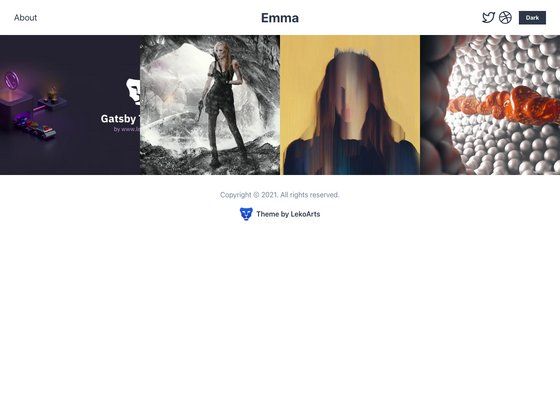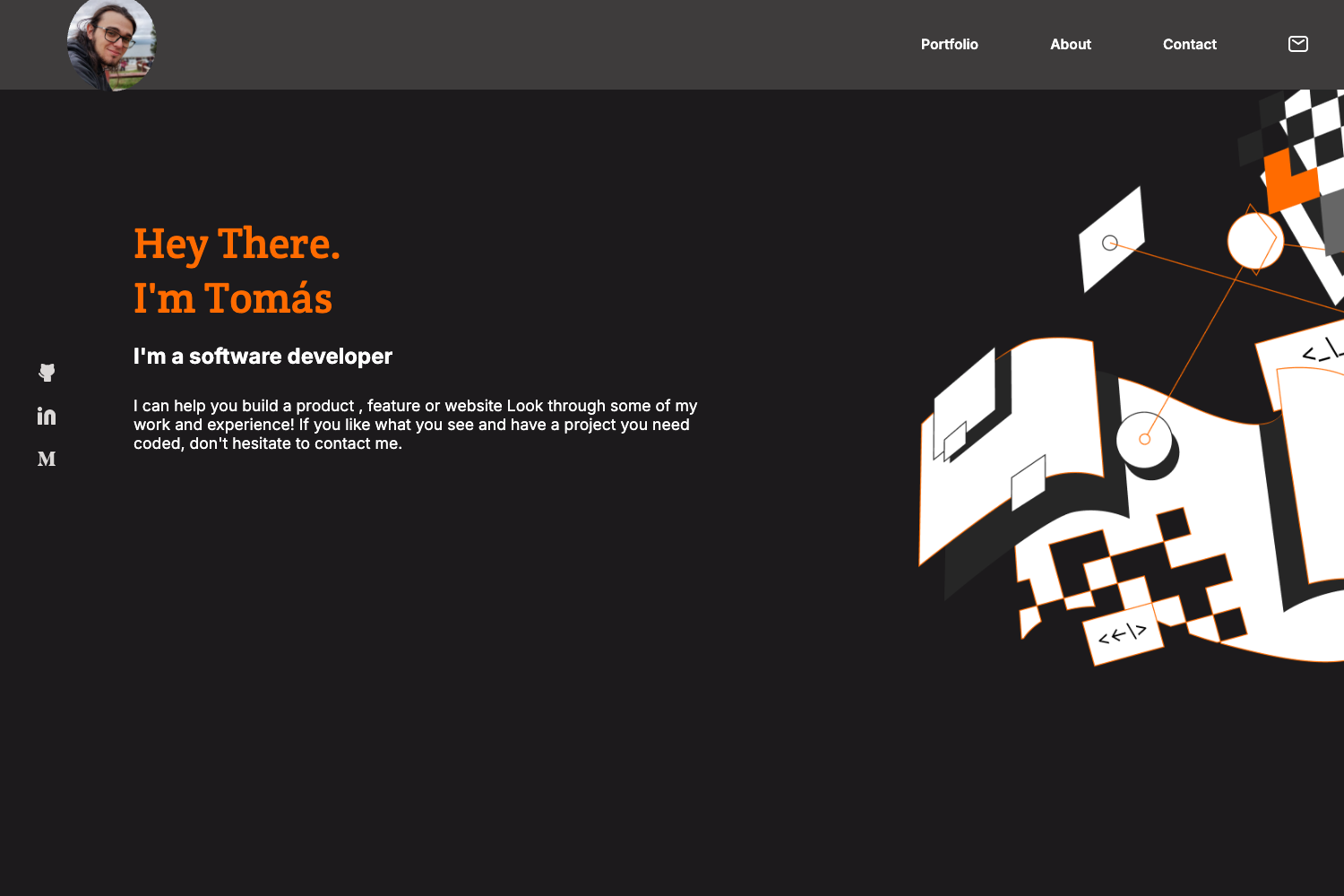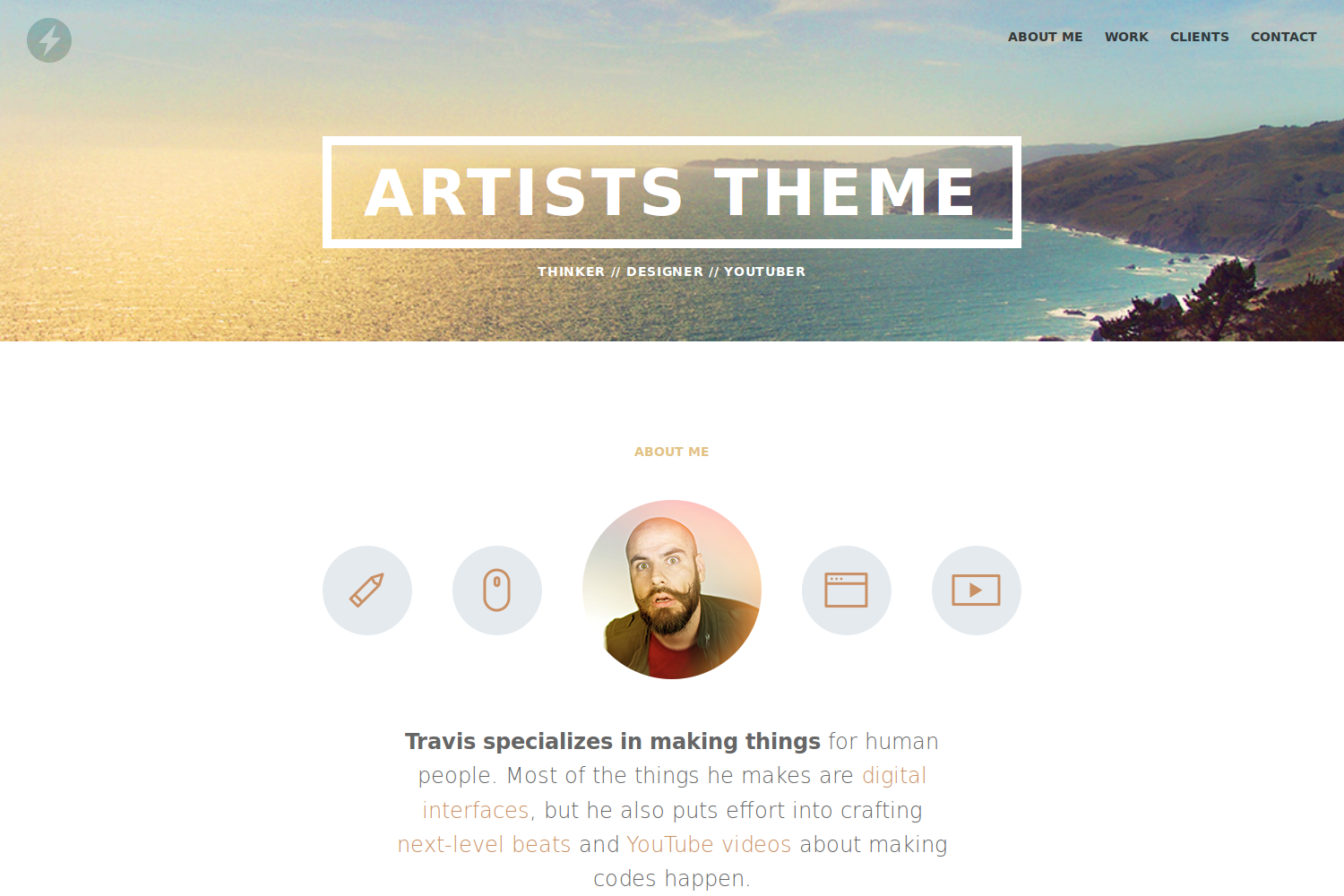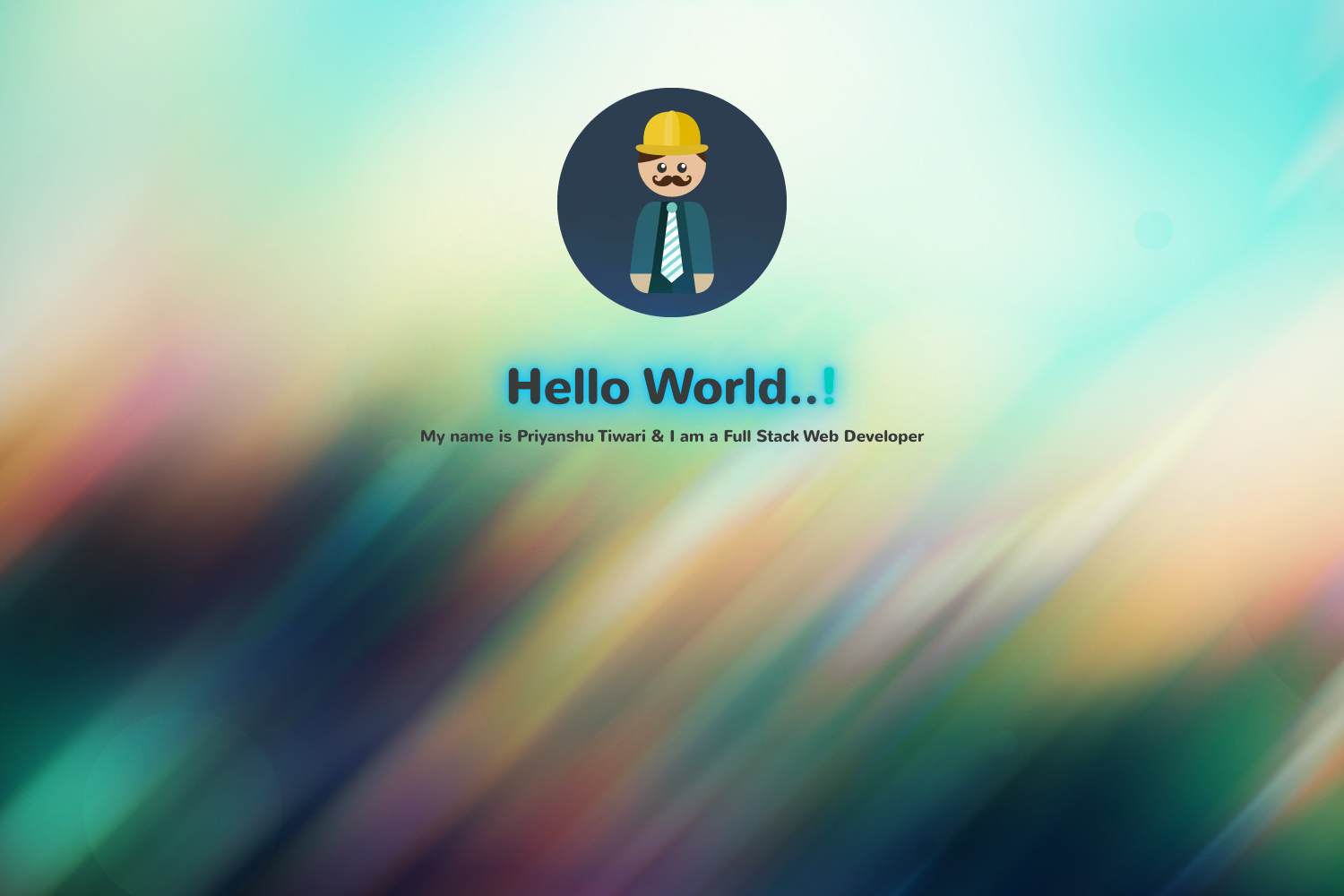
Template details
Next.js Tailwind CSS Portfolio
Free MIT-licensed portfolio starter theme built with Next.js, React and Tailwind CSS v3.
About this template
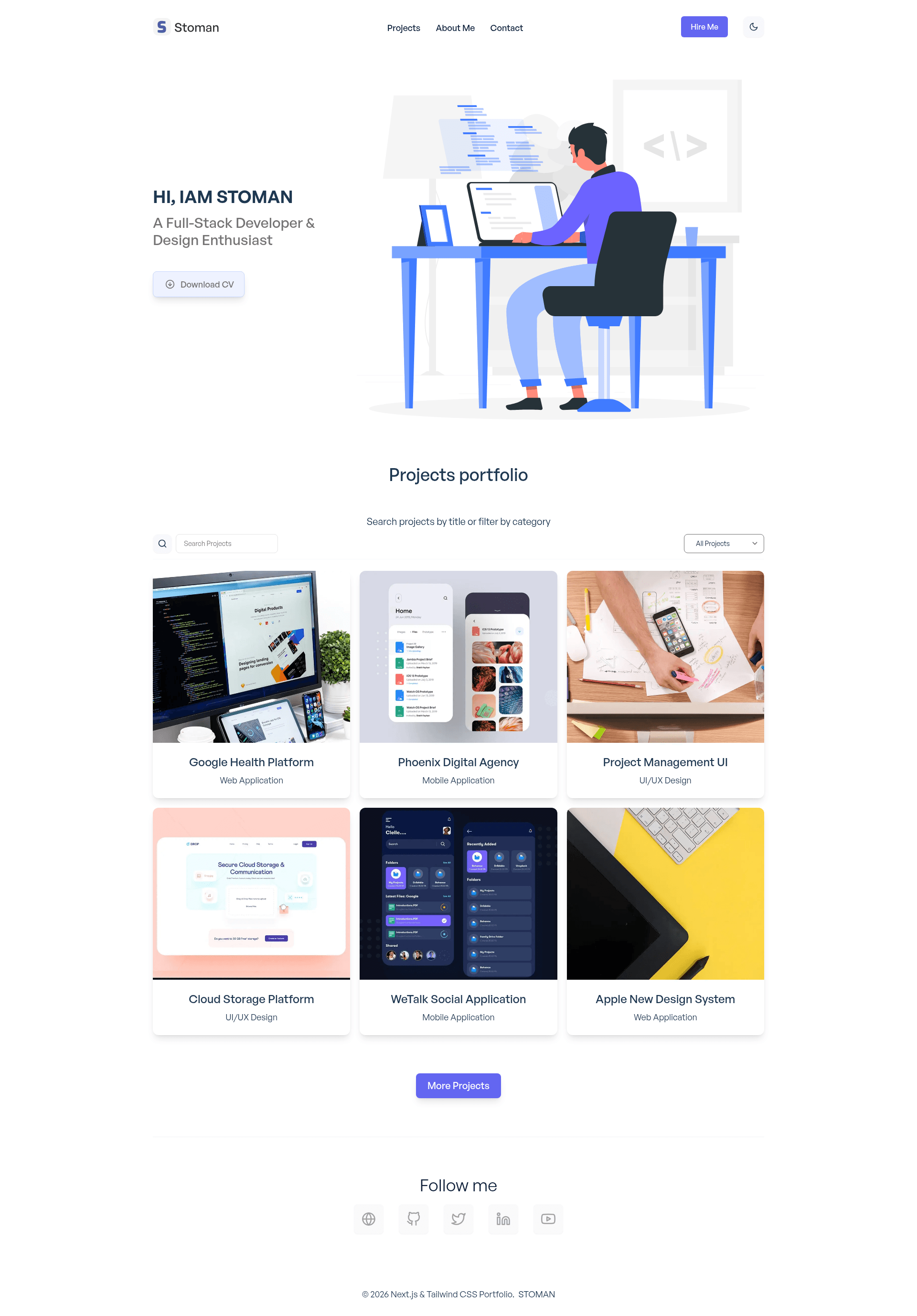
Next.js Tailwind CSS Portfolio is a free, MIT-licensed portfolio starter theme built with Next.js, React and Tailwind CSS v3 that produces a responsive single-page developer portfolio with dark mode, project filtering, and Framer Motion animations.
What is Next.js Tailwind CSS Portfolio?
Next.js Tailwind CSS Portfolio is a starter template for developers who want a modern portfolio site without designing one from scratch. It takes a GitHub repository clone as its starting point and outputs a fully functional single-page application deployed to Vercel at https://nextjs-tailwindcss-portfolio.vercel.app. The project is maintained by realstoman, who also publishes React, Vue.js and Nuxt.js versions of the same design.
Key Features
- Dark mode — Toggle between light and dark themes out of the box, a common requirement for developer portfolios.
- Projects filter by category — Visitors can narrow the showcase to specific project types without reloading the page.
- Projects filter by search — A live search box filters projects by text, making it easy to find a specific piece of work.
- Framer Motion transitions and animations — Page and element animations are powered by Framer Motion, a React animation library.
- Custom Hooks — The template abstracts logic into reusable React custom hooks, which keeps components cleaner.
- Reusable components — Sections like navigation, project cards, counters and forms are built as modular React components.
- Counter — An animated counter component displays metrics such as project counts or years of experience.
- Dynamic forms — A contact form is included and can be wired to a backend or email service.
- Smooth scroll — Navigation uses smooth scrolling between sections on the single page.
- Back to top button — A floating button returns users to the top of the page.
- Download file button — A button facilitates downloading a resume or other file.
- Responsive design — The layout adapts to mobile, tablet and desktop viewports using Tailwind CSS utilities.
Who is it for?
- Junior and senior developers — Quickly launch a personal portfolio that displays projects, skills and contact information without writing CSS by hand.
- Job seekers in tech — Stand out with a polished, animated portfolio that includes a downloadable resume button and project filtering.
- Freelancers and designers — Use the built-in form and dark mode to present services and collect inquiries from potential clients.
- Open source contributors — Since the project is MIT-licensed and accepts contributions, developers can fork it and add their own sections.
What can you do with Next.js Tailwind CSS Portfolio?
- Developers: Clone the repository, run
npm installandnpm run dev, then replace the placeholder content with your own projects and bio to have a live portfolio on localhost:3000. - Portfolio owners: Deploy the project to Vercel with one click and use the category and search filters to organize case studies by technology or industry.
- Learners: Study the codebase to see how custom hooks, Framer Motion and Tailwind CSS v3 are combined in a real React application.
How does it work?
The template follows a standard Next.js workflow. After installing Node.js, clone the repository, install dependencies with npm install, and start the dev server with npm run dev at http://localhost:3000. The content is edited by modifying the components and data files directly, and deployments can be automated through Vercel.
FAQ
Is Next.js Tailwind CSS Portfolio free?
Yes, the template is released under the MIT License, and the repository explicitly states that you can use it as your own portfolio. There is no fee or license key required.
Does the template include dark mode?
Yes, dark mode is one of the listed features. Users can switch between light and dark themes, and the design is responsive across screen sizes.
What versions of this portfolio exist?
The same design is available in four frameworks: Next.js and React (this repository), a React-only version, a Vue.js version, and a Nuxt.js version. All are maintained by the same author.
What do I need to run it locally?
You need Node.js installed, available from nodejs.org or through NVM or Homebrew on macOS. Then clone the repository, run npm install, and run npm run dev to view the site at http://localhost:3000.
Is the template ready for production?
It is a starter theme with demo content, so you will need to replace the placeholder text, images and projects with your own information. Illustrations come from unDraw and Freepik, and images are from Unsplash.