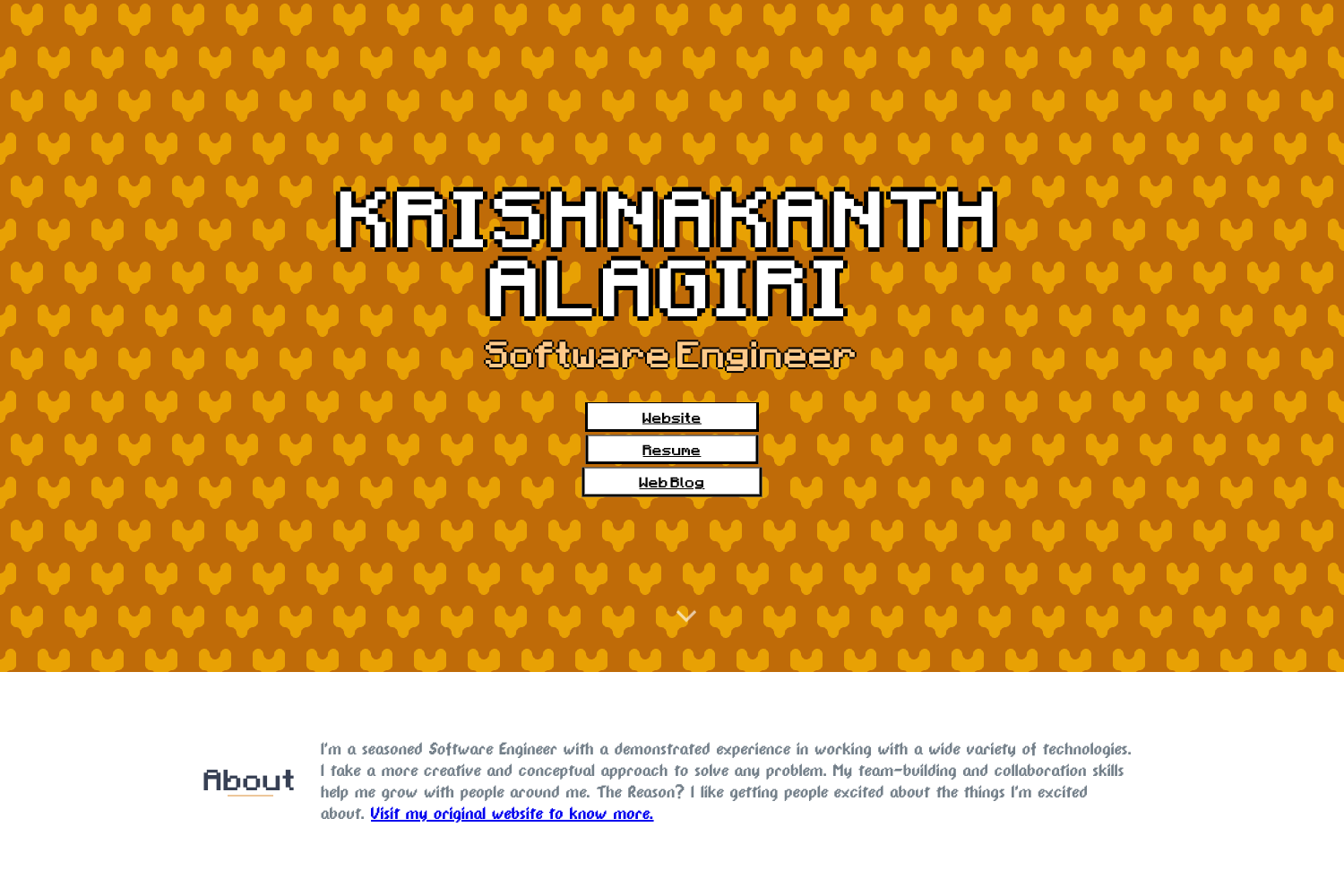
Template details
Developer Portfolio Template
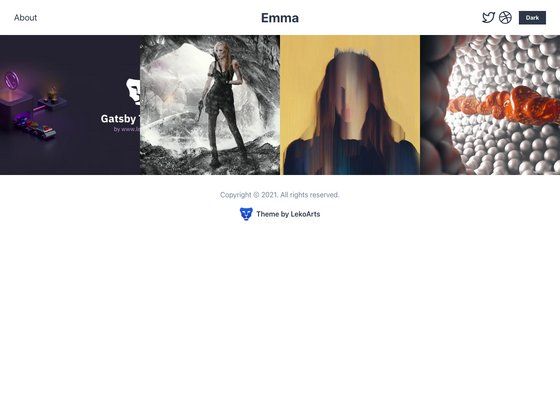
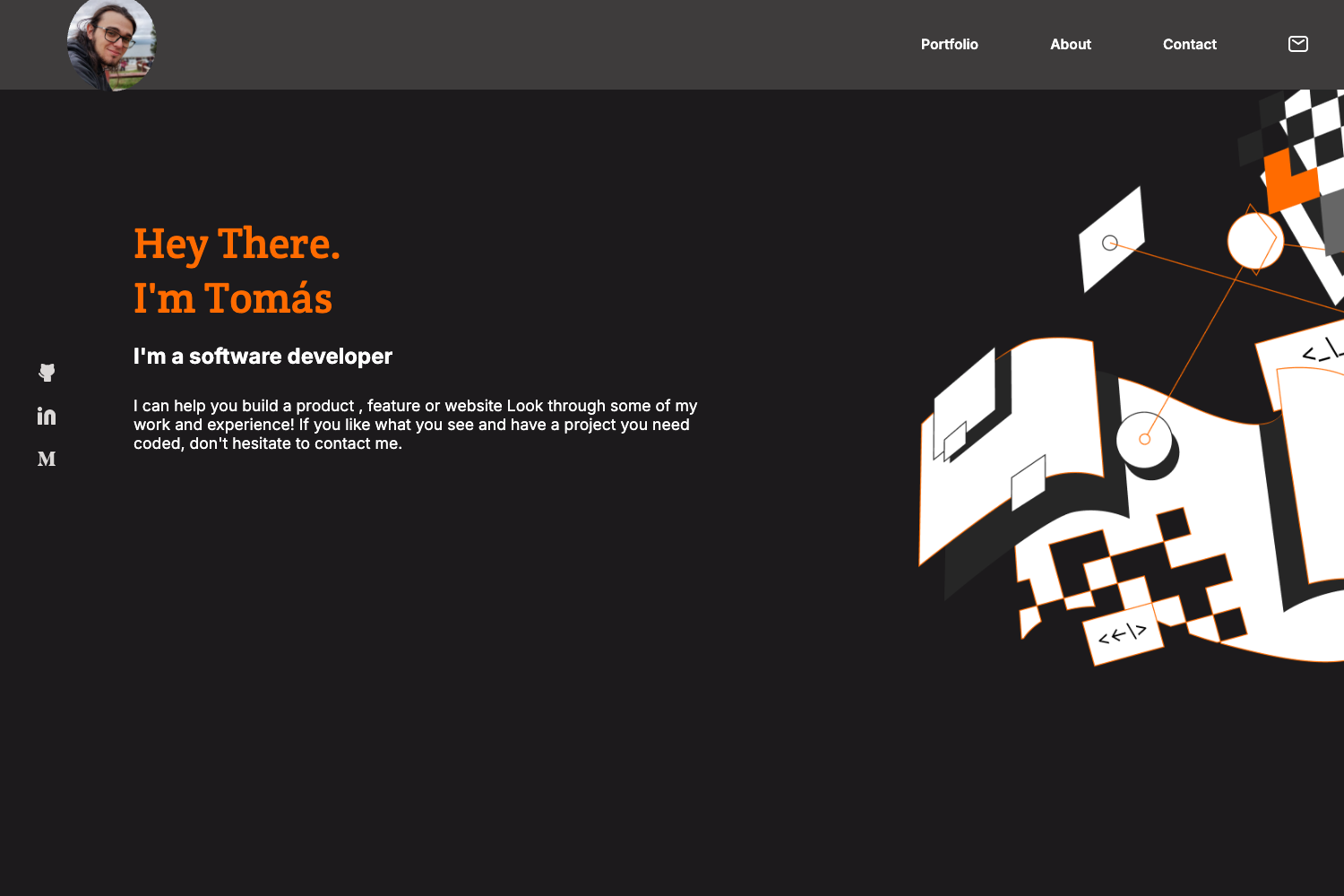
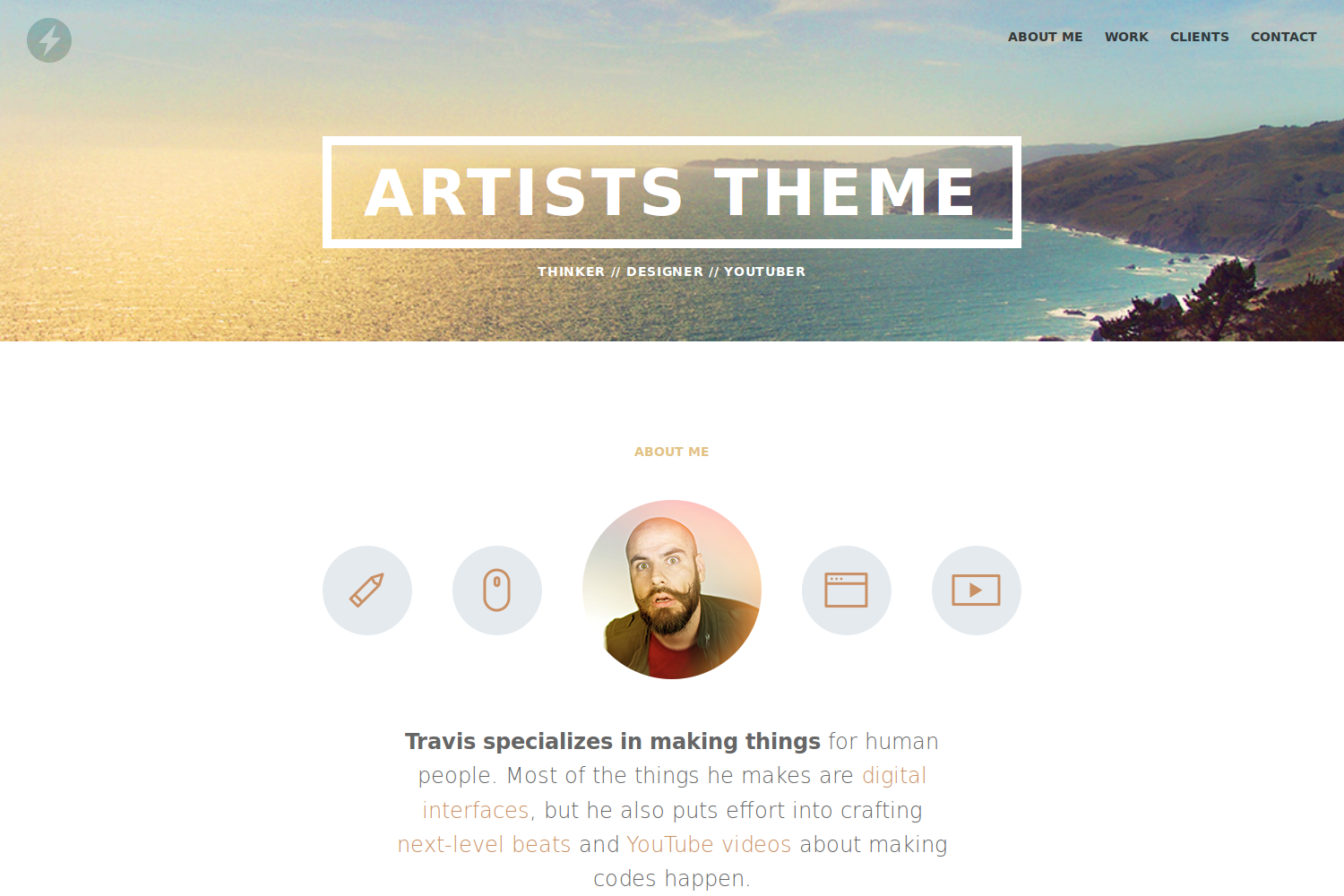
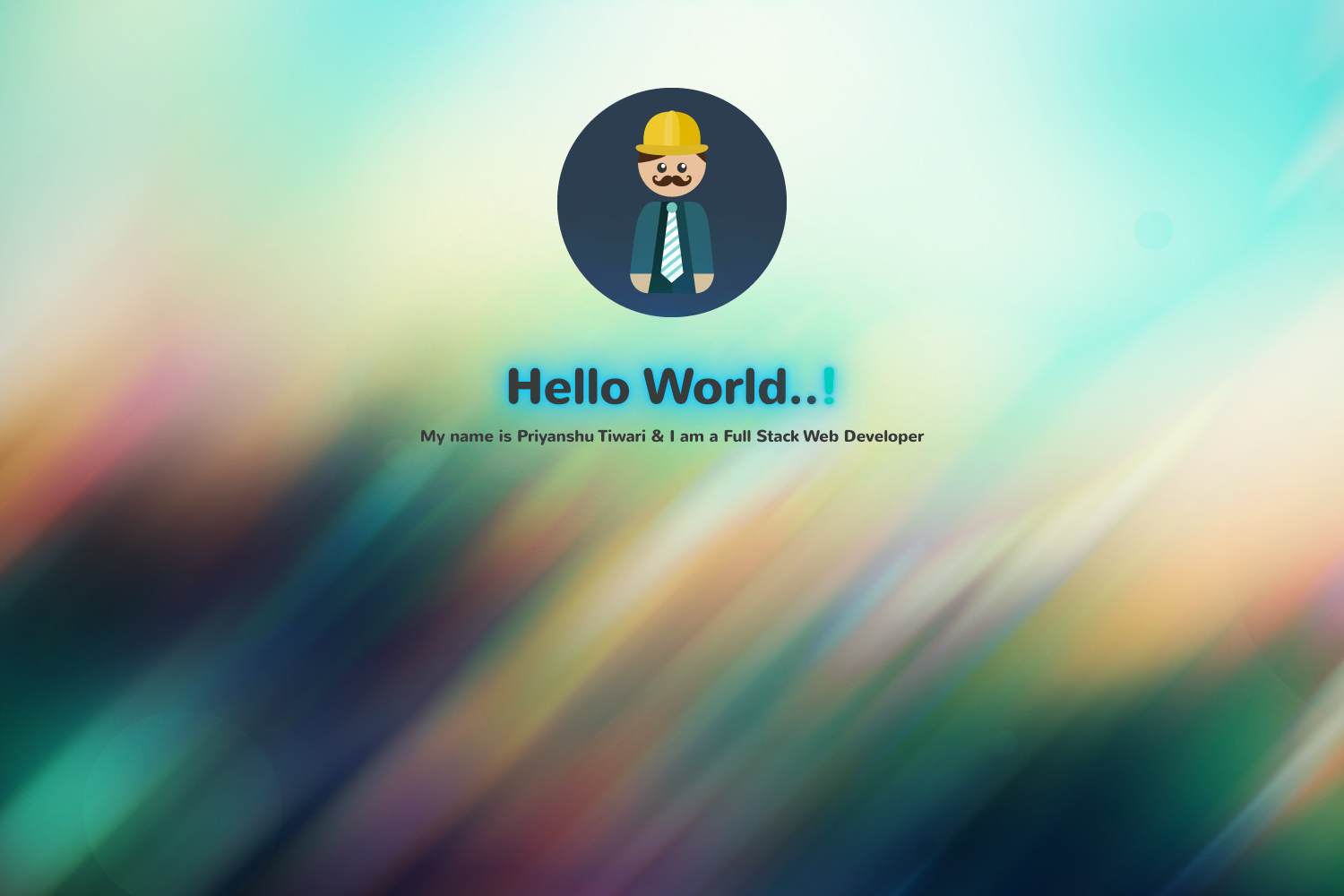
A portfolio template for developers built with JavaScript, HTML, and CSS, featuring example projects and a responsive design.
About this template
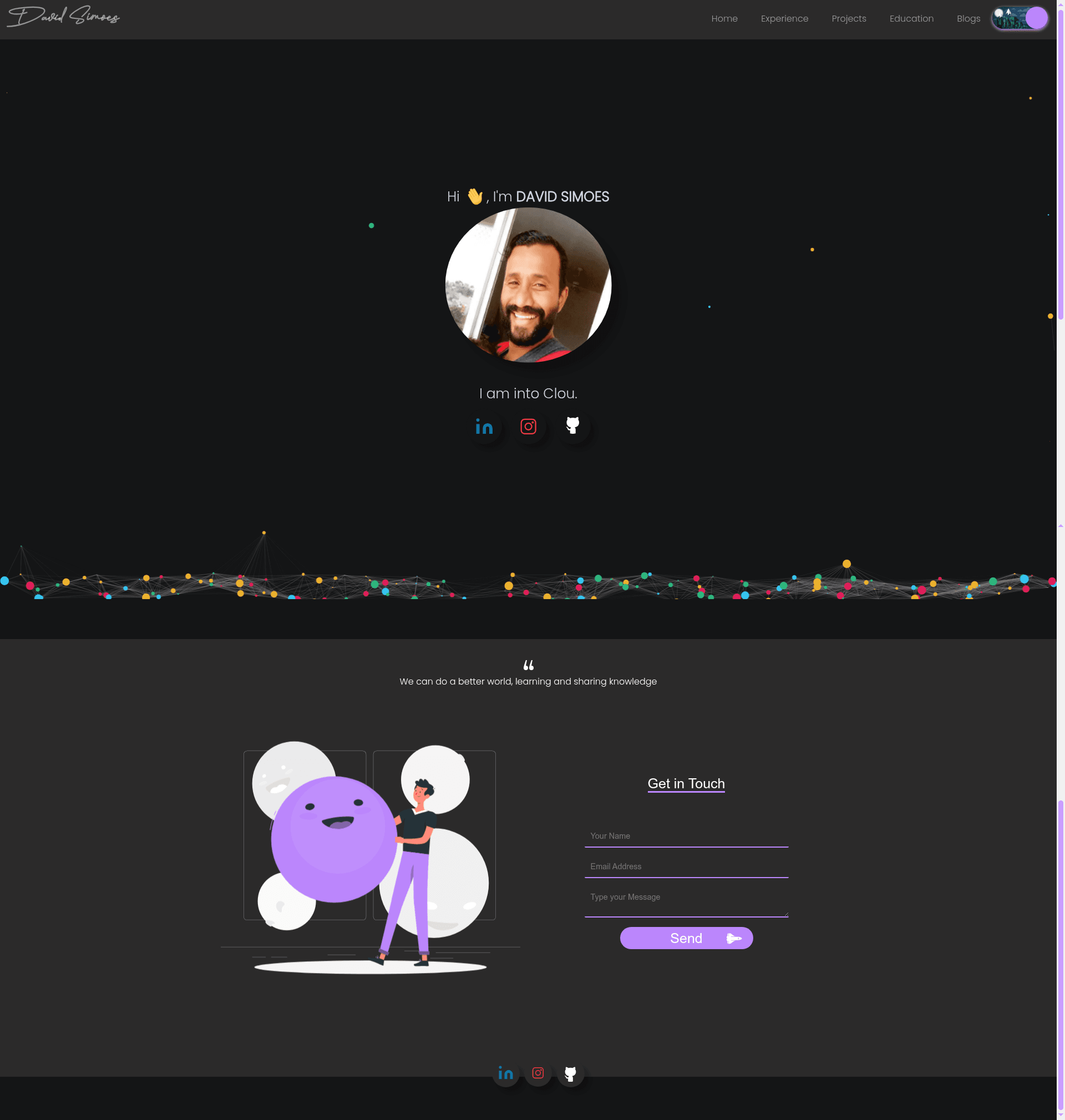
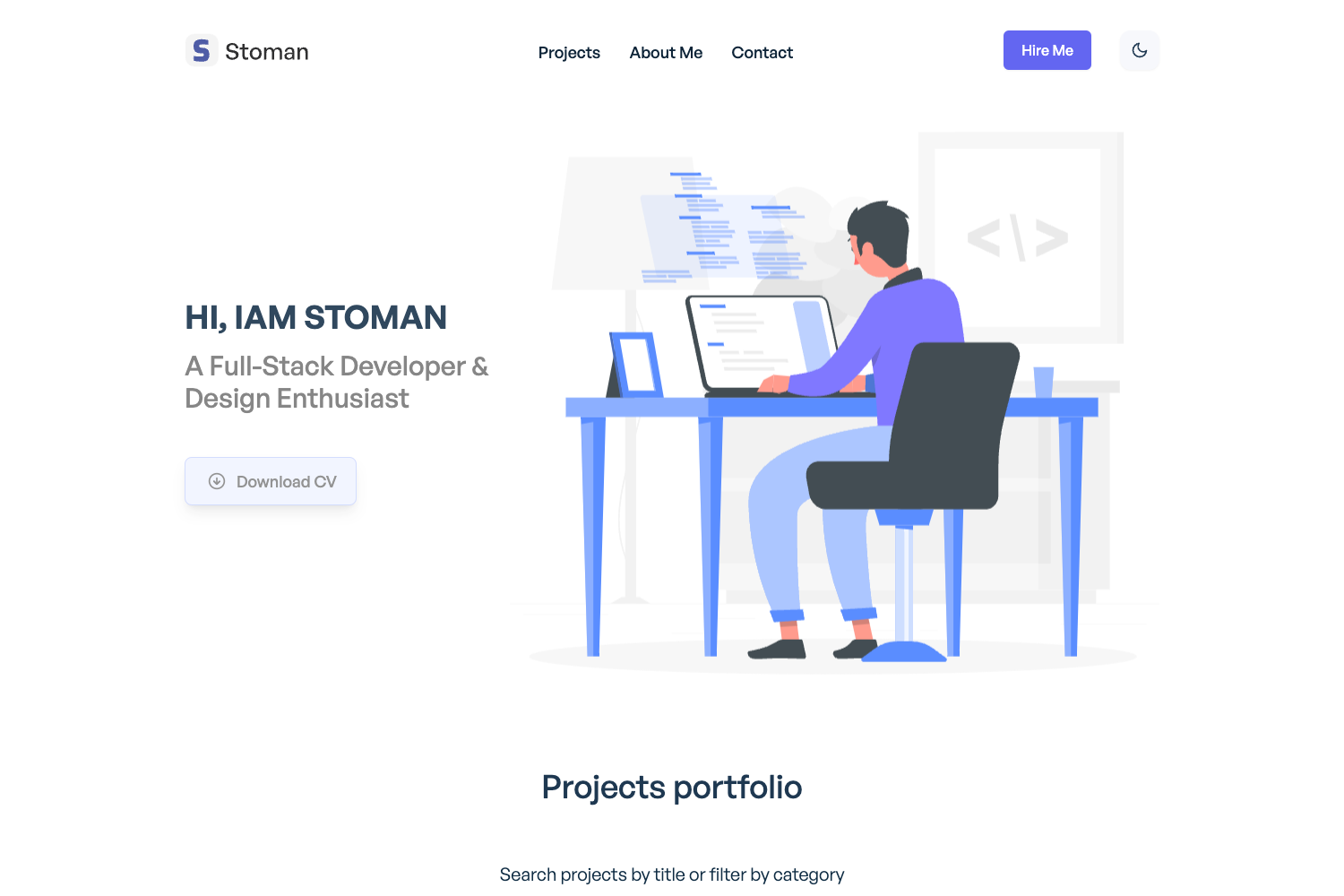
Developer Portfolio Template is a free, open-source portfolio website template for developers, built with plain JavaScript, HTML, and CSS3, that showcases example projects and is ready to run locally or deploy to Netlify.
What is Developer Portfolio Template?
This template is a static portfolio site that takes a developer's project list and personal brand and renders a responsive web portfolio. It runs on any static web host and is demonstrated live on Netlify. The project was created by David, and the repository is available on GitHub.
Key Features
- JavaScript, HTML, and CSS3 foundation — No framework dependencies; the site runs on plain web technologies that any browser can render.
- Example project sections — Ships with sample projects to demonstrate how to structure your own work.
- Responsive portfolio layout — The site adapts to desktop and mobile viewports.
- Netlify demo — A live preview is hosted at portfoliodavids.netlify.app so you can see the design before cloning.
- Simple local setup — Requires Node.js and Git; a single npm install and npm start command launches the site on localhost:3000.
- Live reload during development — Editing files updates the browser automatically via the npm start script.
- Easily modifiable — The README explicitly encourages you to change the content and projects to match your own goals.
Who is it for?
- Developers seeking a portfolio site — Replace the sample projects with your own and publish your work.
- Job seekers — Use the template to build a resume-style website that showcases your coding projects and skills.
- Students and early-career coders — Quickly launch a personal website without learning a web framework.
- Freelancers — Customize the template to present services and projects to potential clients.
What can you do with it?
- Showcase your work: Add your own projects, descriptions, and links by editing the HTML and JavaScript files.
- Deploy to Netlify or any static host: Export the folder and drag-and-drop into Netlify for a live URL.
- Learn the basics: Study a small, readable codebase that separates structure (HTML), style (CSS3), and behavior (JavaScript).
How does Developer Portfolio Template work?
Clone the repository from GitHub, then run npm install in the project directory. After dependencies are installed, run npm start to launch the site in development mode at http://localhost:3000. The page reloads automatically when you make edits to the source files.
Pros and cons
- Pros: Free and open source; no framework lock-in; straightforward setup; fully customizable.
Pricing
The template is free and open source. There are no paid tiers or licensing fees mentioned in the repository.
FAQ
Is Developer Portfolio Template free?
Yes. The repository is publicly hosted on GitHub and the README contains no mention of payment, making it free to download and use.
What technologies does Developer Portfolio Template use?
It is built with JavaScript, HTML, and CSS3. No front-end frameworks such as React or Vue are involved, so the codebase is intentionally lightweight.
How do I run Developer Portfolio Template locally?
After cloning the repository, run npm install to install dependencies, then npm start. The site will open at http://localhost:3000 with live reload.
Can I customize the portfolio content?
Yes. The README explicitly states you can modify the template into your own goals and projects. You edit the HTML and JavaScript files to change the example projects and personal information.
Where can I see a live demo?
A live demo is available at portfoliodavids.netlify.app. That same site is referenced at the top of the repository as the David Portfolio example.