Template details
PortfolioTemplate
Free and open-source portfolio template for developers, built with HTML, CSS, JavaScript, Bootstrap, and jQuery.
About this template
PortfolioTemplate is a free, open-source portfolio website template for developers, built entirely with HTML, CSS, JavaScript, Bootstrap, and jQuery. It gives you a ready-to-run static site you can open in any browser and edit without a build step, with a live demo available at https://tpriyanshu90-portfolio.netlify.app/.
What is PortfolioTemplate?
PortfolioTemplate is a static portfolio website template that showcases your work and personal information. It takes your content and layout changes — made by editing the HTML, CSS, and JavaScript files — and turns them into a responsive portfolio page viewable in any modern web browser. The template runs entirely in the browser, requires no server or build tooling, and is published under the MIT License.
What makes PortfolioTemplate stand out?
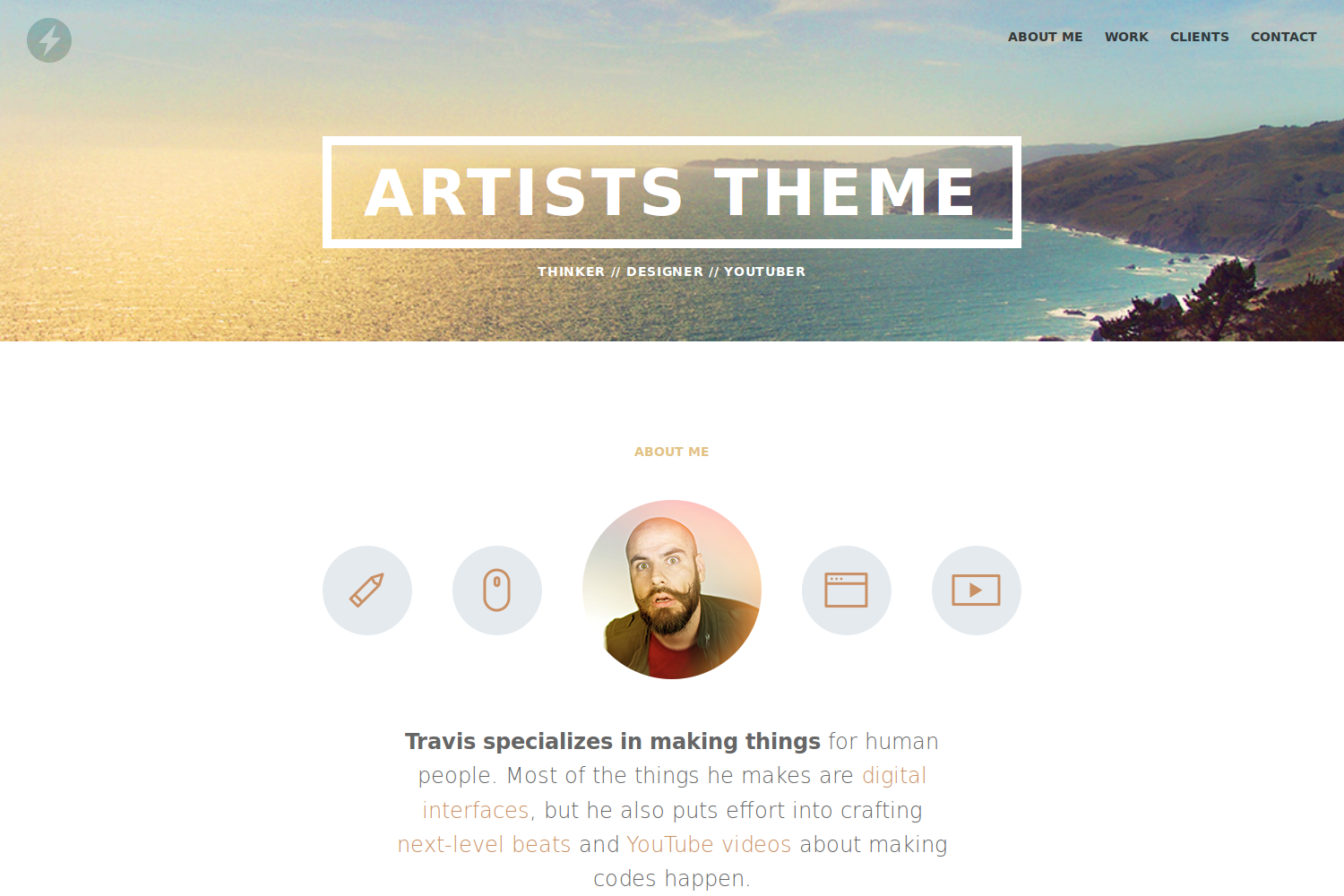
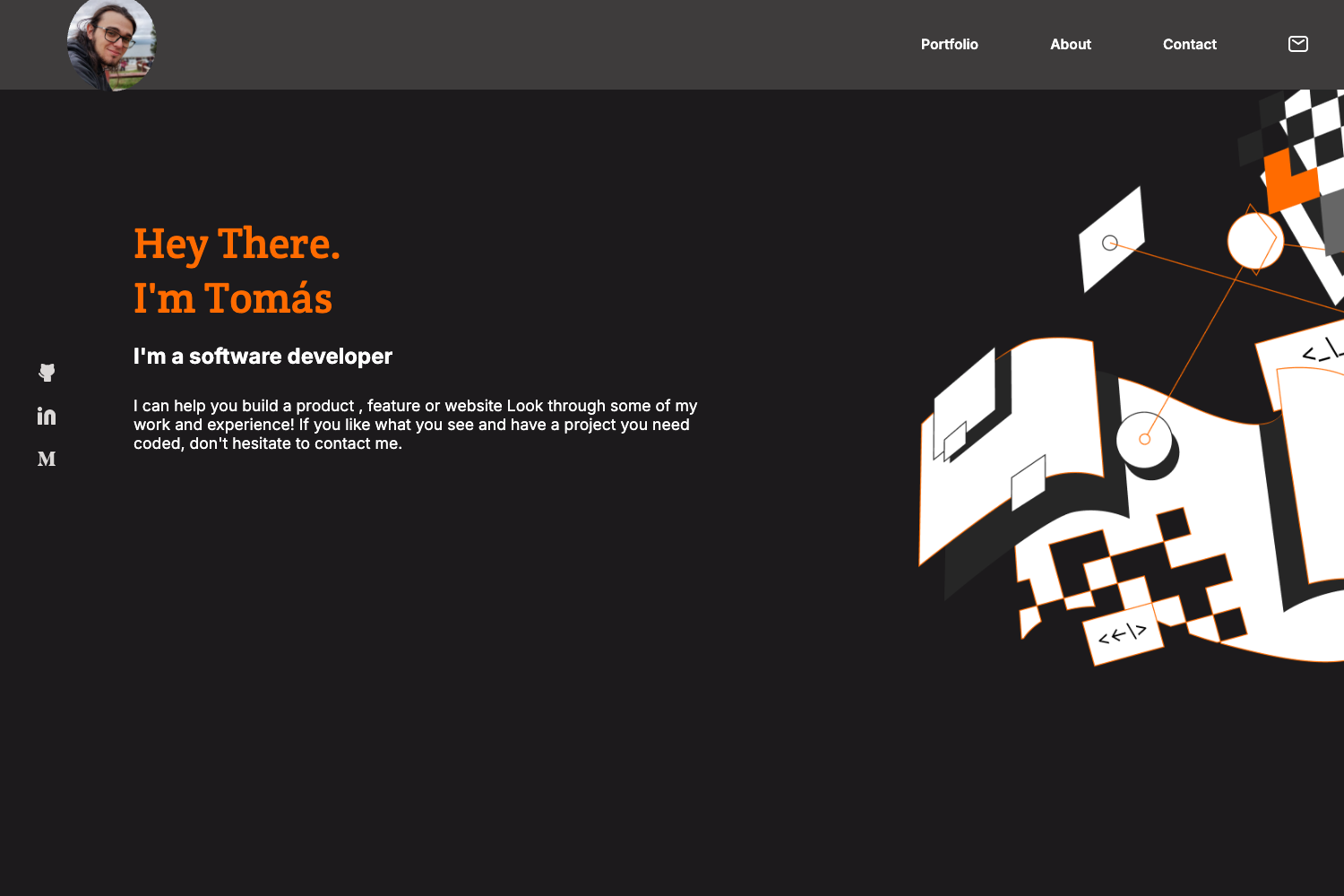
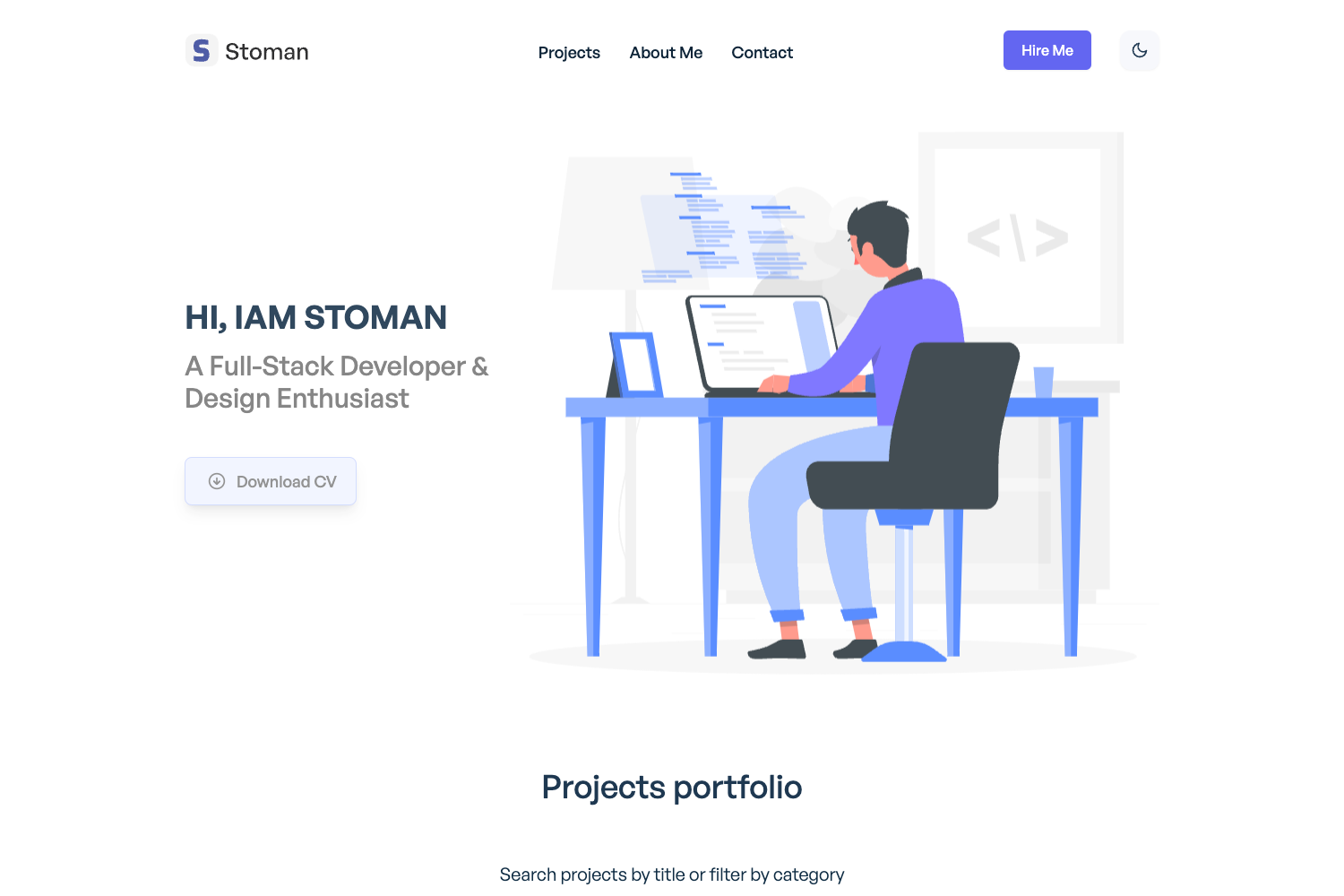
- Clean and minimal design — A simple layout that puts your projects and bio first without visual clutter.
- Responsive layout — The page adapts to mobile, tablet, and desktop screen widths using the Bootstrap grid.
- Easy to customize — You edit the HTML structure in
index.html, styles instyles.css, and interactivity inscript.jsdirectly. - Lightweight and fast — With no frameworks beyond Bootstrap and jQuery and no build step, the site loads quickly on any connection.
- Free and MIT-licensed — Use it for personal or commercial projects, modify it freely, and redistribute it.
- Starter-focused — The repository is explicitly designed as a starting point for developers who need an online portfolio without starting from scratch.
Who is PortfolioTemplate for?
- Junior and student developers — Get a professional-looking portfolio live quickly by cloning the repo and editing the content.
- Freelancers — Showcase past projects and services with a responsive one-page layout that clients can view on any device.
- Hackathon participants — Stand up a personal site in minutes during events without learning a static site generator.
What can you do with PortfolioTemplate?
- Developers: Create a personal portfolio that lists your projects, skills, and contact information by replacing the placeholder text in the HTML.
- Job seekers: Build a simple resume-style website to link from your applications, using the minimal design to keep focus on your experience.
- Open-source contributors: Fork the repository, customize the styling, and use it to present your GitHub contributions in a cleaner format.
How does PortfolioTemplate work?
- Clone the repository:
git clone https://github.com/tpriyanshu90/portfolioTemplate.git - Open the
index.htmlfile in your web browser. - Edit
index.htmlfor content,styles.cssfor visual appearance, andscript.jsfor interactivity, then refresh to see changes.
FAQ
Is PortfolioTemplate free?
Yes, PortfolioTemplate is free and open-source. It is licensed under the MIT License, so you can use it for personal or commercial projects, modify it, and redistribute it with attribution.
What technologies does PortfolioTemplate use?
The template is built with HTML, CSS, JavaScript, Bootstrap, and jQuery. This means you get a static site that runs without compiling or server-side processing.
Can I customize the design?
Yes. You can change the HTML structure, edit the CSS styles, and add interactivity through the JavaScript file. The repository is intentionally small, so every part of the page is easy to locate and modify.
Does PortfolioTemplate require a build step?
No. There is no Node.js, bundler, or static site generator involved. You can clone the repository and open index.html in any web browser to view the site immediately.
Is there a live demo?
Yes, a live demo is hosted at https://tpriyanshu90-portfolio.netlify.app/. You can visit it to see the default design and check how the template looks before customizing.