Template details
BlogBox
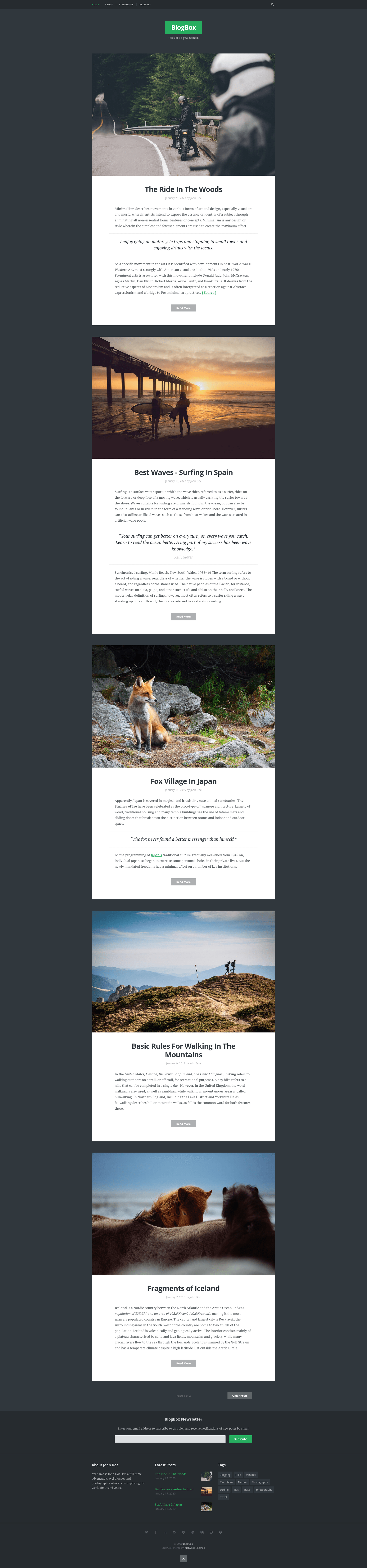
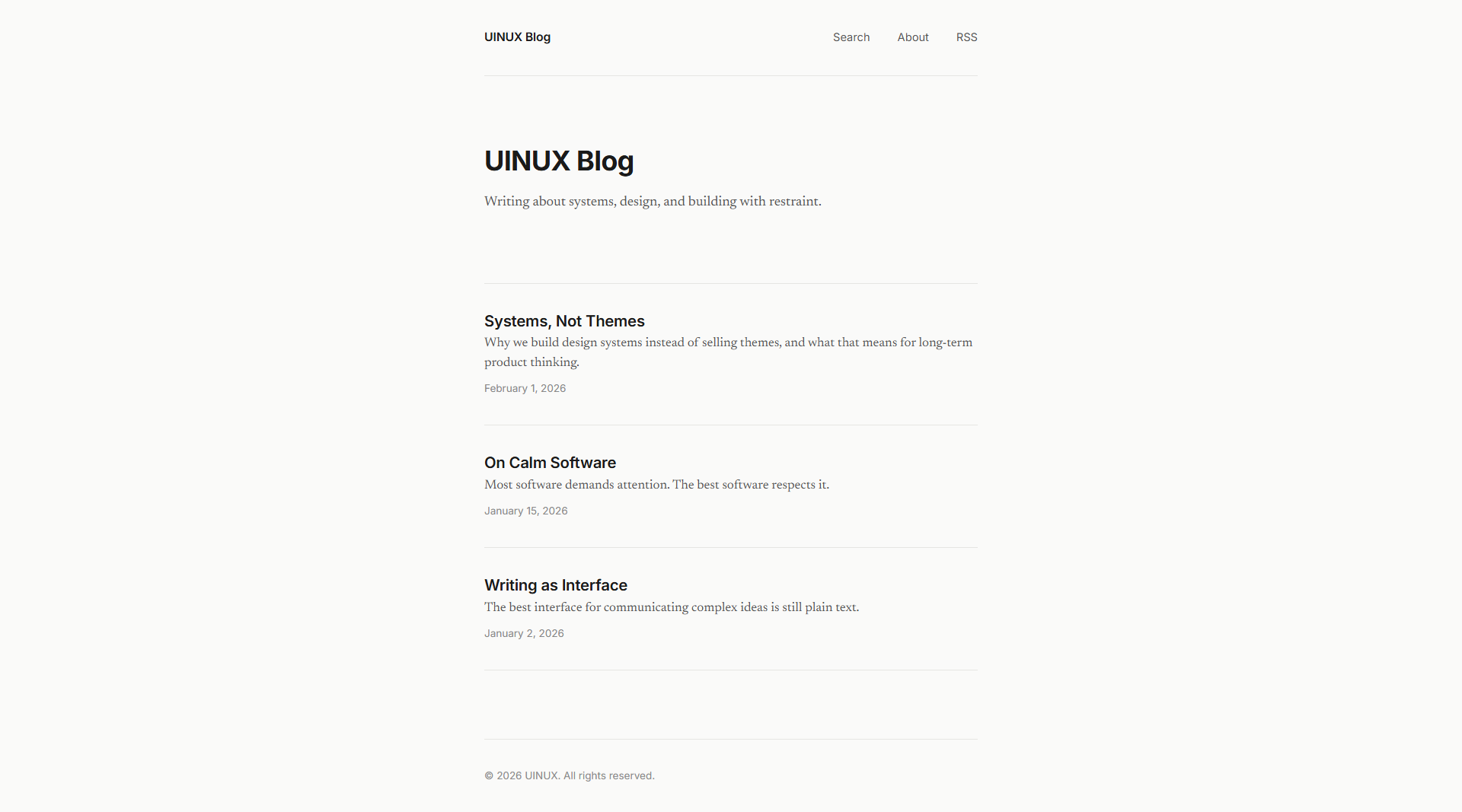
BlogBox is a minimal, bold, responsive Jekyll theme for artists, photographers, and creative bloggers.
About this template
BlogBox is a minimal, bold, responsive Jekyll theme built for creative bloggers, artists, and photographers who want a clean static site with strong typography and layout.
What is BlogBox?
BlogBox is a minimal, bold, responsive Jekyll theme that turns your Markdown posts and configuration into a static blog with tag pages, author information, and social widgets. It runs on Jekyll, so it produces plain HTML output in the _site directory that can be hosted on Netlify, Amazon S3, GitHub Pages, or any static hosting provider. The theme is published on GitHub by the Just Good Themes team, who also sell premium Jekyll themes at jekyllthemes.io.
Key Features
BlogBox packs the essentials a creative blog needs without requiring extra plugins. Here are the main features:
- Responsive layout — the theme adapts to iPhone, iPad, Android, and desktop viewports, so your blog stays readable on any device.
- Clean, well-commented code — the HTML and SCSS are organized and commented, making it straightforward to customize the theme's styling and structure.
- Optional fixed navigation — a pinned navigation bar can be enabled so readers always have access to the menu while scrolling.
- Author information — display a bio and links for the post author, a common need for single-author or multi-author blogs.
- Tag page support — tags are rendered into their own pages, letting readers browse posts by topic.
- Code syntax highlighter — code blocks are highlighted out of the box using Jekyll's built-in highlighter (Rouge).
- Widgets — a newsletter signup, latest posts list, and tag cloud are included as sidebar/widget sections.
- Sharing integration — social sharing buttons are built in, plus social media icons for your profiles.
Who is BlogBox for?
BlogBox suits anyone who wants a simple, content-first blog without a heavy design. The primary audiences are:
- Artists — use the minimal layout to feature high-res images and artwork without distracting sidebars.
- Photographers — present photo essays and galleries in a responsive design that looks good on tablets and phones.
- Creative bloggers — publish writing with typography-focused formatting and keep readers engaged via newsletter and tag widgets.
What can you do with BlogBox?
With BlogBox you can launch and run a full-featured blog on a static stack. Concrete use cases include:
- Set up a personal blog — clone the repo, edit
_config.yml, add posts in_posts/, and deploy to Netlify in a few clicks. - Organize posts by topic — use built-in tag pages to group content, and the tag cloud widget to surface topics to readers.
- Grow an email list — enable the newsletter widget to collect subscriber signups without needing a separate plugin.
- Customize the look — because the code is commented, tweaking colors, fonts, or layout components is a matter of editing the right SCSS file.
How does BlogBox work?
BlogBox is an ordinary Jekyll site without gem packaging, so you run it by cloning the repository. The workflow is:
- Install Jekyll as described in the Jekyll docs.
- Clone the BlogBox repository or your fork to your machine.
- Run
bundle config set --local path vendor/bundleandbundle installto install dependencies. - Run
bundle exec jekyll serve --traceto start a local dev server. - Deploy the generated
_sitefolder to any static host, or connect the repo to Netlify for continuous deployment.
Pros and cons
Pros
- MIT licensed, so you can use and modify it freely, including for commercial projects.
- No extra plugins required for core features; tagging, author, and widgets are built in.
- Multiple deployment paths are documented (Netlify, S3, GitHub Pages).
Cons
- The theme cannot be installed as a Jekyll gem; you must clone the entire repository and place your content inside it, which makes theme updates less straightforward.
FAQ
Is BlogBox free?
Yes, the theme is open source under an MIT license, so you can download, use, and modify it without paying a license fee.
Can BlogBox be installed with the gem command?
No. The README explicitly notes that BlogBox cannot be installed as a gem. You must clone the full repository and add your content to that structure.
Does BlogBox support tag pages?
Yes, tag pages are a built-in feature, and the theme also includes a tag cloud widget in its sidebar.
How do I deploy a BlogBox site to Netlify?
Create a GitHub or GitLab repository, push the BlogBox files, then in Netlify link the repo and follow the step-by-step guide referenced in the README.
Is BlogBox responsive?
Yes, the layout is designed to be responsive and works on iPhone, iPad, Android, and desktop devices.