Template details
Astro Blog ShokaX
Astro port of the Hexo theme ShokaX, featuring a clean design and modern blog experience.
About this template
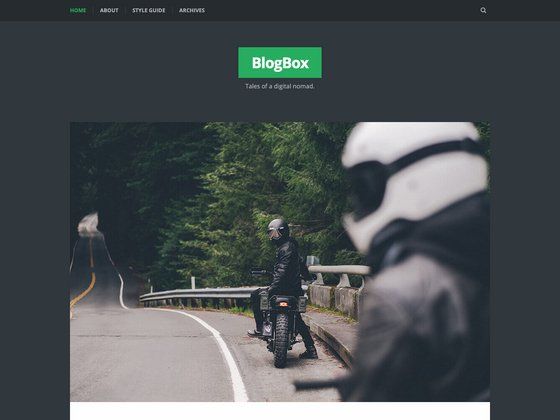
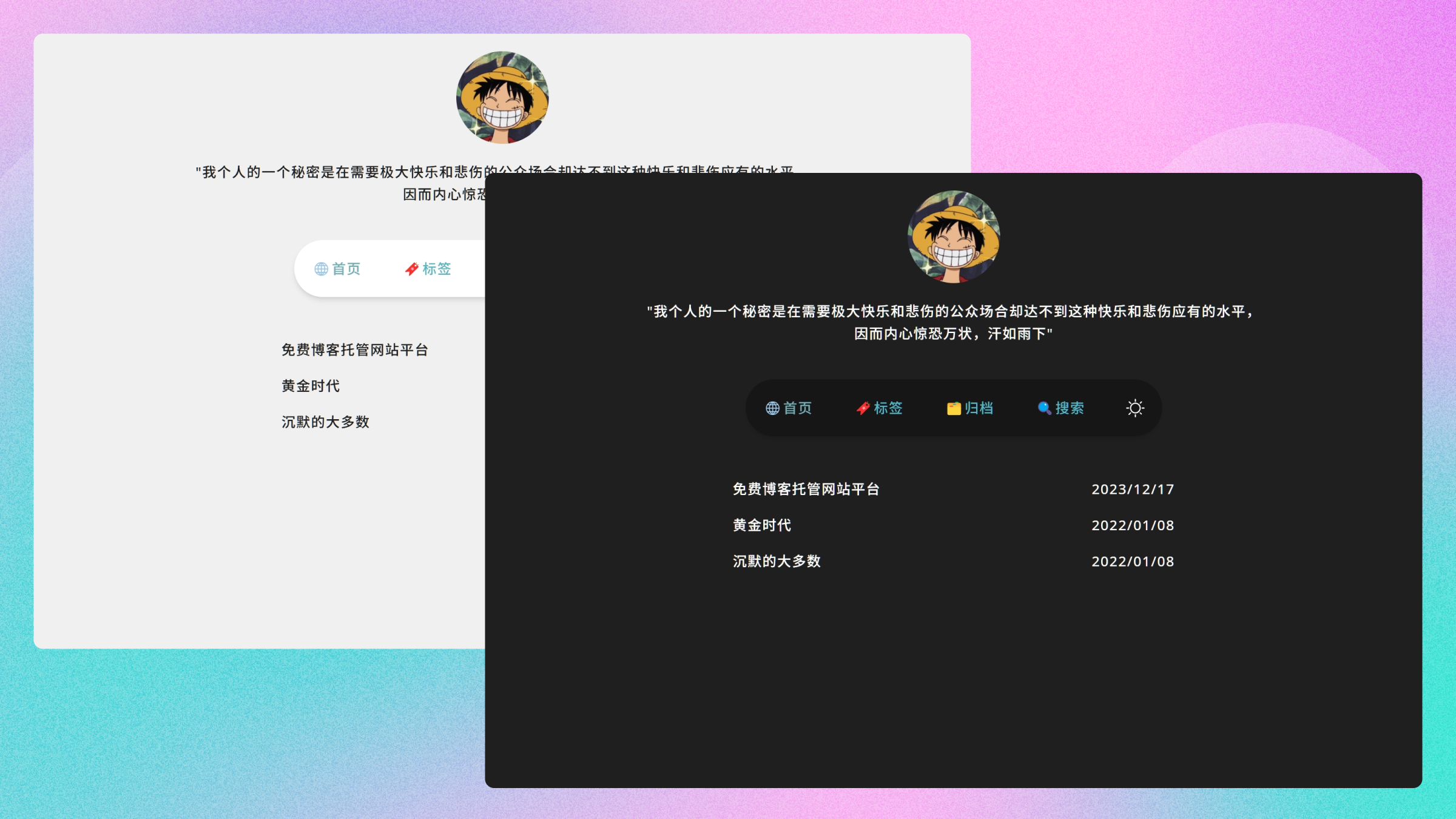
Astro Blog ShokaX is an open-source blog theme for the Astro framework that reimplements the design of the Hexo theme ShokaX, offering a clean, modern blog experience with two- and three-column layouts and no backend required.
What is Astro Blog ShokaX?
Astro Blog ShokaX is a blog template built with Astro 5, Svelte 5, and UnoCSS that takes Markdown and MDX content collections (posts, moments, friend links) as input and produces a static blog site with a configurable layout, light/dark themes, and full-text search. It is maintained by the ShokaX project team as an independent rewrite of the original Hexo theme and is licensed under AGPL v3.
What makes Astro Blog ShokaX stand out?
- Two- and three-column layouts — a right sidebar with announcement, search, calendar, recent moments, random posts, and tag cloud cards, shown only on wide desktop screens.
- HyC CLI integration — interactive installation, configuration, and lightweight CMS via
hyccommands such ashyc sync,hyc new "Title", andhyc serve, plus AI-powered article summaries and recommendations. - Backend-free full-text search — built on Pagefind, giving fast site search without a separate server.
- Post encryption — build-time encryption using AES-256-GCM and PBKDF2 for protected content.
- Rich content features — tag cloud, timeline view, category tree, automatically generated table of contents, friend-link pages, and moments/status updates.
- Extensible plugin system — Hyacine Plugins enable additions; the theme ships with Site-Uptime and Mouse-firework plugins by default.
- Performance-first approach — Lighthouse CI enforces desktop Performance 92+, typically scoring 98–100; the repo includes continuous testing.
- One-click deployment — deploy buttons for Vercel, Netlify, and EdgeOne Pages are included in the repository.
Who should use Astro Blog ShokaX?
- Personal bloggers — publish Markdown/MDX posts, organize them into categories, and show a timeline or tag cloud without managing a backend database.
- Astro developers — customize the theme by editing
src/theme.config.ts,astro.config.mjs, components, and UnoCSS styles, with a standard Astro 5 project structure. - Former Hexo/Shoka users — migrate from the Hexo theme to Astro while keeping the familiar Shoka design language and adding Svelte-based interactivity.
- Developers who want a local CMS — use
hyc serveto run a lightweight local CMS and configure the site interactively instead of editing every config file by hand.
What can you do with Astro Blog ShokaX?
- Create and publish posts quickly: run
hyc new "Title"to scaffold a post, thenhyc publish "title/slug/file-name"to publish it. - Configure the three-column layout: edit
theme.config.tsto setlayout.modetothree-columnand control which sidebar cards appear and in what order. - Deploy with one click: use the repository's Vercel, Netlify, or EdgeOne Pages deploy buttons to get a live site in minutes.
- Add interactions via plugins: toggle built-in plugins such as the mouse firework click effect or site age counter in
hyacine.plugin.ts.
How does Astro Blog ShokaX work?
It is a standard Astro 5 site run with Bun (Node.js compatibility is not guaranteed). Installation is cloning the repo, running bun install, then bun run dev for development or bun run build for production. HyC is the companion CLI and local CMS; after running hyc serve, users can manage content from the official console at https://hyc.kaitaku.xyz/.
FAQ
Is Astro Blog ShokaX free?
Yes. The project is open source and licensed under AGPL v3. You can clone, modify, and deploy it freely, though modifications to the source are subject to the same license terms.
What is HyC?
HyC is a CLI and local CMS included with the theme. It provides interactive installation and configuration, AI recommendations and summaries, a lightweight local CMS, and a plugin system. It is currently in Alpha, so plugin documentation is still being written.
Can I use Node.js instead of Bun?
The README states that using Bun is recommended and that compatibility with Node.js is not guaranteed. For the smoothest experience, install Bun first.
What content formats does the theme support?
The theme supports rich Markdown and MDX enhancements. Content is organized into Astro content collections for posts, moments, and friend-link rules, with a content.config.ts file to configure them.
How does post encryption work?
Post encryption happens at build time and uses AES-256-GCM combined with PBKDF2 key derivation. You can protect selected posts so readers need the decryption key to view them.