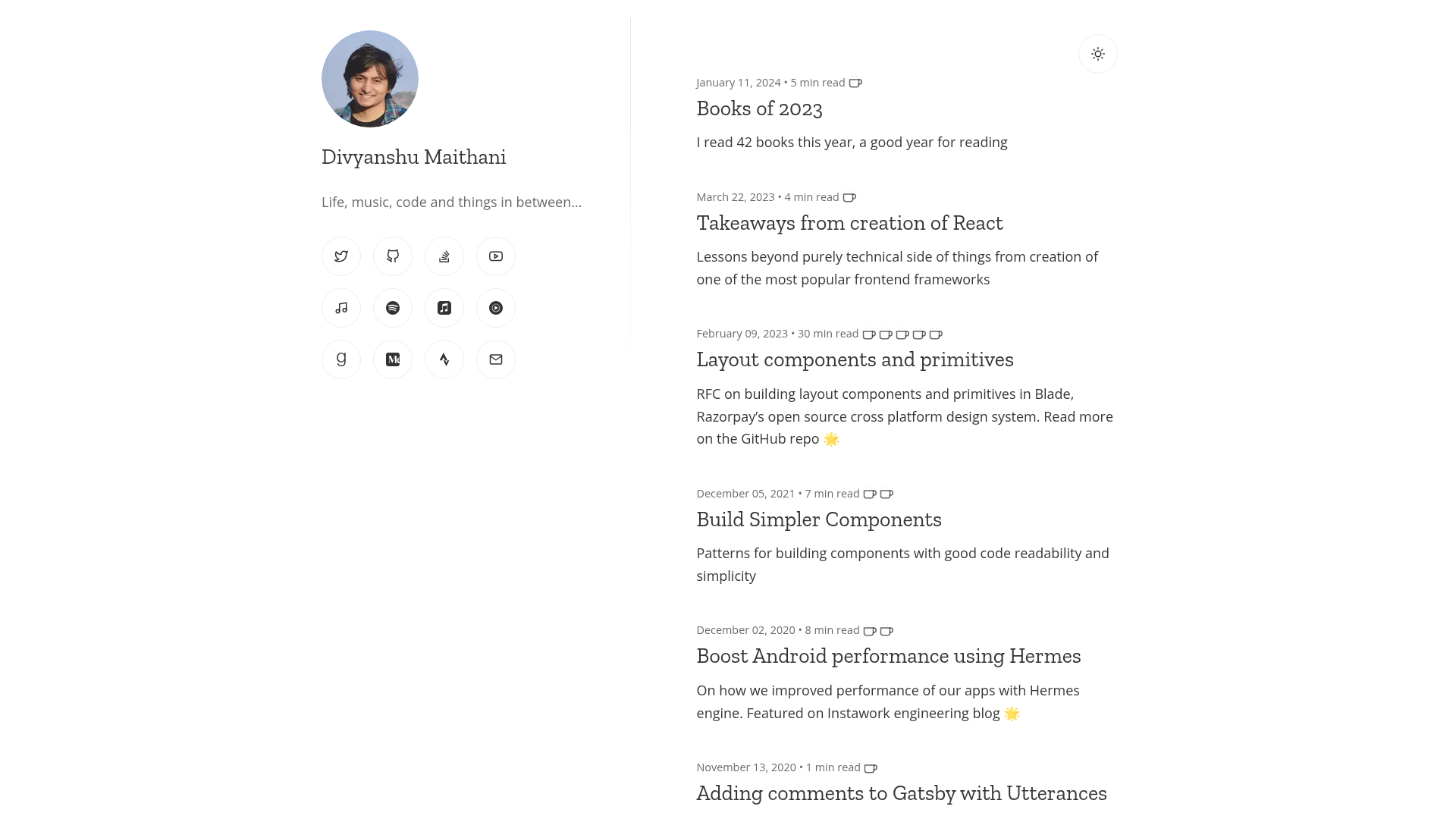
Template details
Astro Blog
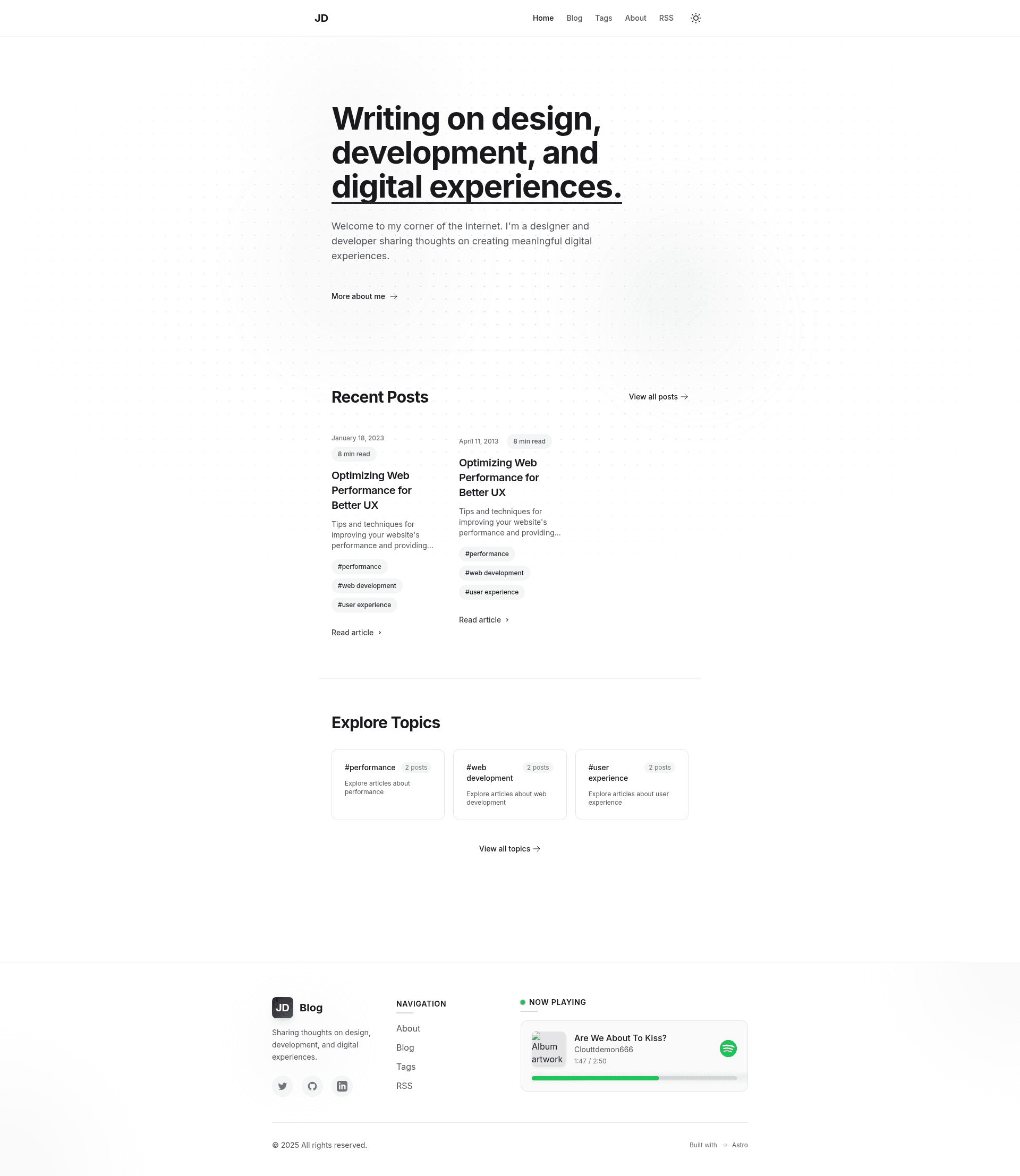
A modern, minimalist, high-performance blog platform built with Astro.js.
About this template
Astro Blog is a minimal, high-performance blog template built with Astro.js by William Cachamwri, designed for developers who want a fast static blog with Markdown/MDX support, light/dark mode, and an optional Spotify "Now Playing" feed.
What is Astro Blog?
Astro Blog is an open-source blog template built on the Astro.js framework by William Cachamwri. It takes Markdown or MDX files as content input and produces a fully static, SEO-optimized website with RSS feed, reading-time estimates, and view statistics. The template runs on Node.js 16 or later and can be deployed to Netlify or Vercel with one-click buttons. The project structure includes components, content, layouts, pages, styles, and utils directories, along with astro.config.mjs, tailwind.config.js, and tsconfig.json for configuration.
Key Features
- Maximum Performance — Built with Astro.js, which ships zero default JavaScript to the browser; the site is static and loads quickly.
- Minimalist Design — Clean UI focused on readability, with a responsive layout for all screen sizes.
- Light/Dark Mode — Smooth theme switching built into the template.
- Markdown & MDX — Write posts in Markdown, extend with MDX components when you need interactive content.
- SEO Optimized — Includes meta tags, Open Graph, and Twitter Card support.
- Analytics — Displays reading time, view counts, and per-post statistics.
- Categorization — Tags and categories system for organizing posts.
- RSS Feed — Automatically generated RSS feed for syndication.
- Spotify Integration — Can display the currently playing track via OAuth credentials.
- Internationalization Ready — Prepared for multi-language sites.
- SPA Transitions — Smooth page navigation with the View Transitions API.
- Secure — No unnecessary client-side JavaScript.
Who is it for?
Developers who want a fast blog without a heavy framework can clone the repository, add their own posts, and deploy to Vercel or Netlify in minutes. Bloggers who prefer writing in Markdown and managing content through Git will appreciate the simple content folder. Designers can customize the Tailwind theme to match their brand without touching framework code. Anyone who wants a personal site with an embedded "Now Playing" Spotify widget can take advantage of the optional integration.
Use cases
- Developer bloggers: Write technical posts in Markdown or MDX, publish to Vercel or Netlify, and get automatic SEO meta tags and RSS.
- Personal portfolio bloggers: Use the light/dark mode and minimalist design to present writing samples and projects.
- Music enthusiasts: Set up Spotify API credentials to display currently playing tracks alongside posts.
- Content teams: Use the built-in categories and tags to structure publications, plus reading-time metrics for readers.
How does it work?
Clone the repository, run npm install, copy .env.example to .env, then run npm run dev to start the development server at localhost:4321. Content is added as Markdown or MDX files in src/content/blog. For Spotify, create an app at the Spotify Developer Dashboard, obtain a client ID, client secret, and refresh token, and add them to the .env file.
Pricing
The template is free to use, modify, and deploy since it is open source. There are no paid tiers or premium features.
FAQ
Is Astro Blog free?
Yes, the template is open source and available on GitHub at williamcachamwri/astro-blog. You can clone it, modify it, and deploy it without paying any licensing fee.
What are the system requirements?
You need Node.js 16 or later and npm or yarn. A Spotify account is optional and only required if you want the Now Playing display.
Can I customize the theme?
Yes, edit tailwind.config.js to change colors (primary and secondary), font families, and other design variables. You can also modify CSS in src/styles.
How do I add a new post?
Create a new .md or .mdx file in src/content/blog and set frontmatter fields such as title, description, pubDate, heroImage, readingTime, and tags.
Does it support RSS?
Yes, the template automatically generates an RSS feed so readers can subscribe to your blog with any feed reader.