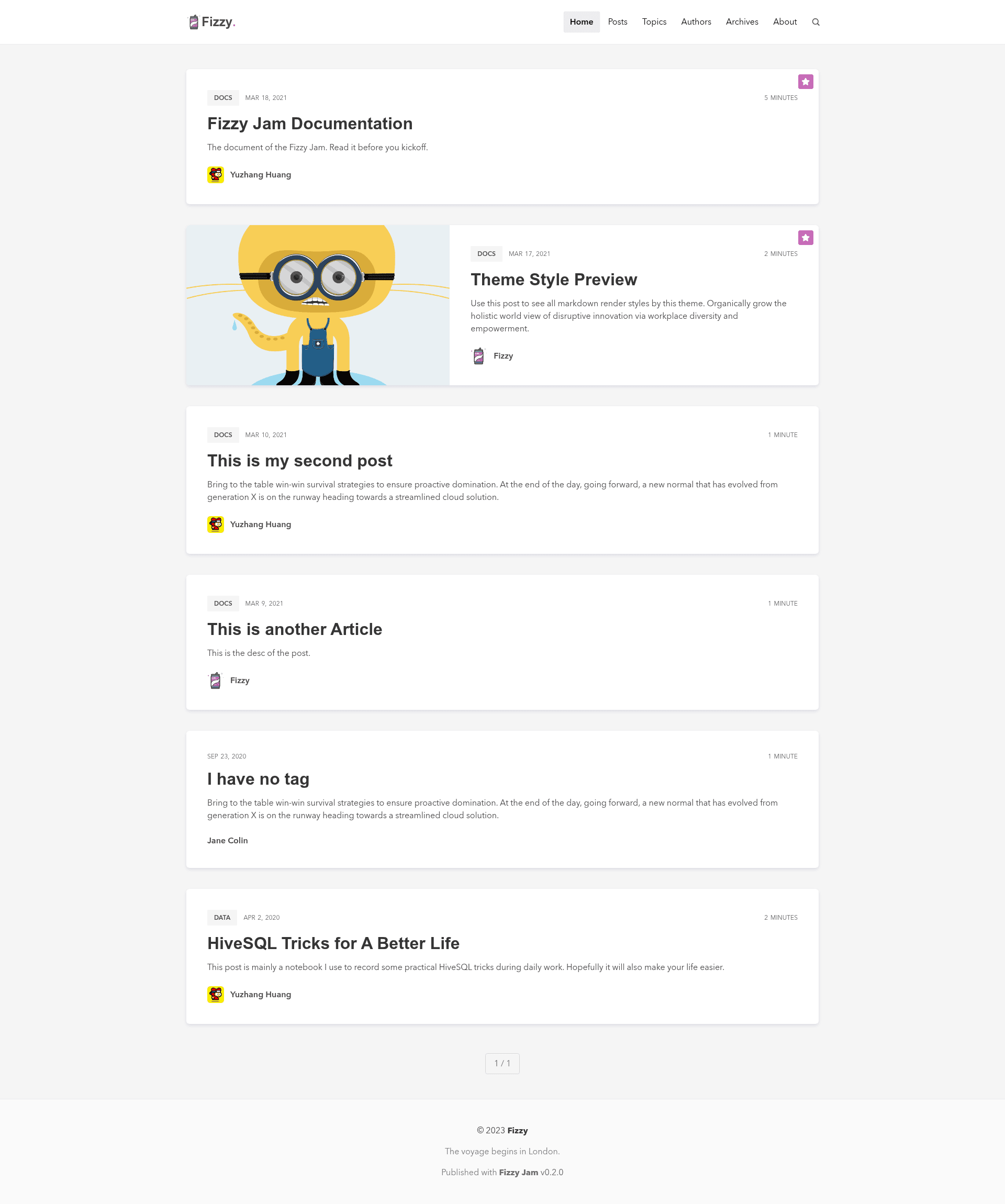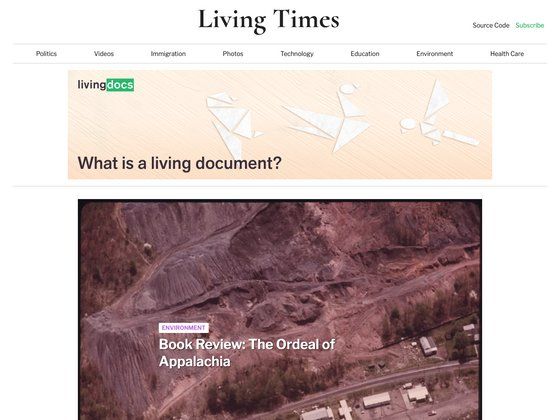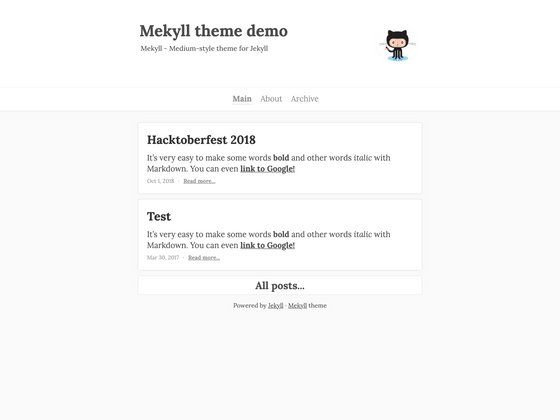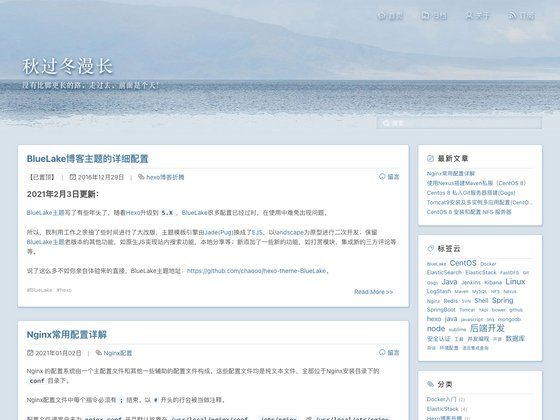
Template details
Fizzy Jam
An out-of-the-box JAMstack starter built with Eleventy and Decap CMS for git-based blogging.
About this template
Fizzy Jam is a JAMstack boilerplate for blogging that builds a static site with Eleventy v2.0.1, manages content through Decap CMS (formerly Netlify CMS), and is designed for free deployment on serverless platforms like Netlify, Cloudflare Pages, and Vercel.
What is Fizzy Jam?
Fizzy Jam is a git-based blogging starter where all content lives in Markdown files inside the src folder, and the site is generated as static HTML by Eleventy. The project bundles a pre-configured Decap CMS admin panel so you can write posts, tags, authors, pages, and site settings from a web interface, with changes committed directly to your GitHub repository. It was created by huangyuzhang as an independent successor to the earlier Fizzy Theme built for Ghost.
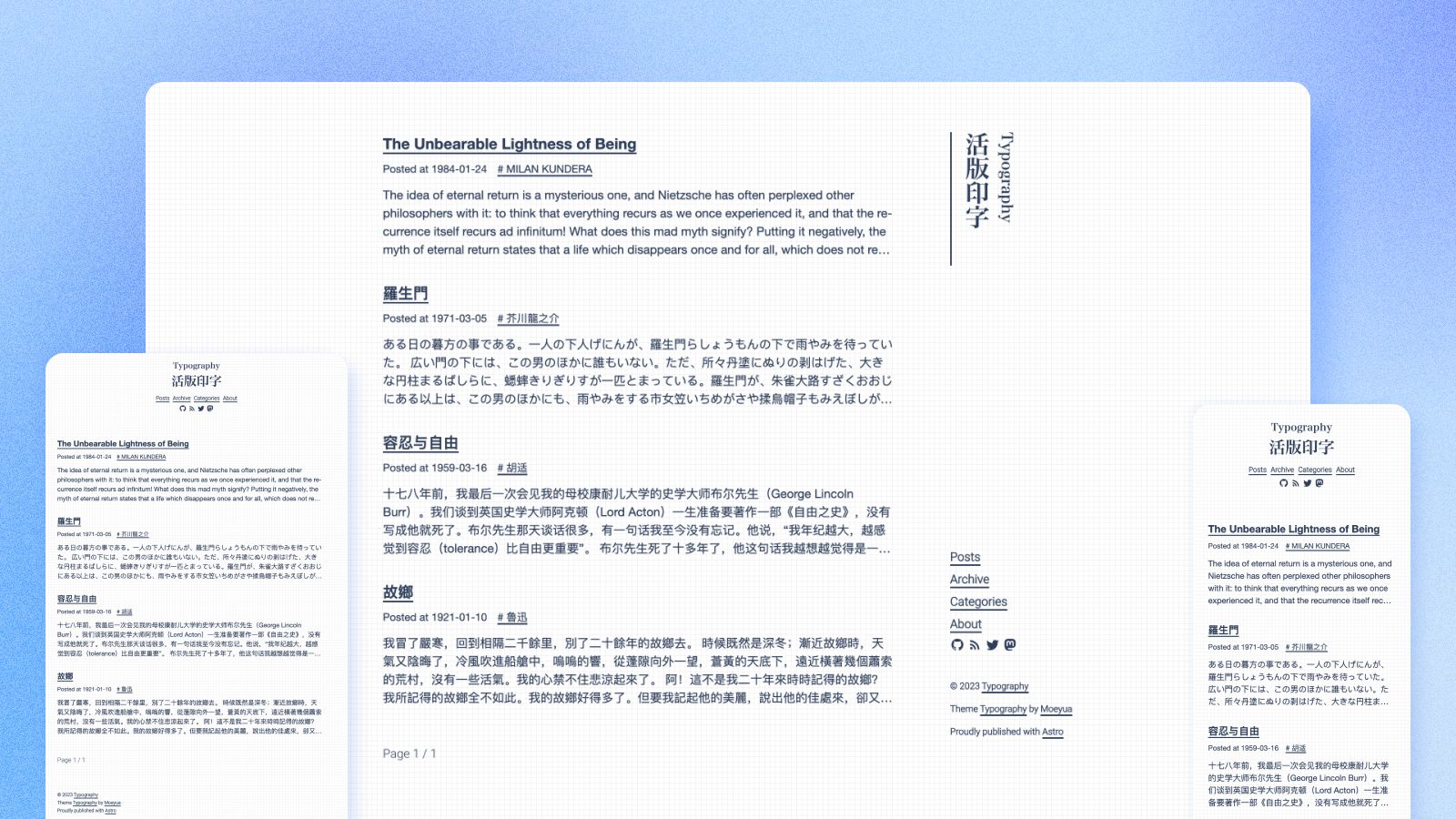
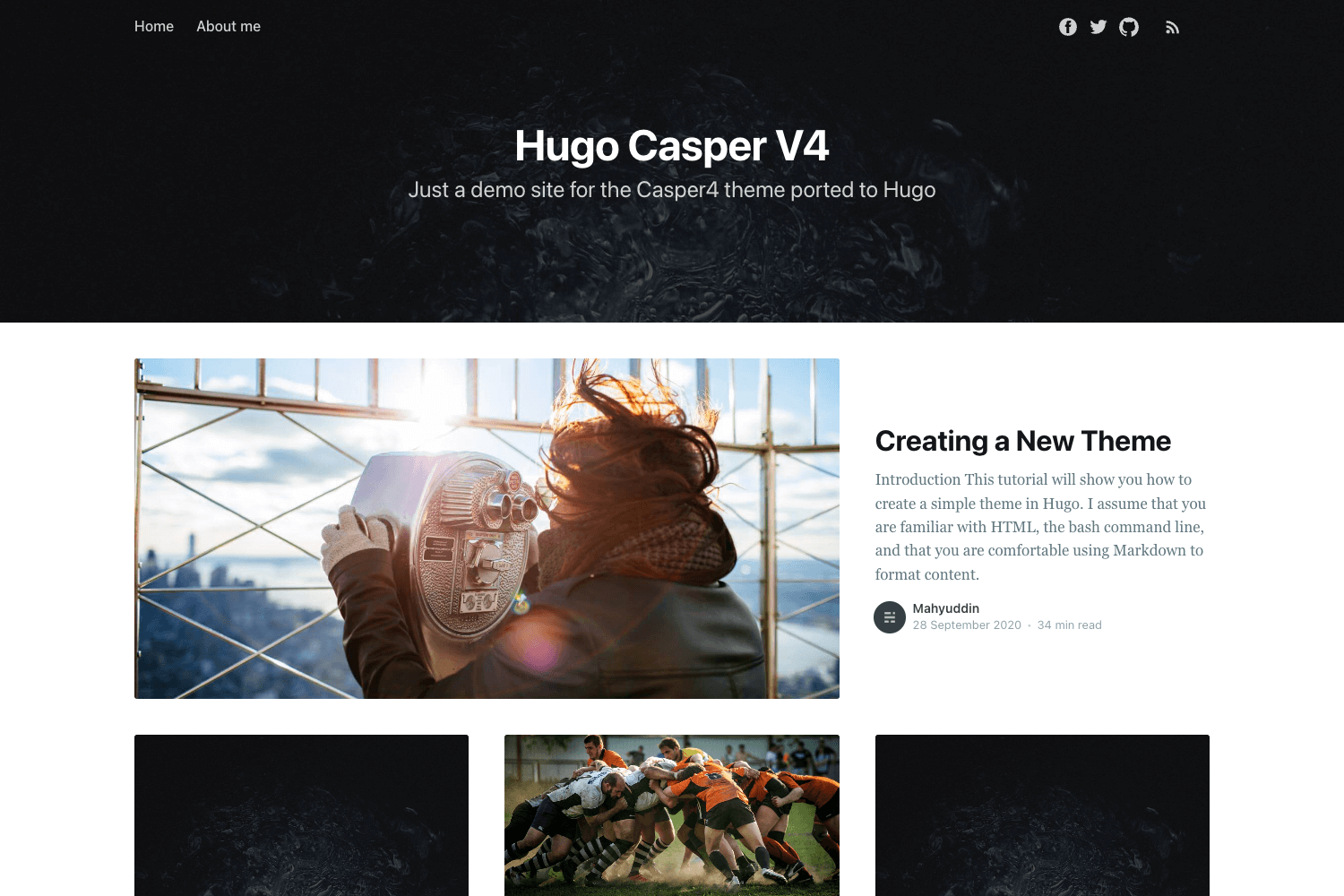
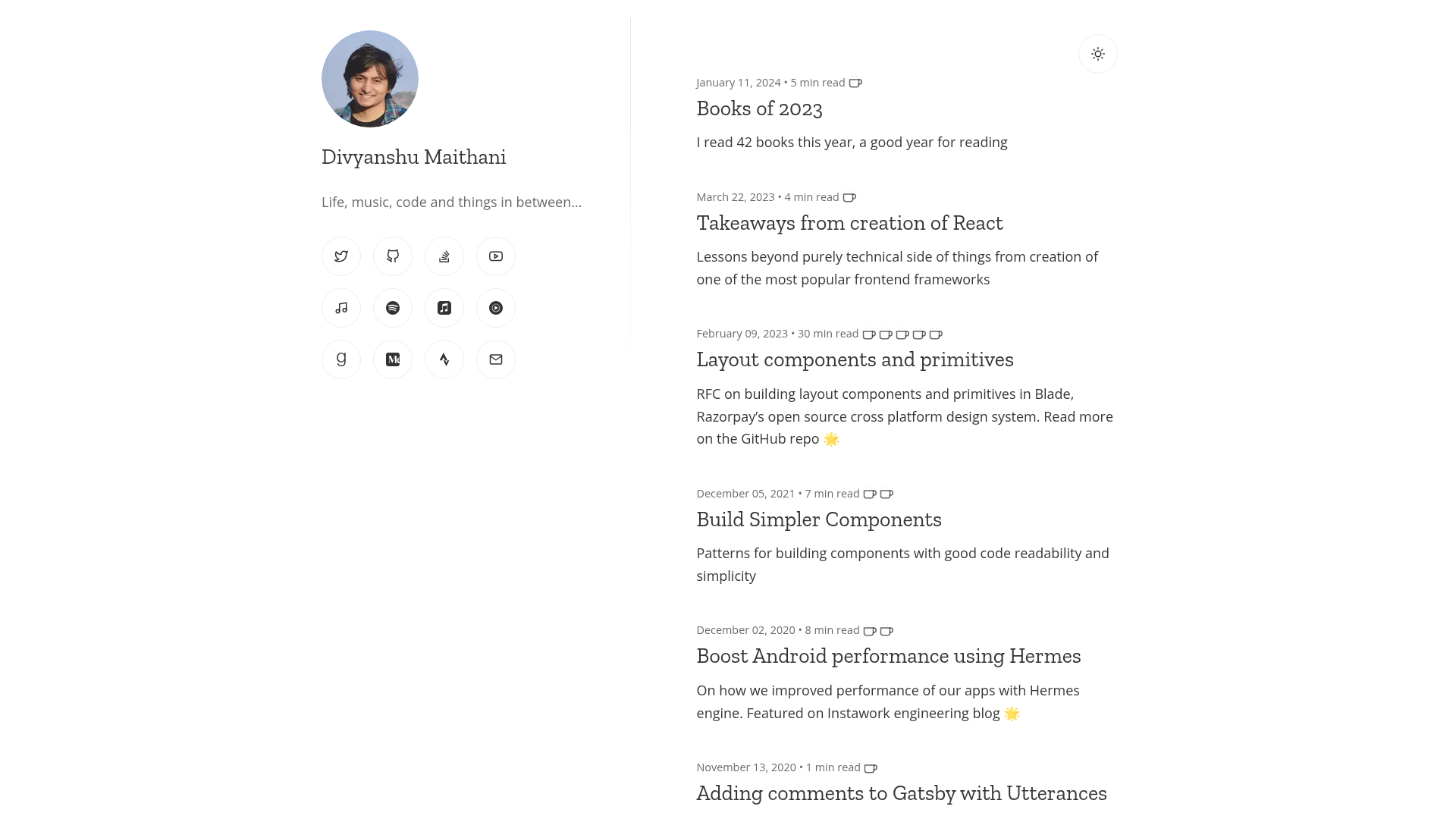
The template includes layouts for post, tag, author, archive, and page pages, with Nunjucks templates and SCSS styling. It is designed so you never need a database or web server: the final output is a set of static files hosted on any CDN.
What makes Fizzy Jam stand out?
- One-click deployment — Deploy buttons for Netlify, Cloudflare Pages, and Vercel clone the repository into your GitHub account and start a build automatically.
- Local-first CMS workflow — Decap CMS v2.10.192 supports both git-gateway and local backend modes; a
localbranch lets you test the admin panel without logging in. - Eleventy v2.0.1 with Nunjucks — The static-site generator uses Nunjucks templates and includes custom JavaScript filters for string splitting, array includes, and substring operations.
- Bulma v0.9.4 styling — The CSS framework is customized with SCSS variables such as
main-colorandlink-color-hoverlocated in_variables.scss. - Built-in components — KaTeX renders LaTeX equations with
$$delimiters, Prism.js highlights code blocks, giscus provides GitHub-based comments, and ElasticLunr powers client-side search. - Flexible page layouts — Choose between
single-page,list-post,archive,list-tag, orlist-authorlayouts for any page. - One-command local development — After
yarn install, runyarn localto start a Browsersync server with live reload, thenyarn buildfor production output to_site.
Who should use Fizzy Jam?
- Bloggers who want full ownership — Publish a blog on GitHub-hosted static files with no monthly server costs and keep every post in version-controlled Markdown.
- Developers who customize Jamstack themes — Use the
devbranch workflow,upstreamremote, and separatelocalbranch to build features before merging tomain. - Technical writers who use LaTeX — Write mathematical equations in posts using KaTeX block syntax without leaving the Markdown editor.
- Teams that collaborate via Git — Manage content through the CMS interface or through pull requests, since the underlying content format is plain Markdown files.
Use cases
- Indie bloggers — Set up a free blog by clicking the Netlify deploy button, then write posts in the included Decap CMS admin without touching code.
- Developers — Extend the template with custom collections by adding a folder and a
.yamlfile undersrc/collections, following the existingpost,tag,author, andpageexamples. - Academic or tech bloggers — Include LaTeX equations with
$$ e = mc^2 $$, which KaTeX renders on the post page, and enable a table of contents based on H2/H3 headings. - Open-source documentation sites — Reuse the tag and author taxonomies, pagination on the homepage, and archive layout to organize both posts and pages.
How does Fizzy Jam work?
The workflow centers on a Git repository: content is Markdown files in src/collections, the CMS writes to those files, and a serverless platform rebuilds the static site on each push. For local development, clone the repository, add your own GitHub remote and the upstream Fizzy-Jam remote, merge the latest main branch, then run yarn install and yarn local. One-click deploy buttons automate the GitHub fork and platform build steps.
Pros and cons
Pros:
- No database or server required; the site is static files and can be hosted free on GitHub Pages, Netlify, Cloudflare Pages, or Vercel.
- The CMS is pre-configured with five collections:
post,tag,author,page, andsettings. - Includes search, comments, LaTeX, code highlighting, and image lazy loading out of the box.
Cons:
- Duplicate entries can cause problems when generating static pages.
- Deleting a tag or changing its slug does not remove that tag reference from existing post files.
- The Decap CMS Markdown editor does not support Chinese, Korean, or Japanese input due to an older Slate version.
FAQ
Is Fizzy Jam free to use?
The template is an open-source project on GitHub, and its three live demos run on the free tiers of Netlify, Cloudflare Pages, and Vercel. There are no paid features mentioned anywhere in the repository.
What CMS does Fizzy Jam use?
It uses Decap CMS v2.10.192, formerly known as Netlify CMS. The admin interface lives in src/admin and can be configured through config.yml.
Does Fizzy Jam support Chinese?
The generated frontend does not have built-in i18n yet — it is on the roadmap. Additionally, the built-in Markdown editor cannot type Chinese, Korean, or Japanese because of an old Slate version, although the resulting Markdown files will display those characters correctly.
How do I change the number of posts on the homepage?
Open src/index.njk and edit the pagination: size value. The default is 10 posts per page.
Can I use Fizzy Jam without a CMS?
Yes. You can write Markdown files directly in the src/collections/post folder and push them to your GitHub repository. The site will build from those files without ever opening the admin panel.