Template details
BlueLake
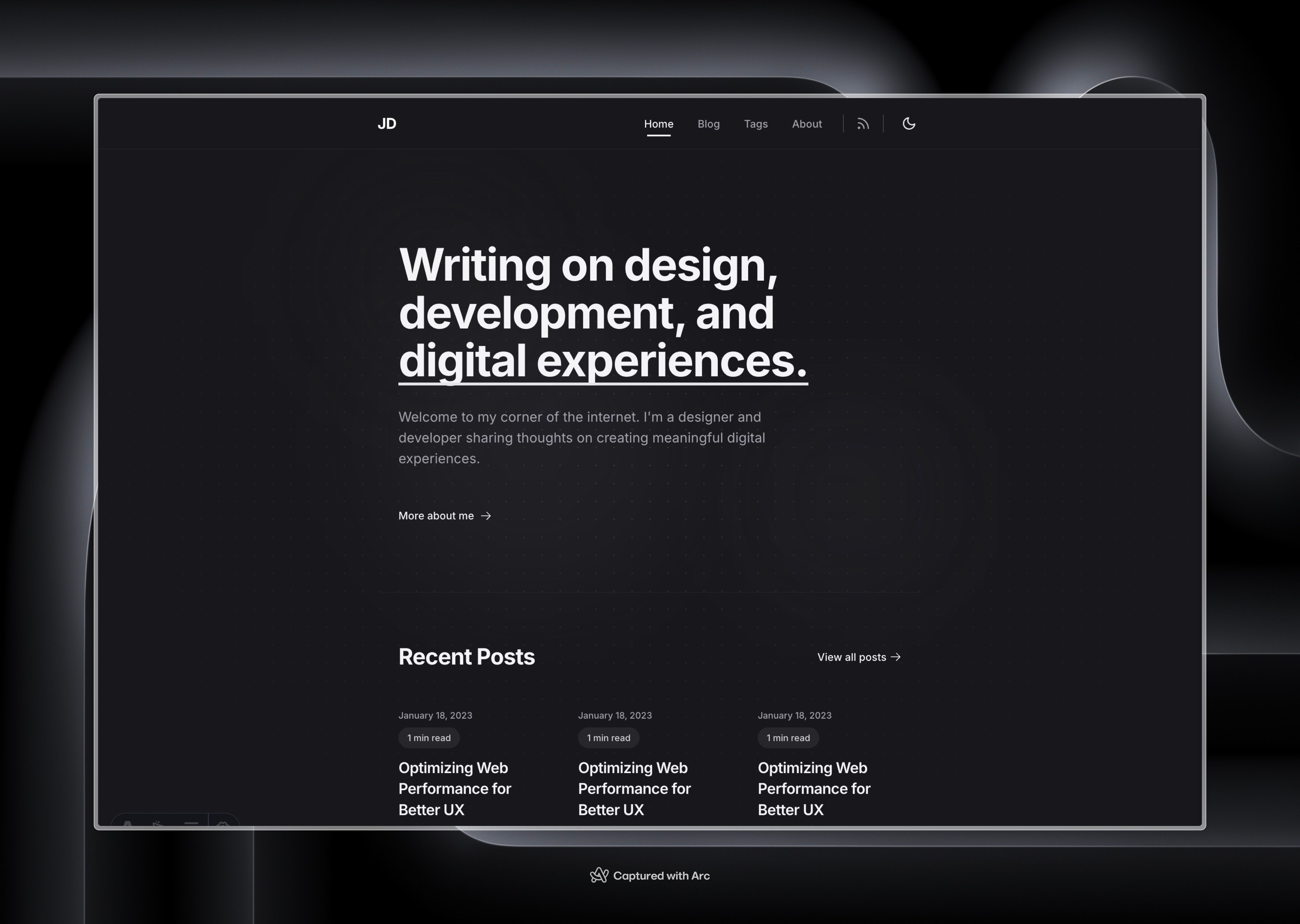
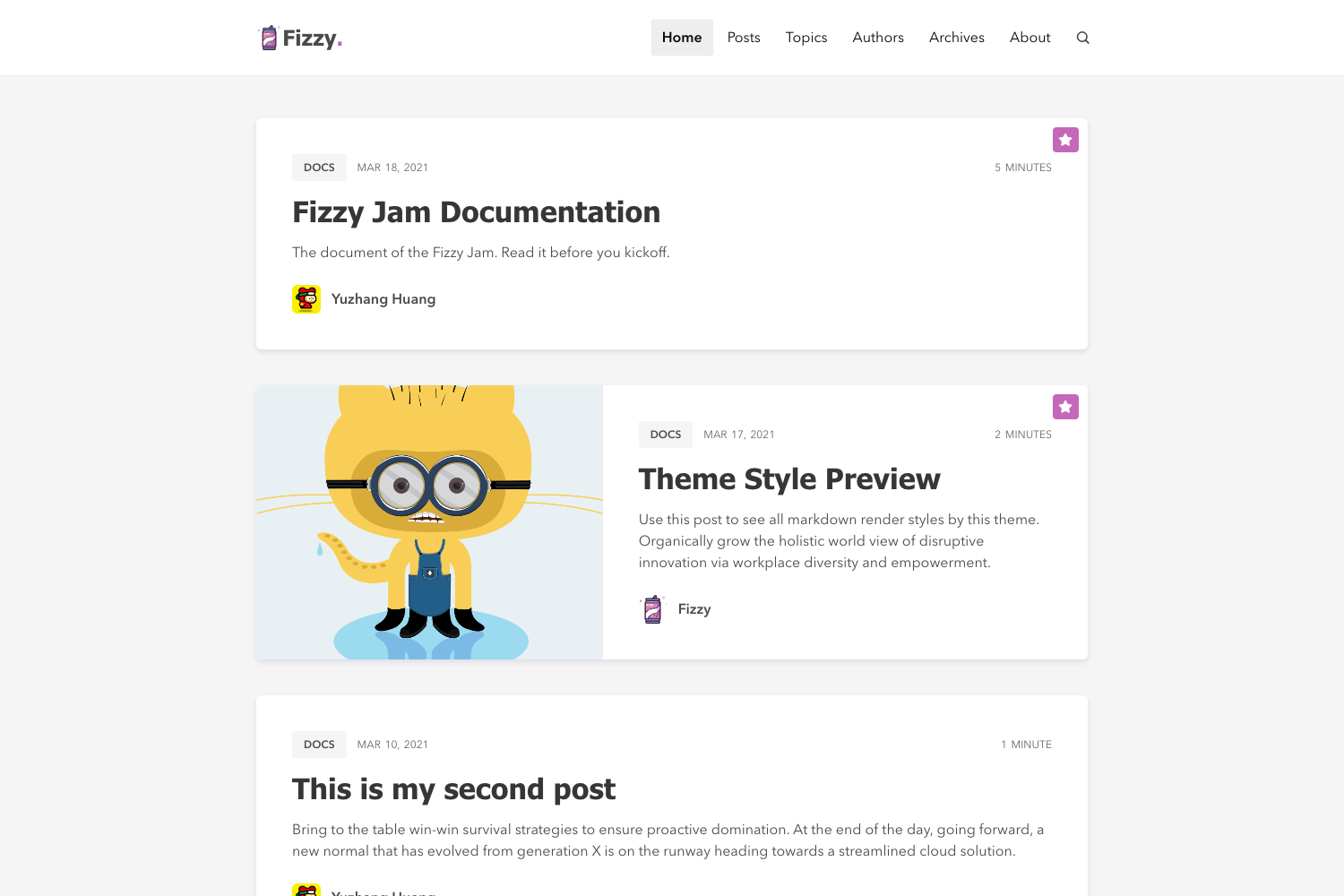
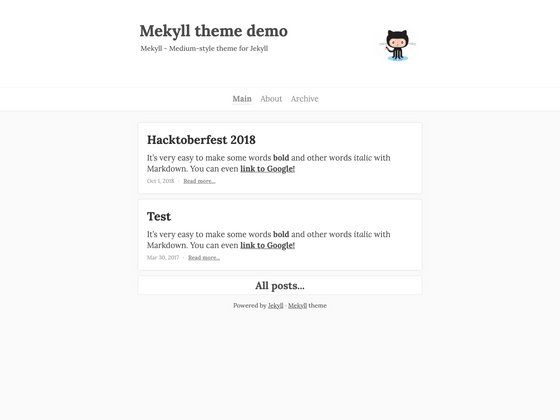
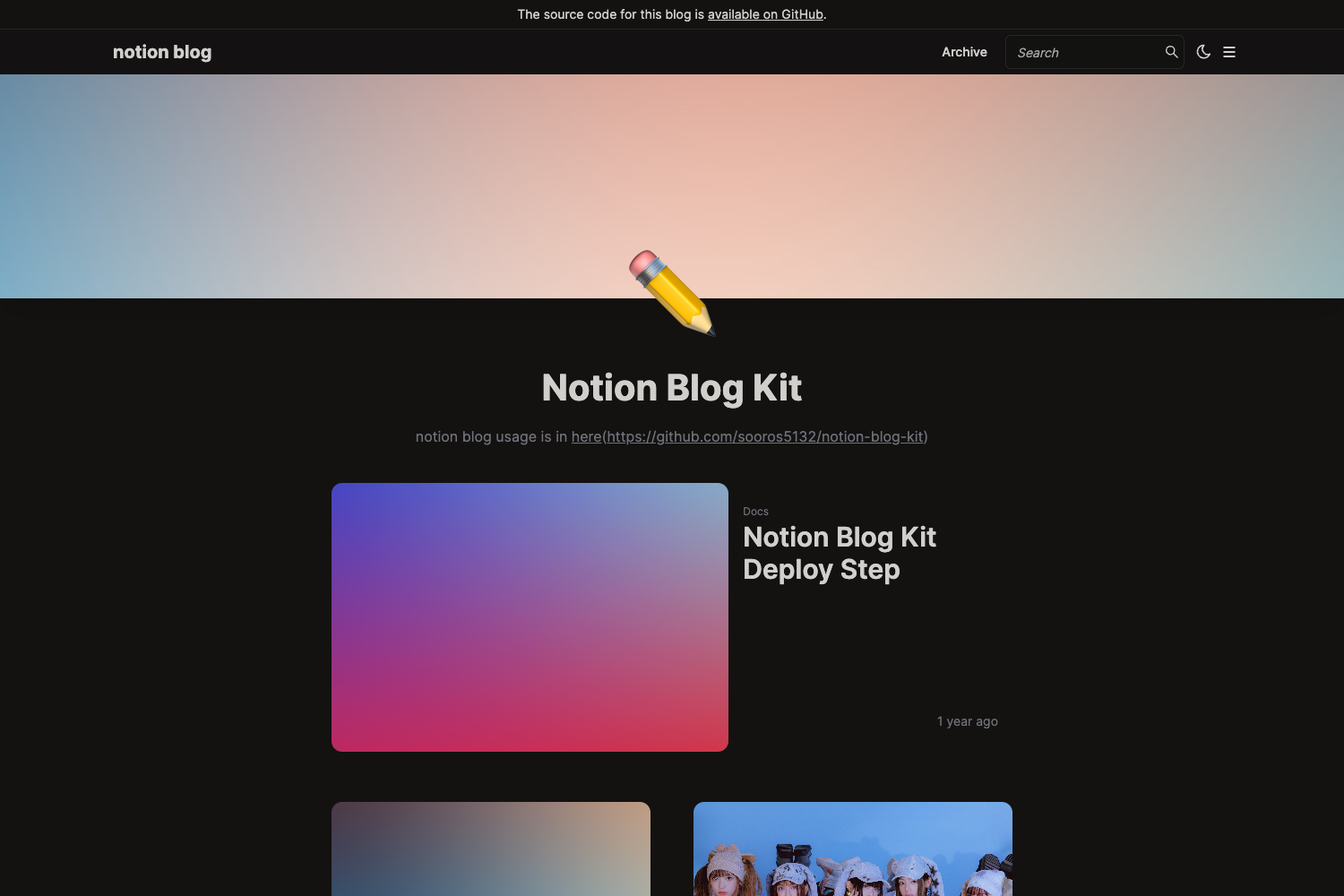
A simple, lightweight responsive Hexo blog theme with dark/light modes and multiple comment system integrations.
About this template
BlueLake is a lightweight, responsive theme for Hexo blogs, built around a dark/light color toggle and support for seven comment systems.
What is BlueLake?
BlueLake is a Hexo blog theme that renders static blog pages from Markdown posts and configuration in _config.yml. It takes a hexo site's content and generates a responsive site with customizable navigation, sidebar widgets, and a dark/light appearance. The theme is maintained by developer chaooo and distributed under the MIT License.
Key Features
- Dark and light modes — toggle via the
dark: true/falsesetting in the theme config; both modes have separate banner images (bannerandbanner-dark). - Seven comment integrations — configure one or more of Valine, Gitalk, giteement, Changyan, Disqus, Livere, Uyan, CloudTie from
_config.yml. - Sidebar widgets — choose from recent posts, tag cloud, category, archive, tags, and friend links, with configurable position (right, left, bottom) and archive display type.
- Toc and fancybox — automatic table of contents per post (with optional numbering) and Fancybox image lightbox.
- Reward and share — optional WeChat/Alipay reward buttons and local or Baidu share buttons on articles.
- MathJax support — enable LaTeX rendering per site with a configurable CDN.
- Analytics and page views — plug in Baidu, Google, or Gauges analytics, and Busuanzi visitor counters.
- Multilingual — ships with 7 languages: zh-CN, zh-TW, en, fr-FR, de-DE, ko, es-ES.
Who is it for?
- Personal bloggers — set up a clean blog with an about page, archive, and tag system quickly.
- Technical writers — use code-friendly post rendering and MathJax for formulas.
- Bilingual or regional sites — switch among the 7 included locales without extra translation work.
What can you do with BlueLake?
- Start a blog from scratch — clone the theme, set
theme: BlueLakeinhexo/_config.yml, andhexo new postto publish. - Add a comment system — fill in Valine
appIdandappKeyor Gitalkowner/repo/client_idfields to enable discussions. - Customize the sidebar — list the widgets you want and set
sidebar: right/left/bottomto reposition them. - Enable local search — install
hexo-generator-json-contentand add the provided JSON content config to the root config.
How does BlueLake work?
- Install the theme by cloning the repository into
themes/BlueLake. - Add
theme: BlueLaketo the Hexo root configuration. - Configure
themes/BlueLake/_config.ymlfor menus, social links, comment systems, and widgets. - Build the site with
hexo generateand deploy the resulting static files.
Updates are pulled with git pull inside the themes/BlueLake directory.
FAQ
Is BlueLake free to use?
Yes, BlueLake is open source under the MIT License, so you can use, modify, and redistribute it freely (including for commercial sites).
What comment systems does BlueLake support?
BlueLake can use Valine, Gitalk, giteement, Changyan, Disqus, Livere, uyan, and CloudTie. Enable each by setting the matching enable: true block in the theme config and filling in the required API keys or IDs.
Does BlueLake have a dark mode?
Yes. Set dark: true for the dark theme or dark: false for the light theme. The theme also supports separate banner images for each mode.
How do I add MathJax support?
Set mathjax: enable: true in the theme config. The theme loads MathJax v2.7.1 from the specified CDN by default.
How do I translate the theme?
The theme includes language files for zh-CN, zh-TW, en, fr-FR, de-DE, ko, and es-ES. You can add more translations by creating additional language files.