Template details
Dev Portfolio Blog
Minimal theme for blog and portfolio
About this template
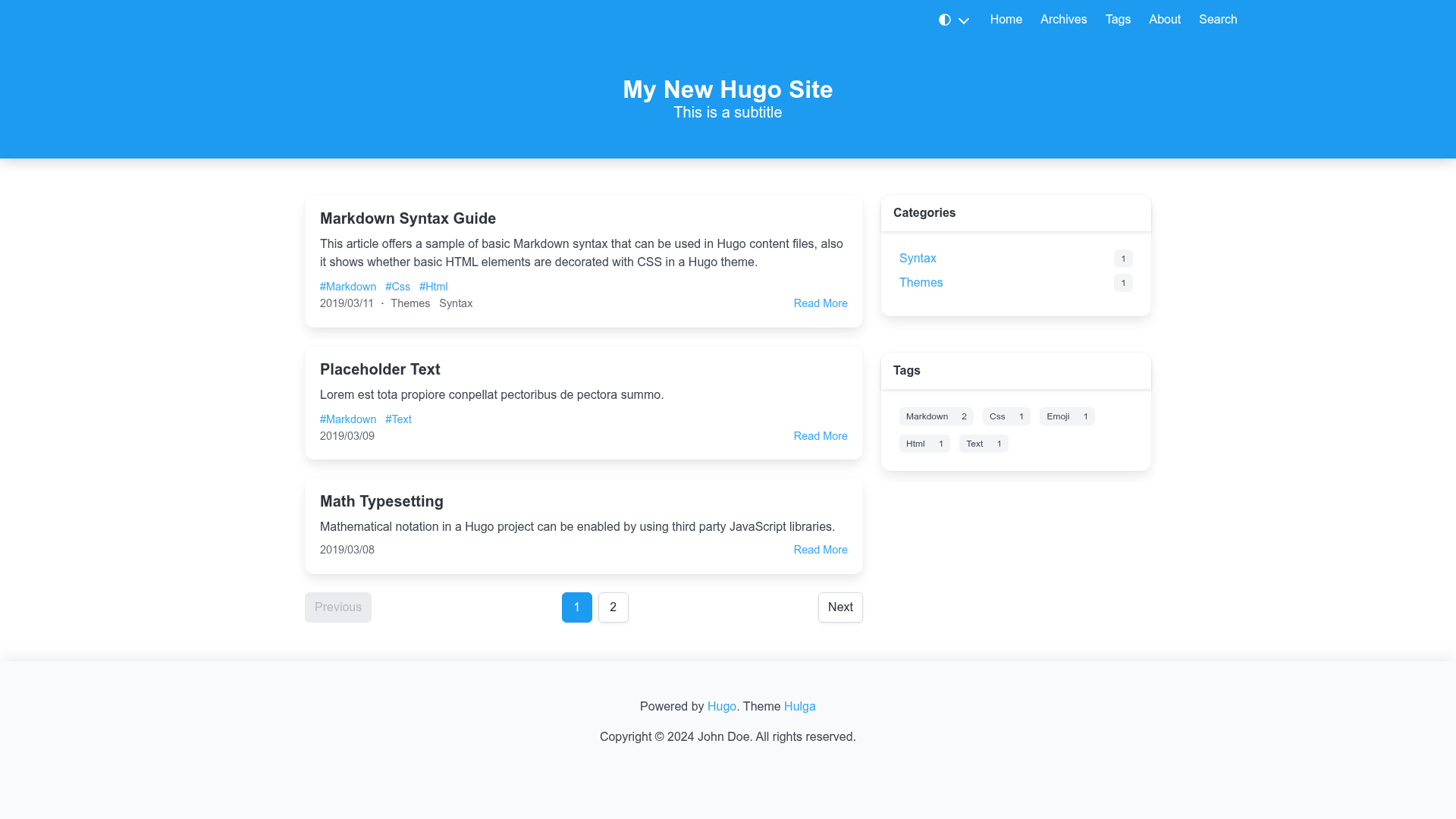
dev-portfolio-blog is a minimal Jekyll theme distributed as a Ruby gem, designed to build a personal blog and portfolio site on GitHub Pages with configurable themes, analytics, comments, and category organization.
What is dev-portfolio-blog?
dev-portfolio-blog is a free, open-source Jekyll theme (MIT License) that turns a standard Jekyll site into a personal blog and portfolio. You supply markdown posts and YAML configuration; the theme generates a static HTML site with home, blog index, about, and categories pages. It targets Ruby 3.2 and Jekyll 4.4, works on GitHub Pages, and is maintained by rohitjain00.
Key Features
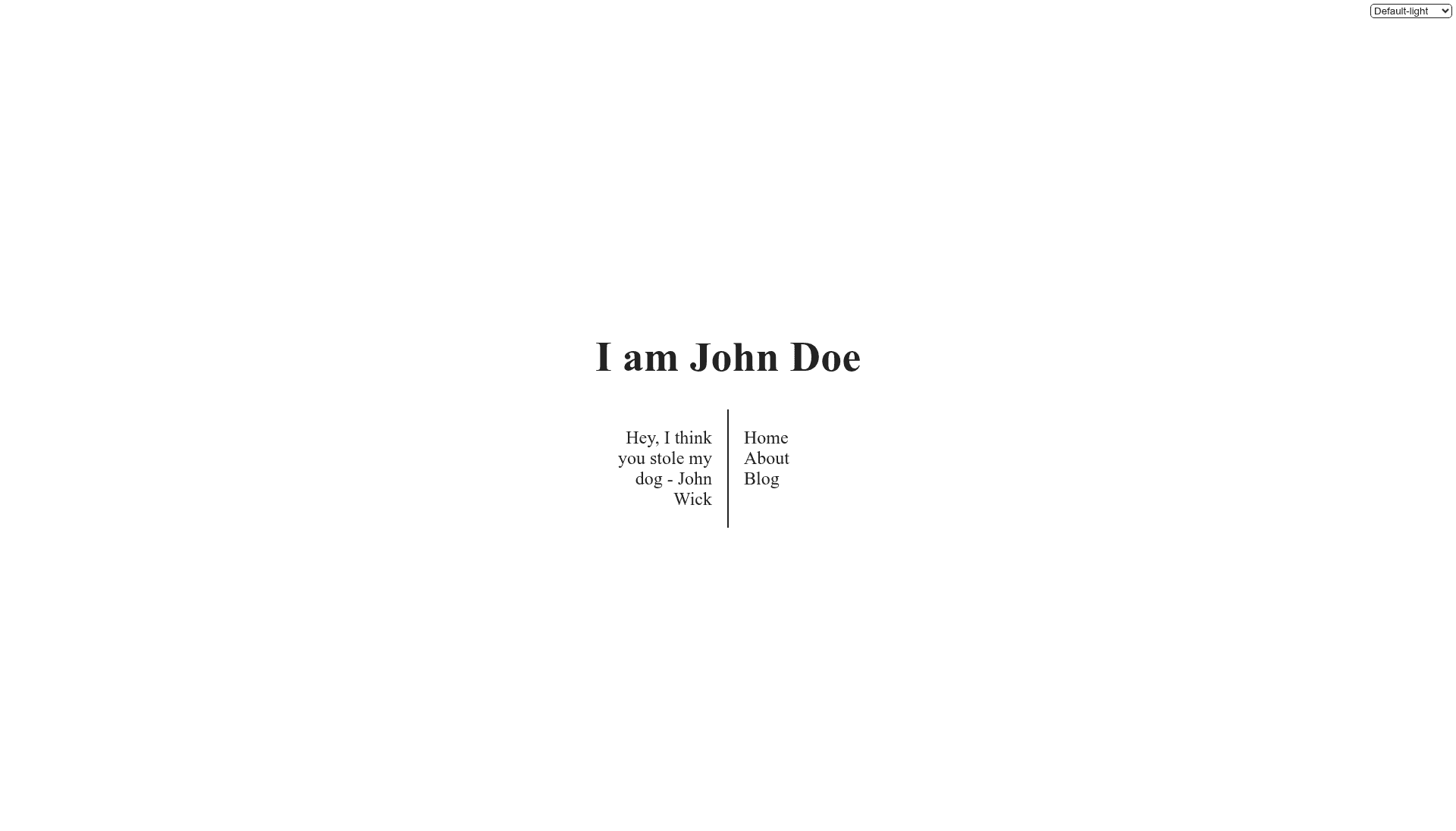
- Built-in theme variants — Choose between Default, Solarized, and Sepia themes, each available in light and dark modes, by setting the theme configuration in
_config.yml. - Google Analytics — Add your tracking ID under the
google_analyticsconfig key to enable visitor analytics; a placeholder value keeps analytics disabled. - Disqus comments — Set
disqus.shortnamein_config.ymland opt in per post with acomments: truefront matter flag to display comment threads. - Blog categories — Add multiple categories to each post's YAML front matter and generate a
/categories/page with the providedcategorieslayout. - Emoji support — Posts written in markdown can include emoji characters directly, rendered in the output.
- Performance-focused — The README reports high PageSpeed scores for the demo site's home, blog, and about pages, with badges linked to Google PageSpeed Insights.
- Pagination and minification — Integrates with the
jekyll-paginate-v2andjekyll-minifierplugins; add the plugin and config to enable auto-pagination and HTML/CSS/JS minification. - Docker development — A
compose.ymlfile creates a consistent development environment with Ruby 3.2, Jekyll 4.4, and Node.js, so you can preview the site athttp://localhost:4000without installing dependencies locally.
Who is it for?
- Developers starting a personal blog — Use the theme to publish markdown posts with category organization, comments, and analytics in one setup.
- Professionals building a portfolio — Set the
homelayout with customhome_textand a resume URL to showcase your work and background. - Jekyll beginners — Follow the detailed README instructions (layout YAML, Gemfile edits, page creation) to get a working site even without prior Jekyll experience.
- GitHub Pages users — Because it is a Jekyll theme, you can publish the generated site directly to GitHub Pages, and the demo repo shows how to use GitHub Actions to deploy the built
_sitefolder.
What can you do with dev-portfolio-blog?
- Launch a blog quickly — Create
_postsmarkdown files withyyyy-mm-dd-postname.mdnaming; the blog index shows each post'sdescriptionor a 30-word plain-text excerpt. - Customize the look — Switch between Default, Solarized, and Sepia themes in light or dark mode via configuration, with no code changes needed.
- Organize content with categories — Add a
categories.mdpage with thecategorieslayout to let readers search posts by topic from the YAML front matter. - Set up a modern dev workflow — Use the provided Docker Compose setup to build and serve the site locally, or run one-off Jekyll commands inside the container for testing.
How does dev-portfolio-blog work?
Add gem "dev-portfolio-blog" to your Gemfile and set theme: dev-portfolio-blog in _config.yml, then run bundle install. Create the required pages (index.md, blog.md, about.md, categories.md) with the documented layouts and permalinks, then write posts as markdown in _posts. Jekyll builds the static site; optional plugins enable pagination and minification.
Pros and cons
Pros:
- Free and open source under the MIT License.
- Multiple visual themes with light/dark mode built in.
- Works on GitHub Pages and includes a Docker-based development environment.
- Active demonstration site with high PageSpeed scores.
Cons:
- Limited to Jekyll; it cannot be used with other static site generators.
- Comments and analytics require external accounts (Disqus and Google) and manual configuration.
Pricing
Free — the theme is distributed as an open-source Ruby gem under the MIT License, with no tiers or paid plans.
Alternatives
- minima — the default Jekyll theme referenced in the README; it provides a simpler base without built-in theme switching or category pages.
FAQ
Is dev-portfolio-blog free?
Yes. The theme is open source and released under the MIT License, so you can use and modify it freely for personal or commercial projects.
How do I install dev-portfolio-blog?
Add gem "dev-portfolio-blog" to your Jekyll site's Gemfile, set theme: dev-portfolio-blog in _config.yml, and run bundle install. You can also fork the demo repository at https://github.com/rohitjain00/rohitjain00.github.io and update the files.
Does the theme support comments?
Yes, via Disqus. Configure disqus.shortname in _config.yml and add comments: true to a post's front matter. If disqus.shortname is left blank, comments are disabled.
How do I enable Google Analytics?
Set the google_analytics key in _config.yml to a real measurement ID. The dummy value G-XXXXXXXXXX keeps analytics disabled until you replace it.
What Ruby and Jekyll versions are required?
The project targets Ruby 3.2 and Jekyll 4.4. The Docker environment uses a ruby:3.2-bullseye image, and native setups should install Ruby 3.2, Bundler, and Node.js.