Template details
Astro Fleet
One codebase, many sites. Multi-site Astro monorepo starter with shared components, design tokens, and per-site configuration.
About this template
Astro Fleet is an open-source multi-site Astro monorepo starter that manages many websites from one codebase, bundling shared components, per-site design tokens, and independent deploys for agencies and multi-brand teams.
What is Astro Fleet?
Astro Fleet is a production-ready monorepo template built on Astro 6, Bun, Turborepo 2, Tailwind CSS 4, and TypeScript. It takes a target directory, a first-site domain, and a design preset as input and generates a new site under sites/ wired with the correct config, styles, and build pipeline. Created by Indivar Software Solutions, it is licensed under MIT and can be scaffolded via bunx create-astro-fleet or by cloning the repository directly.
Key Features
- 22 shared components + 3 layouts — Header, Footer, SEO Head, CTA blocks, cards, forms, testimonials, breadcrumbs, pricing tables, FAQ accordions, team grids, timelines, hero sliders, section dividers, and comparison tables, all receiving content via typed props and themed by CSS variables.
- Design token system — Three presets (Corporate, SaaS, Warm) defined through a TypeScript interface; custom presets or per-site color/font changes require no component code edits.
- Site scaffolder — The CLI
bunx create-astro-fleetor the bash script./scripts/new-site.sh domain.com [preset]creates a new site from the starter template with correct config, styles, and build pipeline. - CMS-ready — The Meridian demo ships with Keystatic wired for editable content, admin at
/keystaticin dev, content committed as markdown; an Adding a CMS doc covers alternatives. - Infrastructure templates — Optional Docker Compose + Traefik + Caddy setup for self-hosting on a VPS, generated with
./scripts/setup-infra.sh. - Framework-agnostic — All components are native
.astrofiles with zero JS by default; React, Vue, Svelte, Solid, or Preact can be added per site using Astro Islands Architecture. - Self-hosted fonts — The Astro 6 Fonts API fetches Google Fonts at build time and serves them from your domain, with no runtime third-party requests and optimized fallbacks.
- AI-first workflow — Structure, typed component props, and configuration patterns are optimized for Claude Code, Gemini CLI, and other AI coding assistants, with an AI Workflow Guide containing sample prompts.
Who is it for?
- Web agencies managing multiple client sites — spin up a new branded site with one command and deploy it independently.
- Multi-brand companies — run separate marketing sites for each brand from a single repository with shared components and per-site design tokens.
- AI-assisted developers — use Claude Code or Gemini CLI to generate and modify sites, relying on typed props and clear config patterns for predictable edits.
- Teams that self-host — use the included Docker Compose + Traefik + Caddy templates to deploy to a VPS rather than a platform.
What can you do with Astro Fleet?
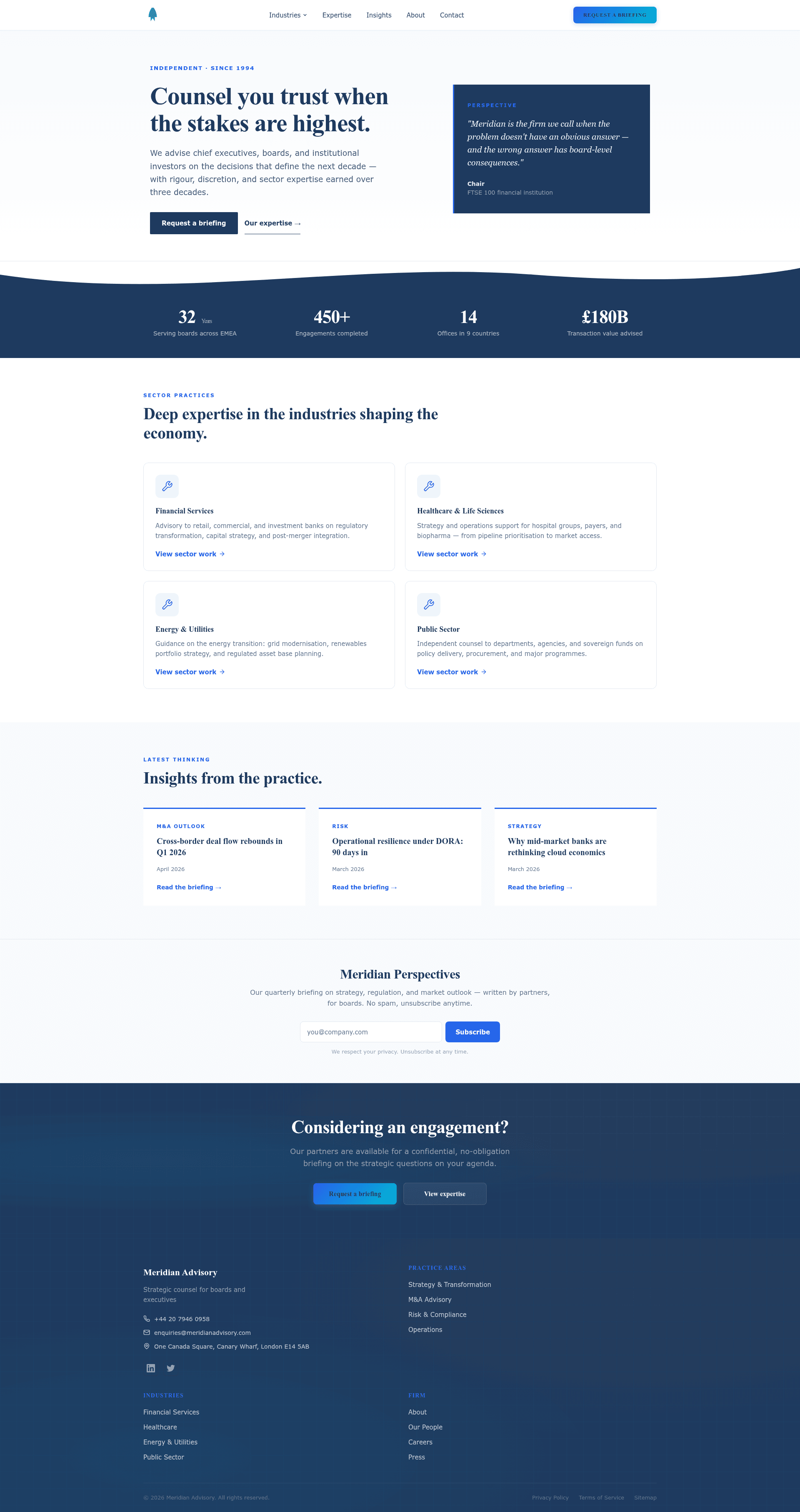
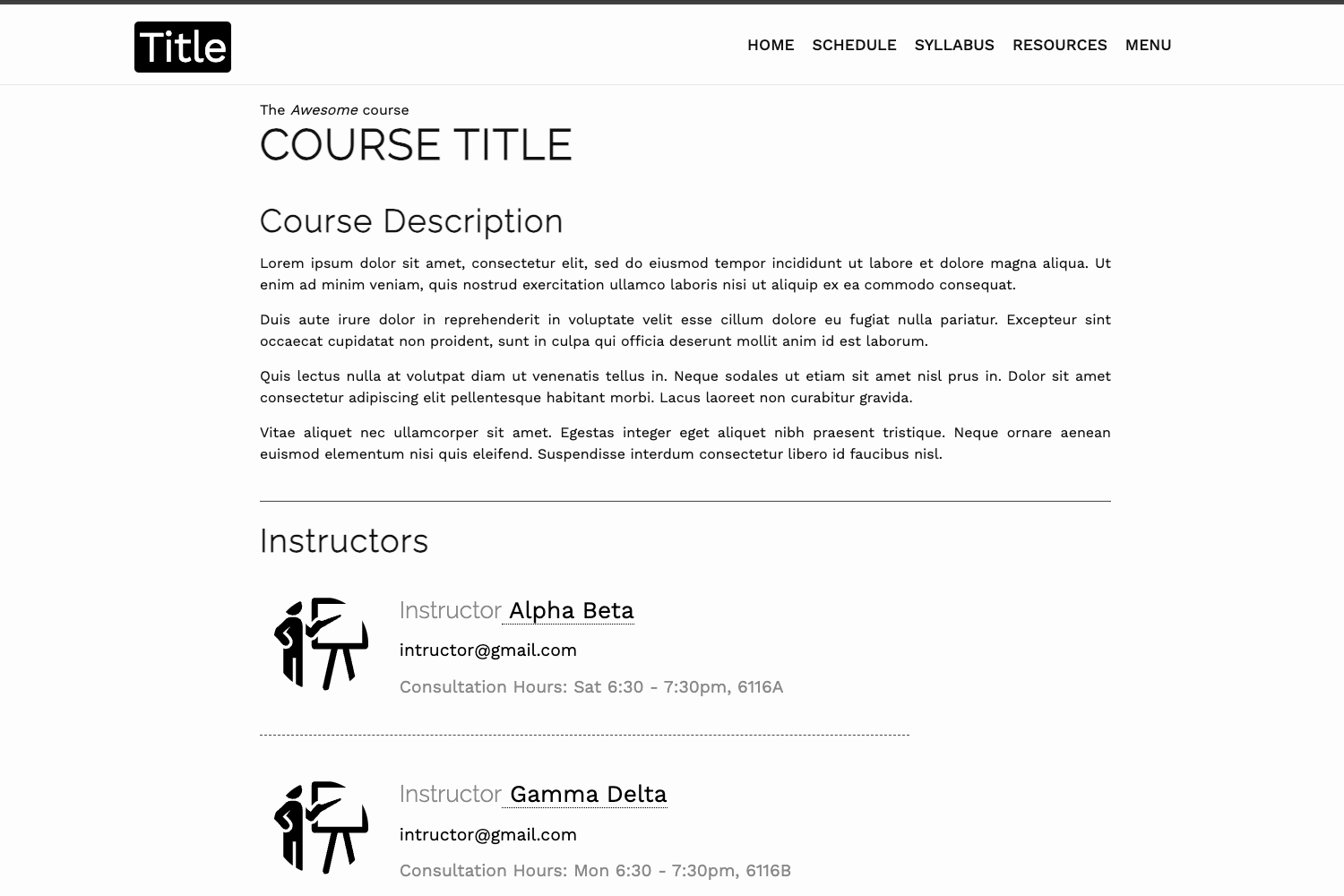
- Launch a consulting firm site — Meridian Advisory demo shows a corporate preset with editorial hero, dark stat strip, and navy/blue palette.
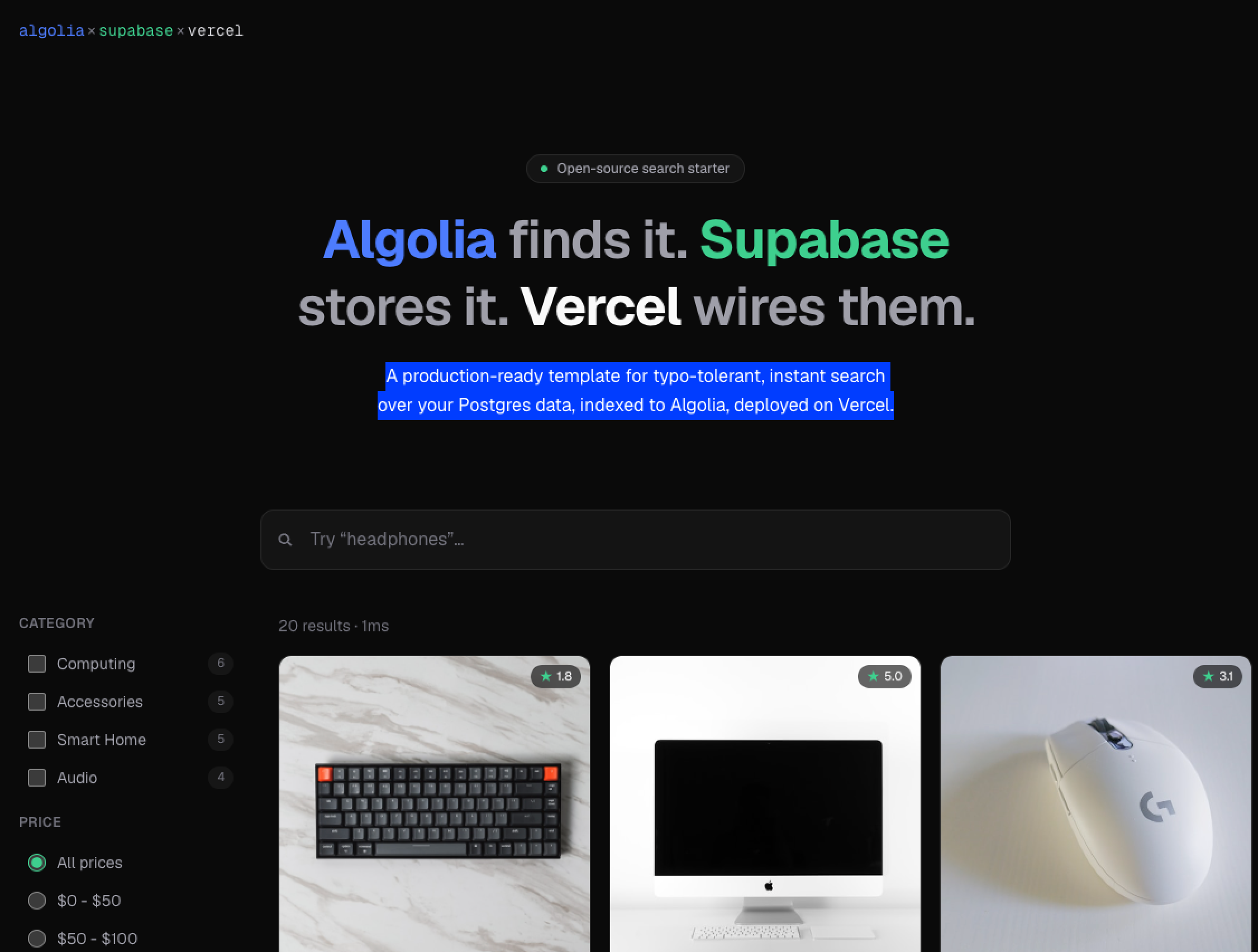
- Ship a SaaS product site — Flux Analytics demo shows a dark hero, code mockup, emerald accents, and a six-card feature grid.
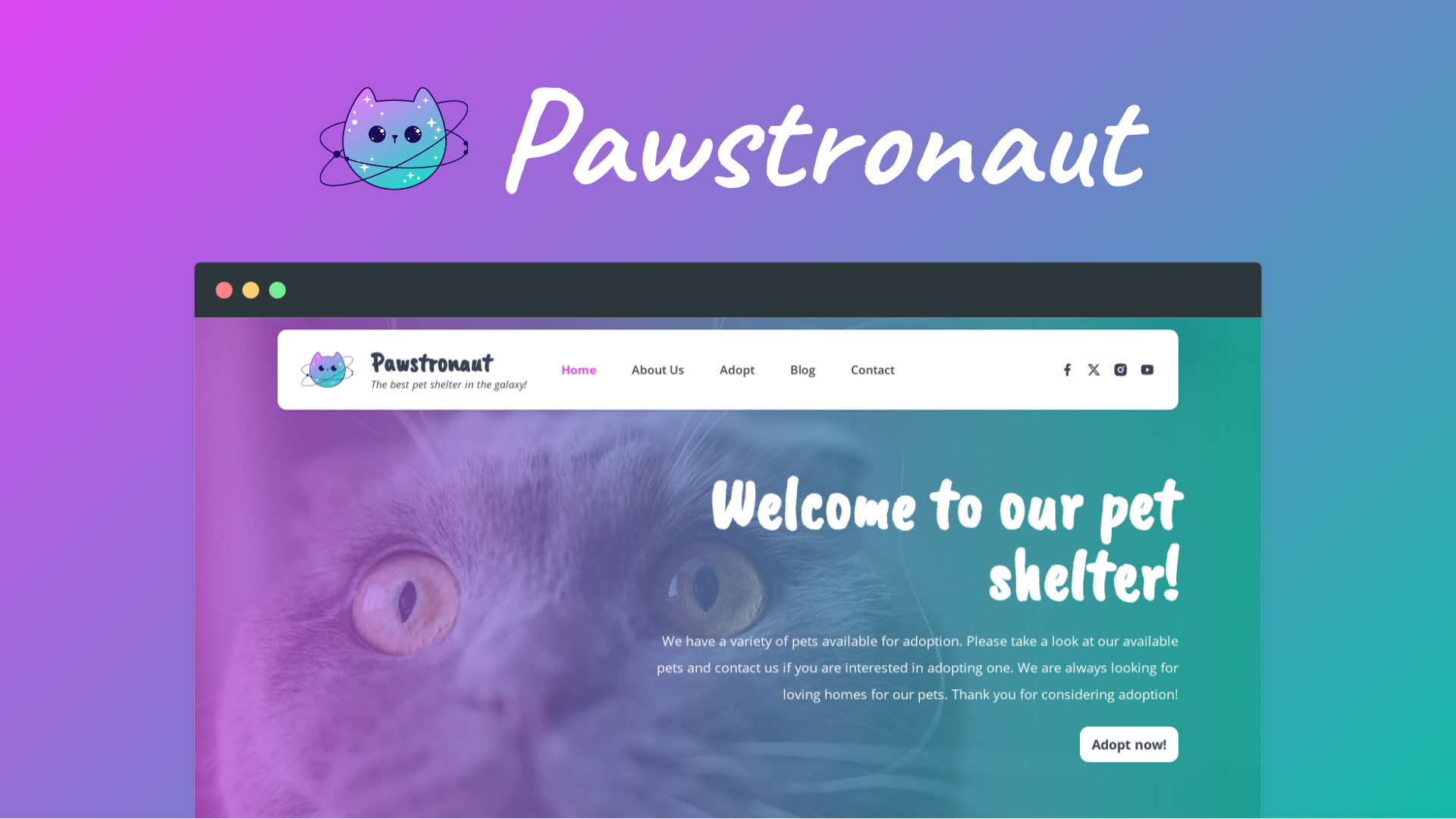
- Publish a restaurant site — Olive & Vine demo shows a warm editorial hero, serif display type, amber accents, and a dotted-line menu grouped by course.
- Add a CMS to any site — follow the Keystatic pattern from Meridian or use the docs to wire an alternative.
How does Astro Fleet work?
Scaffold a new fleet with bunx create-astro-fleet, answer prompts for target directory, first-site domain, and design preset (or pass --domain and --preset flags), then run bun install and bun run dev. To add a site to an existing fleet, run bunx create-astro-fleet add yourdomain.com saas or the equivalent ./scripts/new-site.sh yourdomain.com saas. Each site is built and deployed independently to Cloudflare Pages, Vercel, Netlify, or a self-hosted VPS.
FAQ
Is Astro Fleet free?
Yes. The repository is licensed under MIT, so you can use it for any purpose without license fees.
What design presets are included?
Three presets ship with the template: Corporate (used by the Meridian Advisory demo), SaaS (Flux Analytics), and Warm (Olive & Vine). All are defined through a TypeScript interface and can be customized or extended.
Can I add a CMS?
Yes. The Meridian demo includes Keystatic with content committed as markdown, and the documentation at docs/adding-a-cms.md explains the pattern and when to choose a different CMS.
Does Astro Fleet work with AI coding tools?
The project structure, typed component props, and configuration patterns are specifically designed for AI coding assistants. It is tested with Claude Code and also works with Gemini CLI and other tools, with an AI Workflow Guide included.