Template details
next/image loading offset
Learn how lazy loading works on next/image.
About this template
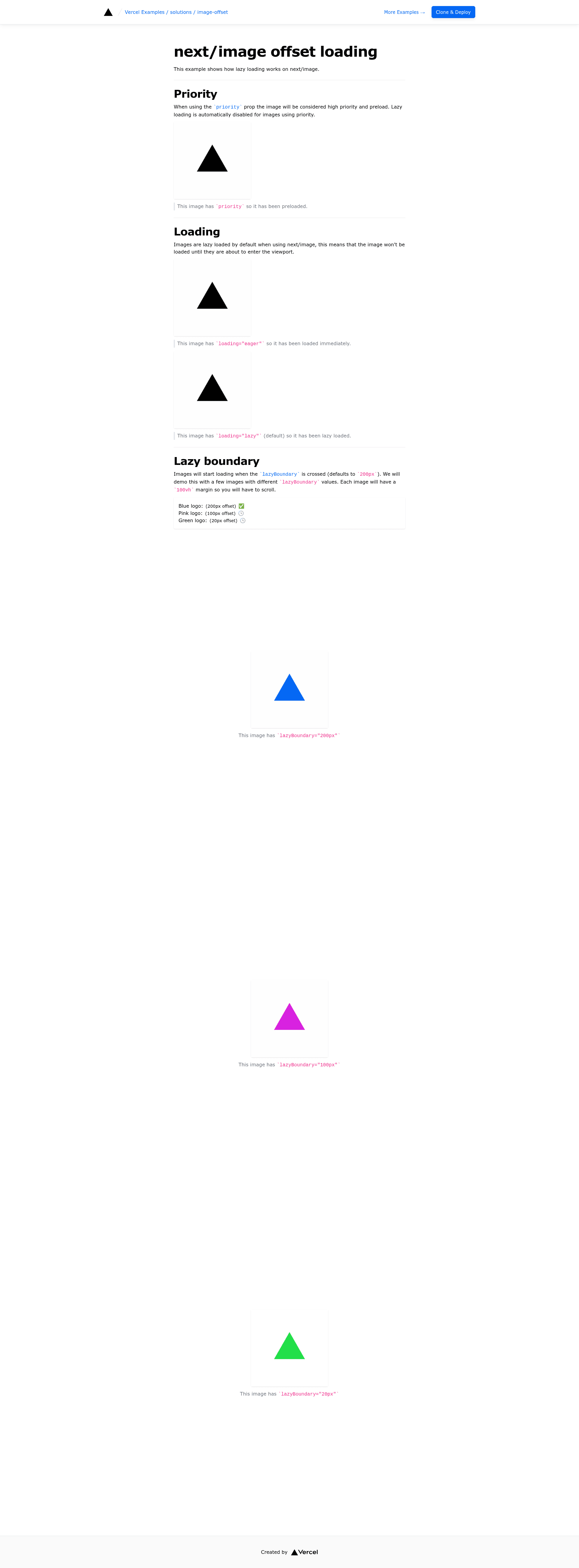
next/image loading offset is a minimal Next.js example from Vercel's examples collection that demonstrates how lazy loading works in the next/image component. As a documentation-oriented starter, it provides a small, runnable application that shows how the built-in lazy loading behavior of next/image behaves when applied to images below the fold.
What is next/image loading offset?
next/image loading offset is a Vercel example project built with the Next.js React framework. It takes a plain Next.js application with a few images and produces a demo you can deploy or run locally to inspect how lazy loading works. The project is maintained in the vercel/examples GitHub repository and is intended as a reference implementation rather than a production template.
Key Features
- Lazy loading demonstration — The example shows how next/image applies lazy loading to images, fetching them only when they approach the viewport, and it lets you inspect the effect of the loading offset.
- One-click Vercel deployment — The repository includes a deploy link that clones the example into a new Vercel project with the repository pre-configured, so you can see the demo live without local setup.
- Clone and run locally — You can bootstrap the same project with
pnpm create next-app --example https://github.com/vercel/examples/tree/main/solutions/image-offset image-offsetand then start the development server withpnpm dev. - Next.js framework — Built on Next.js, the example uses the
next/imagecomponent, which automatically optimizes images and uses native browser loading attributes for lazy loading. - Tailwind CSS styling — The project metadata lists Tailwind CSS as the styling solution, so the demo pages are styled with Tailwind utility classes.
- Live hosted demo — A hosted version is available at https://solutions-image-offset.vercel.app, giving you an immediate way to observe the lazy loading offset behavior in a browser.
Who is it for?
- Next.js developers — Use this example to see exactly how the next/image component handles lazy loading and how the offset influences the moment the browser requests each image.
- Frontend performance engineers — Study the demo as a reference when tuning image loading thresholds for your own image-heavy Next.js pages.
- Documentation writers and educators — Reference this example when writing tutorials or guides about Next.js image optimization and lazy loading.
What can you do with it?
- Test lazy loading behavior: Open the live demo and scroll down to see when image requests are triggered relative to the viewport.
- Build a starter project: Use the example as the base for a Next.js app that needs a custom image loading configuration, then modify the offset value to match your design.
- Learn from a Vercel example: Explore the repository structure to see how Vercel organizes its example projects, including the one-click deploy workflow.
How does it work?
The example is meant to be used in one of two ways. First, you can deploy it instantly by clicking the Vercel deploy link, which creates a new project from the repository. Second, you can clone it locally using create-next-app and run it in development mode with pnpm. After deployment or local startup, the app renders a page with several images that are lazy-loaded as you scroll.