Template details
Marlin Documentation Project
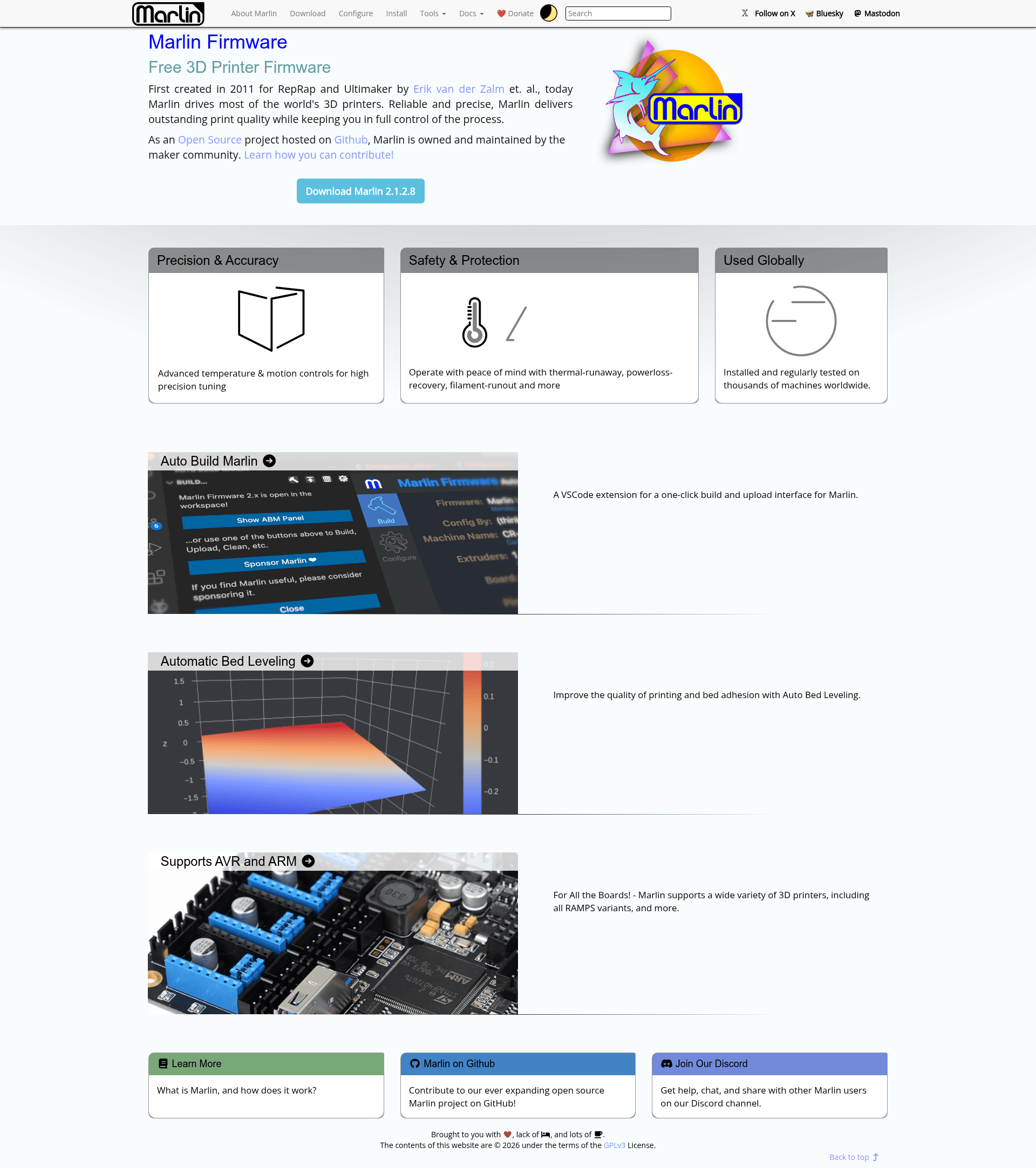
Open-source Jekyll documentation for Marlin 3D printer firmware, deployed to marlinfw.org.
About this template
The Marlin Documentation Project is an open-source, Jekyll-based documentation repository that serves as the raw source for the official Marlin 3D printer firmware reference at marlinfw.org.
What is the Marlin Documentation Project?
The Marlin Documentation Project is the collaborative source repository behind the official Marlin Firmware documentation site, marlinfw.org. It is built with Ruby, RubyGems, and the Jekyll static site generator, and it is automatically deployed via GitHub Pages with a GitHub Actions workflow. Contributors write pages in Markdown with YAML front matter, and Jekyll compiles those files into static HTML and JavaScript for the website. The project is maintained by the Marlin Firmware team and community, with sponsorship links available for the lead maintainer.
Key features
- Open contribution workflow — Anyone can fork the repository, create a branch, add or edit Markdown files in folders like
_docs,_configuration,_gcode, and_hardware, and submit a Pull Request to themasterbranch. - Jekyll collections structure — The site uses Jekyll collections corresponding to sub-folders, with
_layoutsfor page templates and_includesfor partial layouts, plus a_metafolder for top-level page descriptions. - Local preview via Jekyll — Run
bundle exec jekyll serve --watch --incrementalto start a local web server athttp://localhost:4000/that rebuilds automatically on each save. - GitHub Actions deployment — A workflow builds and deploys the site to GitHub Pages, with a status badge visible in the repository README.
- GPLv3 licensed — The documentation is distributed under the GPLv3 license, matching the Marlin firmware license.
- Multi-platform setup instructions — The README includes detailed Ruby installation steps for Windows (Ruby+Devkit 3.3.4), macOS (Homebrew or MacPorts with chruby), and Ubuntu (rbenv).
Who should use the Marlin Documentation Project?
- Marlin 3D printer users — Look up configuration options, G-code commands, and hardware details by reading the published documentation on marlinfw.org.
- Documentation contributors — Fork the repository and write or correct articles about features, configuration, development, and hardware, following the editorial style guidelines in the README.
- Firmware maintainers — Keep the documentation aligned with Marlin source code by adding new pages for features and G-code as they are merged into the firmware.
Use cases
- Adding a new documentation page — Create a branch named after the topic, add a new Markdown file such as
mashed-potatoes.mdinside_docs, then submit a Pull Request for review. - Previewing edits locally — Install Jekyll, run
bundle install, and use the local preview server to verify formatting and catch YAML or Markdown errors before pushing changes. - Working on work-in-progress content — Place unfinished drafts in the
_tmpfolder, which is excluded from the deployed site.
How does it work?
The workflow starts with forking the MarlinFirmware/MarlinDocumentation repository and cloning the fork locally. Contributors create a new branch, edit or add Markdown files, commit, push to their fork, and open a Pull Request against the master branch of the upstream repository. For local preview, the README instructs installing Ruby, running bundle config set path 'vendor/bundle' and bundle install, then starting Jekyll with bundle exec jekyll serve to view the site at localhost:4000.
FAQ
Is the Marlin Documentation Project free?
Yes. The documentation source is open to everyone under the GPLv3 license, and the published site at marlinfw.org is freely accessible. No paid tiers or subscriptions are mentioned in the repository.
What technologies does the documentation site use?
The site is built with Jekyll, Ruby, RubyGems, and GitHub Pages. Content is written in Markdown with YAML front matter, and Jekyll compiles it into static HTML and JavaScript. The repository also uses GitHub Actions to deploy the site automatically.
How do I contribute to the documentation?
Fork the repository, clone your fork, create a new branch named for your topic, add or edit Markdown files in the appropriate collection folder, and submit a Pull Request to the upstream master branch. A _tmp folder is available for work-in-progress pages that will not be published.
Can I preview the documentation on my own computer before submitting changes?
Yes. Install Ruby 3.3.4, set up the project with Bundler, and run bundle exec jekyll serve --watch --incremental. This starts a local server at http://localhost:4000/ and rebuilds the site automatically whenever you save changes.