Template details
Khata
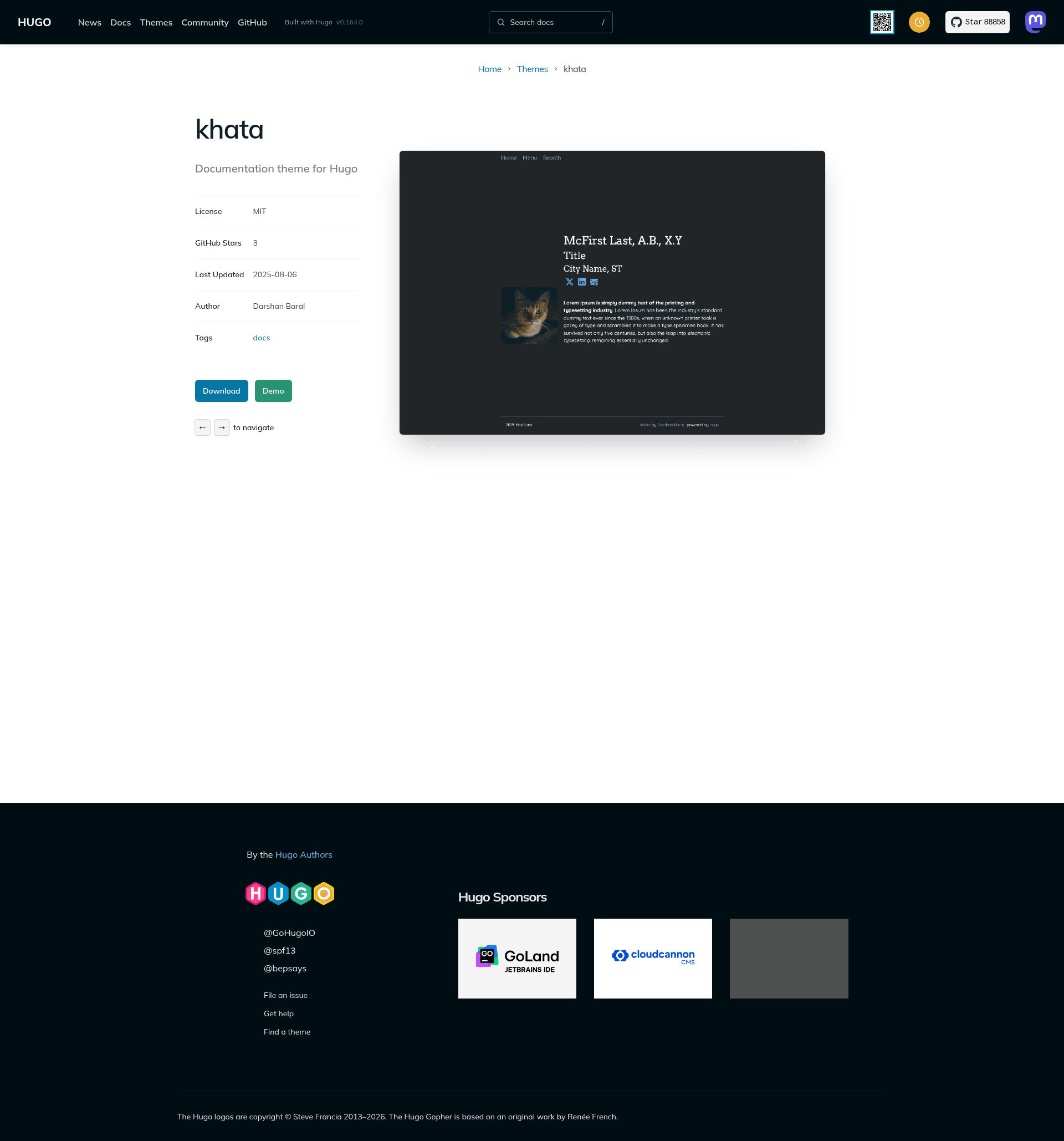
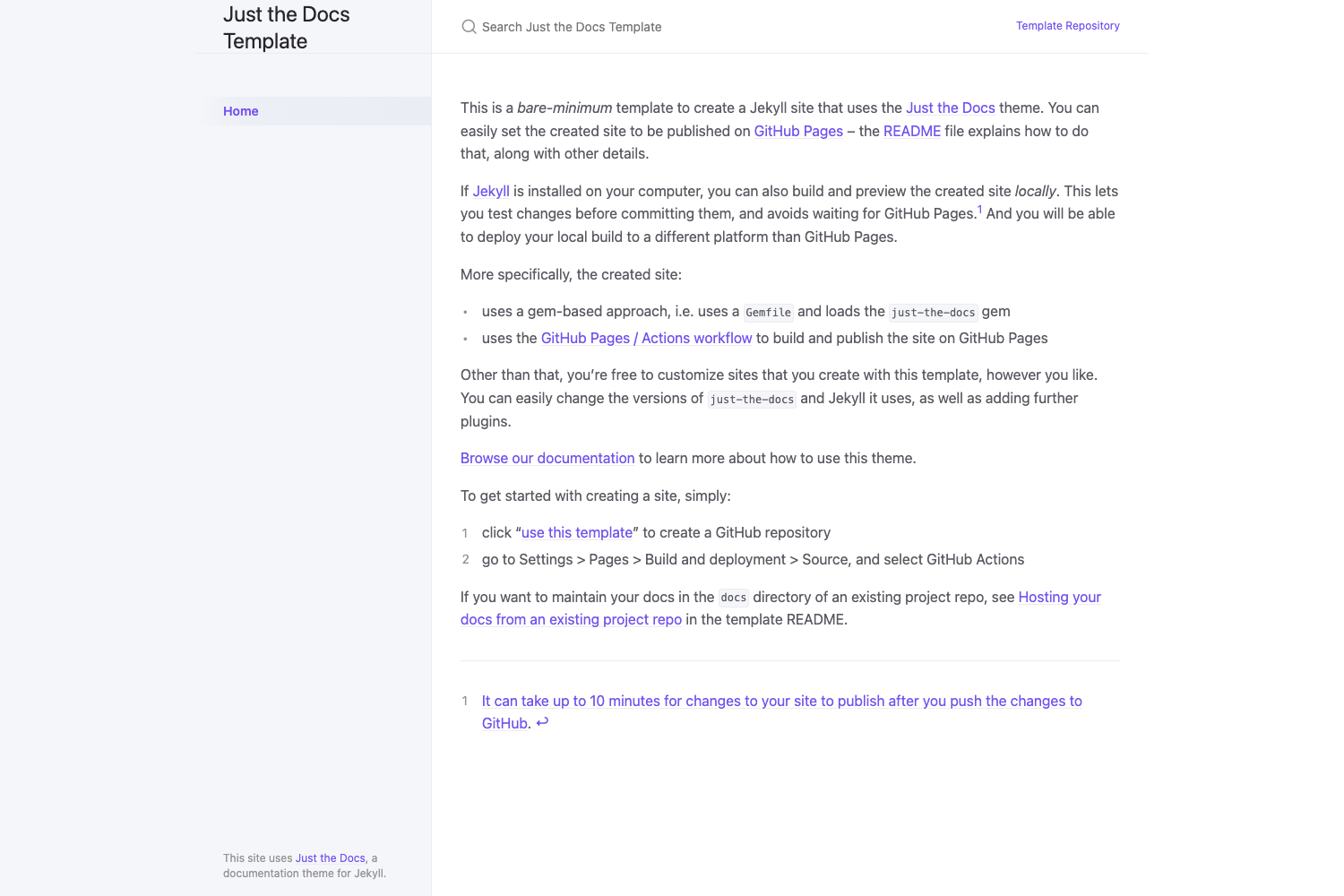
Hugo theme for documentation and note-taking with a clean, responsive, customizable layout.
About this template
Khata is a clean and responsive Hugo theme built for documentation and note-taking, designed to keep content readable and easy to navigate on a static site.
What is Khata?
Khata is a Hugo theme for documentation websites, turning content files into a responsive static HTML site. It takes a folder-based content structure from a Hugo project and outputs a clean, navigable documentation site. The theme is maintained by Darshan Baral and published on GitHub at darshanbaral/khata, with a live demo hosted on GitHub Pages.
Key Features
- Responsive layout — the theme is described as clean and responsive, making documentation readable on desktop and mobile.
- Customizable — the layout can be adjusted to fit the site's needs, though specific customization options are not detailed.
- Folder-based content structure — sections are created by adding folders inside the content directory, and pages are placed inside those folders.
- Built-in search via Pagefind — search is powered by Pagefind; you must index the built public directory with
npx -y pagefind --site publicbefore deployment. - Special folders — archive, recent, search, and taxa are reserved for theme functionality and should only be modified by those familiar with the structure.
- Example site included — the repository has an exampleSite folder with a
config.tomland content folder you can copy to bootstrap a new site. - Git submodule installation — the theme can be added to a Hugo site as a Git submodule with
git submodule add https://github.com/darshanbaral/khata themes/khata.
Who is it for?
- Documentation writers — create technical documentation sites with a clean layout.
- Note-takers — maintain a personal knowledge base or public notes without building a custom site.
- Developers — quickly set up a Hugo site for project docs, using the exampleSite for a starting point.
- Technical bloggers — use the folder structure to organize articles and guides.
What can you do with Khata?
- Documentation writers: produce a searchable docs site for a software project by organizing pages into content folders and enabling Pagefind search.
- Note-takers: build a personal wiki-style site where each folder is a topic and pages are individual notes.
- Developers: launch a Hugo site within minutes by copying the exampleSite config and content, then writing Markdown.
How does Khata work?
Install the theme as a Git submodule, then either copy the exampleSite configuration or set theme = "khata" in your existing config.toml. Create content folders, add Markdown pages, build with hugo, and run npx -y pagefind --site public to index search before deploying. The theme's GitHub workflow shows how to deploy the indexed site.
FAQ
How do I install the Khata theme?
Add it as a Git submodule with git submodule add https://github.com/darshanbaral/khata themes/khata. For a new site, copy the config.toml and content folder from the exampleSite; for an existing site, set theme = "khata" in your config.
How do I enable search in Khata?
Search is powered by Pagefind. After building your site with Hugo, run npx -y pagefind --site public before deployment. This indexes the generated static files so the search feature works.
What do the special folders in Khata do?
The archive, recent, search, and taxa folders are part of the theme's structure and handle specific functionality. The docs say they should only be modified if you are familiar with the theme's structure, so most users can ignore them.
Is Khata free to use?
The theme is hosted publicly on GitHub under the repository darshanbaral/khata, which indicates it's a free open-source Hugo theme. The page does not list any pricing or license details.
Where can I see Khata in action?
The theme has a live demo at https://darshanbaral.github.io/khata/ where you can explore its layout and navigation before installing.