Template details
Astro Minimal Blog
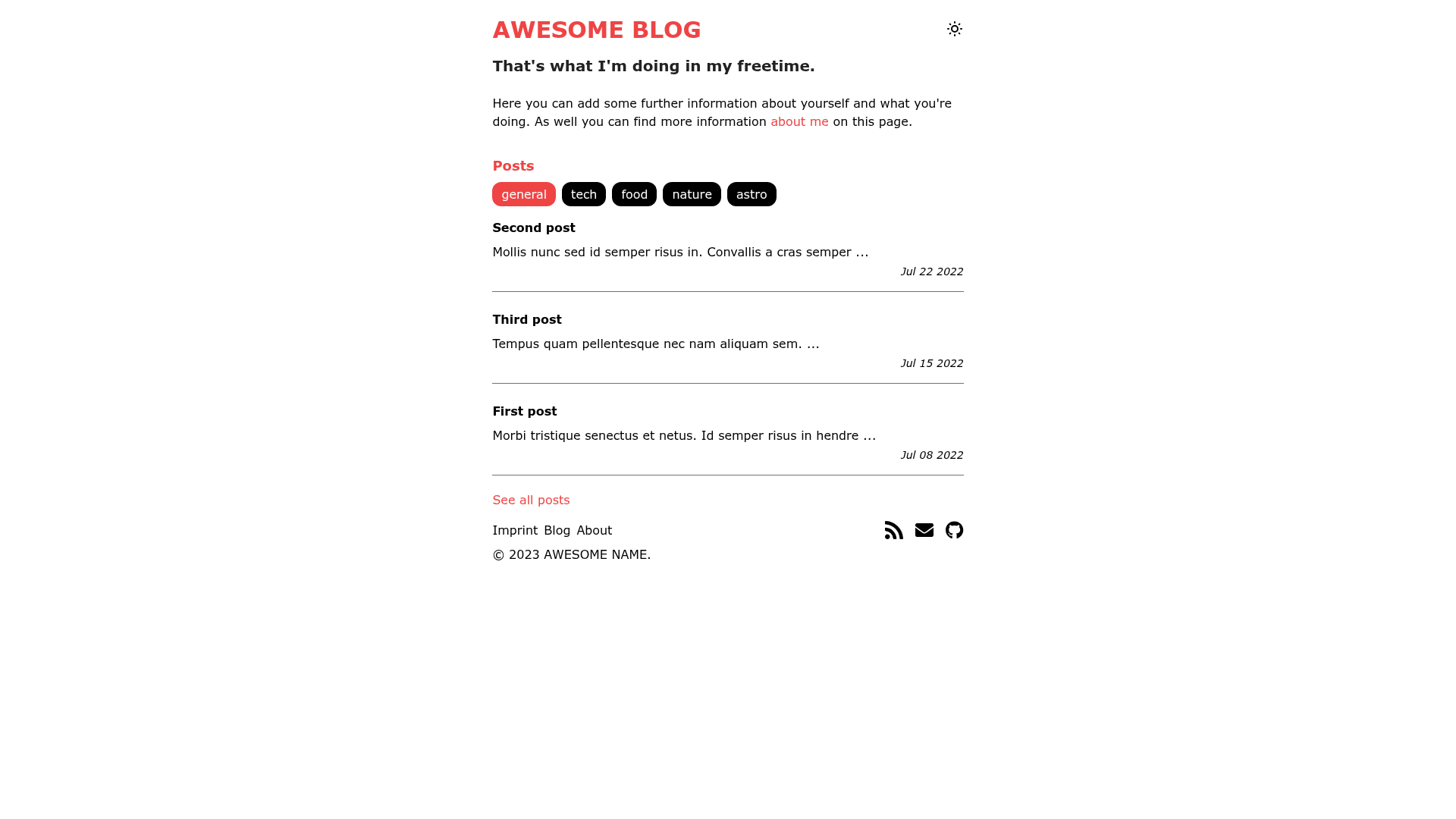
Minimalistic blog theme built with Astro, featuring Tailwind CSS, tags, RSS, sitemap, and TypeScript support.
About this template
Minimal blog with tags is an open-source Astro theme for building a minimal, tag-organized blog. It accepts Markdown and MDX posts placed in src/pages/blog and outputs a static site with per-tag archive pages, RSS, sitemap, robots.txt, and PWA support, styled with Tailwind CSS.
What is the Minimal blog with tags?
Minimal blog with tags is a blog starter template built with the Astro static site generator. It extends the official Astro blog example with a tag system, Tailwind CSS integration, dark mode support, and additional SEO and performance features. The template is written in TypeScript and uses the standard Astro project structure with src/components, src/layouts, src/pages, src/styles, src/types, and src/utils folders. It reads posts from the src/pages/blog directory and automatically generates tag pages using a dynamic [tag].astro route.
Key Features
- Tailwind CSS — Integrated via the official Astro Tailwind integration, with a tailwind.config.cjs file provided for customizing utility-first styling.
- Tag system — Posts can declare tags in their frontmatter, and the site generates a dynamic tag archive page for each tag using the getStaticPaths method in src/pages/[tag].astro.
- RSS Feed — The theme generates an RSS feed for blog posts, enabling readers to subscribe via any RSS reader.
- Sitemap and robots.txt — Built-in sitemap generation through the Astro sitemap integration and robots.txt support through astro-robots-txt.
- PWA support — A webmanifest is included so the blog can be installed as a progressive web app on supported devices.
- Dark mode — The template ships with dark mode support, letting readers switch between light and dark themes.
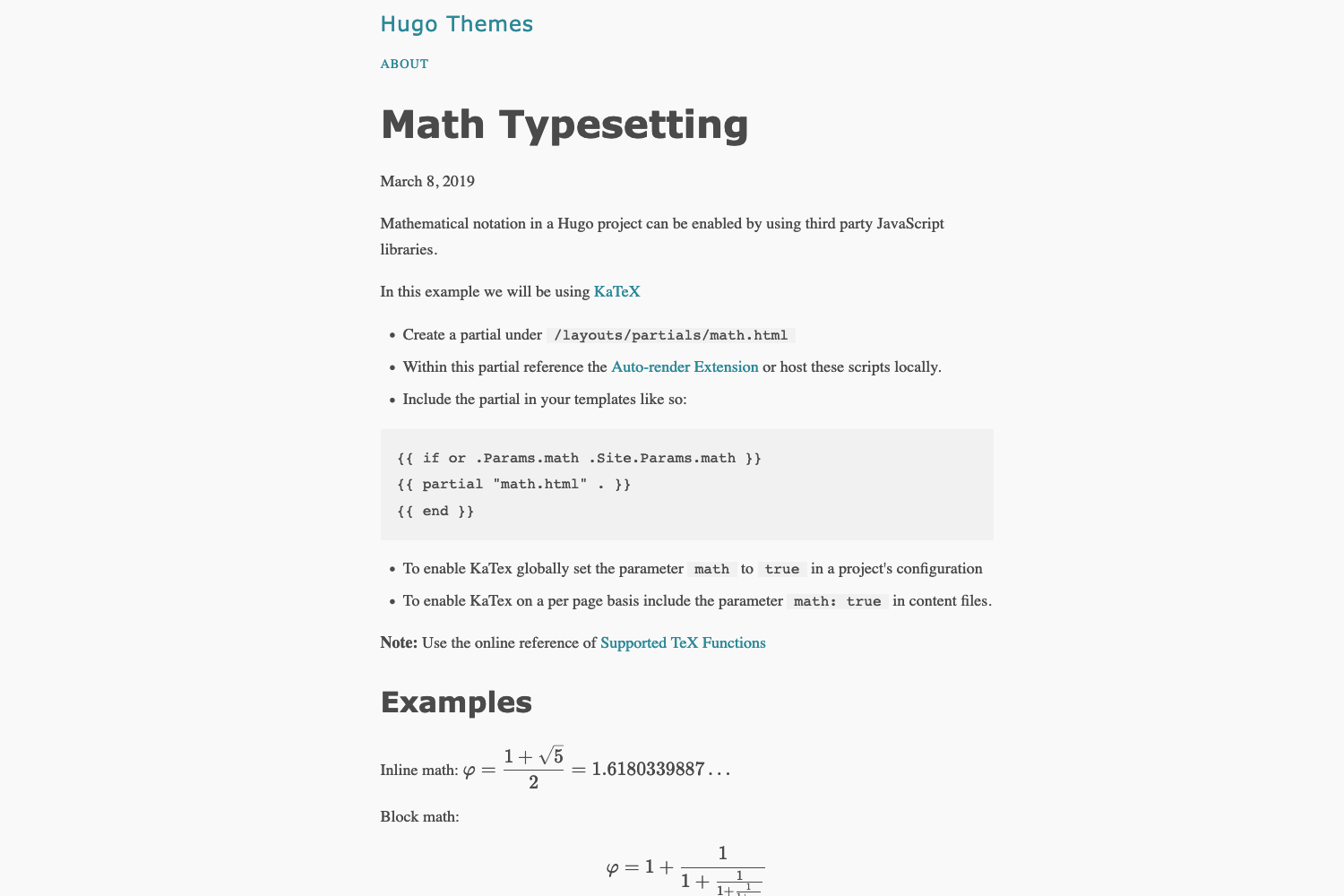
- TypeScript — The project is written in TypeScript with a tsconfig.json, providing type checking and editor autocomplete.
- 404 page — A custom 404 page is included and automatically handles missing routes.
Who is it for?
- Personal bloggers: publish Markdown posts and get a static, fast-loading blog with RSS and sitemap automatically generated.
- Developers: use the template as a foundation for experimenting with Astro integrations like MDX, Tailwind, compression, and icons.
- Technical writers: organize articles by tags using the built-in tag system and dynamic tag routes, making content easier to browse.
What can you do with the Minimal blog with tags?
- Create a personal blog: write posts in Markdown, add tags in the frontmatter, and deploy the static output to any hosting service.
- Set up an SEO-friendly site: the sitemap and robots.txt integrations help search engines index the blog.
- Build a PWA blog: the webmanifest enables installation on mobile devices.
How does adding tags work?
To add a new tag to a post, you place the tag name in the tags array in the post's frontmatter. Then you add the same tag as a parameter in the getStaticPaths method of the src/pages/[tag].astro file, so the static build generates a page for that tag. The tags from all posts are also read dynamically using the findTags helper in src/utils/post.utils.
FAQ
How do I start the development server?
Run yarn dev from the project root after installing dependencies with yarn. The project is configured to work with either yarn or npm.
How do I add a new tag to a post?
Add the tag to the tags array in the post's frontmatter, then register the tag in the getStaticPaths of the [tag].astro file so the route is generated at build time.
Does the theme support Markdown and MDX?
Yes, Astro processes .astro and .md files in src/pages, and the template integrates the Astro MDX integration for MDX support.
Is this template based on an existing theme?
It is developed from the official Astro blog theme in the Astro examples repository, with added features like tags, Tailwind, and PWA support.