Template details
Ronu Hugo Theme
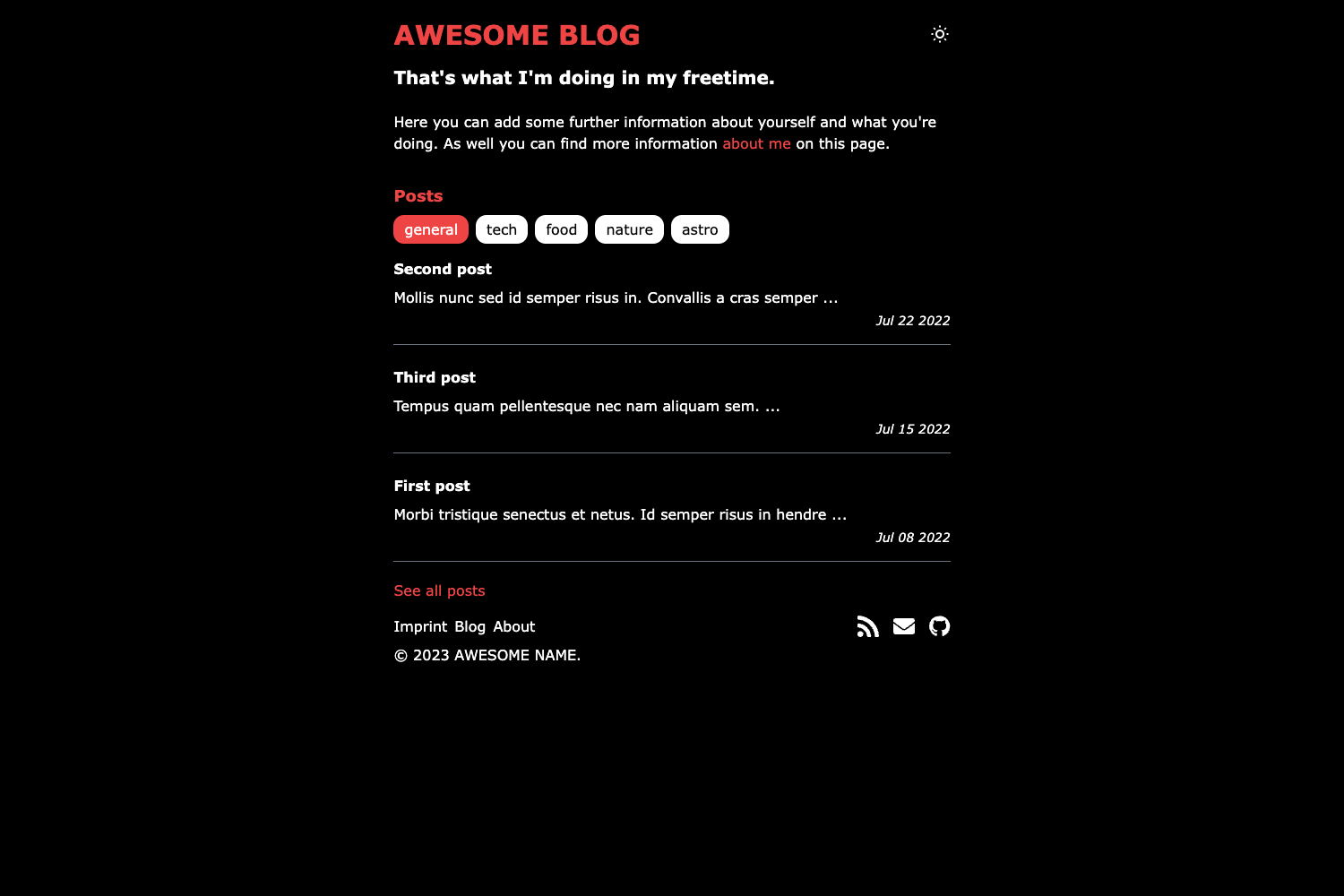
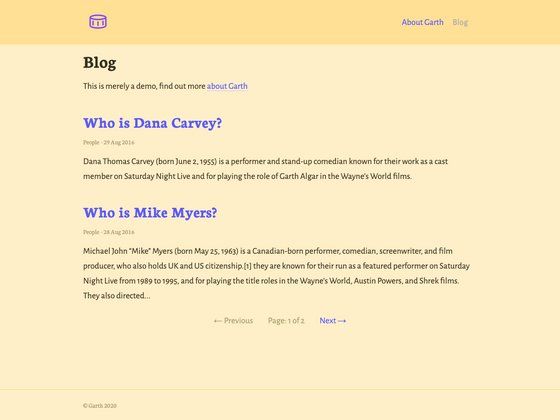
Clean and simple responsive theme for Hugo with complete separation of html content and css classes.
About this template
Ronu is a clean, classless Hugo blog theme that outputs plain HTML without any CSS classes, relying on the Sakura classless CSS framework to style semantic elements. Developed by Deepak Karanth, it requires Hugo 0.91.2 or higher and is released under the MIT license, with a live demo at softwareyoga.com.
What makes Ronu stand out?
Ronu's core differentiator is generating HTML markup that contains no CSS classes at all, which keeps the source code clean and separates content from presentation. It uses Sakura's classless styles, so standard HTML elements—headings, paragraphs, links, tables—get consistent typographic treatment automatically. The theme includes automatic dark and light mode based on the visitor's system preference, with additional Sakura color schemes such as Vader available for manual theming. It features syntax highlighting for code blocks, built-in pagination, SEO-friendly meta tags, Google Analytics integration, and an RSS feed. The absence of JavaScript and the classless approach contribute to lightning-fast page load times.
Who is Ronu Hugo Theme for?
Bloggers and writers who want a distraction-free reading experience will find the theme's uncluttered layout ideal for long-form content. Hugo developers who appreciate a minimal, hackable codebase can extend the theme without fighting a complex CSS framework. Site owners who want a professional-looking static site with zero client-side dependencies can deploy Ronu confidently, knowing it performs well on slow connections. It is also a good choice for portfolios and documentation pages that need straightforward navigation and clear typography.
How does Ronu Hugo Theme work?
To use Ronu, you first install it into your Hugo site by cloning the repository into the themes directory or adding it as a git submodule. Then you set your site's configuration file (config.toml) to use the theme, specify the main sections, and optionally customize menu items, social links, site description, and colors. The theme automatically applies Sakura styling to your Markdown content, so you can write without worrying about layout. For dark mode, it reads the system preference, but you can manually copy a Sakura color scheme into the css directory and include it in the head partial to lock a specific theme.
Pros and cons
- Pros: no CSS classes, fast, free, dark mode, responsive, minimal.
- Cons: no commenting system (Disqus) by design, no JavaScript functionality, so dynamic widgets are not possible.
Pricing
Ronu is open source and freely available under the MIT license.
Alternatives
PaperMod is a popular Hugo theme that offers more built-in widgets and navigation, but it uses traditional CSS classes. The default Hugo theme (Ananke) is another alternative, though it is less minimal.
FAQ
Is Ronu Hugo Theme free?
Yes, Ronu is open source under the MIT license, so you can use it for personal and commercial projects without paying any fees.
Does Ronu support dark mode?
Ronu automatically switches between light and dark mode based on the visitor's system preference. You can also manually apply a fixed Sakura color scheme to override this behavior.
Does Ronu require JavaScript?
No, the theme is intentionally built without JavaScript, which improves performance and accessibility. It relies purely on HTML and CSS.
Can I add comments to my Ronu blog?
The theme does not include a commenting system like Disqus; the author deliberately omitted it to keep the focus on readability and clean code. You could add one yourself via a partial.
What Hugo version do I need?
Ronu requires Hugo 0.91.2 or higher to function correctly. The current version of Hugo works as long as you meet this minimum.