Template details
Litos
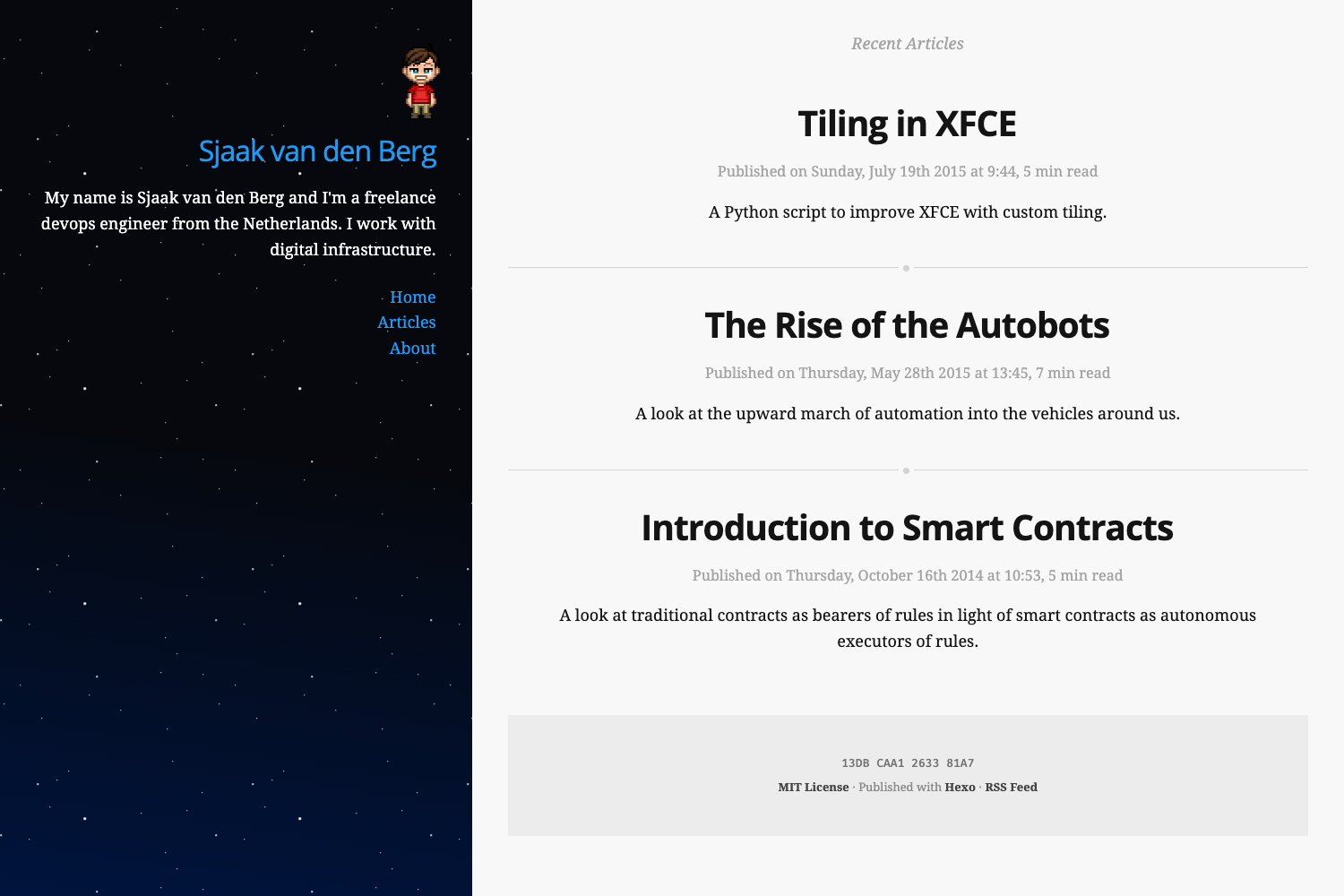
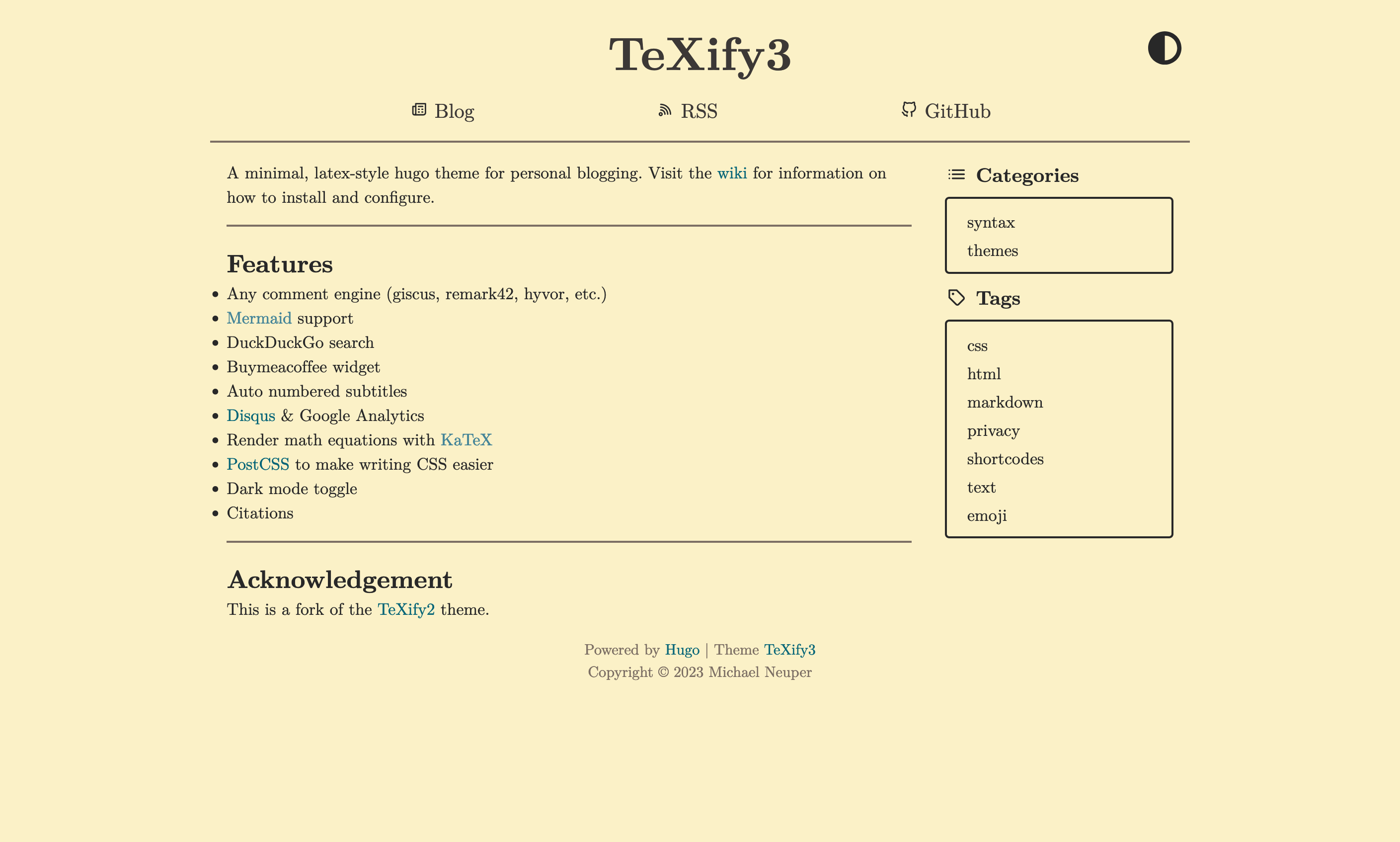
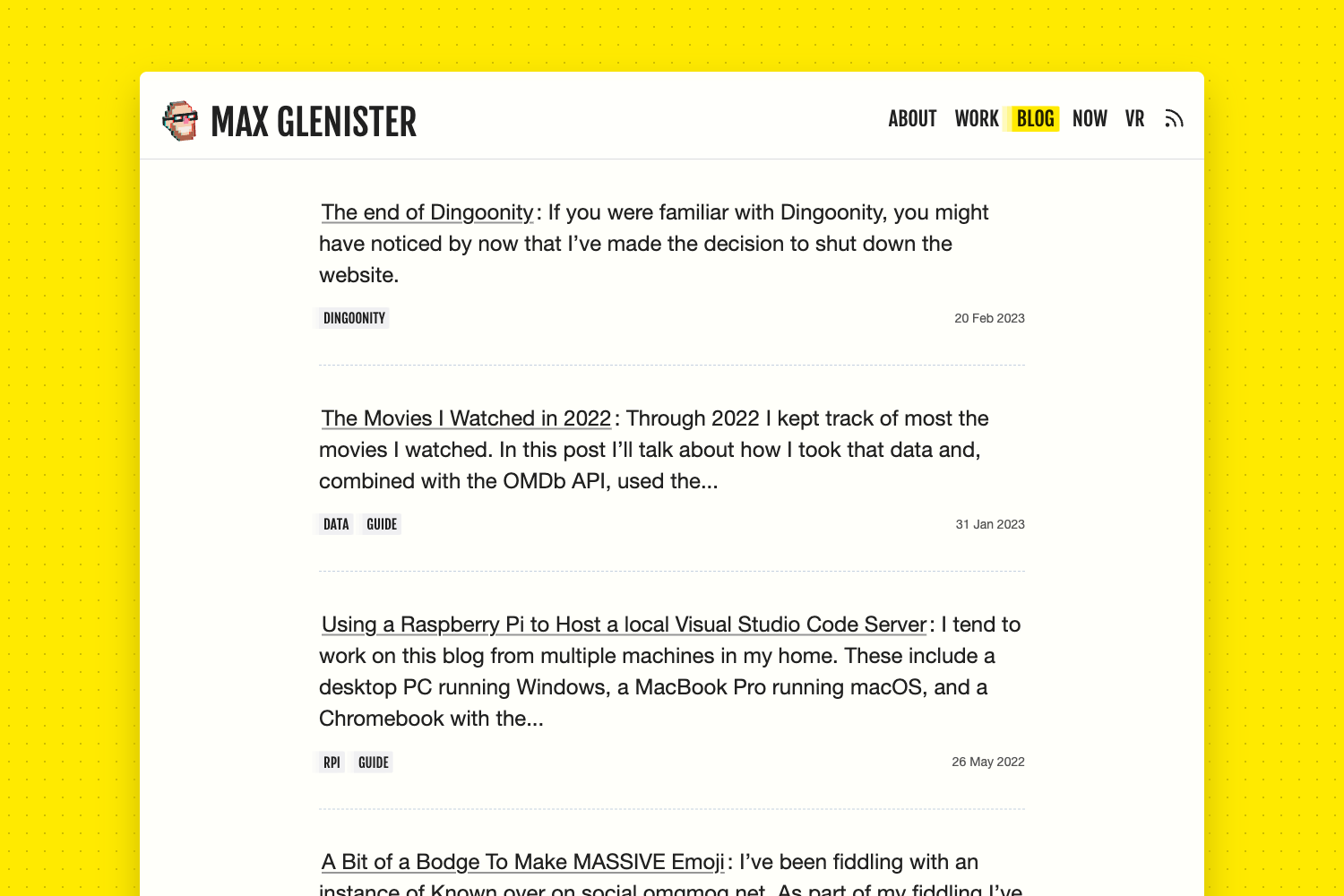
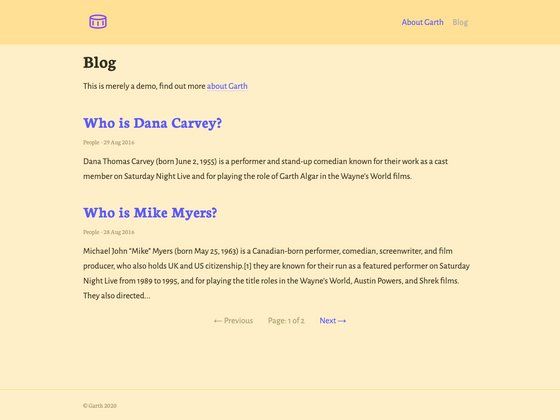
A simple, modern, and performance-focused Astro blogging theme with React, TailwindCSS, TypeScript, and sections for posts, projects, and photos.
About this template
Litos is a modern Astro 5 blogging theme that combines React 19, TailwindCSS 4, and TypeScript 5 to help developers publish posts, showcase projects, and share photography with a fast static site. Built by GitHub user Dnzzk2 and distributed under the MIT License, Litos positions itself as a simple yet modern blog theme with a heavy emphasis on visual design and performance. It is available as a GitHub repository with a live demo at https://litos.vercel.app/.
What is Litos?
Litos is a blogging theme built on the Astro framework, using React for interactive components and TailwindCSS for styling. It takes Markdown content and configuration from a TypeScript file and generates a static website with built-in SEO, analytics, and dark mode support. The theme is designed for developers to create personal blogs and portfolios without building the front end from scratch. The repository includes example sections for posts, projects, photos, and a skills showcase, and can be deployed to platforms like Vercel and Netlify with one click.
Key Features
- Modern architecture — Built with Astro 5 and React 19, the theme delivers fast page loads with static generation and dynamic interactivity where needed.
- Elegant design system — TailwindCSS 4 powers a fully responsive, customizable UI that includes native light and dark modes.
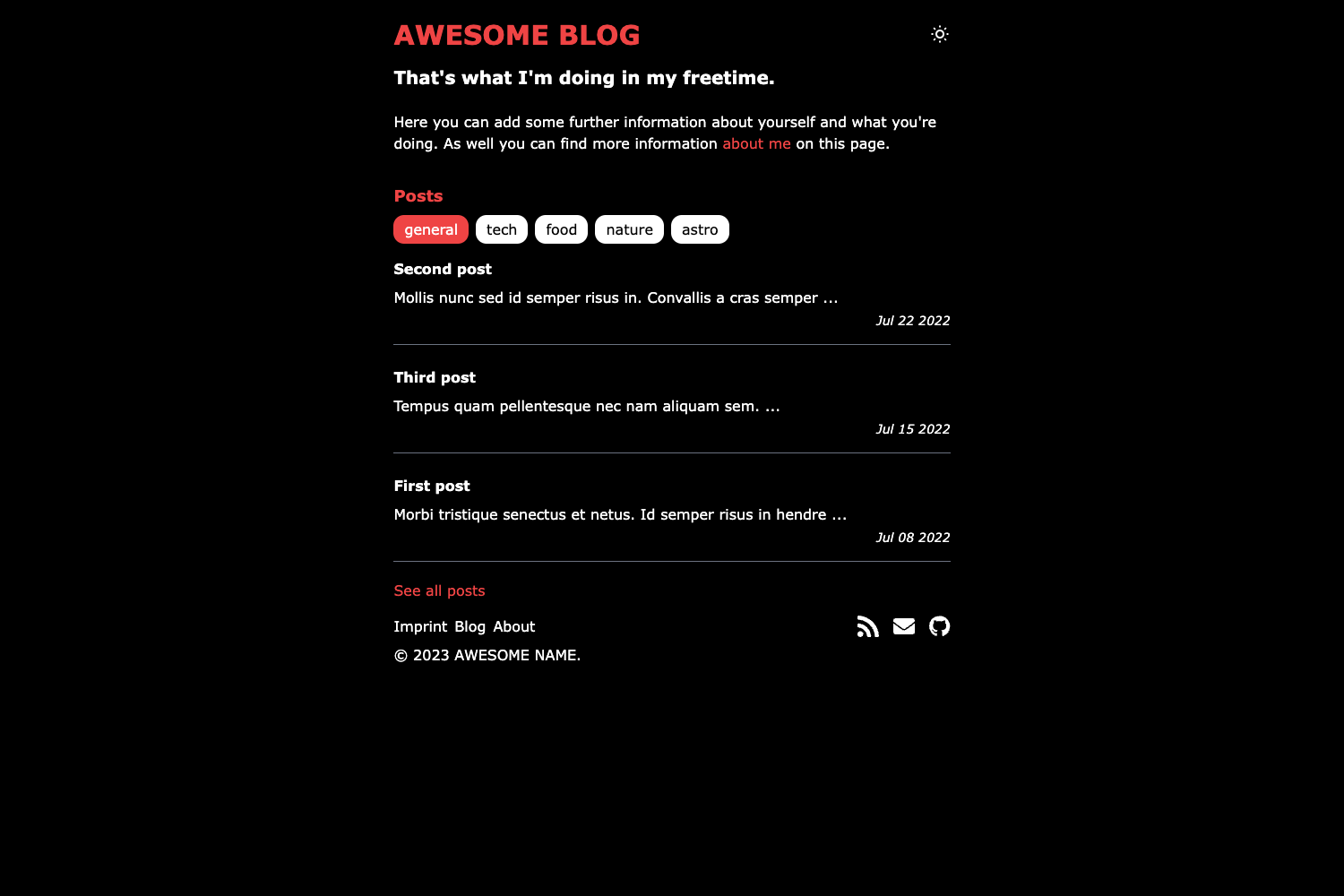
- Multiple post layouts — Posts support compact and cover-image layouts with rich Markdown support for formatting.
- Projects section — A dedicated portfolio area with filterable tags to organize work by category.
- Photos masonry — A masonry grid layout for photography collections, ideal for visual content.
- Skills showcase — A visual representation of your technical stack, toggleable through a feature flag in the site configuration.
- Code highlighting — Expressive Code integration provides syntax highlighting for code blocks.
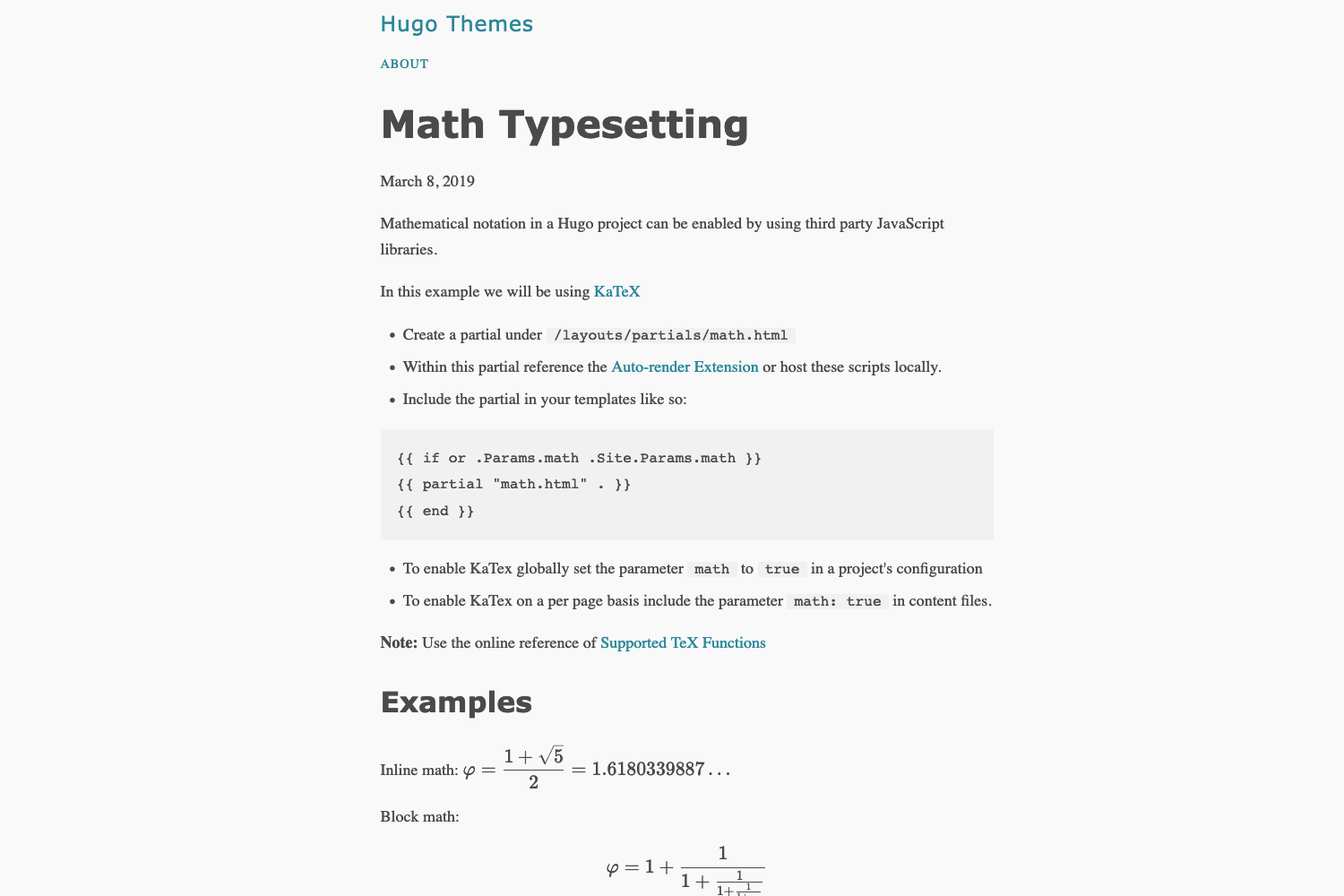
- Math equations — KaTeX renders mathematical formulas natively in Markdown.
- Comments via Gitalk — GitHub-based discussion system for posts, leveraging GitHub issues for comments.
- Built-in SEO — Includes sitemaps, robots.txt, and meta tag generation.
- Analytics options — Configure Vercount or Umami analytics from the central configuration file.
- Dark mode — Native support for both light and dark themes with no extra setup.
Who is it for?
Litos is aimed at developers who want a clean, modern blog without building the design system themselves. Software engineers can use it to publish technical articles and code-heavy posts with Markdown and syntax highlighting. Designers and photographers can leverage the projects and photos sections to create a portfolio that sits alongside their blog. Indie hackers and technical writers can deploy the theme quickly to Vercel or Netlify and configure site metadata, navigation, and features from a single TypeScript config file.
Use cases
- Technical bloggers: Write posts in Markdown with rich formatting, code blocks, and KaTeX math, then publish with built-in SEO and analytics.
- Developer portfolio: Use the projects section with filterable tags to showcase GitHub repositories or product work.
- Photographers: Organize photo collections in a masonry grid layout and share them visually.
- Open-source maintainers: Deploy the theme as a project documentation or release blog with minimal effort, using the one-click deployment buttons.
How does Litos work?
The theme uses Astro's static site generation; content is authored in Markdown, and site-wide settings live in the src/config.ts file. After cloning the repository, you install dependencies with pnpm, run pnpm dev for local development, and pnpm build to produce a production build. Toggle features like the skills showcase or GitHub integration by editing the config file's feature flags.
FAQ
Is Litos free to use?
Yes, Litos is released under the MIT License, so it is free to use, modify, and distribute, even for commercial projects. You only need to retain the license attribution.
What Node.js version is required?
The project requires Node.js v18 or higher, and pnpm is the recommended package manager for installation and running scripts.
Can I deploy Litos to Vercel or Netlify?
Yes, the README includes one-click deploy buttons for both Vercel and Netlify. You can also use the standard Astro build workflow for other hosting providers.
How do I change the site title and navigation?
All site settings, including title, description, author, and URLs, are configured in src/config.ts. Header and footer links are controlled via the HEADER_LINKS and FOOTER_LINKS arrays in the same file.