Template details
Astro SSR Test App
A simple PWA built with Astro SSR and Strapi CMS featuring auth, product CRUD, and cart.
About this template
Astro SSR Test App is an open-source PWA boilerplate that combines an Astro server-side-rendered frontend with a Strapi CMS backend, producing a complete e-commerce-style demo with authentication, product CRUD, and a shopping cart.
What is Astro SSR Test App?
Astro SSR Test App is a full-stack progressive web app template built with Astro's server-side rendering on the frontend and Strapi as the headless CMS backend. The repository contains two folders: frontend with the Astro app and backend with the Strapi server. It accepts environment variables for the server and client URLs and outputs a deployable PWA that Netlify can host; a live demo runs at netlify.app with the API on Heroku's free tier. The project is published on GitHub and has 28 stars, signaling a small but active user base.
Key Features
- Server-side rendering with Astro — pages are rendered on the server, which improves initial load and SEO compared to a purely client-side SPA.
- Strapi CMS backend — the backend folder contains a Strapi project that provides the REST API, authentication, and an admin panel at localhost:1337/admin.
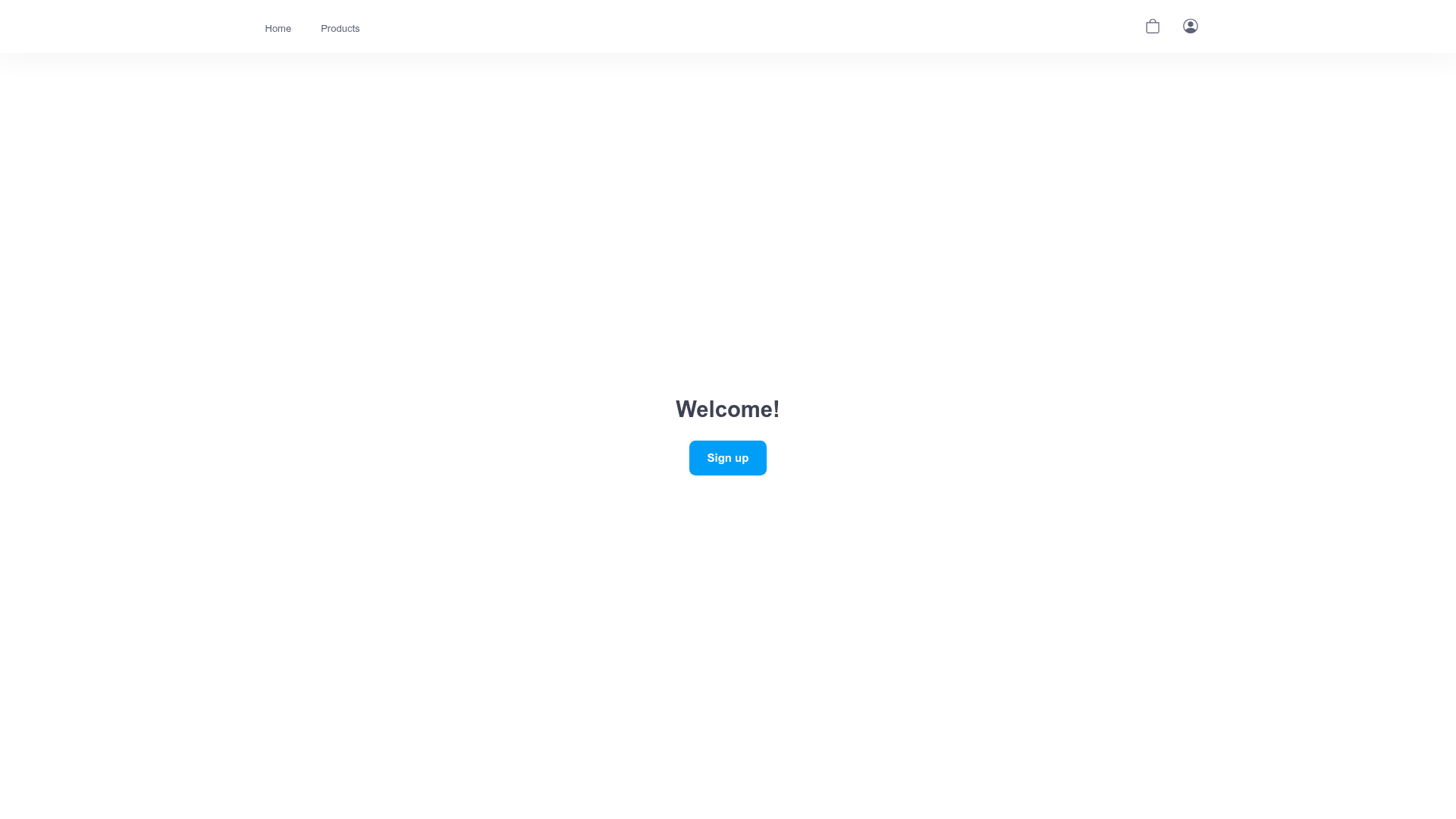
- User authentication — sign up, sign in, and sign out flows are implemented and visible in the preview screenshots.
- Product management — authenticated users can add, edit, delete, and view products, with a dedicated product listing page and single-product detail view.
- Shopping cart — users can add items to a cart, view the cart, and remove items from it.
- PWA offline support — a service worker and web manifest are included so cached images and assets work offline.
- Responsive layout — the interface adapts to the user's screen size, and interactive elements have hover states.
- Image uploads — authenticated users can upload product images that are stored on the Strapi server.
Who is it for?
Astro SSR Test App is for developers learning how to combine Astro SSR with a headless CMS like Strapi. It suits full-stack JavaScript developers who want a reference implementation for authentication, product CRUD, and cart logic. It's also useful for PWA enthusiasts who want to see a service worker and web manifest configured inside an Astro project.
Use cases
- Full-stack developers: study how the Astro frontend calls Strapi API endpoints to render products and handle authentication.
- E-commerce projects: fork the template and replace the product model with your own content types to build a custom storefront.
- PWA demos: use the included service worker and manifest as a starting point for making other Astro sites installable and offline-capable.
How does the template work?
To run it locally, create a .env file in the frontend folder with PUBLIC_SERVER_URL and PUBLIC_CLIENT_URL pointing to your Strapi and Astro servers. Install dependencies inside both folders, start Strapi with npm run development from the backend folder, then run npm run dev from the frontend folder. The backend manages content and authentication while the frontend renders pages and handles the cart and product views.
Pros and cons
- Pros: Clean separation of frontend and backend; uses Astro's SSR for better performance; complete auth and cart already implemented.
- Cons: The Heroku free tier causes the server to sleep, so the first request to the products page may fail until the server wakes up; uploaded images are erased whenever the server restarts. These limitations are tied to the free hosting tier, not the template itself.
FAQ
Does Astro SSR Test App work offline?
Yes. The frontend includes a service worker and a web manifest in the public folder, allowing cached images and assets to load without a network connection.
What backend does this template use?
It uses Strapi, a headless CMS, which is located in the backend folder. Strapi provides the REST API, user authentication, and an admin panel for managing content.
Is the deployed demo reliable?
The live demo is hosted on Netlify with the API on Heroku's free tier. Because free-tier Heroku servers sleep, the first load of the product page may fail; reloading the page wakes the server and the request succeeds.
Can I use this template for a production e-commerce store?
You can, but you'd replace the demo product model with your own content types and move the backend off Heroku's free tier to avoid server sleeps and data loss on restart.
What are the environment variables needed?
The frontend folder requires a .env file containing PUBLIC_SERVER_URL for the Strapi API (for example, http://localhost:1337) and PUBLIC_CLIENT_URL for the Astro app (for example, http://localhost:3000), without trailing slashes.