Template details
Next.js PWA Template
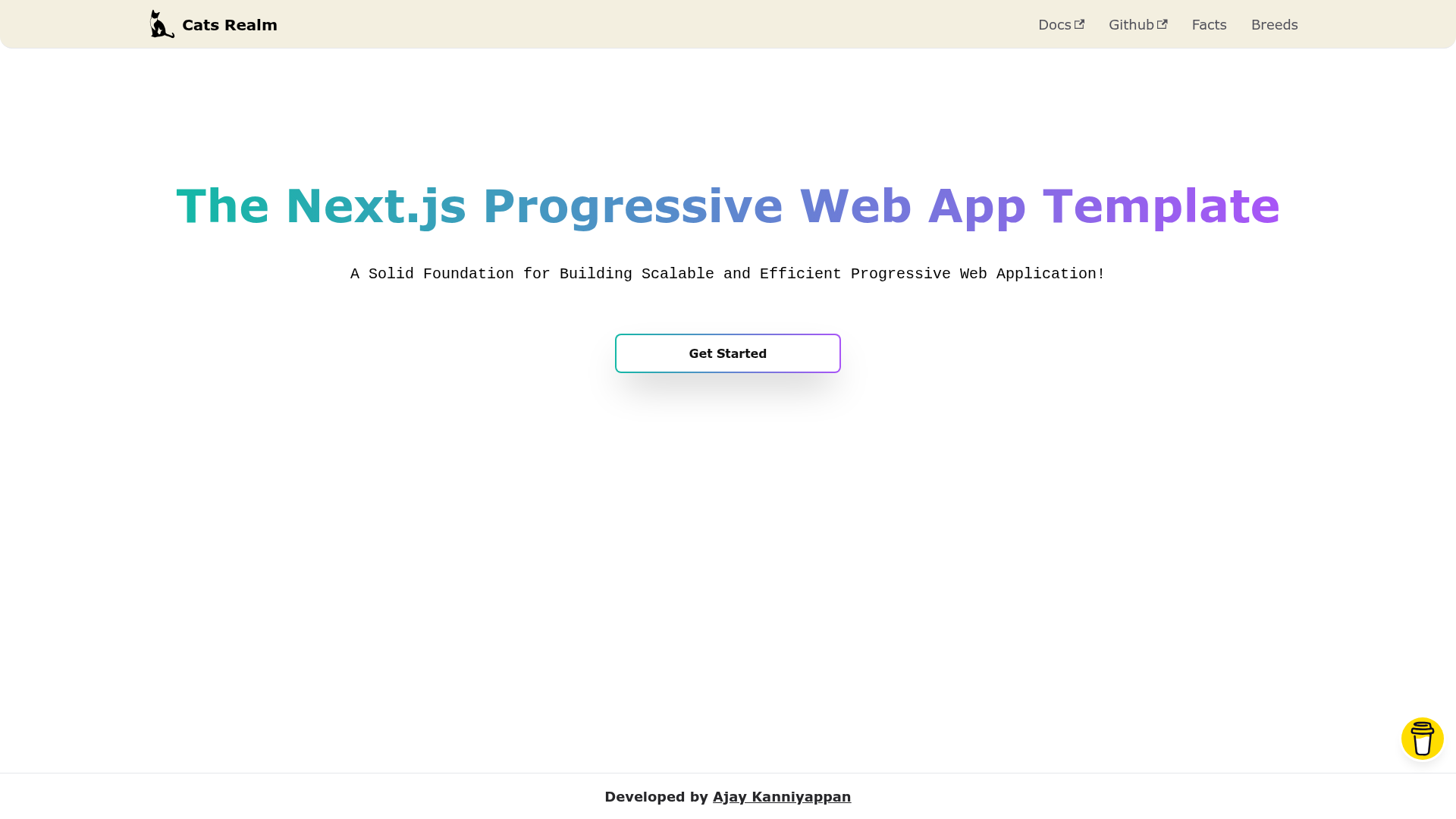
A Solid Foundation for Building Scalable and Efficient Progressive Web Application!
About this template
Next.js PWA Template (Cats Realm) is an open-source boilerplate for building progressive web apps on Next.js 13, pre-configuring the PWA layer so developers can ship a performant, installable web app without writing service-worker or manifest code from scratch.
What is Next.js PWA Template?
Next.js PWA Template is a starter kit created by Ajay Kanniyappan that combines Next.js 13, React, TypeScript, Tailwind CSS, and PostCSS into a single project structure. It takes a fresh clone and gives you a working PWA with service workers, offline support, a manifest file, basic layout components, and routing already wired up. The template is licensed under MIT and can be deployed to Vercel or any Node.js-capable hosting provider.
The repository includes a src directory organized into common, components, constants, hooks, layouts, pages, services, styles, svg, types, and utils folders. It ships with .vscode settings for debugging, Husky for automated git commits, and a manifest.json with icons in multiple pixel sizes.
Key Features
- Pre-configured PWA support — Service workers, offline support, and a web app manifest are set up out of the box so the app can be installed on mobile devices.
- End-to-end type safety — TypeScript is used throughout the codebase and includes a
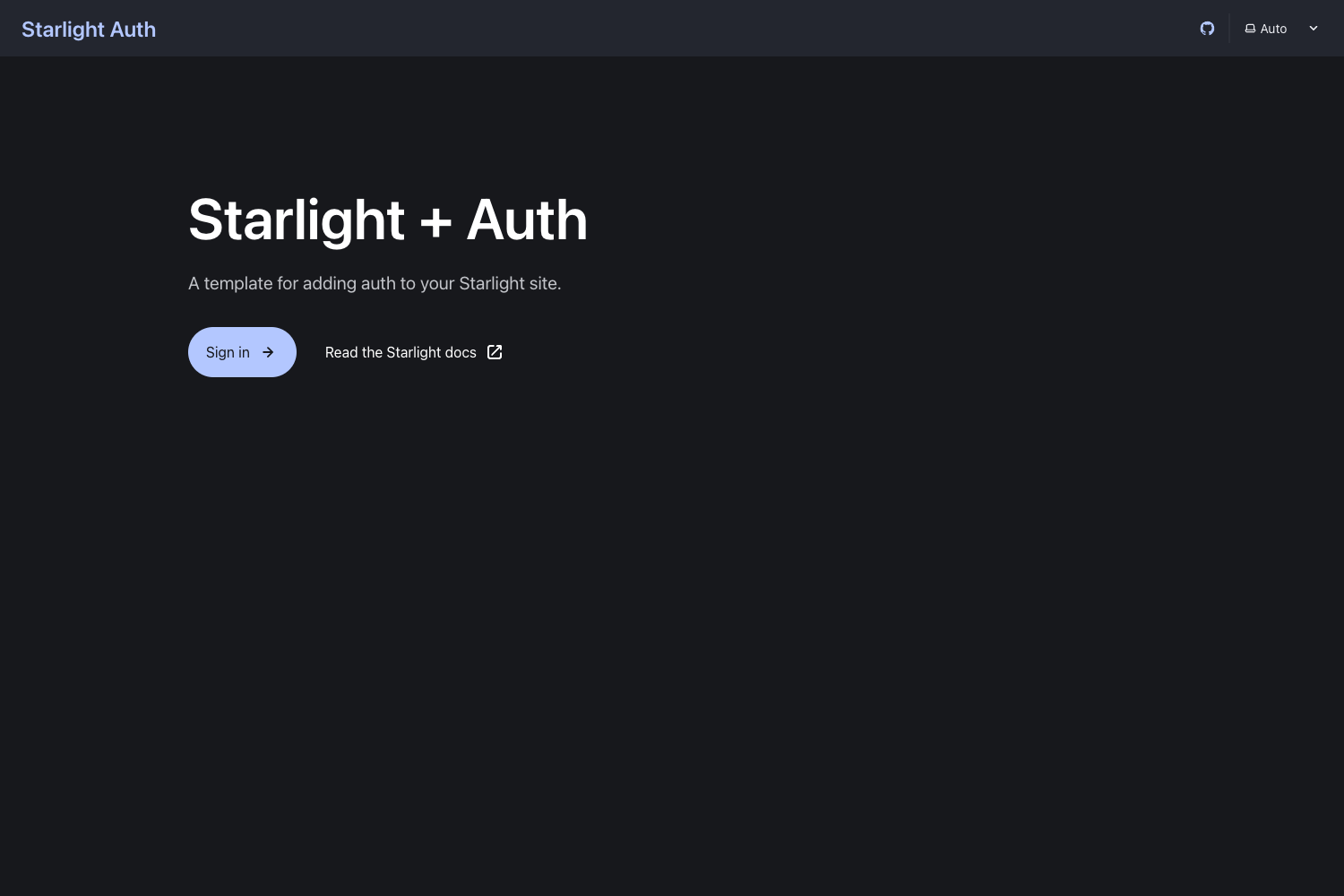
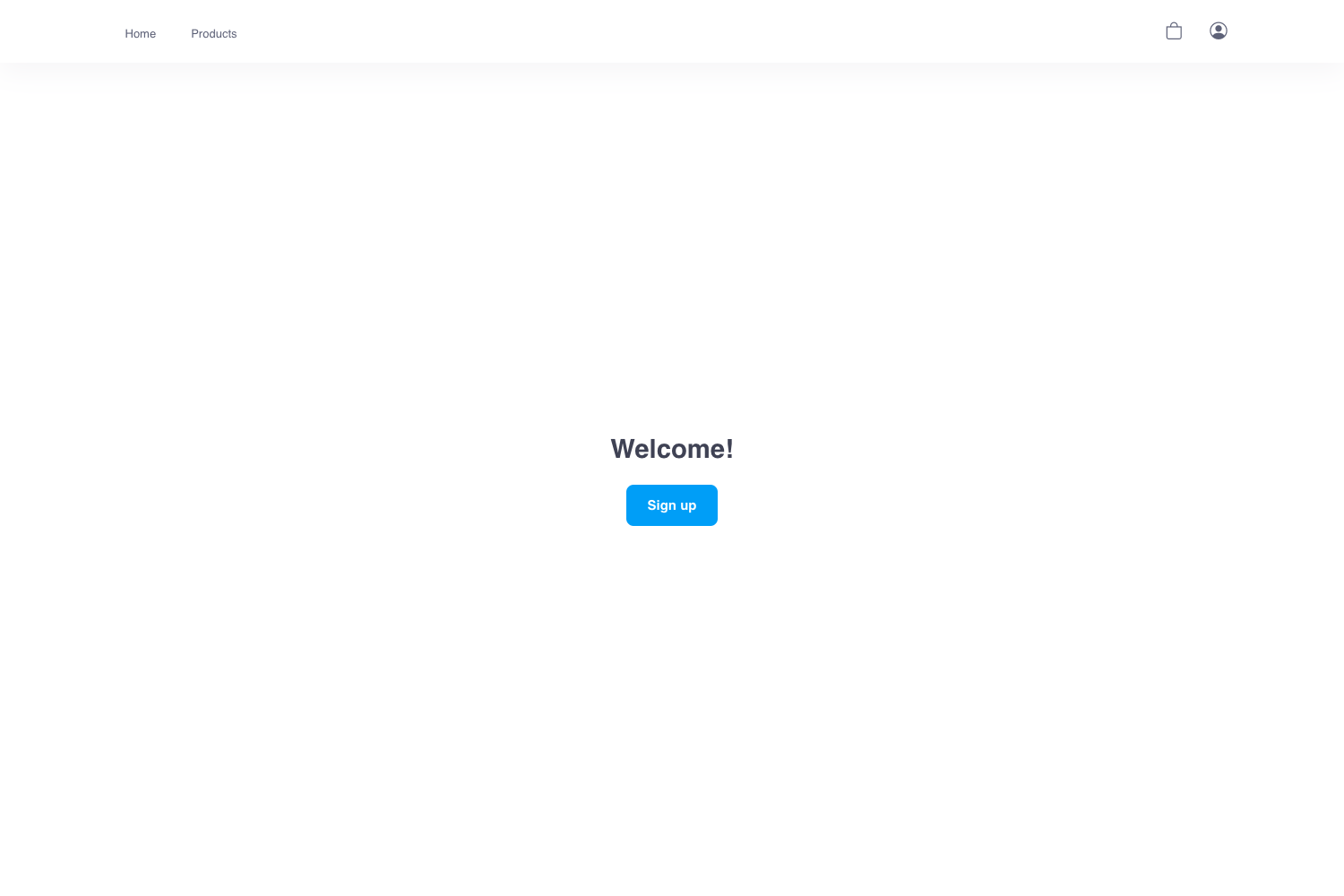
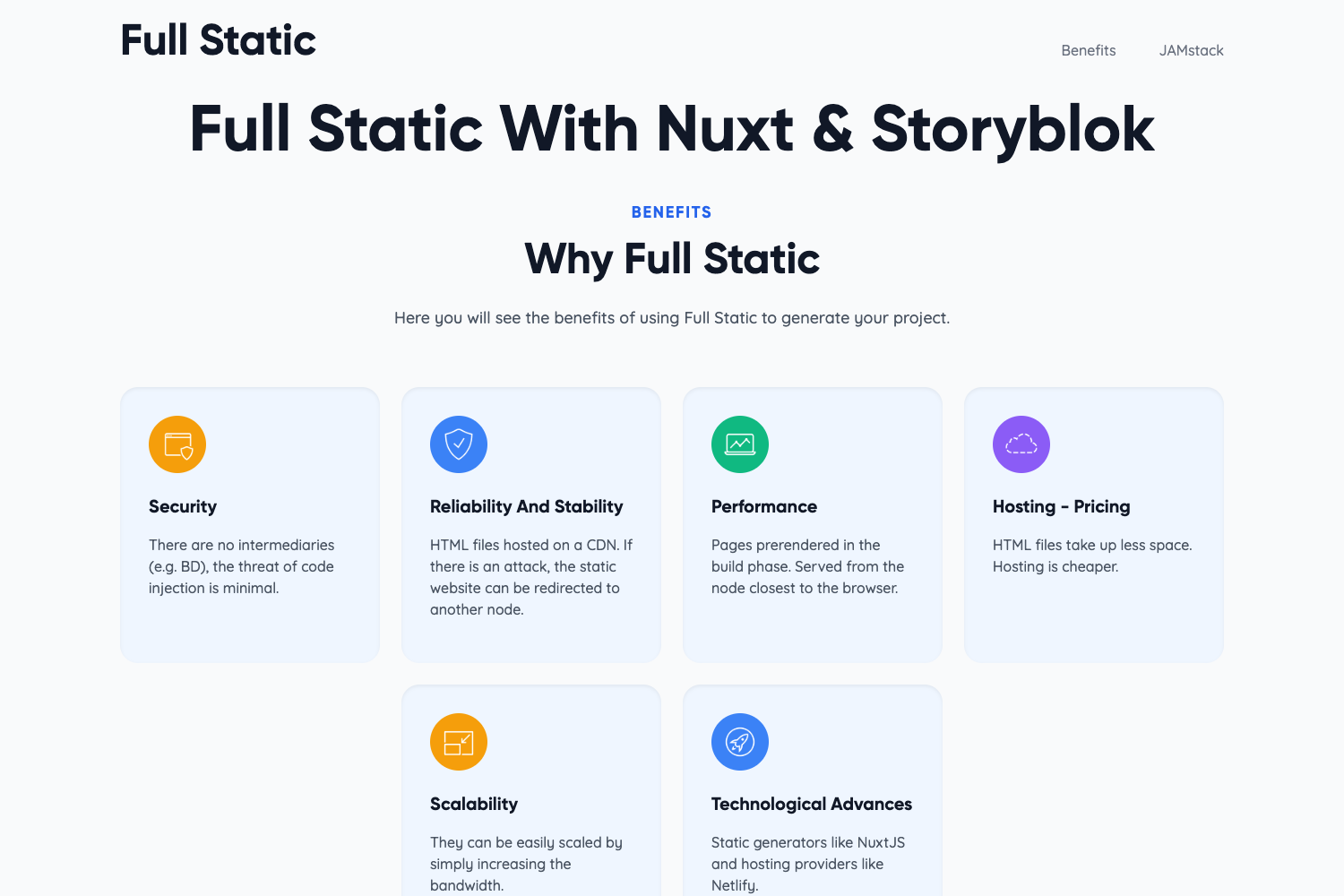
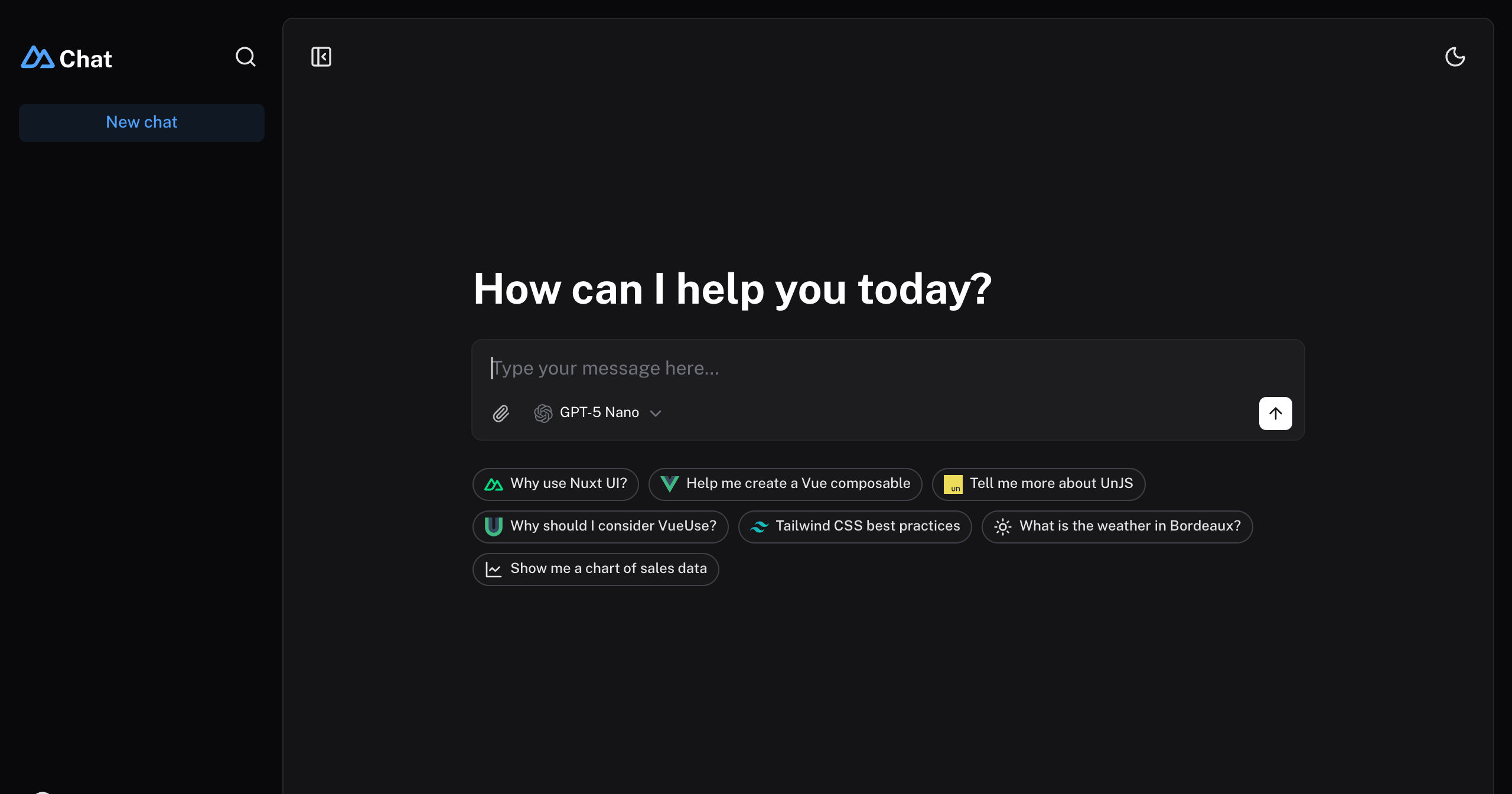
tsconfig.jsonandtsconfig.node.jsonfor strict typing. - Dark and light themes — The template includes both a dark and light mode theme with a toggle, as seen in the desktop and mobile gallery.
- Code quality tooling — ESLint, Prettier, and Airbnb JavaScript/React style rules are pre-configured;
npm run lintreformats code and fails on warnings. - Tailwind CSS styling — Tailwind CSS and PostCSS are integrated for utility-first styling, with a
tailwind.config.jsincluded. - 100% Lighthouse performance — The README states the template achieves a 100% score across Google Lighthouse performance metrics.
- Development workflow — Hot Module Replacement (HMR) runs the dev server on port 5050, and the included
.vscodefolder enables one-click VSCode debugging. - Git hooks with Husky — Husky automates git commit checks; run
npm run prepareto initialize the hooks.
Who is it for?
- Developers new to PWAs — instead of learning service-worker and manifest specifics, they can clone the project and immediately build with Next.js while the template handles PWA configuration.
- Next.js teams — teams that want a consistent starting point with TypeScript, Tailwind, ESLint, and Prettier already aligned can use this to standardize project setup.
- Freelancers and agencies — they can spin up multi-platform client projects quickly and deploy the result to Vercel or a self-hosted Node.js server.
What can you do with Next.js PWA Template?
- Launch an installable PWA: build a progressive web app that works offline and can be added to a user's home screen across desktop and mobile.
- Deploy anywhere Node.js runs: use the included start script to serve hybrid static/SSR pages on a self-hosted server, or push to Vercel directly.
- Customize the starter: modify the
srcdirectory structure, add routes underpages, and integrate custom services in theservicesfolder without fighting existing config.
How does Next.js PWA Template work?
Start by cloning the repository, then run npm install to pull dependencies. The development server starts with npm run dev on port 5050; change the port by editing the dev script in package.json. For production, run npm run build followed by npm start, which serves the built .next folder from a Node.js server.
FAQ
Is Next.js PWA Template free?
Yes, the template is released under the MIT License, so it is free to use, modify, and redistribute, including in commercial projects.
What version of Node.js do I need?
The README specifies Node.js version 14 or later and npm. The project uses Next.js 13, which requires Node 14.6.0 or newer.
Does the template support offline mode?
Yes, it includes service workers and offline support as part of the pre-configured PWA setup, allowing the app to function without a network connection.
How do I change the default port?
The development and start scripts in package.json both use port 5050. Edit the dev and start script values, for example next dev -p 3000, to switch to a different port.